
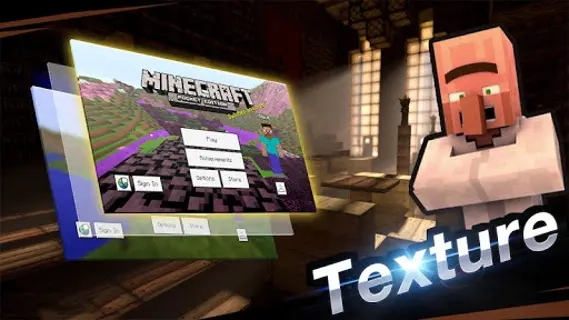
Master for Minecraft- Launcher is an Android gaming utility for launching and organizing Minecraft-related content in one place. The application serves as an additional entry point to the block-building sandbox rather than a standalone replacement for Minecraft, so its practical value depends on the installed game and the content supported by the launcher. Its format suits players who prefer to keep access to Minecraft tools and launch options separate from the main game, although this approach may require extra storage and can create compatibility issues between different versions.
Features of Master for Minecraft- Launcher
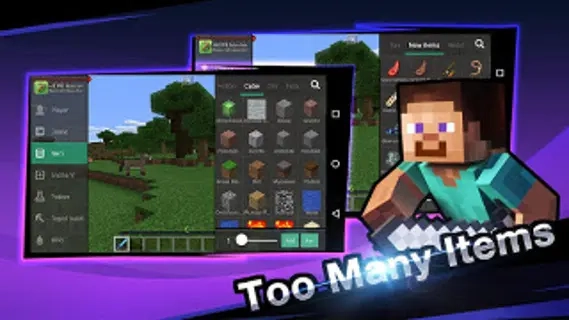
- Provides a dedicated Android interface for starting Minecraft and reaching related content without searching through the device each time.
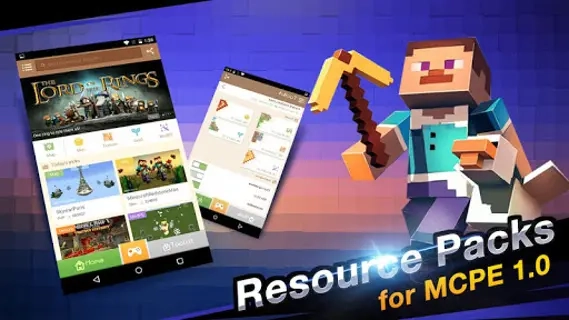
- Separates launcher functions from the main game, which can make a collection of Minecraft resources easier to organize.
- Works as an auxiliary application rather than presenting its own independent world, combat system or storyline.
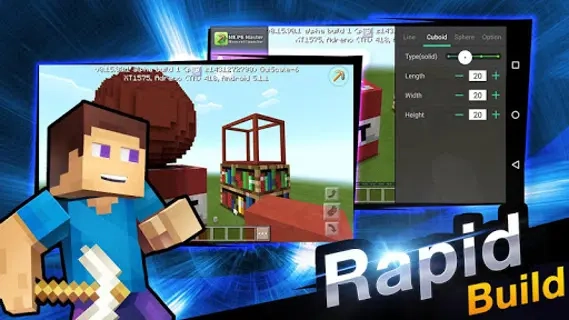
- Can be useful for maintaining a separate workflow for Minecraft content, especially when the standard game icon does not offer the desired access point.
Advantages of the game
- The focused purpose keeps the application tied to Minecraft instead of filling the interface with unrelated gaming features.
- The Android format makes the launcher suitable for smartphones and tablets where quick access to the game is more convenient than manual file browsing.
- The separate launch environment may help distinguish Minecraft-related actions from other installed applications.
- Its concept is easy to understand: Master for Minecraft- Launcher acts as a practical gateway to Minecraft rather than trying to replace the original game.
Disadvantages
- The application does not provide the complete Minecraft experience by itself, so the base game remains necessary for actual building and exploration.
- Compatibility may depend on the Android device, the installed Minecraft edition and the content selected through the launcher.
- An additional launcher can consume storage and add another step before gameplay begins.
- Users looking for a fully independent game may find its utility limited because the application functions primarily as an access and organization tool.
What's new in the latest version 1.4.25
Updated
- Improved launcher stability and overall performance.
- Updated compatibility with current Android devices and Minecraft versions.
- Fixed minor issues affecting installation, launching, and content management.
- Refined the user interface for smoother navigation.
- Improved error handling and general reliability.
















Add comment