

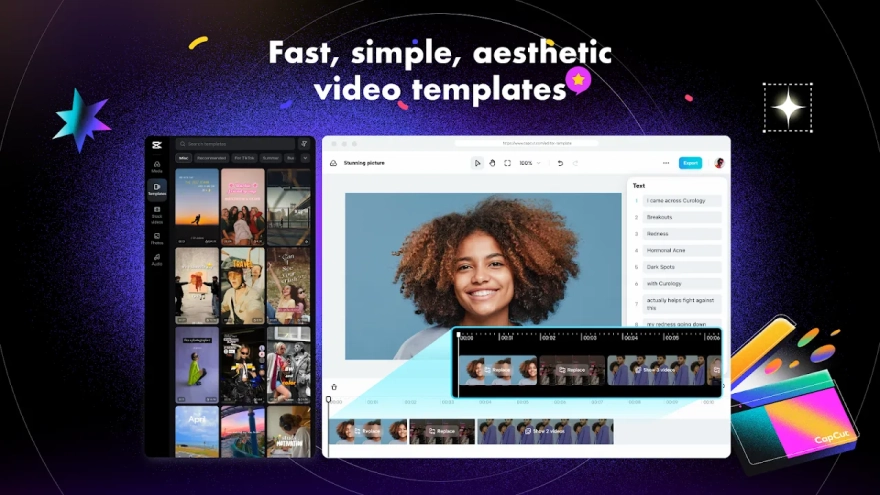
CapCut - Video Editor is a mobile video editor for Android that combines a multitrack timeline with ready-made templates and tools for creating short clips, social media videos, and more detailed personal projects. It supports trimming and splitting footage, layered overlays, text captions, music tracks, visual effects, and transitions, while its streamlined interface keeps common edits within a few taps.
As an alternative to Adobe Premiere Rush, CapCut - Video Editor offers a more template-oriented workflow and places greater emphasis on quick effects, animated text, and social-media formats. Both editors provide timeline-based cutting, overlays, transitions, and audio work, but CapCut also focuses heavily on automated captions, background removal, and ready-to-use creative presets, whereas Premiere Rush is built around a more restrained Adobe editing workflow.
Features of CapCut - Video Editor
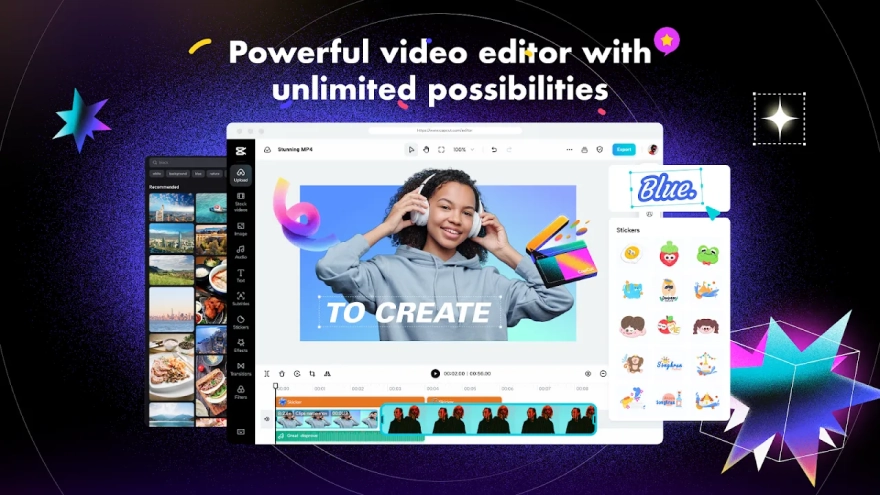
- Imports videos and photos into a timeline where clips can be trimmed, split, reordered, or joined without leaving the project.
- Creates layered compositions with overlay tracks, allowing a second video or image to appear above the main footage.
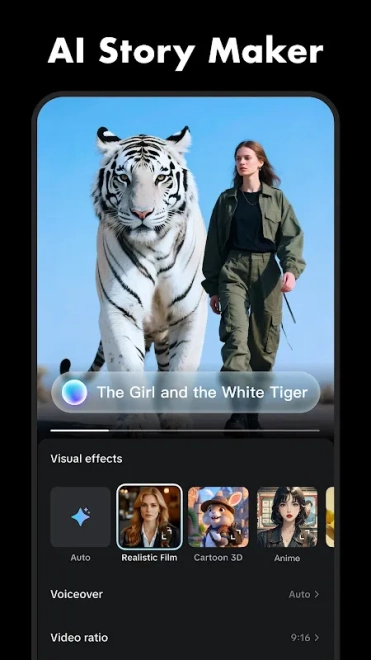
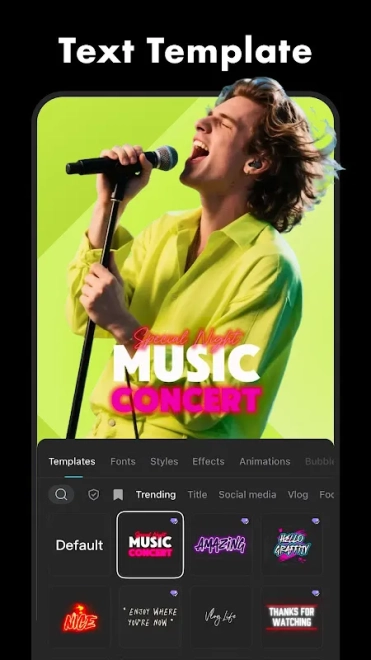
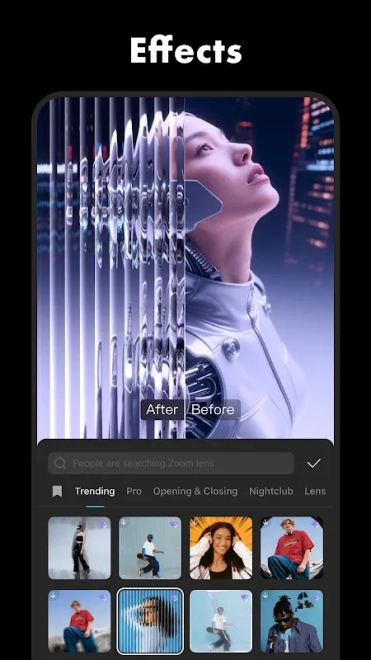
- Adds transitions, filters, animated effects, stickers, and text elements to give short clips a distinct visual style.
- Provides keyframe controls for animating properties such as position and scale, while speed adjustment supports slow-motion and accelerated scenes.
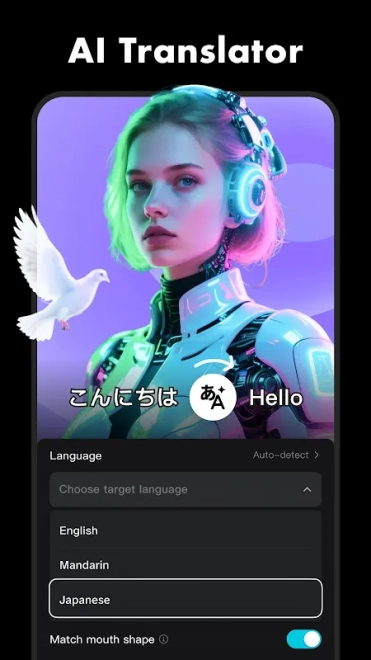
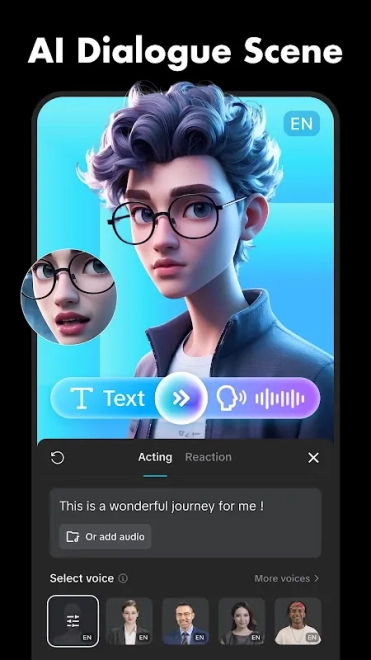
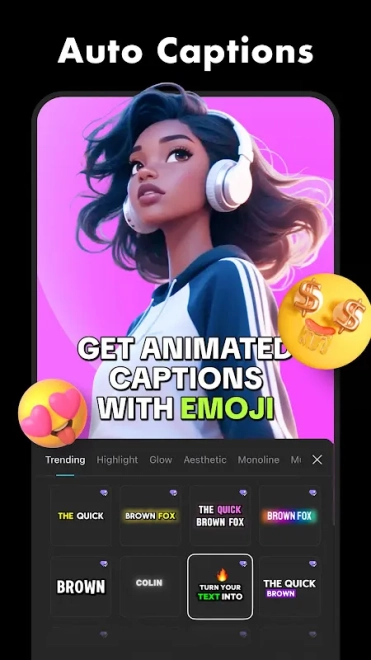
- Generates automatic captions from speech and includes text-to-speech tools for videos that need narration without a recorded voice.
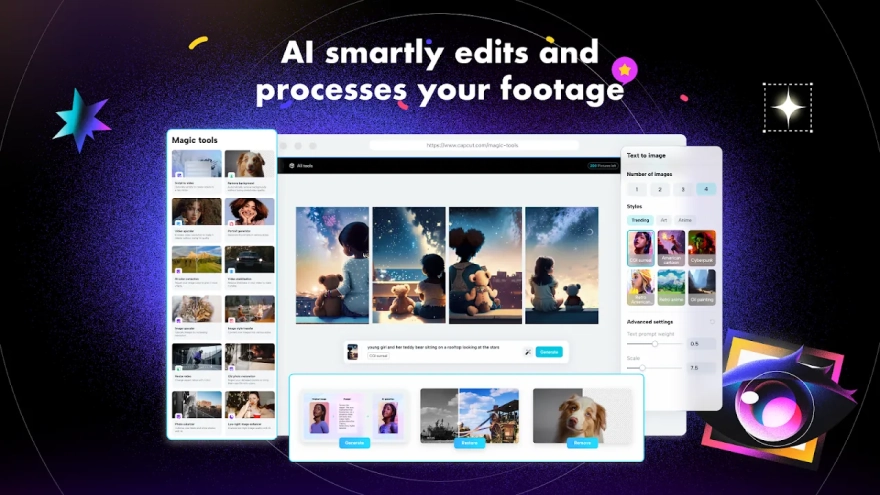
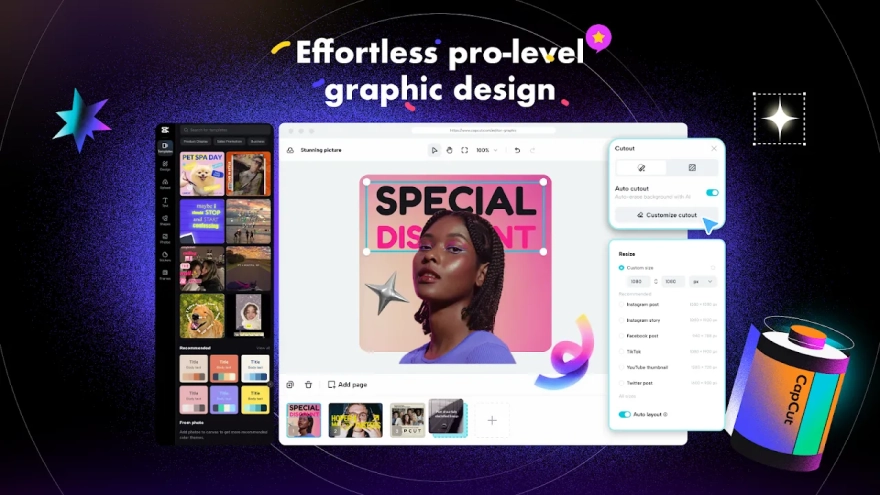
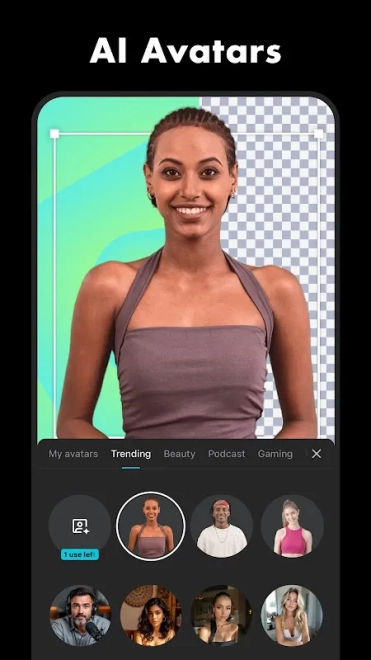
- Offers background removal and chroma-key editing for separating a subject from its original setting or replacing a colored backdrop.
- Includes a library of music, sound effects, templates, and editable presets suited to quick social-media content.
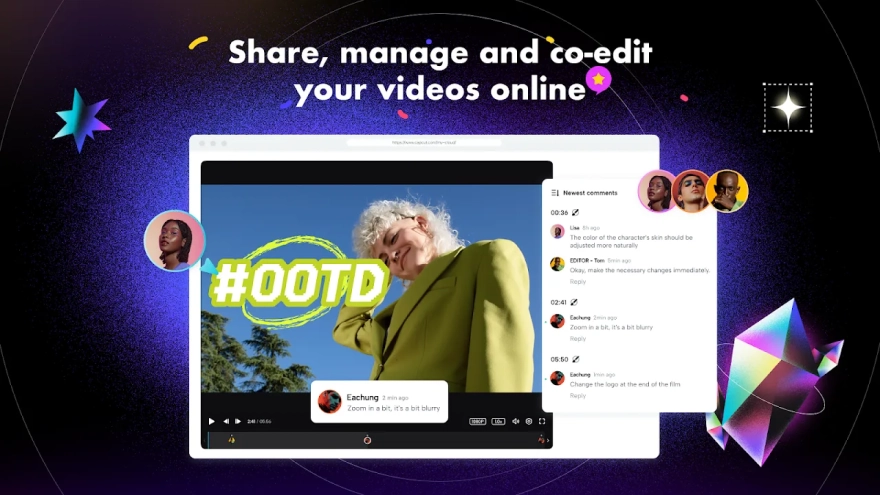
- Supports exporting finished projects for publication or sharing after the edit is assembled.
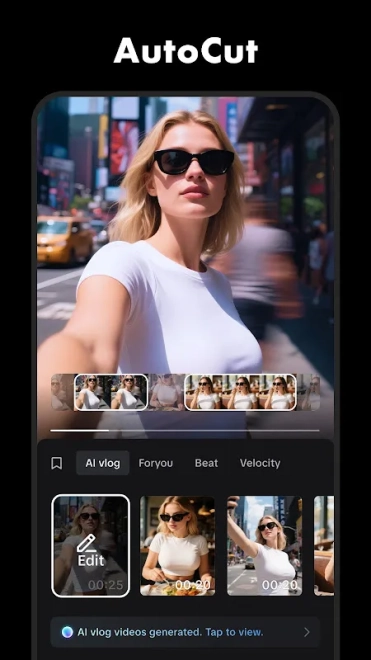
CapCut - Video Editor is designed around fast visual experimentation: a basic recording can be turned into a captioned clip with animated text, music, and a changed background without switching between several separate applications.
Advantages of the video editor
- The combination of a conventional timeline and ready-made templates covers both manual editing and rapid one-click-style creation.
- Automatic captions reduce the amount of typing required for spoken videos and can make short clips easier to follow without sound.
- Keyframes, overlays, and chroma-key tools provide room for more deliberate compositions instead of limiting the editor to simple cuts.
- Background removal is useful for product presentations, profile videos, and scenes that need a cleaner visual setting.
- The interface keeps trimming, text insertion, and audio placement close to the main editing workspace, which suits short projects made on a phone.
- A large collection of effects and templates makes it possible to build a stylized clip even when the source footage is uncomplicated.
Disadvantages
- Some effects, templates, and advanced options may be restricted to a paid plan, so the complete toolset is not available in every project without additional spending.
- Template-based editing can make different videos look similar, particularly when the same popular preset and soundtrack are used.
- Projects with several video layers, animated effects, or automatic processing can place a noticeable load on an Android device and may take longer to render.
- The abundance of creative presets may make the editing workspace feel crowded when a project requires only precise cutting and clean presentation.
- Online template and media features depend on available network access, while large source files and exported videos can consume substantial storage.
Похоже, CapCut - Video Editor создана для тех, кто хочет быстро превращать записи со смартфона в выразительные ролики, сохраняя возможность перейти к ручной работе с дорожками, ключевыми кадрами и фоном. Это практичный вариант для коротких публикаций, личных видео и динамичных презентаций, а CapCut - Video Editor распространяется бесплатно.
What's new in the latest version 999.999.45
Updated
- Improved overall performance and responsiveness during video editing.
- Enhanced stability when working with large projects and high-resolution media.
- Fixed several issues affecting video export and file sharing.
- Improved compatibility with the latest Android devices and system updates.
- Resolved minor interface issues and improved the general user experience.
- Included additional bug fixes and performance improvements.
Add comment