

Cute CUT - Video Editor is a mobile video editor for Android that combines a multi-track timeline with tools for assembling clips, photos, music and text. The app is designed for projects that need more than a simple cut: footage can be arranged on separate tracks, captions can be placed over the image, and the result can be refined with transitions, effects or hand-drawn elements. It suits short social media videos as well as personal slideshows and small creative projects.
Cute CUT - Video Editor can be viewed as an Android alternative to Apple iMovie in terms of its basic editing workflow. Both applications allow media files to be arranged on a timeline, combined with music and titles, then exported as a finished video. Cute CUT - Video Editor differs by focusing on a more flexible multi-track composition and by offering drawing directly on the video, while iMovie is integrated specifically with Apple devices and its ecosystem.
Features of Cute CUT - Video Editor
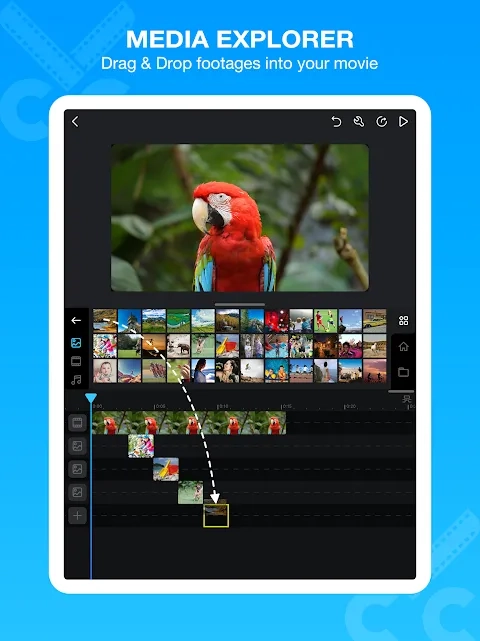
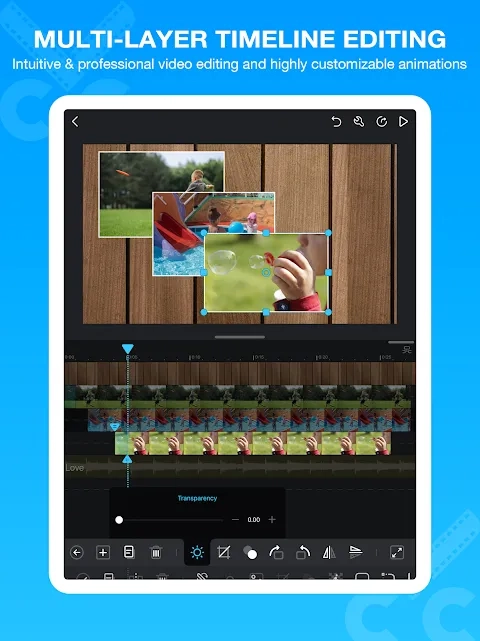
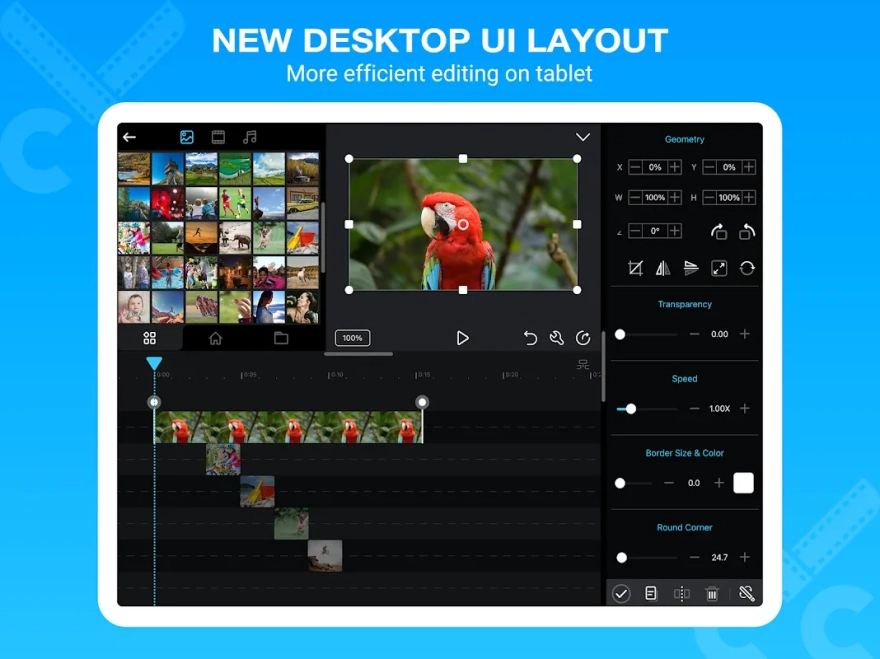
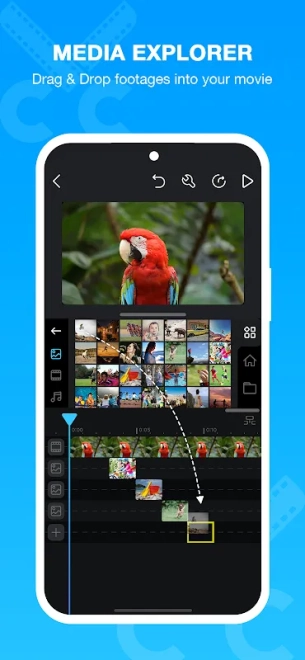
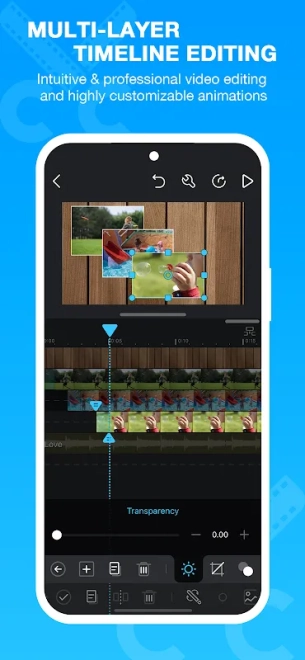
- Uses a multi-track timeline, making it possible to place video fragments, photographs and audio on separate layers.
- Supports common editing actions such as trimming, splitting and rearranging clips without rebuilding the entire project.
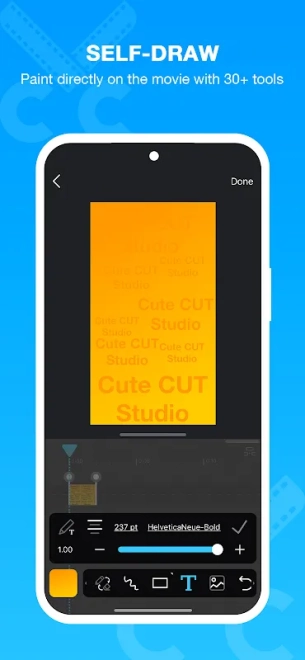
- Allows text captions and other visual elements to be added over the footage, which is useful for titles, explanations or short social media scenes.
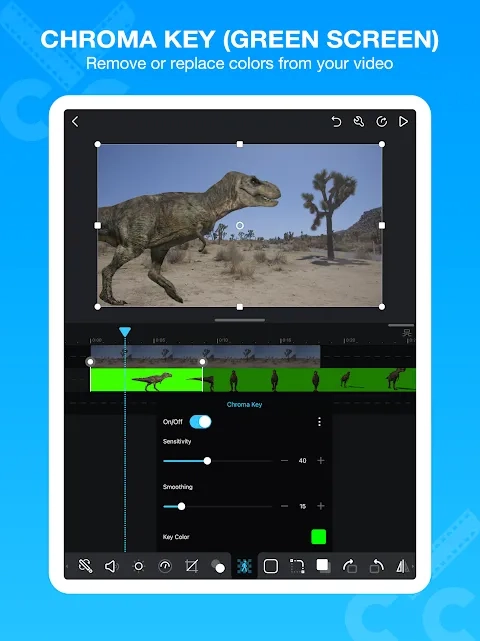
- Includes transitions and visual effects for smoother changes between fragments and more expressive compositions.
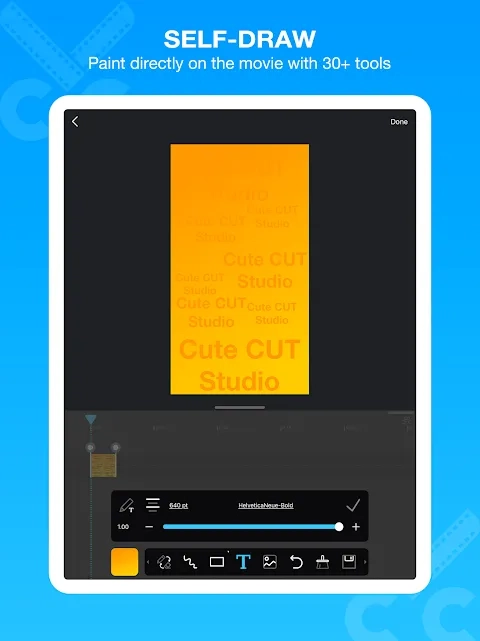
- Provides drawing tools for creating freehand annotations directly on the video instead of relying only on ready-made overlays.
- Can combine background music with the original sound of a clip, while voice recording is suitable for commentary or simple narration.
- Handles projects built from both recorded video and still images, so it can also work as a slideshow maker with sound.
The multi-track approach gives Cute CUT - Video Editor a useful advantage for mobile editing: a title, a picture-in-picture element or a sound fragment can be adjusted on its own layer rather than permanently merged with the main footage.
Advantages of the video editor
- The timeline is more flexible than the single-track layout found in many basic mobile editors, particularly when several visual elements must appear at once.
- Drawing on the frame adds a distinctive option for educational clips, personal annotations and playful animated sketches.
- The combination of video editing, photo slideshows and audio work keeps small projects inside one Android application.
- Text, transitions and sound tools cover the essential finishing steps for clips prepared for sharing.
- The interface is suitable for short projects that require layered editing without the complexity of a desktop workstation.
Disadvantages
- The multi-track workspace can feel less immediate than a basic editor when only a single clip needs trimming.
- Projects with several layers, effects and audio elements require more careful timeline management on a smartphone screen.
- The free edition may impose restrictions such as a watermark or limits on export options compared with a paid version.
- Cute CUT - Video Editor is aimed at personal and social video creation, so it does not replace a full desktop editor for advanced color work or complex sound production.
Пожалуй, Cute CUT - Video Editor лучше всего подойдёт для тех, кому нужен layered editing workflow on Android with drawing, titles and audio in the same project. Its tools are broad enough for expressive short videos, while the compact mobile format naturally sets limits for demanding productions; Cute CUT - Video Editor is distributed free of charge.
What's new in the latest version 2.11.0
Updated
- Improved overall application stability and performance.
- Fixed various bugs affecting video editing and project playback.
- Improved compatibility with newer Android devices and system versions.
Add comment