

Efectum - Video Editor and Maker with Slow Motion is a video editor for Android that focuses on speed effects and quick creative transformations. The app can turn ordinary clips into slow-motion scenes, fast-paced fragments or reversed videos, while its editing tools help prepare short content for social networks without requiring a desktop editor.
Efectum is a more focused alternative to CapCut: both applications support video trimming, speed changes, filters, effects and music, but CapCut offers a broader multi-track editing environment, whereas Efectum puts slow motion, fast motion and reverse playback at the center of its workflow.
Features of Efectum - Video Editor and Maker with Slow Motion
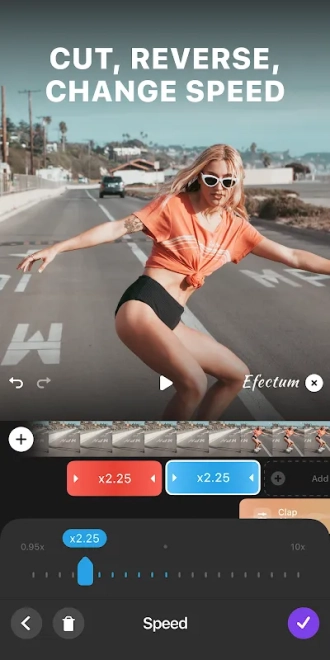
- Changes video playback speed to create slow-motion scenes or accelerated fragments.
- Reverses clips for unusual transitions and playful visual effects.
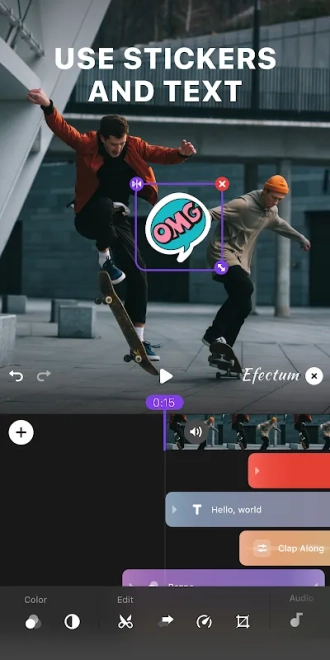
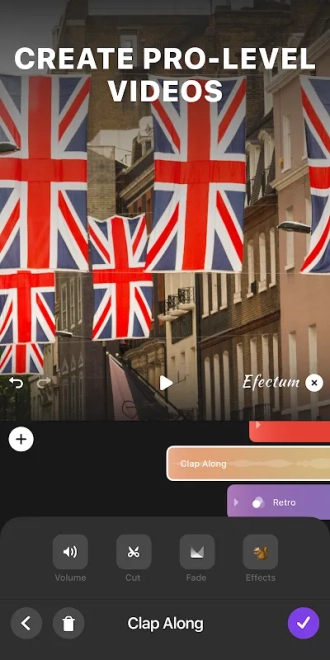
- Provides tools for cutting and adjusting the selected video before export.
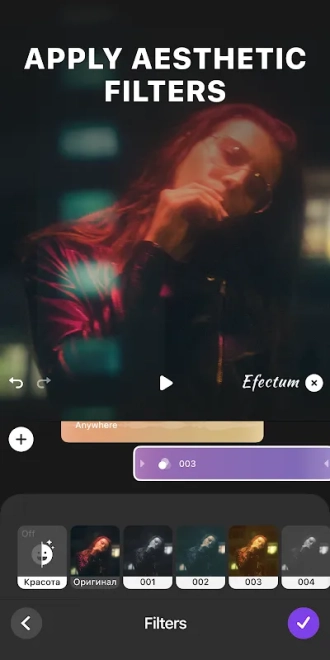
- Applies filters and visual effects that alter the mood of a recording.
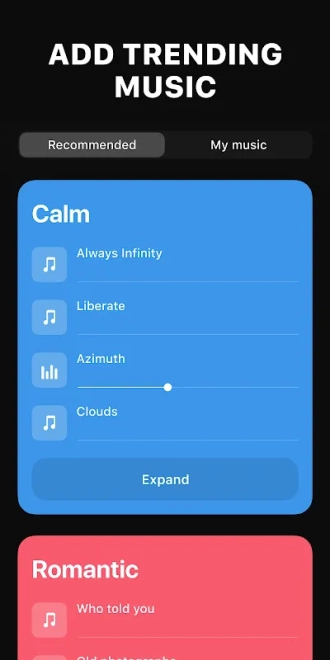
- Allows music to be added to a clip, making it suitable for short edits with a soundtrack.
- Supports the creation of videos from material stored on an Android device.
- Combines speed effects with regular editing, so a single clip can contain both calm and dynamic sections.
Advantages of the video editor
- The interface is oriented toward speed-based effects, so the main creative tools are easy to find.
- Slow motion and fast playback can give familiar smartphone footage a different rhythm without complex editing.
- Reverse playback adds a separate creative option for short humorous or experimental videos.
- Basic trimming and visual adjustments are available in the same mobile workflow as the special effects.
- The app is suited to quick edits prepared directly on an Android smartphone.
Efectum is most convincing when the central idea of a video depends on its rhythm: a movement can be slowed down for emphasis, accelerated for a compact montage or played backward for an unexpected result.
Disadvantages
- The app is more narrowly focused than full-featured editors, so complex projects with many layers may require another solution.
- Speed effects can lose their visual appeal when applied without considering the original recording quality and movement.
- Creative options beyond the main speed tools may feel limited for users who need detailed color correction or advanced timeline control.
- Some functions or effects may depend on the app’s available premium options, which can restrict the free editing set.
Judging by its feature set, Efectum - Video Editor and Maker with Slow Motion is designed for those who want to reshape the rhythm of smartphone videos with a few focused tools rather than build a complex production. It works best for short clips where slow motion, acceleration or reverse playback carries the idea, and Efectum - Video Editor and Maker with Slow Motion is distributed free of charge.
What's new in the latest version 2.0.61
Updated
- Improved overall performance and responsiveness.
- Enhanced stability during video editing and exporting.
- Fixed minor issues and improved compatibility with newer Android devices.


Add comment