

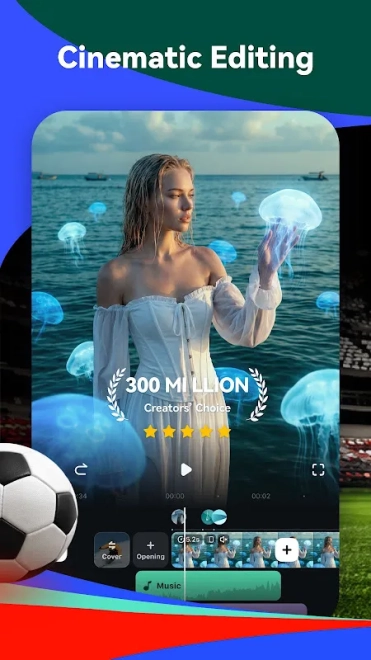
Filmora AI Video Editor & Maker is a mobile video editor for Android that combines timeline editing with AI-assisted tools, ready-made templates, visual effects and music. It handles the usual tasks of trimming clips and joining scenes, while also helping create short videos for social networks through animated text, filters, transitions and themed designs. The app is suited to quick edits made from phone footage as well as more polished montages assembled from photos and video fragments.
Filmora AI Video Editor & Maker can serve as a simpler alternative to CapCut. Both apps support template-based editing, effects, text overlays and music for short vertical videos, while Filmora places additional emphasis on the Filmora editing ecosystem and AI-assisted creation. The choice depends on the preferred templates and workflow rather than on basic cutting tools, which are available in both editors.
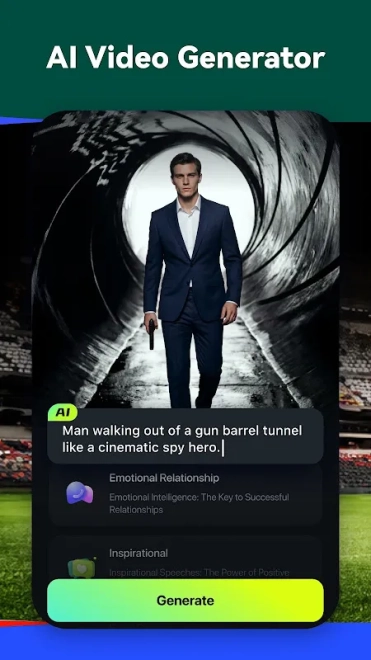
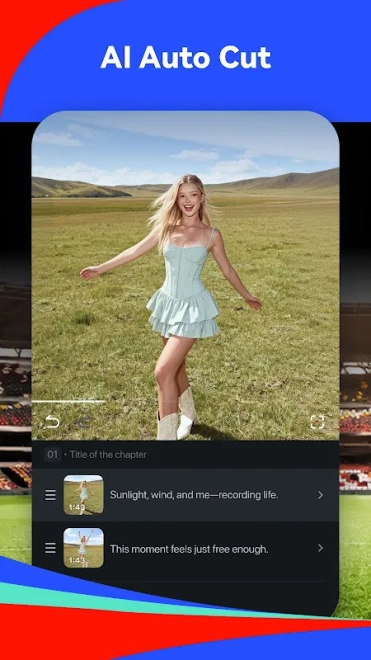
AI tools make Filmora AI Video Editor & Maker useful when a finished clip needs to be assembled quickly: automatic assistance can reduce routine work, while manual controls remain available for adjusting the sequence, captions and soundtrack.
Filmora AI Video Editor & Maker features
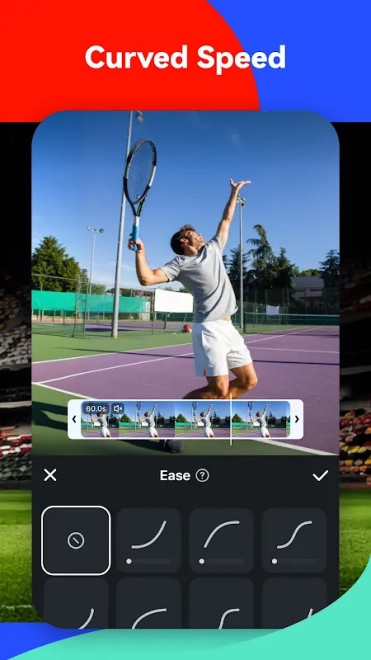
- Trims clips, removes unwanted fragments and combines separate recordings on a mobile timeline.
- Creates slideshows from photos and video files with transitions, filters and animated effects.
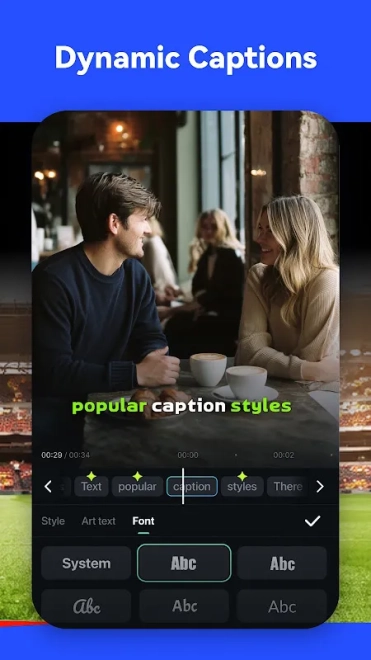
- Adds titles, captions and decorative text elements for introductions, subtitles or short announcements.
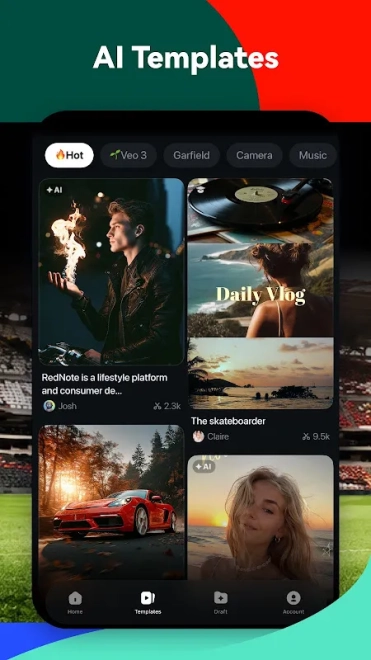
- Uses ready-made templates to turn a group of clips into a formatted social-media video with less manual editing.
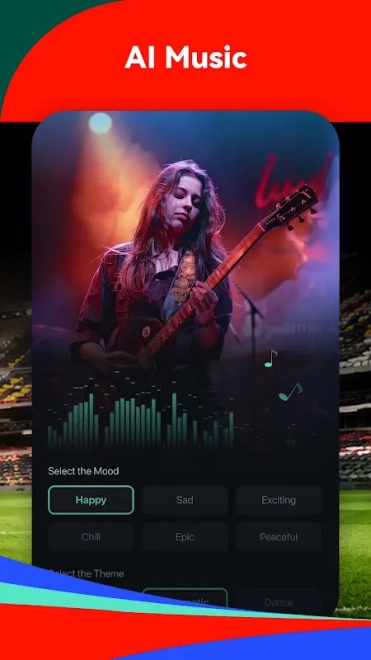
- Supports music and sound effects, allowing the soundtrack to be aligned with the pace of a montage.
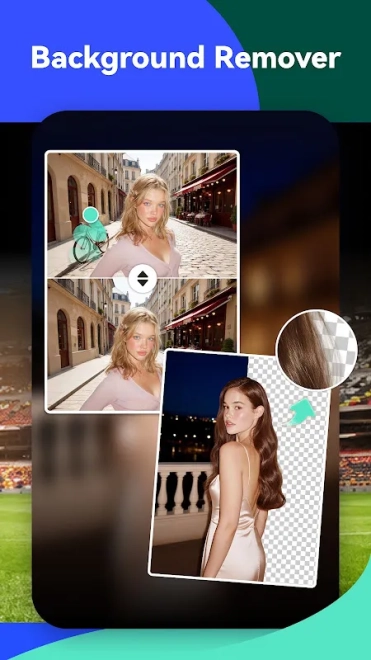
- Includes AI-assisted tools designed to speed up routine editing and help prepare content from source materials.
- Exports finished projects for sharing from an Android device.
Advantages of the video editor
- The combination of a conventional timeline and AI assistance accommodates both precise corrections and rapid automatic assembly.
- Templates shorten the path from raw phone footage to a publishable short video.
- Text, transitions and visual effects are available inside one mobile workspace, so a separate captioning or effects app is rarely needed for a basic project.
- Photo slideshows and video montages can be prepared on the same device where the original files were recorded.
- The interface is appropriate for short social-media clips as well as personal videos that need music and titles.
Disadvantages
- Projects with many effects, source clips or high-resolution files may be demanding for an older Android device.
- AI-assisted processing can be less predictable than manual editing when a scene contains complex movement or several speakers.
- The abundance of templates and effects may make a simple editing task feel less direct than work in a minimal cutting tool.
- Some advanced assets or functions may depend on in-app purchases, while free exports can have service-specific restrictions.
Пожалуй, Filmora AI Video Editor & Maker лучше всего подойдёт тем, кому нужен мобильный монтаж с готовыми шаблонами and AI-assisted tools instead of a purely manual timeline; for everyday clips, photo stories and social-media edits, the feature set is substantial, and Filmora AI Video Editor & Maker is distributed free of charge.
What's new in the latest version 999.0
Updated
- Improved overall performance and responsiveness during video editing.
- Enhanced stability when importing media, applying effects, and exporting projects.
- Refined the editing interface for a smoother and more convenient workflow.
- Improved compatibility with a wider range of video, image, and audio files.
- Fixed various issues affecting playback, transitions, and project processing.
- Other minor improvements and bug fixes.
Add comment