
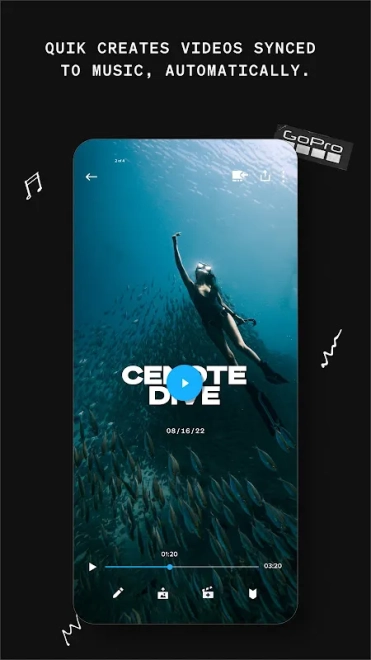
GoPro Quik Video Editor is a mobile video editor for Android that turns clips from GoPro cameras or a phone gallery into polished short videos. Its workflow combines automatic highlight selection with manual trimming, music synchronization, filters, playback-speed controls and ready-made editing styles, making it suitable for action footage, travel clips and quick social posts.
Compared with Google Photos, GoPro Quik Video Editor places more emphasis on music-driven edits and action-camera footage. Google Photos provides practical tools such as trimming, filters and basic movie creation, while Quik can automatically arrange selected moments around a soundtrack and offers closer integration with GoPro cameras and the GoPro media ecosystem.
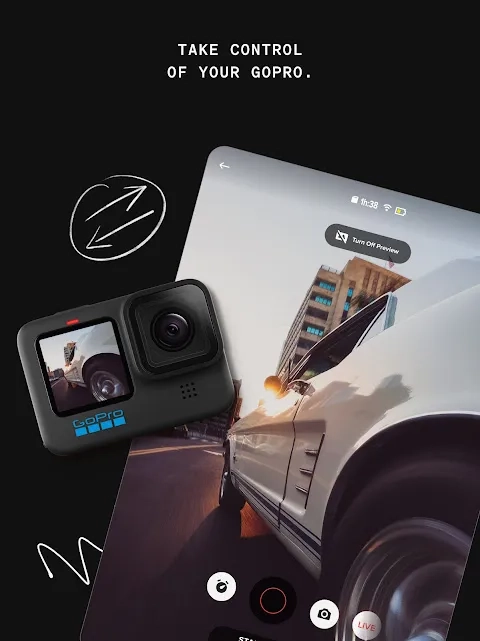
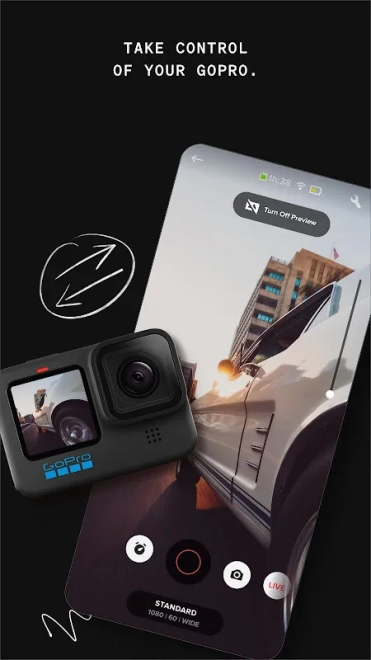
GoPro Quik Video Editor works with media already stored on an Android device, so a GoPro camera is not required for basic editing. Camera owners receive a more connected workflow, with footage easier to bring into the application for further processing.
GoPro Quik Video Editor Features
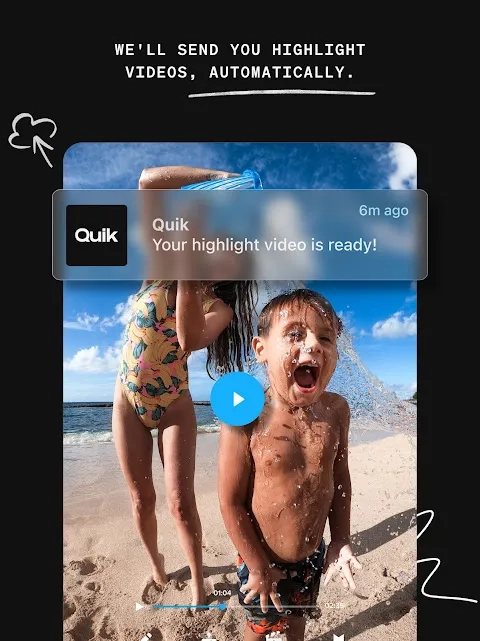
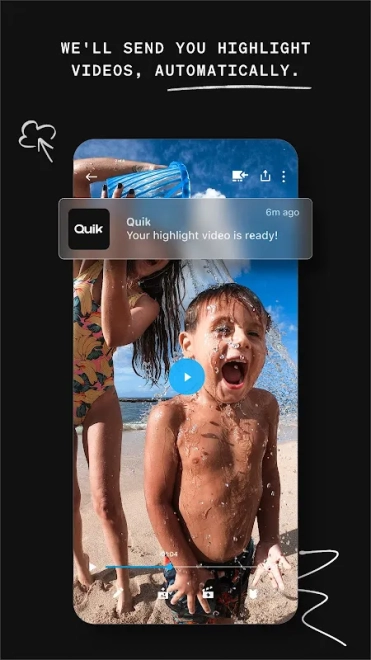
- Creates automatic highlight videos from selected photos and video clips, reducing the time spent searching for the strongest moments.
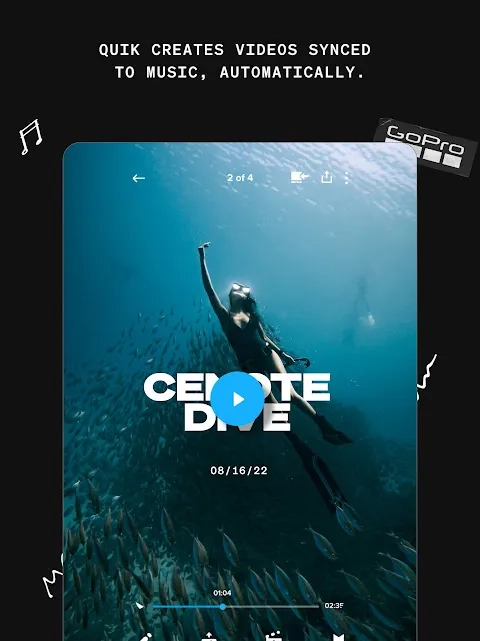
- Synchronizes edits with music so cuts and transitions follow the rhythm of the chosen soundtrack.
- Provides manual trimming for removing unwanted sections or isolating a short fragment from a longer recording.
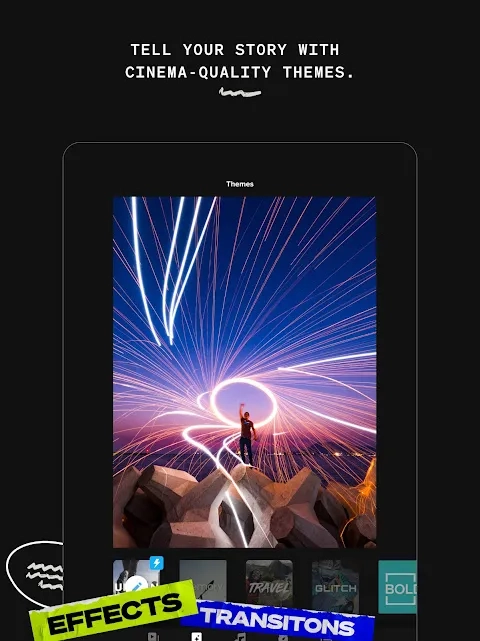
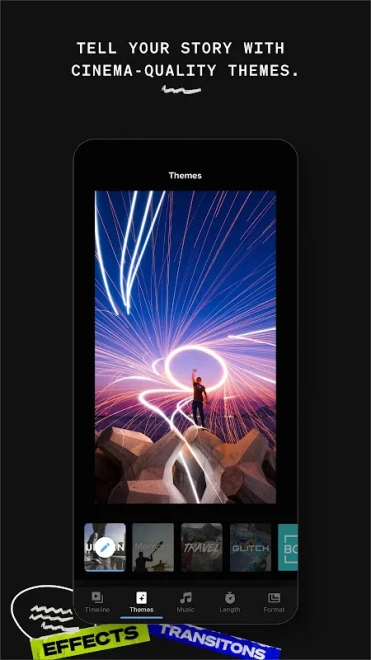
- Offers filters, themes and editing styles that can change the mood of travel footage or give action clips a more energetic presentation.
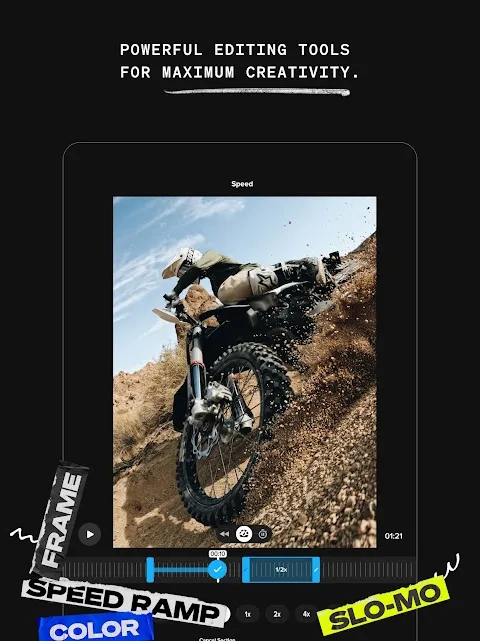
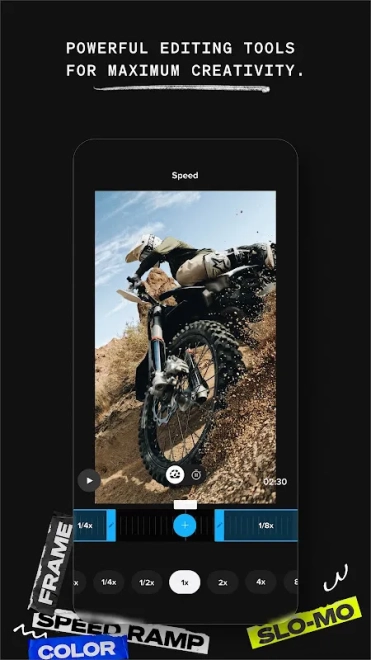
- Allows playback speed adjustments, which helps emphasize a jump, ride or other fast-moving scene.
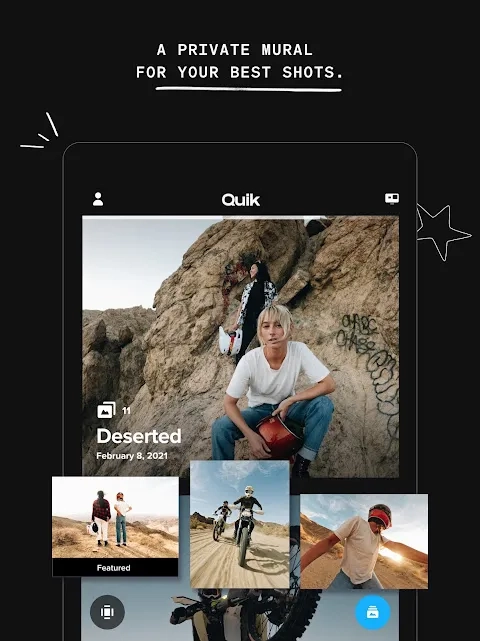
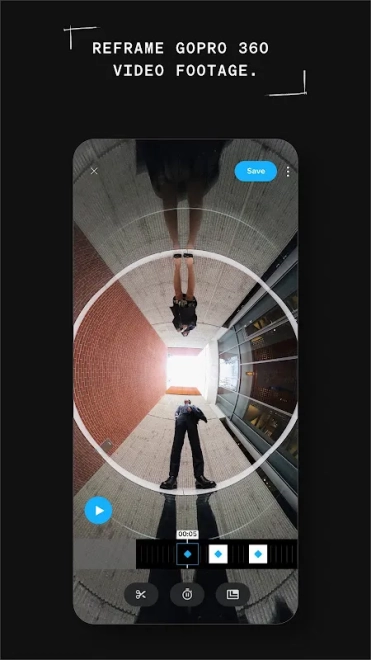
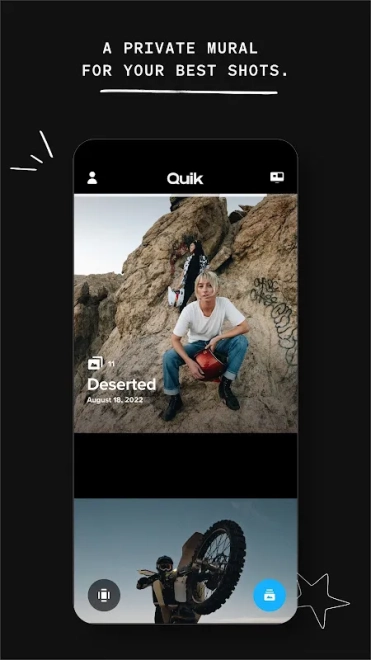
- Supports media from GoPro cameras as well as files saved on an Android device, keeping footage from different sources in one editing workflow.
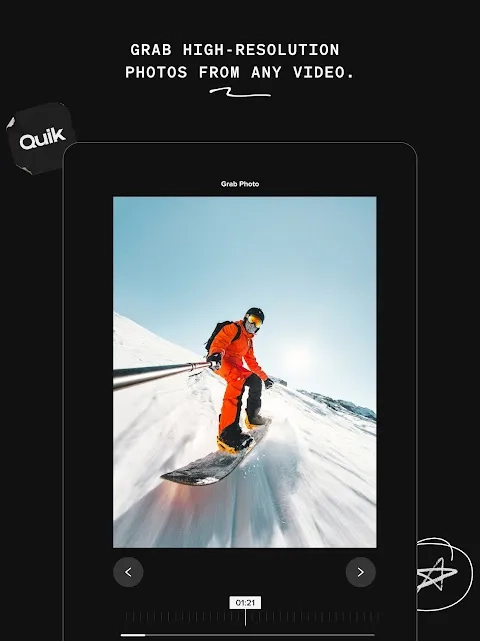
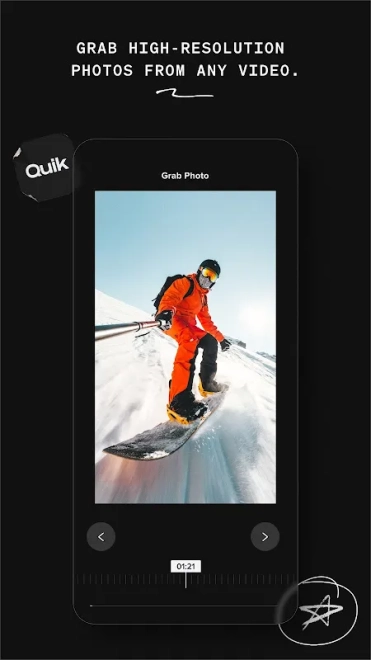
- Can extract a still image from a video when a useful frame is better suited to a photo post.
- Includes tools for preparing short videos for sharing, with the interface built around quick edits rather than a complex multitrack timeline.
Video Editor Advantages
- Automatic editing is useful when a large set of clips needs to become a presentable video without detailed scene-by-scene work.
- Music-based synchronization gives otherwise ordinary phone footage a clearer pace and structure.
- GoPro camera integration makes the application a natural companion for footage recorded during rides, hikes or water activities.
- The combination of automatic suggestions and manual trimming leaves room for personal adjustments after the first draft is created.
- Support for phone media makes Quik practical even when a video was recorded without a GoPro camera.
Disadvantages
- Automatic edits can choose moments that do not match the intended story, so important videos may still require manual selection and trimming.
- The focus on fast, music-led results leaves fewer options for detailed timeline editing than in desktop editors such as DaVinci Resolve.
- Some advanced features and cloud-related capabilities may depend on a GoPro subscription, which limits the scope of the free experience.
- Processing high-resolution action-camera footage can require considerable storage and system resources on an Android device.
- Users seeking precise control over every track, transition or audio layer may find the streamlined interface restrictive.
Пожалуй, GoPro Quik Video Editor лучше всего подойдёт тем, кому нужны выразительные videos from GoPro footage or a phone gallery without a lengthy editing routine. Its automatic highlights, music synchronization and camera integration make quick publishing its strongest scenario, while the free distribution of GoPro Quik Video Editor keeps this workflow accessible without an upfront cost.
What's new in the latest version 5.2.1
Updated
- Improved overall app stability and performance.
- Fixed minor issues affecting video editing and playback.
- Improved compatibility with supported Android devices.
- Enhanced the reliability of media importing, saving, and sharing.
Add comment