

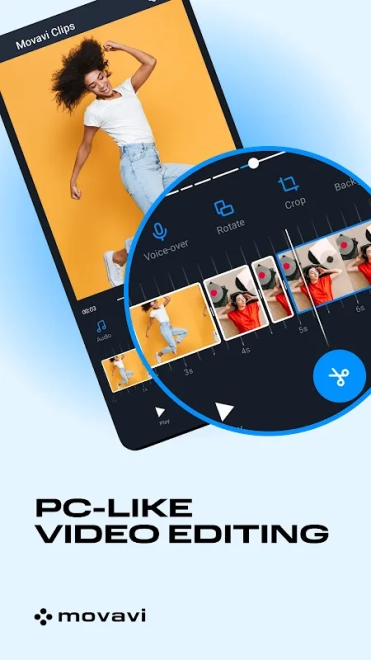
Movavi Clips - Video Editor is a mobile video editor for Android that turns clips and photos into short videos through a clear timeline-based workflow. It supports trimming and splitting footage, joining separate fragments, adding music, applying filters, inserting transitions, and placing text or stickers over the image. The app is suited to quick social-media edits as well as simple slideshows, while speed controls and basic visual adjustments provide more room for shaping the final result without moving to a desktop editor.
Movavi Clips - Video Editor can be viewed as a free alternative to InShot for everyday mobile editing. Both applications cover practical tasks such as cutting clips, combining media, adding music, applying filters, and preparing content for social networks. Movavi Clips - Video Editor focuses on a straightforward editing flow with a timeline, transitions, text, and stickers, while InShot also offers tools such as canvas adjustment and photo-focused editing. The choice between them depends on whether video assembly or broader social-content preparation is the main priority.
Movavi Clips - Video Editor is especially convenient for turning several phone recordings into a compact story: unwanted fragments can be removed, scenes joined, titles added, and background music placed beneath the footage before export. This workflow keeps the essential operations close at hand instead of requiring a full desktop suite.
Movavi Clips - Video Editor Features
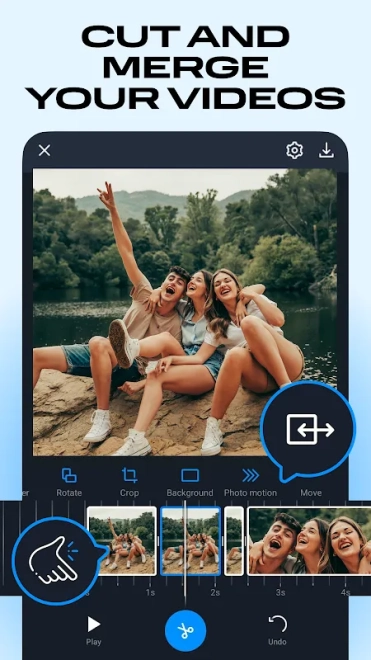
- Trims the beginning and end of a clip and splits longer footage into separate sections.
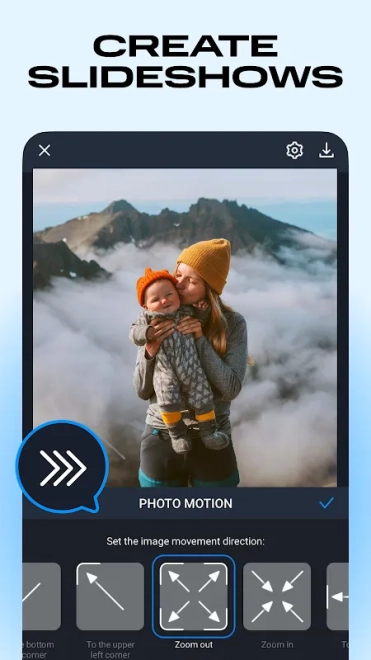
- Combines video fragments and photos in a single project, making it suitable for travel recaps or event slideshows.
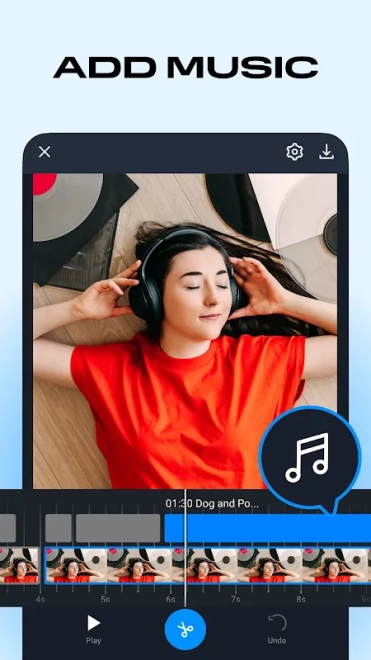
- Adds background music from the device and synchronizes the soundtrack with the assembled video.
- Applies filters and transitions to change the visual mood or soften the change between scenes.
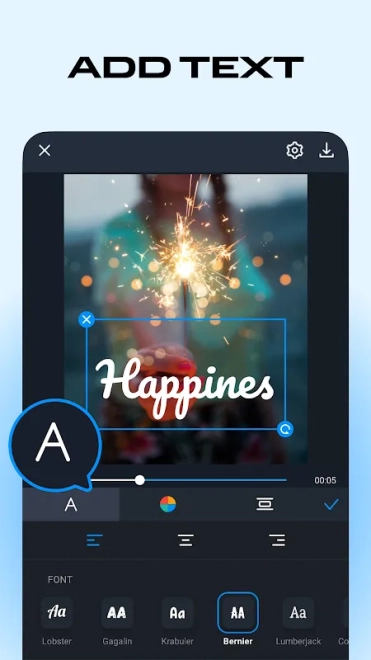
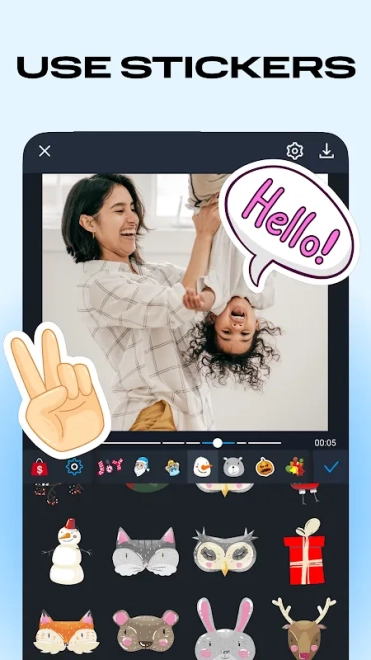
- Places captions, titles, and stickers over the frame for announcements, greetings, or short social posts.
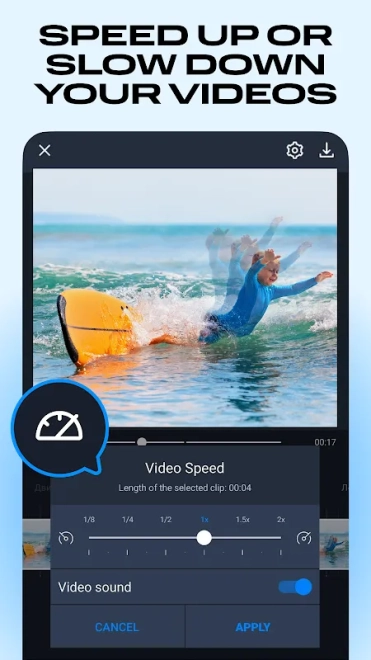
- Includes playback-speed controls for creating faster sequences or emphasizing a particular moment.
- Supports basic adjustments that help correct the appearance of footage before sharing.
- Exports finished projects for publication on social platforms or storage on the Android device.
Advantages of the Video Editor
- The interface is designed around familiar touch operations, so cutting a clip or rearranging scenes does not require complex editing knowledge.
- A project can combine videos with still images, which is useful for creating a slideshow with short filmed inserts.
- Text, music, filters, and transitions are available within the same editing environment rather than being handled by separate applications.
- Speed adjustment adds a simple creative option for energetic montages or slower presentation of important scenes.
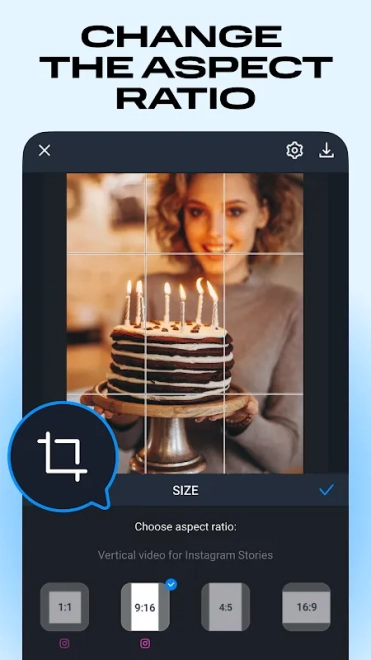
- The feature set is well matched to short videos intended for messaging services and social networks.
Disadvantages
- The mobile format is less comfortable for detailed work than a desktop editor with a larger preview area and more precise controls.
- Projects with many layers or lengthy source files can be inconvenient to organize on a phone screen.
- Some tools or content may depend on in-app purchases, so the free edition does not necessarily provide the same scope as the paid options.
- Advanced production tasks, such as complex compositing or professional color correction, are outside the app’s practical focus.
Judging by its feature set, Movavi Clips - Video Editor is aimed at those who want to assemble polished short videos directly on an Android device, using trimming, music, text, and visual effects without a complicated production setup. It is a practical choice for quick edits and personal slideshows, and Movavi Clips - Video Editor is distributed free of charge.
What's new in the latest version 3.8
Updated
- Improved overall app performance and stability.
- Enhanced video editing for a smoother and more responsive experience.
- Fixed minor issues affecting media import, project editing, and video export.
- Improved compatibility with current Android devices and operating system versions.
- Resolved various bugs and made general usability improvements.
Add comment