

PowerDirector - Video Editor is a mobile video editing application for Android that combines a timeline-based workspace with tools for cutting clips, adding titles, applying transitions, and preparing videos for sharing. The app is suited to quick social media edits as well as more structured projects assembled from several source files, with controls that remain accessible on a smartphone screen.
Compared with KineMaster, PowerDirector - Video Editor follows the same familiar mobile editing approach: both provide timeline editing, layered visual work, transitions, titles, and audio controls. PowerDirector places additional emphasis on ready-made effects and a straightforward project workflow, while KineMaster is known for detailed layer handling and extensive manual adjustments. The choice between them depends on whether a faster preset-driven process or more hands-on compositing is the priority.
PowerDirector - Video Editor Features
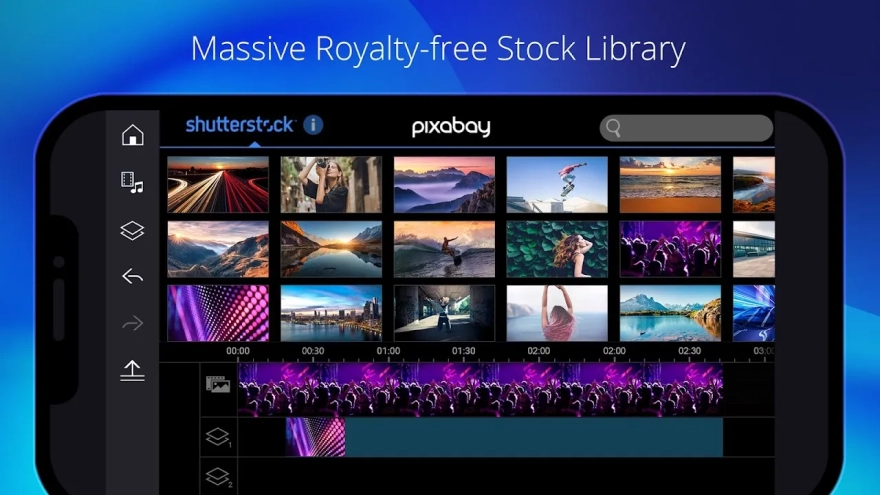
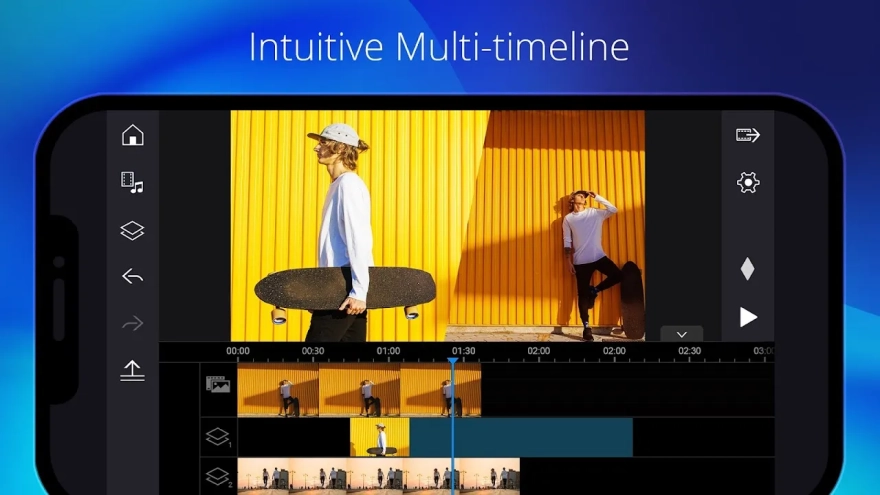
- Imports video clips and arranges them on a timeline for a clear editing sequence.
- Trims and splits footage, making it easy to remove unwanted sections or isolate a short fragment.
- Adds transitions between scenes so separate clips do not appear as abrupt cuts.
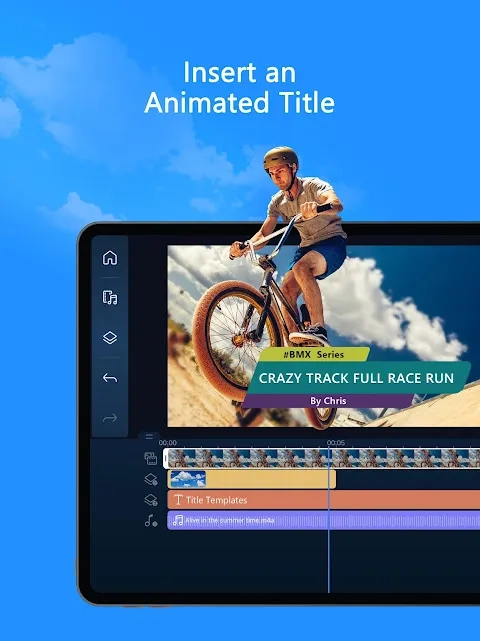
- Provides titles and text overlays for captions, introductions, labels, or end credits.
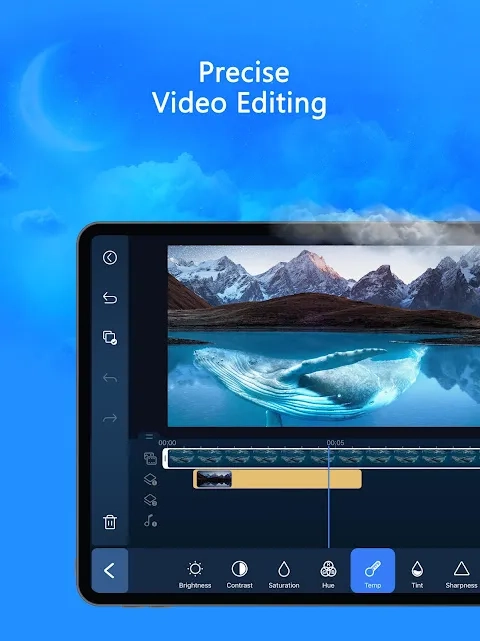
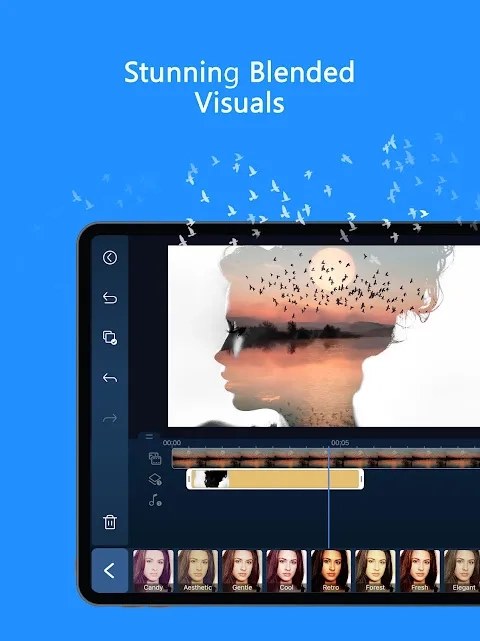
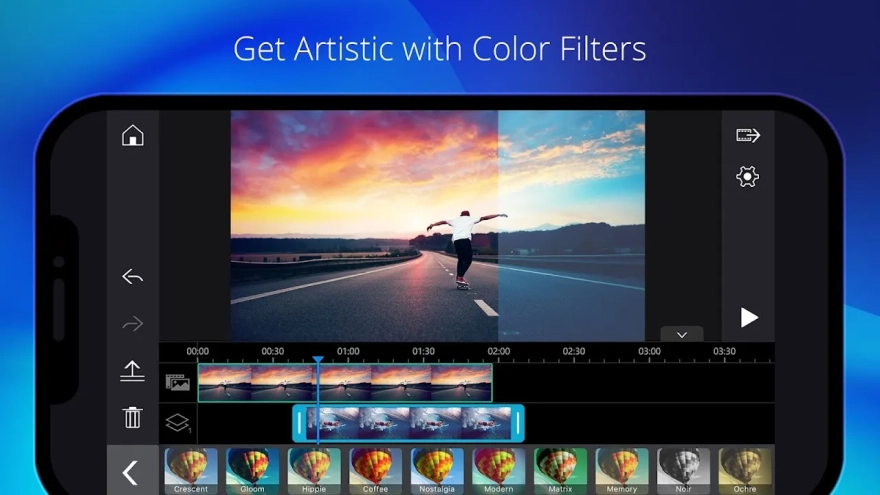
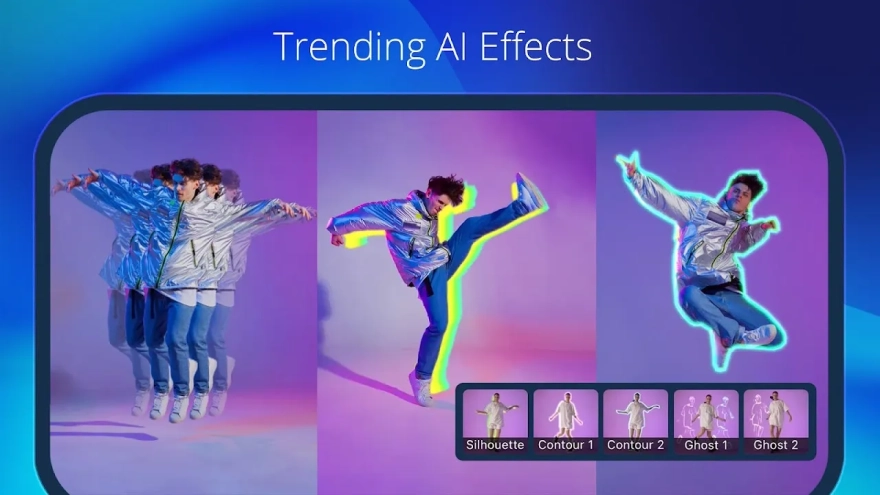
- Includes visual effects and filters for changing the mood or appearance of a recording.
- Supports music and other audio elements, allowing a soundtrack to accompany the video.
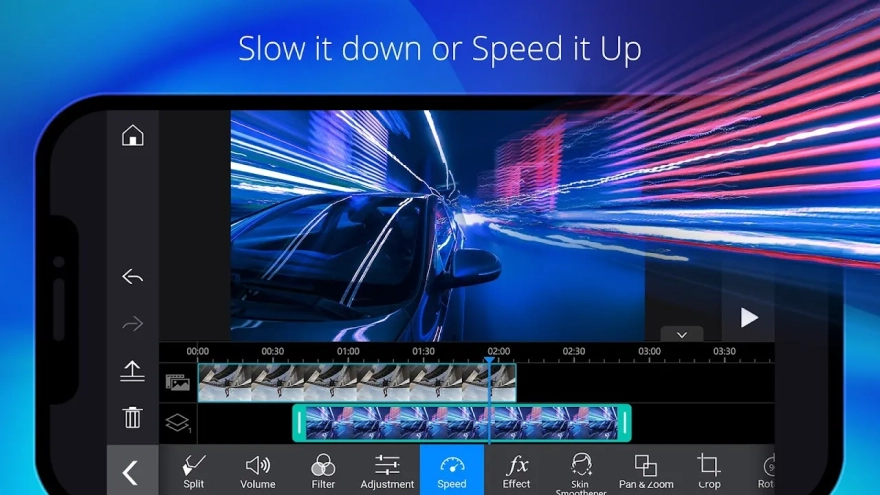
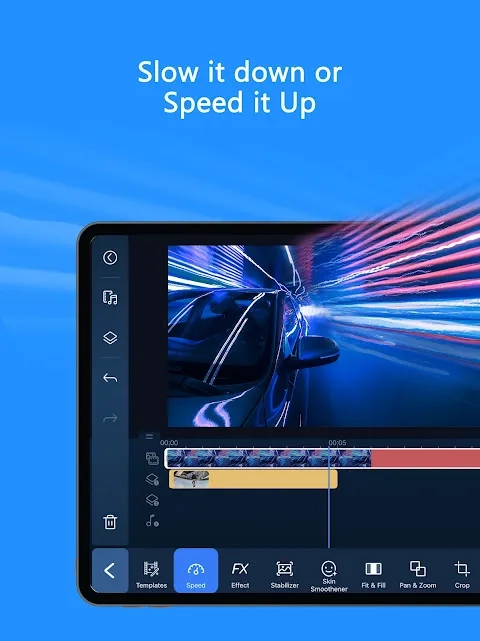
- Offers tools for adjusting playback speed, which is useful for emphasis, short comedic scenes, or condensed demonstrations.
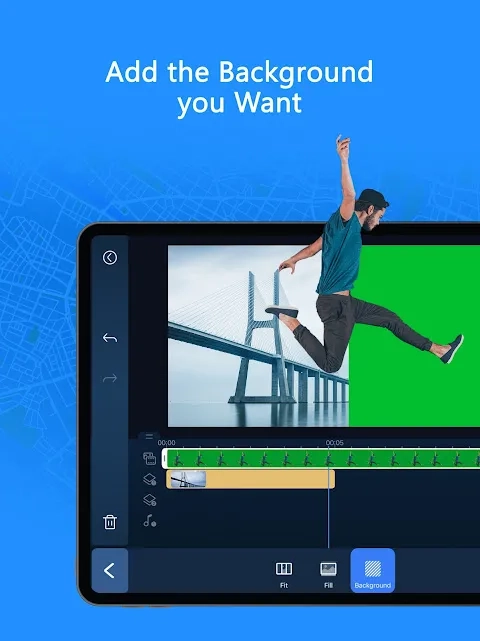
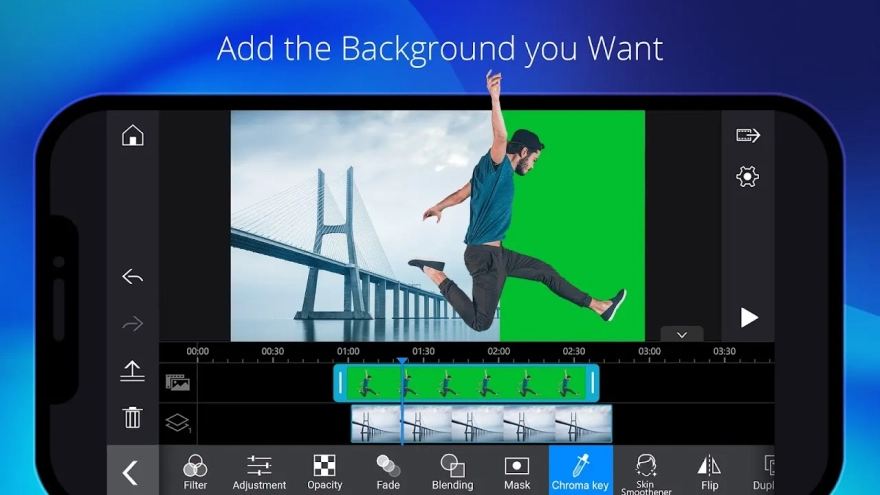
- Includes chroma key functionality for projects that use a green-screen background.
- Prepares finished projects for export and sharing directly from the Android device.
PowerDirector - Video Editor combines basic cutting with more advanced options such as chroma key and speed control, so the same project can cover a simple clip for social media or a carefully assembled video with layered visual treatment. Availability of some effects or export-related options may depend on the selected edition and in-app purchases.
Advantages of the Video Editor
- The timeline makes the order of scenes visible, which simplifies editing a video assembled from multiple recordings.
- Text, transitions, filters, and music can be added without moving the project to a desktop computer.
- Chroma key expands the app beyond simple trimming and supports green-screen compositions.
- Speed adjustment provides a practical way to highlight an action or shorten a long recording.
- The combination of preset effects and manual clip editing suits both quick publications and more deliberate projects.
- Direct work on Android is convenient for footage captured on the same phone.
Disadvantages
- The small smartphone display gives less room for precise timeline work than a desktop editor.
- Projects with many clips, effects, or layered elements can be more demanding to manage on a mobile device.
- Some advanced effects and editing options may be restricted to paid content.
- Exporting complex projects can take noticeable time and may depend on the Android device’s available resources.
Judging by its feature set, PowerDirector - Video Editor is designed for those who want to move from quick trimming to more expressive mobile editing without leaving Android; its timeline, effects, titles, audio tools, and chroma key cover a broad range of everyday projects, while PowerDirector - Video Editor is distributed free of charge.
What's new in the latest version 7.3.2
Updated
- Improved overall app stability and performance.
- Enhanced compatibility with a wider range of Android devices.
- Resolved various issues affecting video editing and project handling.
- Fixed minor bugs and improved the overall user experience.


Add comment