

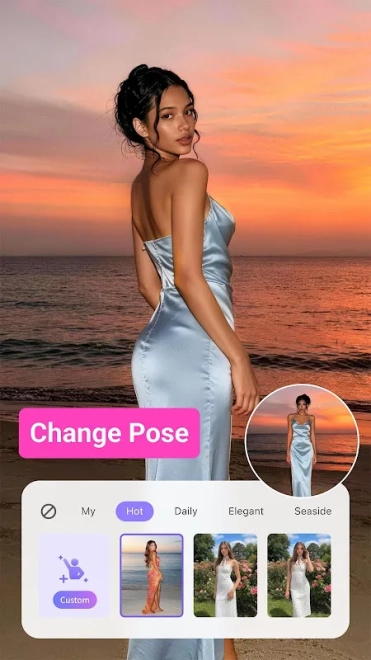
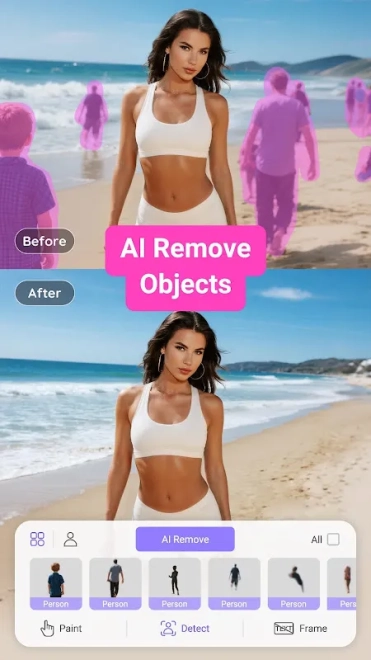
PrettyUp - Video Body Editor is a mobile photo and video editor for Android that focuses on reshaping the body, refining facial features, and improving the appearance of people in moving footage. The app is designed for short clips and social media content, where a slightly adjusted waistline, smoother skin, or corrected proportions can change the impression of the entire scene without requiring desktop software.
Compared with CapCut, which is primarily a general-purpose video editor with tools for cutting clips, adding transitions, text, music, and effects, PrettyUp - Video Body Editor gives much more attention to portrait retouching and body reshaping. CapCut is better suited to assembling a complete montage, while PrettyUp concentrates on changing the appearance of a person in a photo or video; its editing approach is narrower but more specialized.
PrettyUp - Video Body Editor features
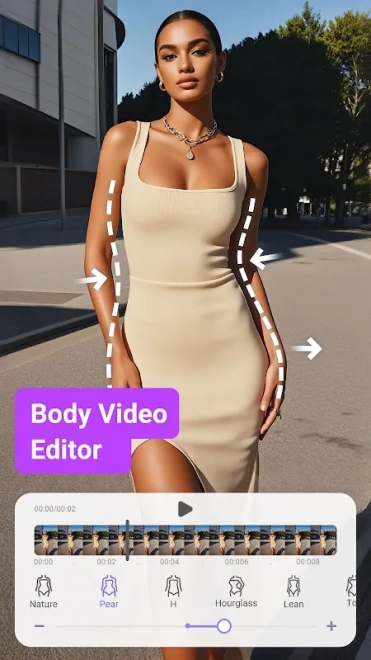
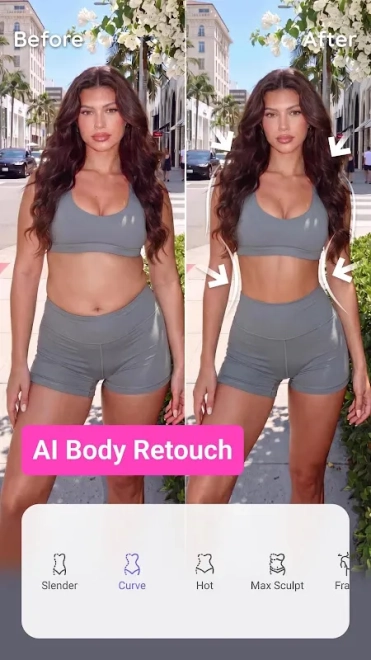
- Body reshaping tools help adjust the waist, legs, arms, and overall silhouette in photos or video clips.
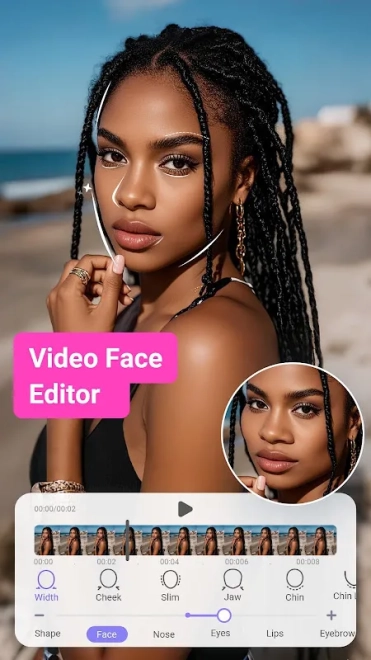
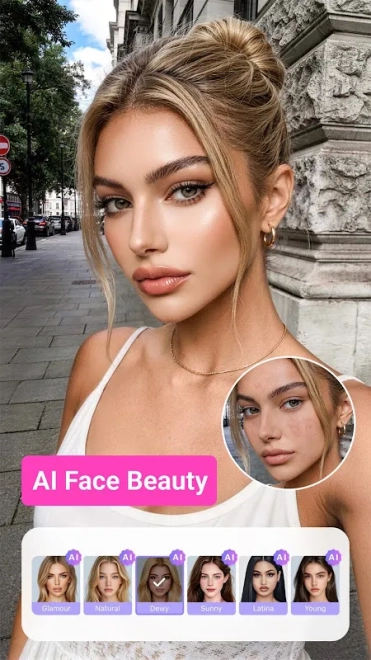
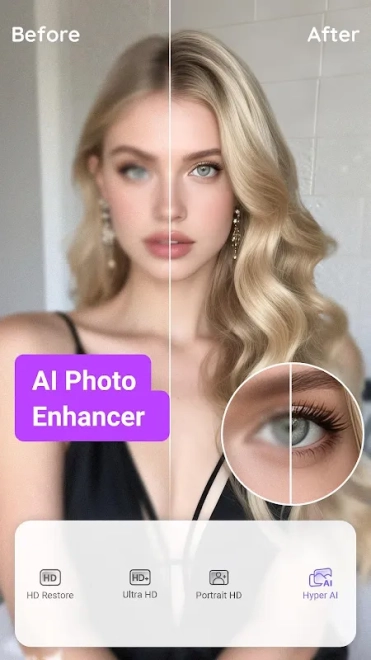
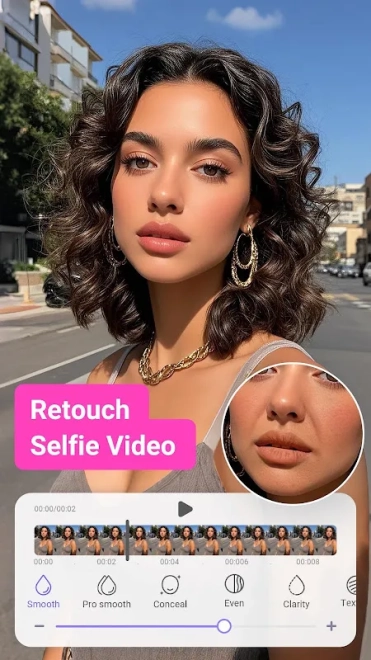
- Facial retouching can soften skin, reduce visible imperfections, and refine selected facial features.
- Beauty adjustments support a more polished appearance for portraits recorded with a phone camera.
- Video editing is built around people in motion, allowing appearance corrections to be applied across a clip rather than only to a single still image.
- Filters and visual effects can change the mood of a recording after the main retouching is complete.
- The app is suitable for preparing short vertical videos for social networks, where portrait presentation and quick editing are more important than complex production controls.
PrettyUp - Video Body Editor is most useful when the main subject of a clip is a person: its tools are intended to correct proportions and facial details directly inside mobile photo or video content.
Advantages of the editor
- A focused interface makes the app more approachable than a full desktop editor when the task is limited to portrait enhancement.
- Body and face adjustments are available in the same workspace, so a short clip does not need to be processed in several separate applications.
- Support for video retouching gives the editor a practical role in creating social media posts, not only polished still portraits.
- Built-in filters and beauty controls allow the final look to be changed without exporting the file to another editor.
- The mobile format is convenient for quick edits made directly on an Android phone.
Disadvantages
- The feature set is strongly oriented toward appearance correction, so it is less suitable for detailed montage work with complex sound, transitions, or a multi-track timeline.
- Strong reshaping can make body contours look unnatural when applied too aggressively, especially against straight lines in the background.
- Processing video with several retouching effects may require more device resources than editing a single photo.
- Some advanced tools or export options may be limited by advertising or paid access, depending on the current app configuration.
It seems that PrettyUp - Video Body Editor was created for people who want to improve the appearance of themselves in short photos and videos without opening a desktop editor. Its specialized body and face tools are more important here than elaborate montage capabilities, and the program is distributed free of charge.
What's new in the latest version 7.8.3
Updated
- Improved overall app stability and performance.
- Enhanced video editing tools for a smoother workflow.
- Fixed minor issues affecting body reshaping and retouching features.
- Improved compatibility with a wider range of Android devices.
- Resolved several bugs and refined the user experience.
Add comment