

Quik - Free Video Editor is a mobile video editor for Android that turns photos and short clips into finished videos with music, transitions and ready-made visual styles. The application is designed for quick editing rather than a complex production workflow: media files can be arranged into a project, trimmed and enhanced before sharing the result. Its automatic editing approach is useful for travel clips, action-camera footage and short social media videos where a polished result is needed without spending much time on the timeline.
Compared with InShot, Quik - Free Video Editor places greater emphasis on automatic montage creation and synchronization with music, while InShot offers a more traditional manual editing workflow. Both applications support basic operations such as trimming clips, adding music and applying visual adjustments, but Quik is more focused on producing a complete styled video from selected media with minimal intervention.
Quik - Free Video Editor is particularly convenient when a collection of photos and recordings needs to become a coherent video quickly. Automatic selection of transitions and music helps preserve the rhythm of the source material, while manual adjustments remain available for correcting the order or duration of individual fragments.
Features of Quik - Free Video Editor
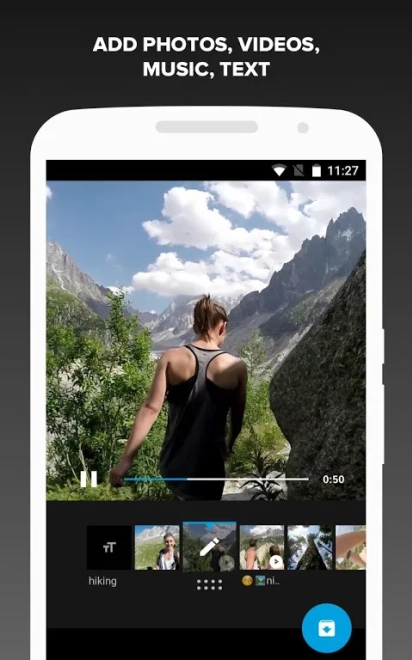
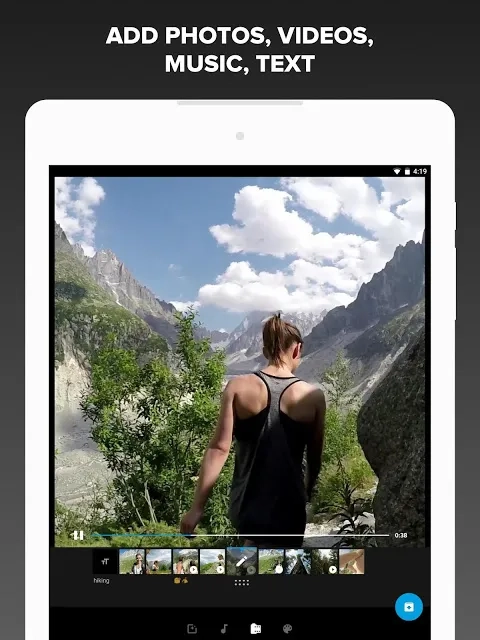
- Creates short videos from selected photos and video clips.
- Automatically combines media with music and transitions to form a finished montage.
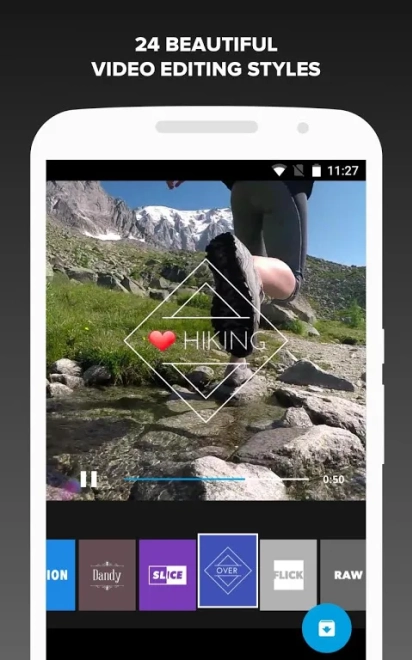
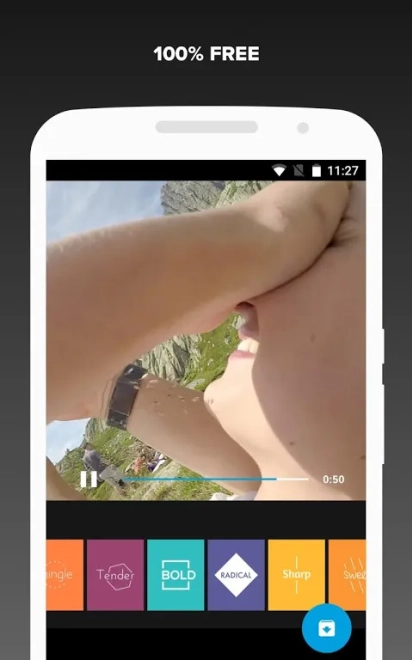
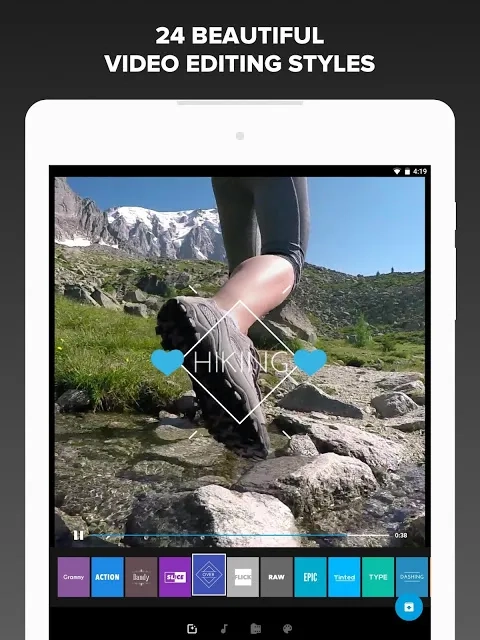
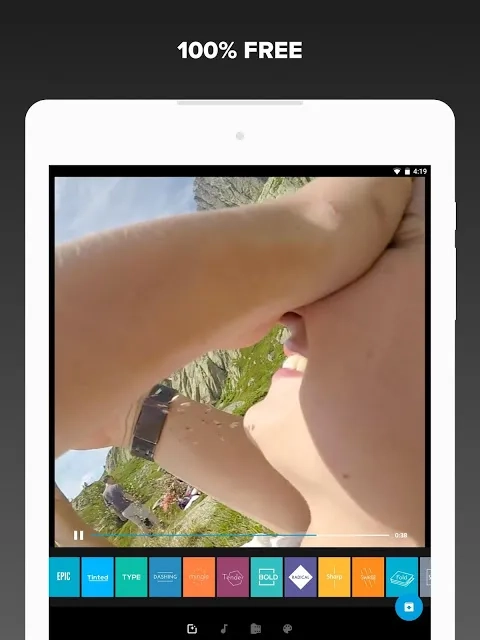
- Provides ready-made styles that change the visual presentation of a project.
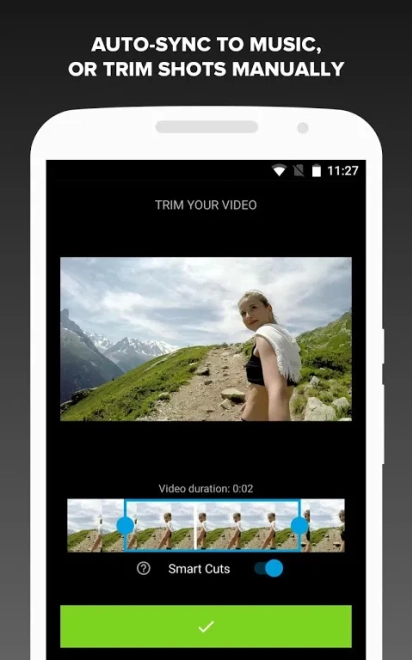
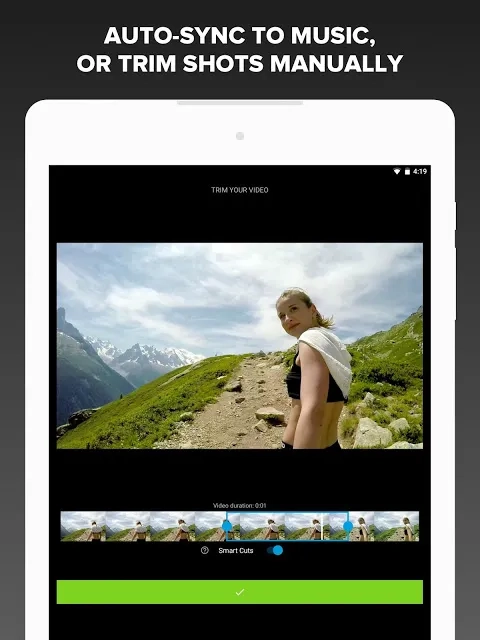
- Allows clips to be trimmed and arranged in a different order.
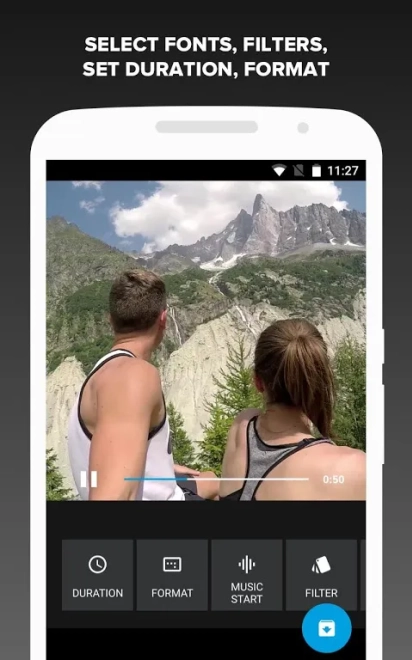
- Supports adding music to match the mood of a travel video, family recording or action scene.
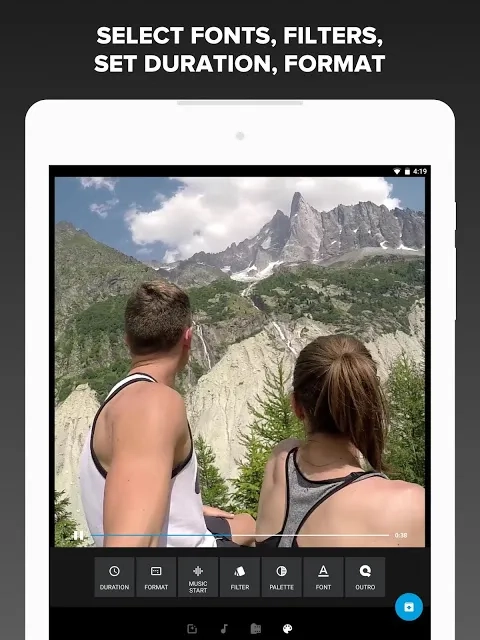
- Includes basic tools for adjusting the appearance and pace of the finished video.
- Works with the familiar Android workflow, making it possible to prepare a clip directly on a smartphone or tablet.
- Offers a convenient way to export and share completed videos through compatible Android applications.
Advantages of the video editor
- Automatic montage creation reduces the amount of routine editing required.
- Ready-made styles help produce a presentable video without advanced editing skills.
- The application is suitable for short recordings made during trips, events or outdoor activities.
- Basic manual controls allow an automatically created project to be corrected instead of rebuilding it from scratch.
- The Android format makes the editor practical for processing footage away from a desktop computer.
Disadvantages
- The focus on fast automatic editing may feel restrictive when a project requires precise control over every transition or soundtrack cue.
- Quik is better suited to short dynamic videos than to long projects with a detailed multilayer timeline.
- Users looking for advanced audio mixing or extensive professional color correction may find the available tools insufficient.
- The final result depends partly on the selected style and automatic rhythm, so some projects may require additional manual adjustment.
Пожалуй, Quik - Free Video Editor лучше всего подойдёт тем, кому нужен быстрый способ превратить повседневные записи в аккуратный ролик с музыкой и переходами, не погружаясь в сложный монтаж; программа распространяется бесплатно.
What's new in the latest version 1.4.0
Updated
- Improved overall app stability and performance.
- Refined the video editing experience for smoother operation.
- Fixed minor bugs and improved compatibility with supported Android devices.
Add comment