

Splice - Video Editor & Maker is a mobile video editor for Android that combines timeline-based editing with tools for music, text, transitions, filters and speed control. It is designed for turning clips and photos into short videos, travel stories or social-media posts without requiring a desktop editor. The interface keeps the main operations close at hand, while the project timeline allows precise trimming and rearrangement of media.
Splice - Video Editor & Maker can be compared with CapCut as another Android editor aimed at quick, polished content creation. Both applications support clip editing, text overlays, music and visual effects, but Splice focuses on a cleaner, more traditional editing workflow rather than relying so heavily on templates and trend-driven effects. This makes it a practical choice for projects assembled manually from personal footage.
The application is distributed free of charge, although some tools, content or export options may depend on the selected plan or in-app purchases. The available functions can therefore differ between the basic and premium experience.
Features of Splice - Video Editor & Maker
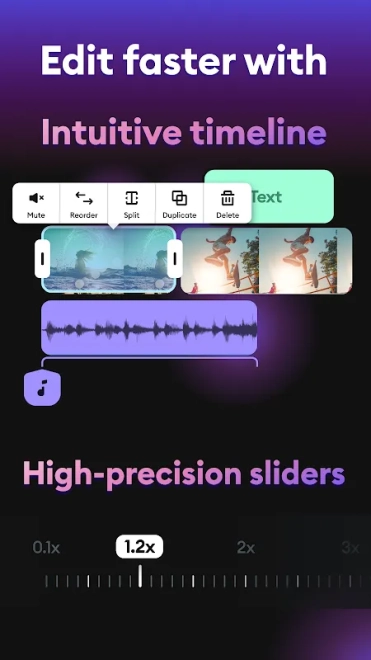
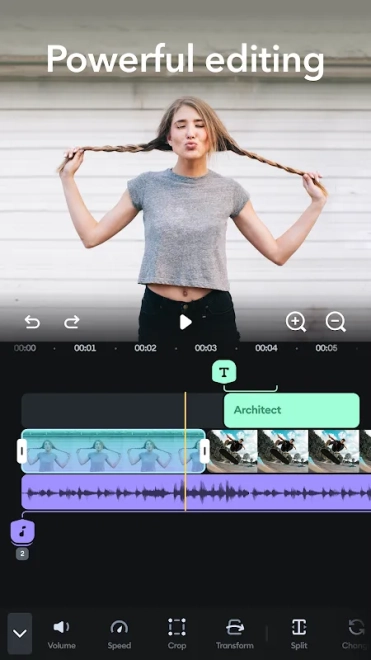
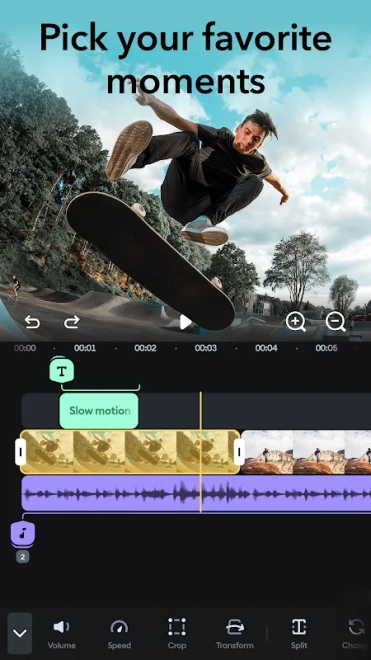
- Trims, splits and rearranges video clips on a multi-element timeline, making it possible to remove unwanted pauses or build a scene from several recordings.
- Combines video and photo material in one project, which is useful for slideshows, family videos and travel recaps.
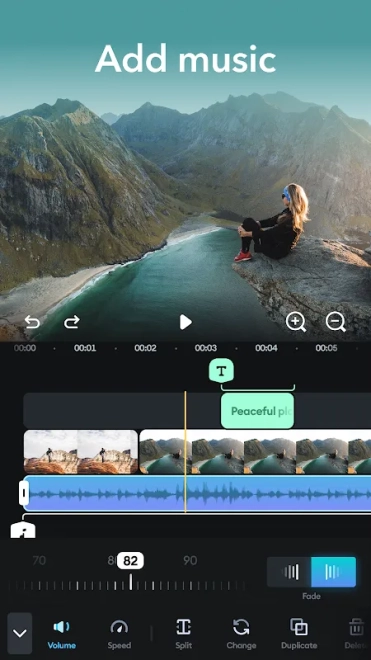
- Adds music and sound effects to footage, with controls for adjusting the soundtrack against the original clip audio.
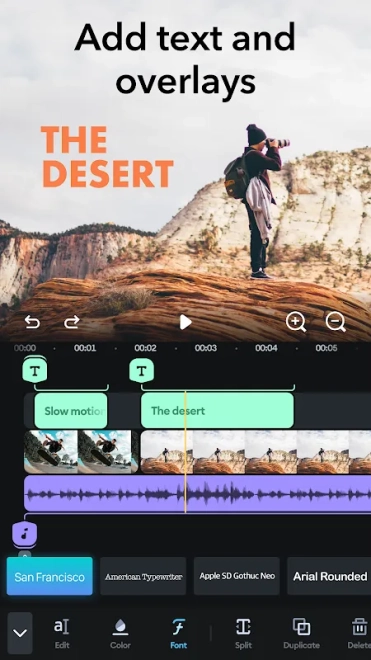
- Supports text overlays for captions, titles and short explanations placed directly over the video.
- Applies filters and transitions to change the visual mood or create smoother movement between neighbouring scenes.
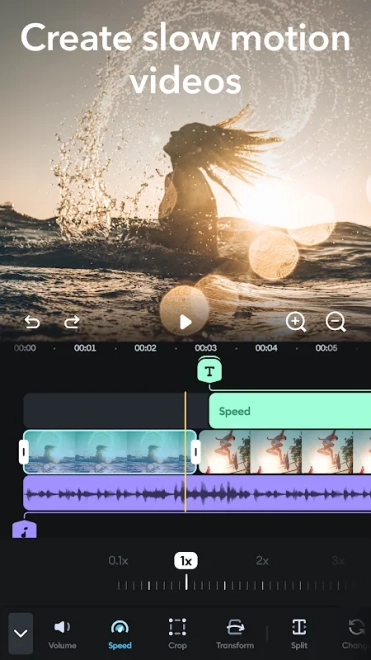
- Changes playback speed for slow-motion accents, accelerated sequences or more dynamic short-form videos.
- Includes tools for cropping and framing content for different publishing formats, helping prepare footage recorded in mixed orientations.
- Provides a straightforward export workflow for saving the finished project after editing.
Advantages of the video editor
- The timeline makes basic editing understandable even when a project contains several clips, photographs and audio elements.
- Music, text and transitions are available in the same workspace, so a finished social video can be assembled without switching between separate applications.
- Speed controls and audio adjustment allow emphasis to be added to a particular moment instead of applying one effect to the entire project.
- The combination of manual editing and ready-made visual tools suits both quick posts and more carefully arranged personal videos.
- The free distribution lowers the barrier to trying the editor before deciding whether additional content or capabilities are needed.
Drawbacks
- Some functions or creative assets may be restricted by a subscription or separate in-app purchase.
- Projects with many clips, layered sound and several effects can be less convenient to manage on a smartphone screen than on a desktop editor.
- Users looking for advanced professional post-production tools may find the mobile workflow too limited for complex colour grading or elaborate compositing.
- Exporting a finished video depends on the capabilities and available storage of the Android device, especially when working with large source files.
It seems that Splice - Video Editor & Maker was created for those who want to assemble neat videos from phone footage without learning a complicated desktop suite. Its combination of timeline editing, audio tools and quick visual adjustments covers everyday creative tasks, while the free distribution makes Splice - Video Editor & Maker accessible for initial projects.
What's new in the latest version 1.19.238
Updated
- Improved overall app performance and stability.
- Fixed minor issues affecting video editing and exporting.
- Enhanced compatibility with the latest Android devices.
- Made general improvements to provide a smoother user experience.
Add comment