

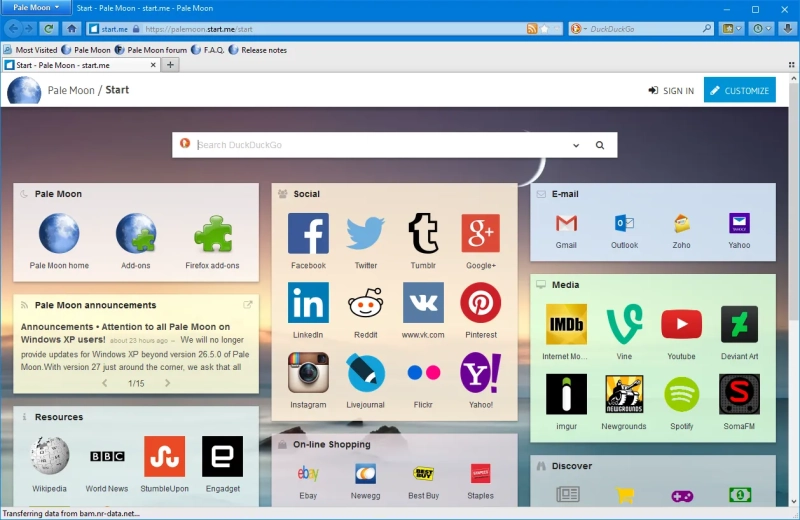
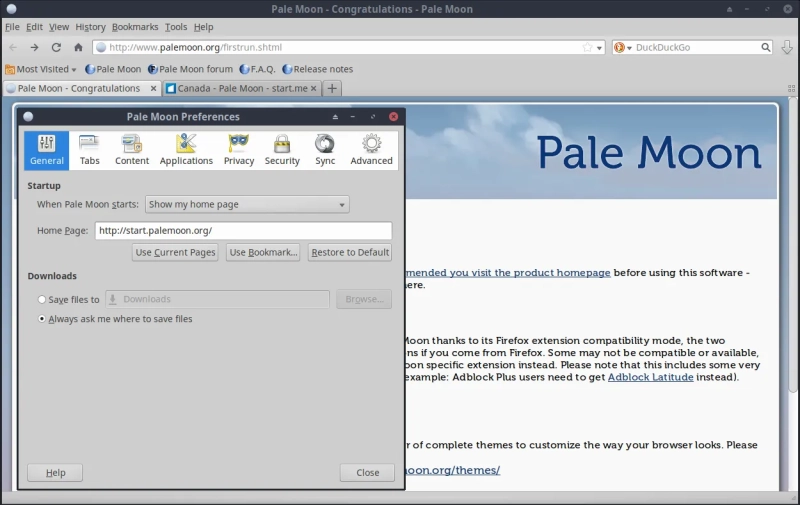
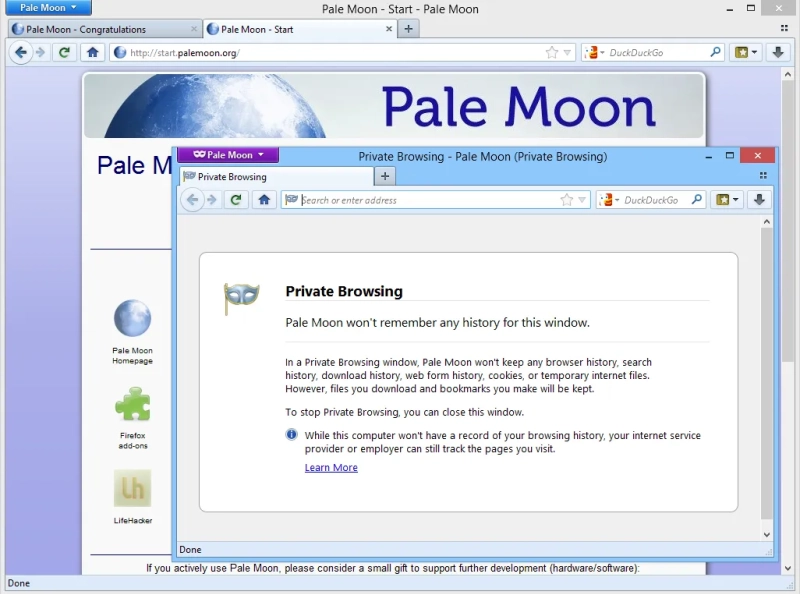
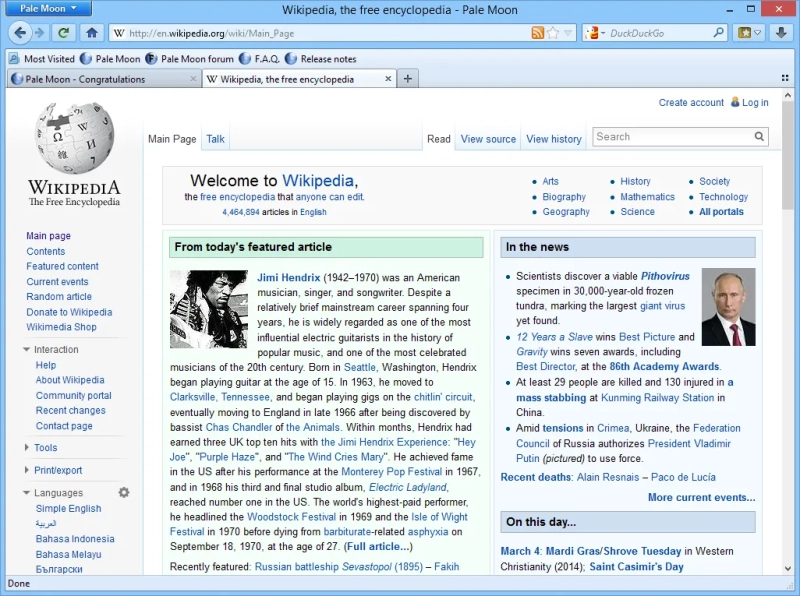
Pale Moon is a Windows web browser built around a familiar, customizable desktop layout and a more traditional approach to browsing. It keeps the interface practical rather than flashy, which makes it easy to place tabs, toolbars, and menus where they are actually useful. The browser is aimed at users who want a leaner experience with clear control over add-ons, settings, and page handling, instead of a heavily locked-down or visually crowded environment.
Capabilities of Pale Moon
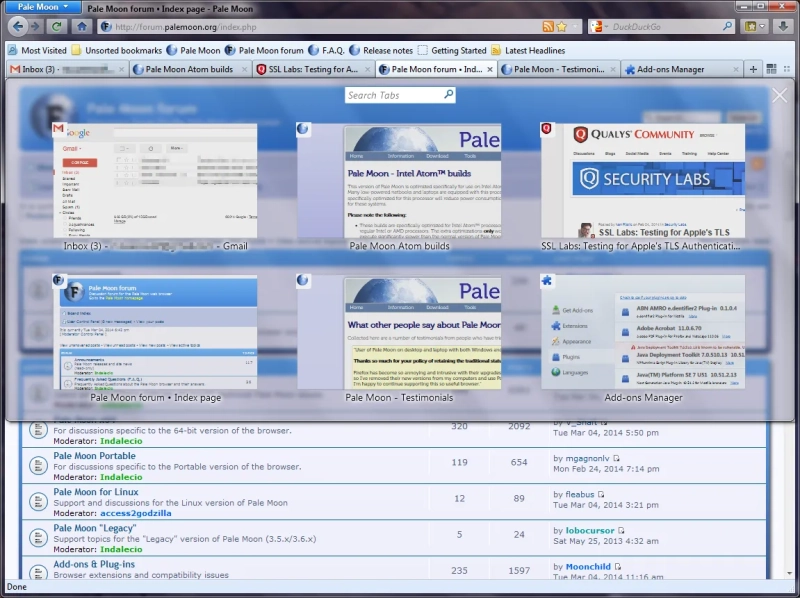
- Supports a classic tabbed browsing workflow with pages opened side by side in a way that feels close to older desktop browsers.
- Lets the interface be adjusted through toolbars and menu placement, so everyday commands can stay visible instead of being buried.
- Works with extensions and browser customization that shape the program around specific browsing habits.
- Handles normal web navigation tasks such as opening links, saving pages, and managing bookmarks from a straightforward desktop interface.
- Fits users who prefer a browser that stays focused on browsing itself rather than adding extra services into the main window.
Advantages
- The interface feels orderly and predictable, which helps when the browser is used daily for the same set of sites and tools.
- Its classic layout keeps common controls close at hand, reducing the need to hunt through nested panels for simple actions.
- Customization is practical rather than decorative, so the browser can be arranged for reading, research, or routine office work.
- The program avoids the heavy, feature-stuffed look that many modern browsers bring to the desktop.
- Its focus on browser fundamentals makes it easier to adapt to workflows built around tabs, bookmarks, and add-ons.
Disadvantages
- The traditional interface may feel dated to users who are used to newer browsers with more modern visual conventions.
- Some web workflows depend on the latest browser behaviors, and Pale Moon is less suited to that kind of fast-moving web environment.
- Users who rely on a broad catalog of modern extensions may find the available customization path narrower than expected.
- The browser’s restrained design leaves less room for integrated extras that other browsers bundle directly into the main window.
- Anyone looking for a highly polished, trend-driven browser experience may find Pale Moon deliberately conservative.
What's new in the latest version 35.0.0
Updated
- Updated core browser components to improve overall stability and performance.
- Refined page rendering and compatibility with modern websites.
- Improved handling of security-related fixes and internal code adjustments.
- Enhanced memory usage and responsiveness during everyday browsing.
- Resolved several issues reported in previous releases to provide a smoother user experience.
Show more less
Add comment