

Memtest86+ is the application which starts by means of its own boot loader, that's exactly why, this application doesn't require an operating system to start.
After the release of 1.60 version, this utility has received an additional feature that allows to create a list of bad blocks of memory.
Through the use of this function, Linux OS kernel gets an opportunity to work with RAM, despite the existing damaged areas.
The Memtest86+ utility was developed by Samuel Demeulemeester.
The program uses the boot code, which was taken from the Linux 1.2.1 OS. The utility was written in C and assembler x86. The program has support for the latest dual-core and quad-core processors, as well as a huge number of motherboard chipsets.
Download Memtest86+ free from our website.
The application can also be downloaded free from the official resource, as an image of floppy disk, CD-ROM, the installer to install the program on a flash drive.
There is also the possibility of dowloading sourcecodes and compile the program yourself.
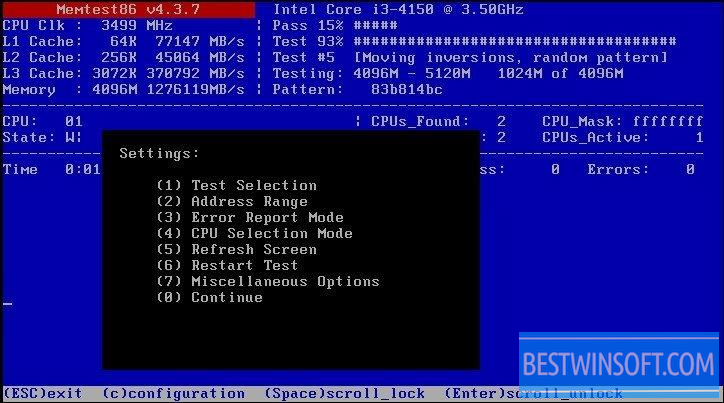
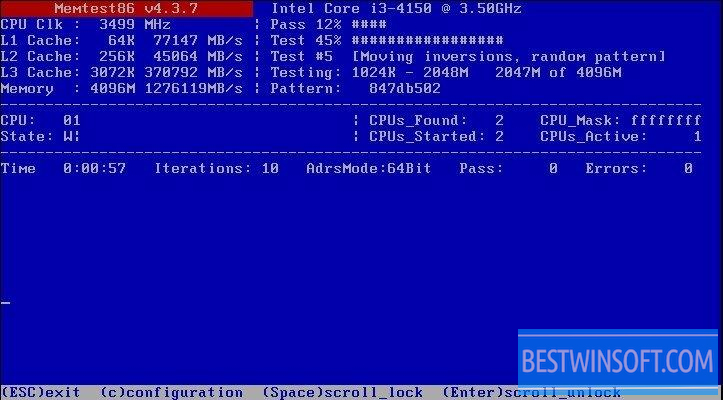
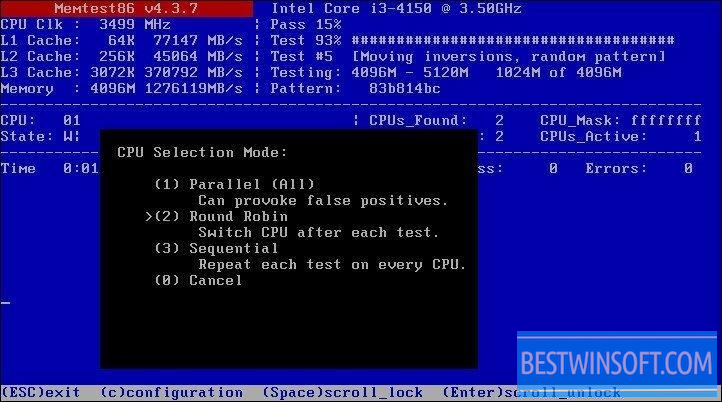
Memtest86+ runs according to the algorithm: the original program writes all RAM by repetitions, which were prepared in advance by data blocks. The utility will start to read and check the written data with the read one in two passes: from junior to senior addresses and vice versa.
The whole process is repeated for a large number of data patterns to detect possible errors.
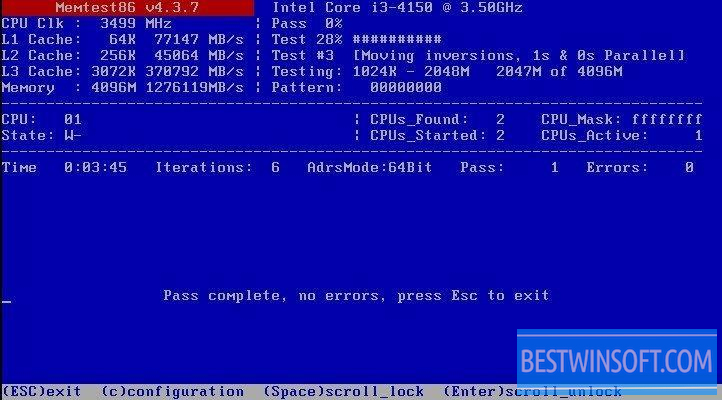
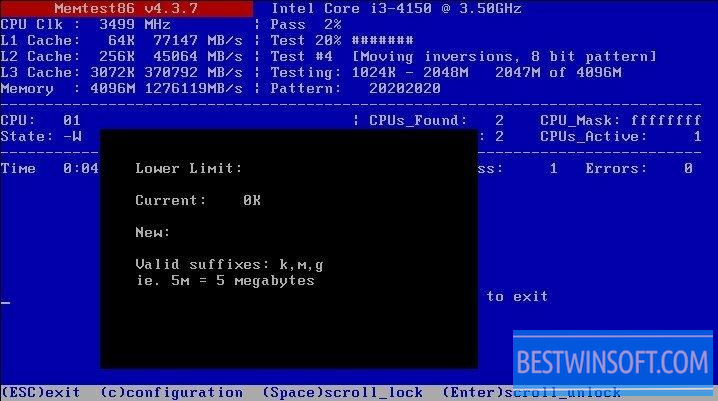
When tested, the program makes one or many passes, in this case, it all depends on the application settings.
You can download Memtest86+ free from our website right now.




Add comment