

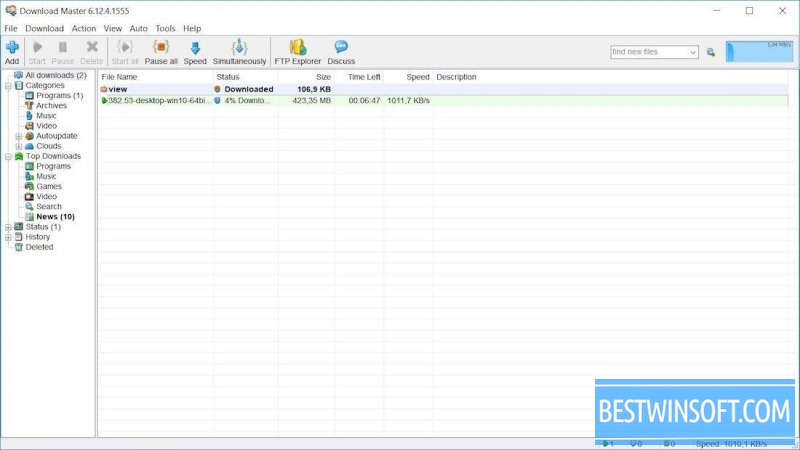
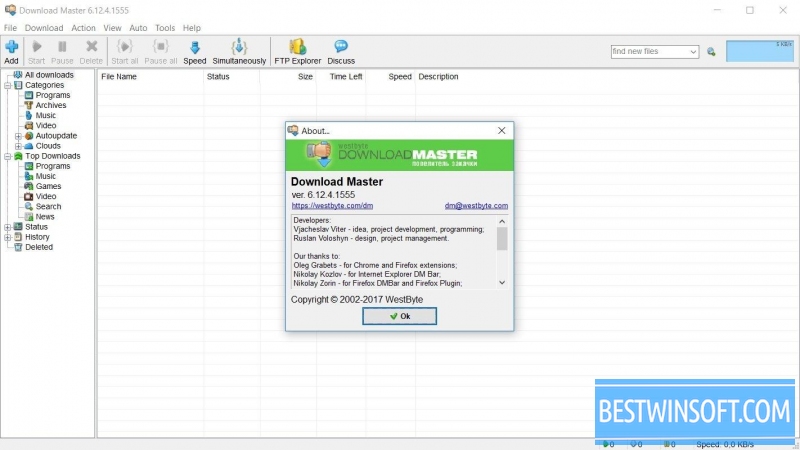
The latest version of Download Master is a powerful freeware download manager. The main features of this free program are high efficiency, user-friendly interface and effective solution to the main problems encountered during the file dowload from the World Wide Web.
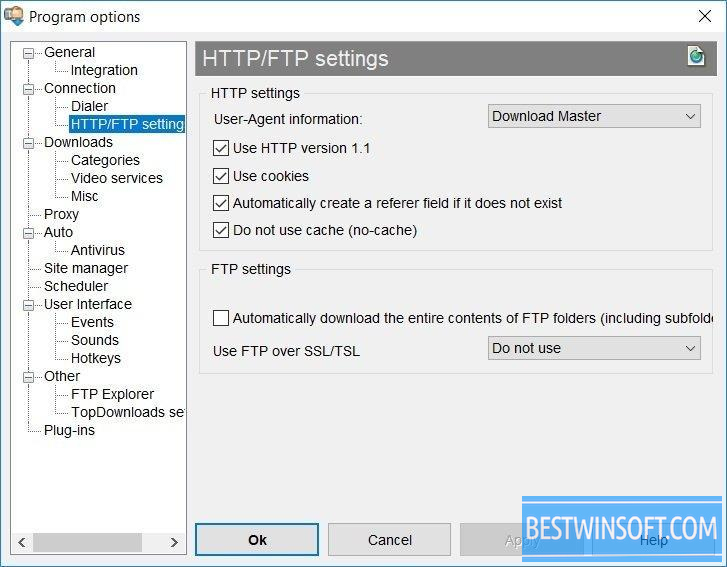
It has become more convenient to use it due to the integration with Internet Explorer, Mozilla, Opera, Firefox, Netscape Communicator, and other browsers. renewed standard modules for download.
Free download of Download Master is available can with the following characteristics:
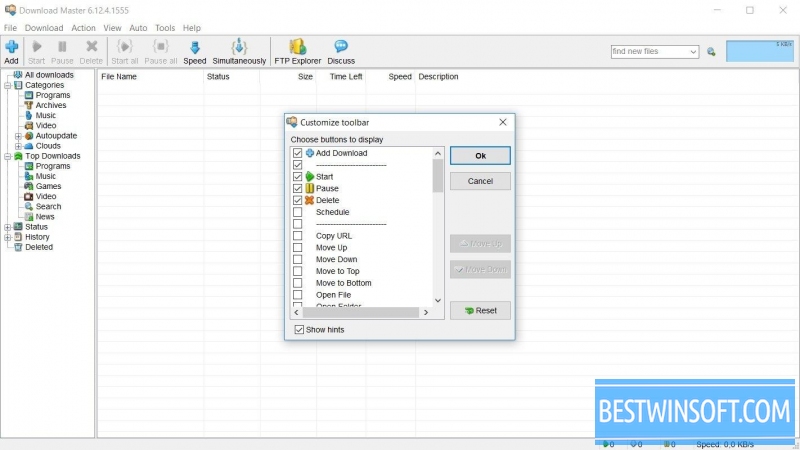
- Intuitive customizable interface;
- Multilingual capability;
- Indicators of active downloads, floating indicator of an uploaded file rate, active management of active downloads;
- Support for a list of all downloads with huge sorting options;
- Support for applied plugins (modules);
- Dynamic multi-streaming download;
- Comfortable and powerful tool for managing categories of downloads;
- Work on schedule;
- Shutdown of the computer after the end download;
- The ability to download videos from popular video servers;
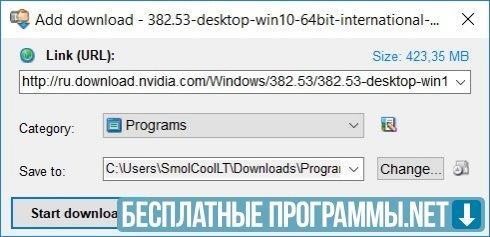
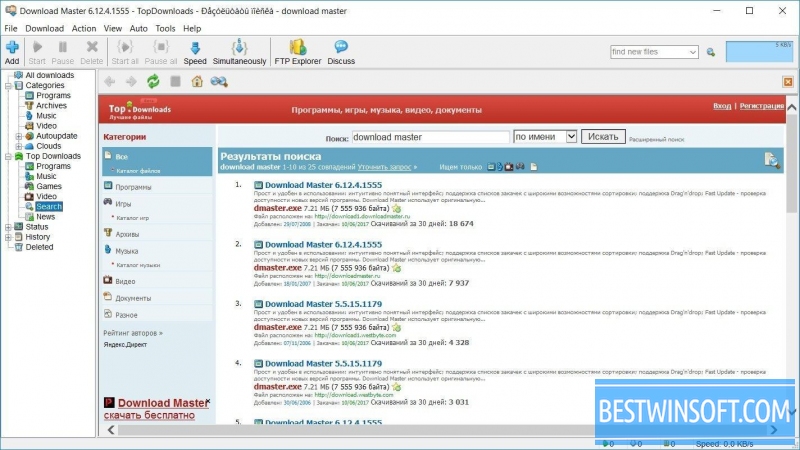
- Search and adding mirrors for download;
- Work with ZIP archives (viewing archives, uploading the selected files, recovering damaged files, unpacking archives);
- Download history.
<span">If you are interested in this program, you can <strong">download Download Master<span"> for free by direct link directly from our server. Probably, this is one way to turn the process of downloading files in pleasure.
What's new in the latest version 7.3
Updated
- Improved overall stability: fixed bugs that caused freezes and task losses during mass uploads.
- Redesigned browser integration — updated extensions for compatibility with the latest versions of Chrome, Firefox, and Edge, improved link interception.
- Optimised multithreading engine: improved segment distribution efficiency and download speed over unstable connections.
- Improved reliability of resuming downloads after a connection break or system restart.
- Support for protocols and authentication methods has been expanded, and HTTPS and FTP support has been improved.
- Updated queue manager: added priorities, filters, and the ability to save task sets for reuse.
- Improved video download module: expanded support for websites, improved playlist recognition and stream selection by quality.
- Added integration with antivirus software — automatic scanning of downloaded files upon completion.
- The scheduler has been updated: flexible start/pause rules, scheduled speed limits, and options to automatically shut down after tasks are completed.
- Improved proxy and authorisation support: expanded SOCKS5 support and proxy management for individual downloads.
- Interface: optimised control panels and notifications, added display settings and a dark theme.
- Expanded logging and diagnostics tools for quickly identifying the causes of failed downloads.
- Minor fixes and optimisations to reduce resource consumption and improve programme responsiveness.













 Like
Reply
| Reply with quote |
Quote
Like
Reply
| Reply with quote |
Quote