

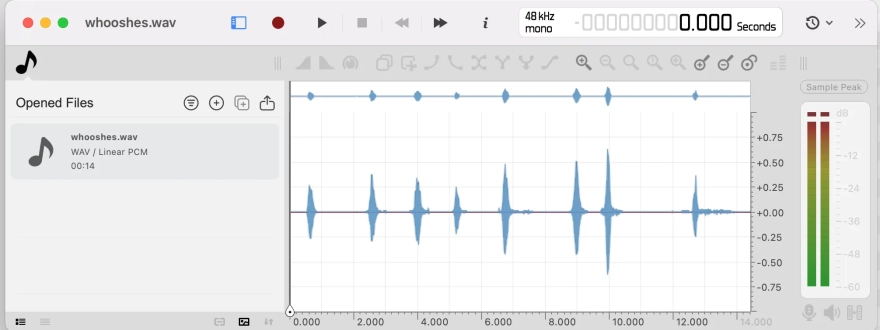
Ocenaudio is a free audio editor for Windows that also runs on macOS and Linux, and it suits anyone who wants to cut, clean up and process a recording without digging through a crowded interface. The waveform is drawn directly on the canvas, so selections, fades and gain changes feel like working on the sound itself. Its interface is compact enough to keep a long session readable, and the program reads a wide range of containers, from ordinary WAV and MP3 files to older formats such as AIFF and Real Audio.
Compared with Audacity, the best-known free editor in this category, Ocenaudio takes a narrower approach. Audacity is built around multitrack projects, while Ocenaudio works mostly on one file at a time and offers a mixer plus a synchronized view for several files open side by side. Both programs show a spectrogram and both include noise reduction and VST plug-in support. Ocenaudio adds a few details of its own, such as visual tools that apply fades, crossfades and audio ducking straight on the waveform, and a one-click Trim Silence command that removes quiet lead-in and tail sections.
Ocenaudio features
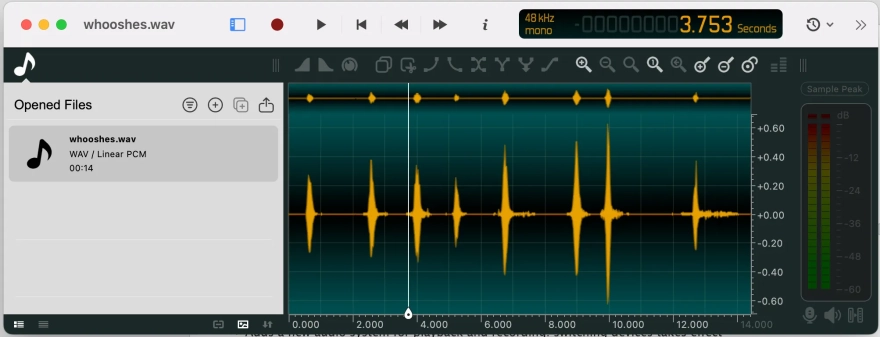
- Visual tools for fade in, fade out, crossfade and ducking, which are applied by dragging on the waveform.
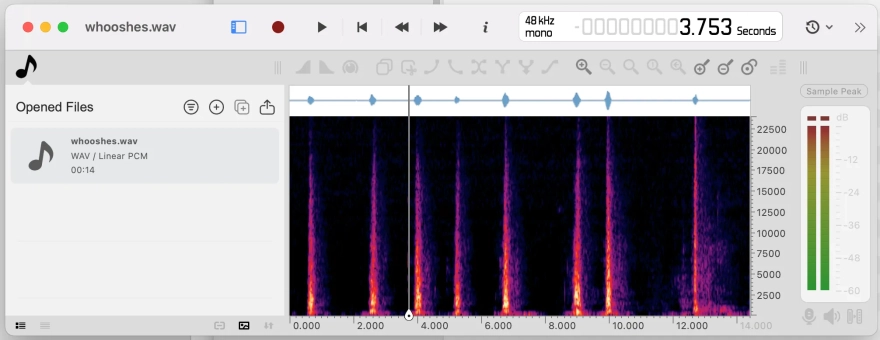
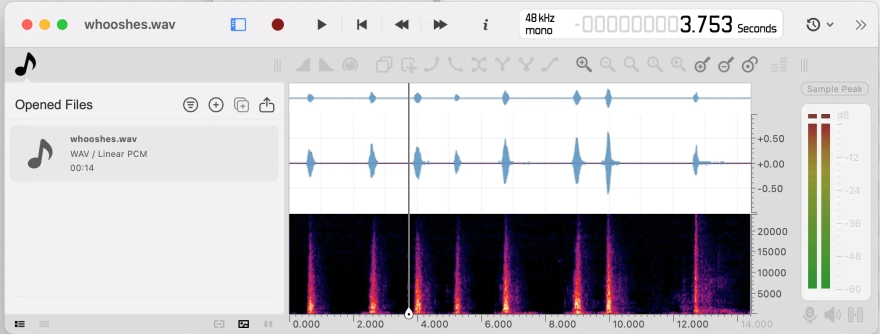
- A spectrogram with a choice of FFT engine, logarithmic scale and dynamic range adjustment.
- Trim Silence and silence-aware selection commands for cleaning up podcast or dictation recordings.
- VST2 and VST3 plug-in support with a native editor window and real-time preview.
- DDP export with CD-Text, ISRC codes and pregap markers for disc preparation.
- Recording of the audio playing on the computer itself, with an option to stop the take after a long silence.
- An AI speech enhancement model for voice recordings, together with Ocen AI tools that can use GPU acceleration on Windows.
- Opening and saving files over SSH/SFTP connections, plus remote loading of HTTP and HTTPS sources.
Advantages of Ocenaudio as an audio editor
- The editor is light on the eye: a Windows build with dark mode and a redesigned preferences panel keeps options grouped in collapsible sections.
- Autosave protects an unfinished session if the program closes unexpectedly, so an edit-heavy evening is less likely to vanish.
- Batch export remembers the destination folder, which saves clicks when the same set of files goes out every week.
- Quick Open lists recent, favourite and wildcard-matched files and can preview audio before anything is loaded.
- The screen reader support for the file list and context menus makes the editor usable for people relying on assistive software.
- Metadata editing covers many formats, so ID3 tags and similar fields can be corrected in bulk across several files.
Drawbacks
- Windows audio device handling has produced a steady stream of fixes, including crashes with ASIO and WASAPI drivers and hangs when switching output devices.
- On Windows, 32-bit VST plug-ins run through a simplified interface, which limits what their own editor windows can show.
- The multitrack side is limited to a mixer and synchronized file views, so producing a full arrangement with many tracks means looking to a dedicated DAW.
- Some plug-in and playback problems have been handled by isolating faults rather than eliminating them, so an unstable third-party effect can still interrupt a session.
Several builds of the editor were pulled shortly after release, one because of an unsigned installer component that Windows could block and another because of crash reports sent after normal shutdown. The fixes arrived quickly, but the history shows that the newest build is not always the most stable one for a Windows machine with unusual audio hardware.
Judging by the feature set, Ocenaudio seems built for people who edit speech, field recordings and short music pieces on a single file at a time and want quick visual control over fades and silence. It is distributed for free, so it fits well as a practical everyday tool next to a heavier editor kept for multitrack projects.
What's new in the latest version 3.22
Updated
- A new DPDFNet2 model adds AI-based speech enhancement for cleaning up voice recordings.
- The mixer configuration now includes an explicit routing setting, where you choose between Mono, Stereo and Matrix.
- The spectrogram can use a selectable FFT engine, which is set in the preferences.
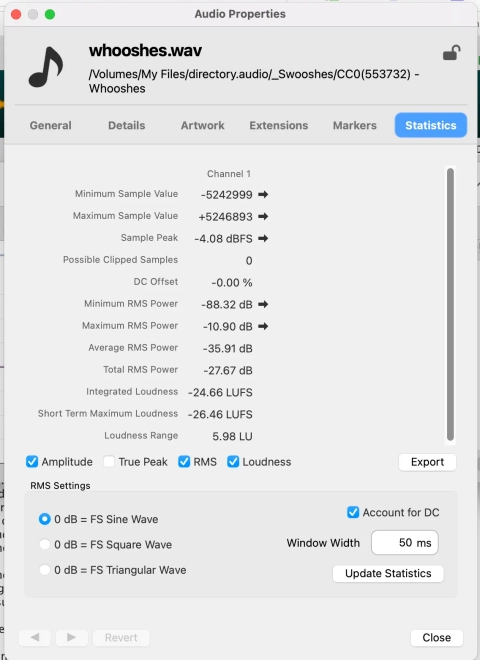
- The file properties window now displays the MIME type and an estimated bitrate.
- The preferences are reorganized, with model cards in the Ocen AI section and numeric value fields in the General and Sound sections.
- The playback cursor is synchronized with the screen refresh rate, so its movement is smoother.
- Sample rate conversion quality has been improved.
- The file list and context menus are more accessible to screen reader users.
- The output level meters again reflect the signal after effects are applied.
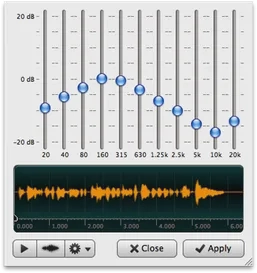
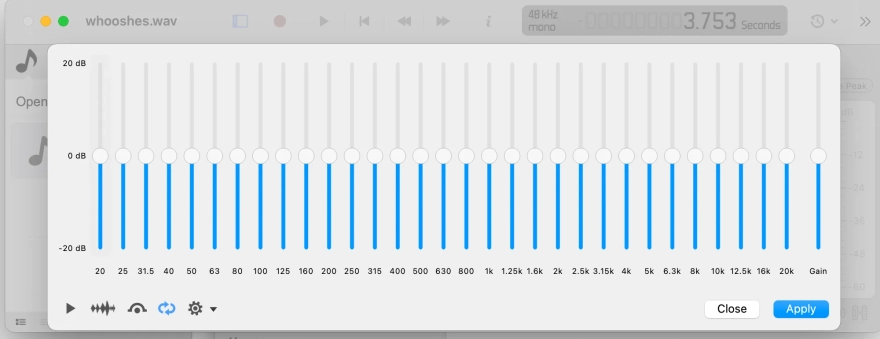
- The behavior of the reverb, equalizer, compressor and expander effects has been corrected.
- Crashes that occurred when opening damaged files have been resolved.
- AAC/MP4 files, CUE sheets, and Vorbis and Opus comments are now read correctly.
- VST3 plug-ins no longer fail when restoring their state or when an effect is applied.
- Crashes in the AI features, as well as crashes on exit while a file dialog is open, have been fixed on Windows.
- Various other bug fixes and improvements.











Add comment