

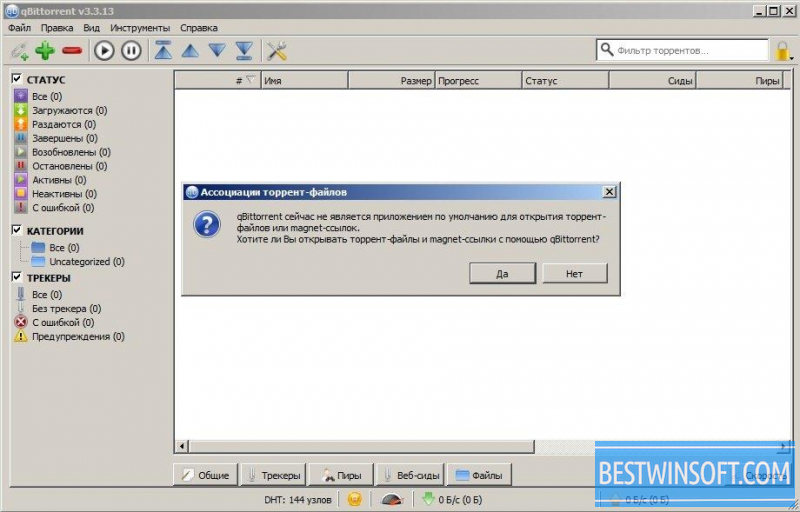
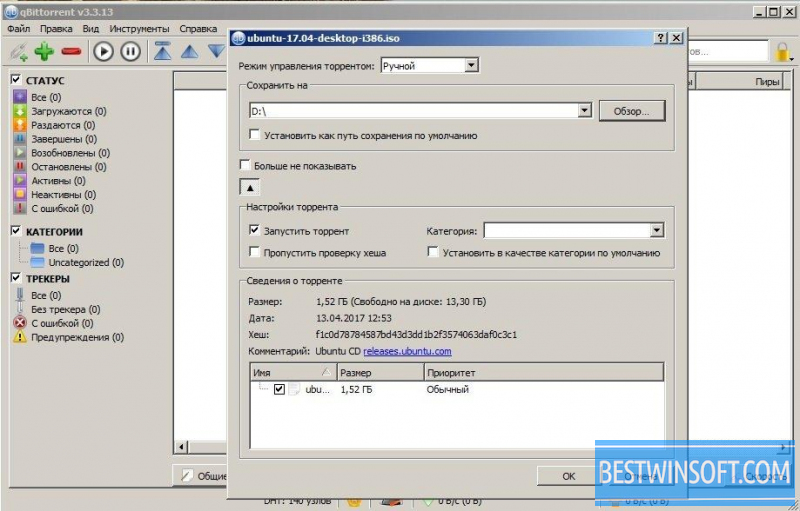
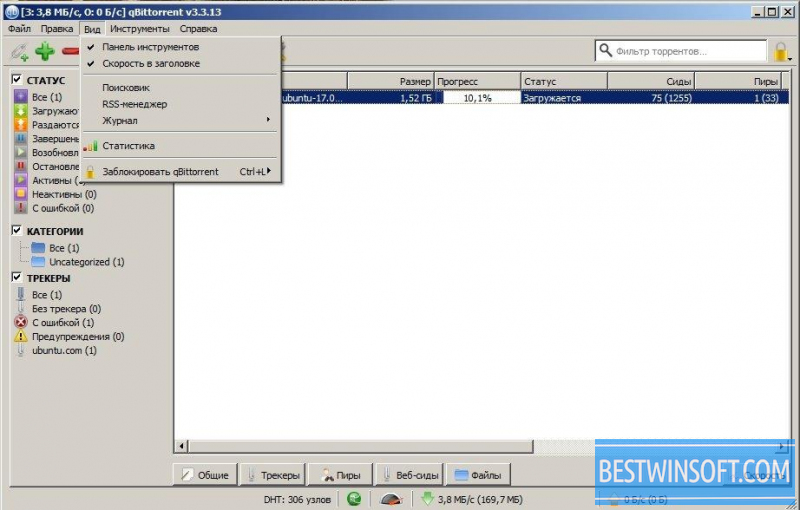
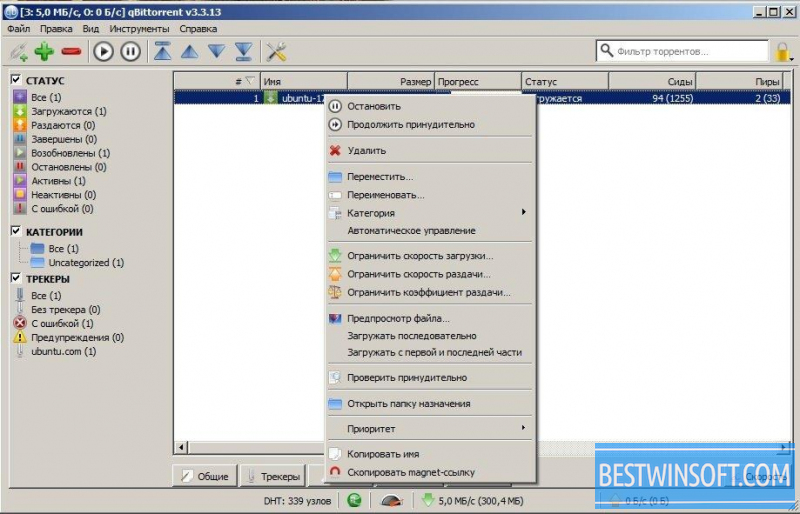
Meet the latest version of qBittorrent. In order to quickly download movies, files and other documents, or to perform seeding, you can use this client which can be installed on any computer running windows in a few minutes.
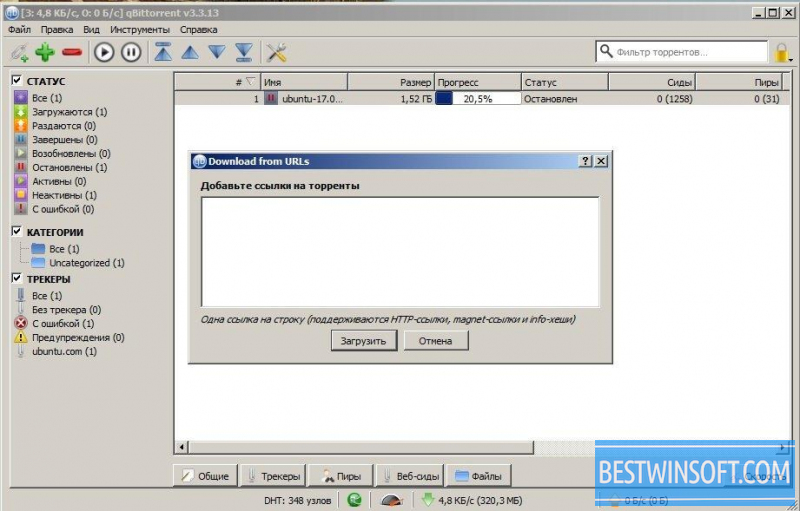
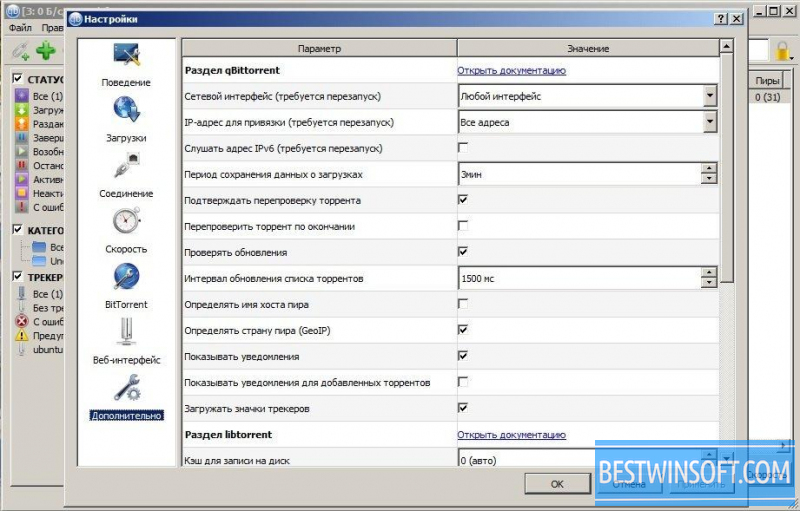
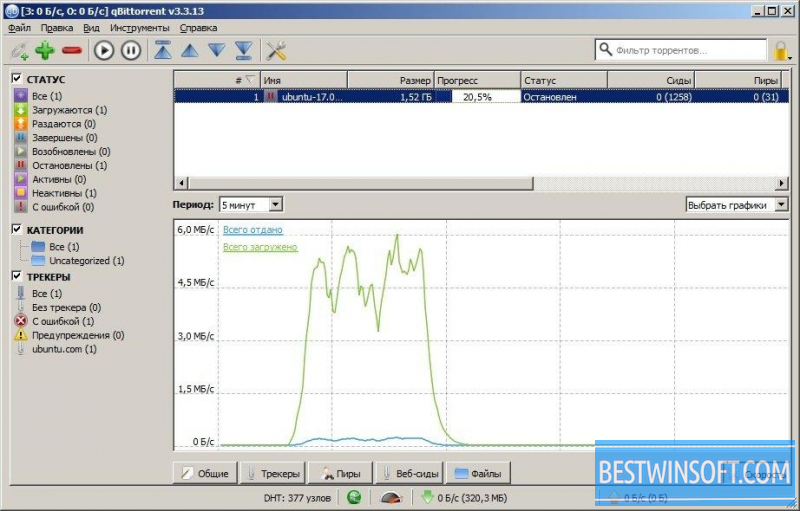
QBittorrent program is a convenient and powerful torrent client of file-sharing network. Despite the simple and intuitive interface, the program has a number of necessary functions. The program has a built-in search, supports UPnP/NAT-PMP, the ability to change the priorities of speed for downloading files, allows you to pause a certain load, put speed limit on various files and control remotely via web access. All these functions can be obtained if you download qBittorrent free.
If you download qBittorrent, you'll get the following benefits:
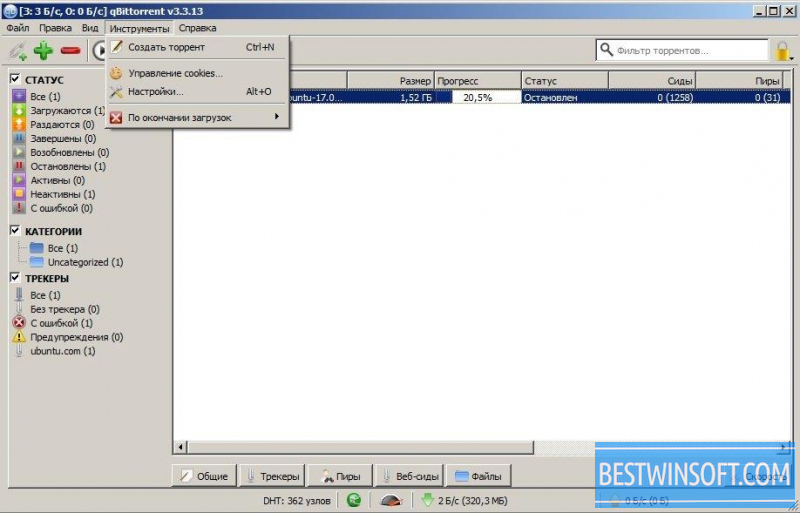
- The ability to create torrents;
- The ability to search files throughout the BitTorrent system;
- A built-in search engine available;
- Use progressive download, which allows you to watch a movie which is still being loaded;
- The ability to manage and change priorities and speed of downloading files;
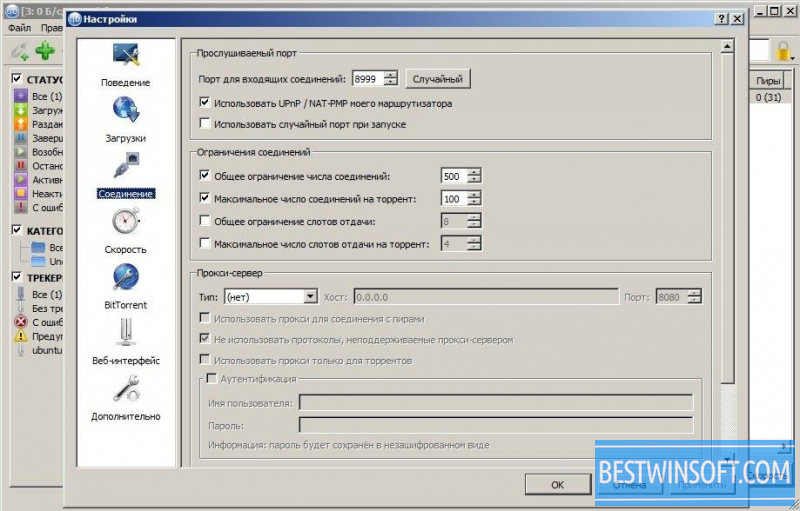
- Support for UPnP/NAT-PMP;
- The ability to plan or stop loading.
If you need a reliable and fast torrent client with a list of necessary functions, try qBittorrent, which can be downloaded clicking the link below.
What's new in the latest version 4.6.6
Updated
- Improved handling of torrent tags containing the ampersand character.
- Added a scroll bar to the Torrent Tags dialog.
- Fixed bulk changes being applied to incorrect content items.
- Fixed zero-count status filters remaining visible after torrents were removed.
- Fixed the inability to change the incomplete save path for torrents without metadata.
- Fixed changed save paths not being correctly applied to RSS rules in the WebUI.
- Fixed the tracker list not being cleared during a full update in the WebUI.
- Updated the User-Agent string used by the internal downloader and search engines.











 Like
Reply
| Reply with quote |
Quote
Like
Reply
| Reply with quote |
Quote