

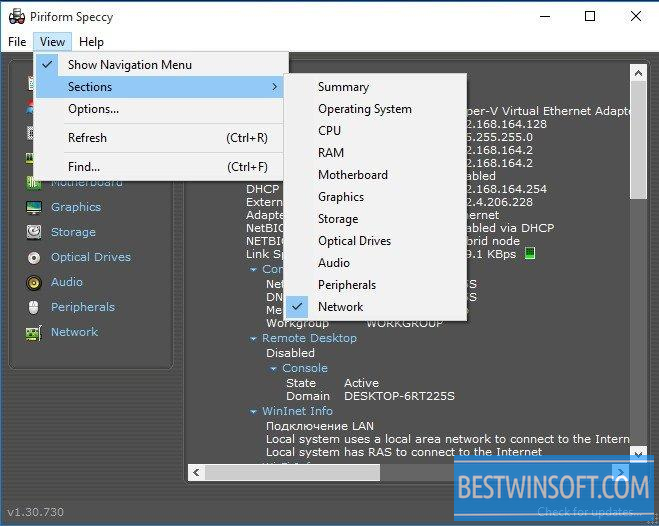
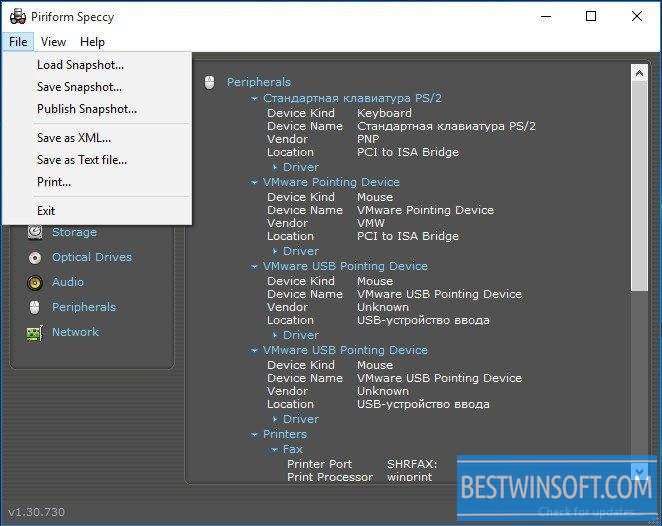
Speccy is a specialized tool from the Piriform company. Its purpose is to collect and provide the user with detailed information about the installed OS. The utility will also tell in detail what equipment is installed on your PC (hardware): RAM, CPU, audio and graphics devices, winchester disks. To download Speccy from Piriform, please, use the link on our website.
What can be said about Speccy?
The utility is a perfect tool providing detailed and accurate information about both the Windows OS, and hardware, contained in the system unit of the office or home computer. If you need to find out the exact composition of equipment which provides coordinated work on your PC, Speccy was created in order to help you with this. Speccy will show you all the information about your operating system and the characteristics of each element of the hardware. The list of devices, about which Speccy can provide information, including motherboards, CPU (processor), sound cards, graphics accelerators, hard drives, optical drives, memory modules, and much more. If you are interested in the content of the system unit, you can download Speccy to see which electronic devices were installed there after purchase. By the way, the utility also monitors the temperature of various components, which will be certainly useful to overclockers (for those who like to engage in "acceleration".)
Let's specify what kind of information is collected by the utility:
- CPU: brand, model and operating (standard) frequency;
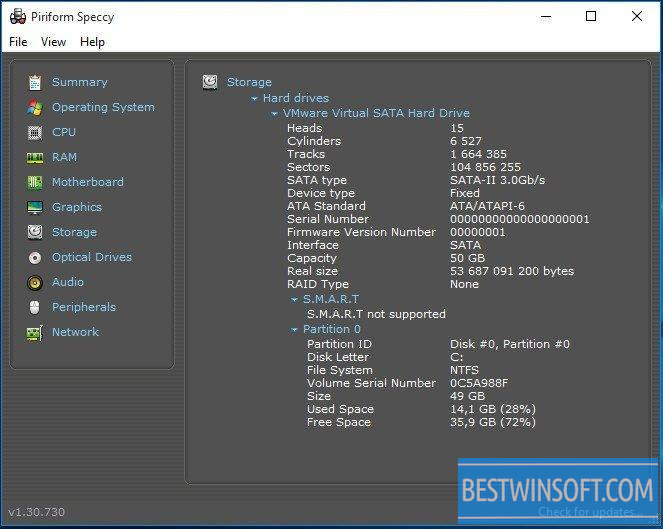
- HDD: how much information you can store and how fast it works;
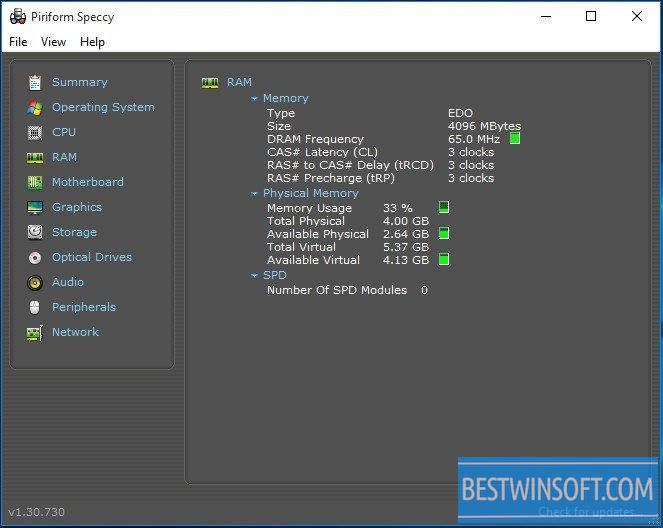
- RAM: the amount of random access memory data;
- All available information about a video accelerator
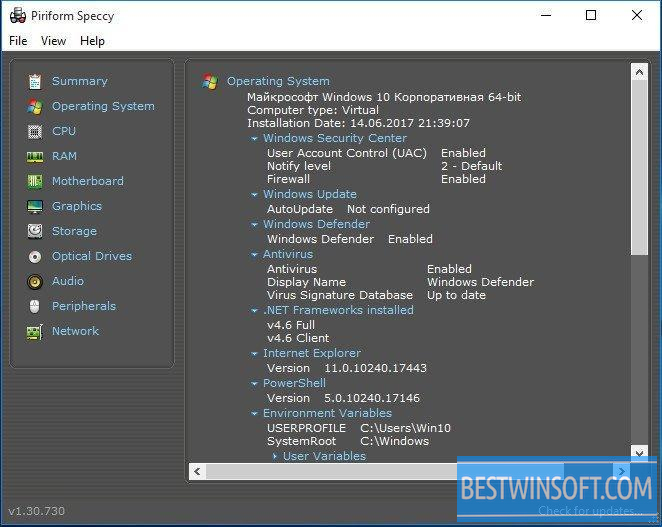
- OS: all available information;
- The most detailed information about other devices.
What's new in the latest version:
- ReadyBoost drives can be detected;
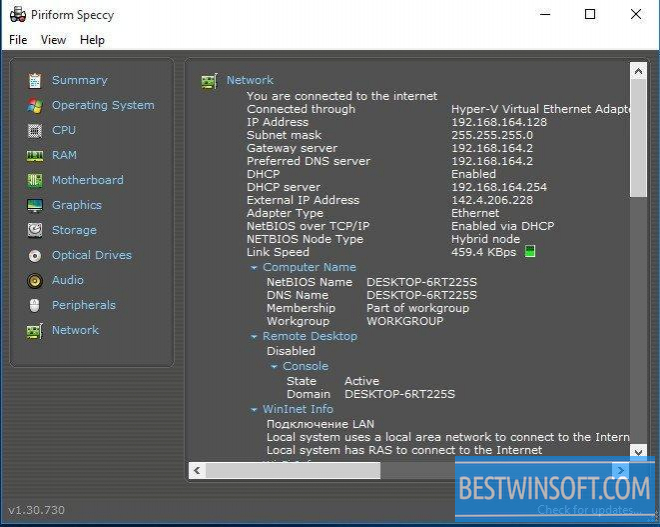
- The list of network cards displays even those which are disabled;
- Active Wi-Fi network is now better defined;
- Disk transfer mode in the new version is defined more precisely;
- Improved table view data on CPU Core;
- Minor bugs are fixed;
- Some interface improvements.
If you are interested in utilitie's features, we offer to download Speccy free from our site.














Add comment