

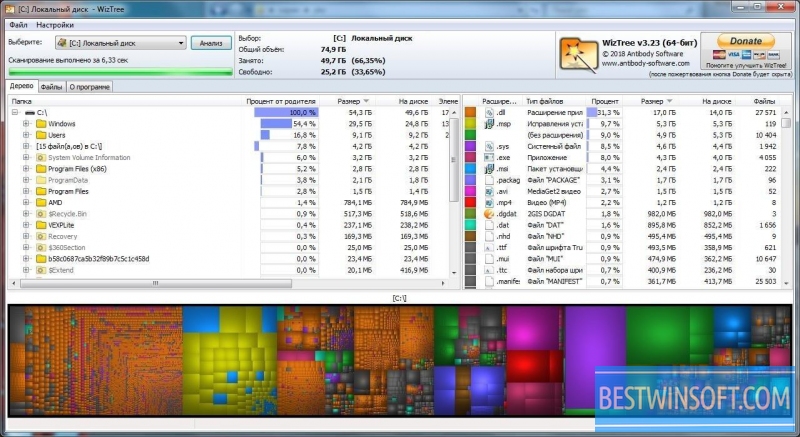
WizTree is a free utility that allows you to detect the files and folders on the hard drive, which are using the most disk space. This program is very convenient and easy to use, even beginner can hadle it. WizTee uses the Master File Table, which contains a complete and comprehensive information about the connected media. This leads to a very high performance of the application and allows you to analyze space on your hard disk to the fullest degree. You can download WizTree free from our resource.
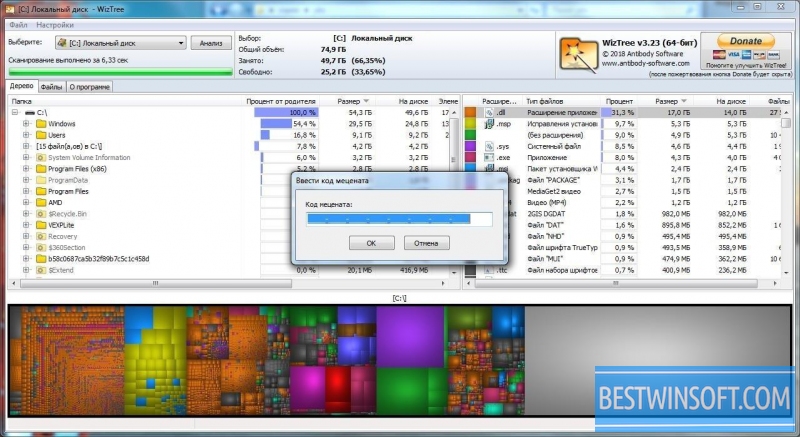
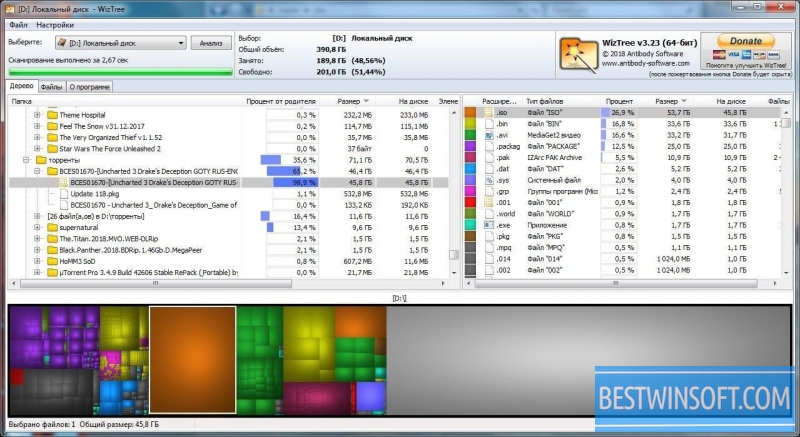
WizTree's interface is simple and intuitive, making it easy to find all the necessary features and tools in the main menu. The program is fully automated and will start immediately after you select the object that you want to analyze. By default, the results will be displayed, from the largest files and folders, and displayed in percent, but you can always see additional information by setting the analysis in the program configuration. «Top 1000 Largest Files» module can display the most complete information about the largest files and folders. The WizTree context menu has a feature which allows you to immediately remove unnecessary information, found in the system.
Besides the above functions, the program can find and display data, which had been removed earlier, and with the help of other applications. This software works only with the NTFS file system.
Upload WizTree free on your PC, using the link located below.
What's new in the latest version 4.31
Updated
- Overall scanning performance has been improved, and memory usage has been reduced when analyzing large disks.
- Compatibility with the latest versions of Windows (Windows 10/11) and regular OS updates has been improved.
- Added support for exporting results to CSV and TXT.
- Filters by file size, type, and modification date have been expanded; search functionality has been improved.
- Optimized file tree visualization and navigation through results.
- Fixed bugs with long paths and incorrect display of characters in filenames.
- Localization has been updated and minor interface bugs have been fixed.
- Improved stability when analyzing large disks and during rescan operations.











Add comment