

Hokusai Audio Editor is a functional audio editor for Android designed for trimming music, working with recordings, and preparing custom ringtones. The app combines an MP3 trimmer, mixer, converter, and voice recorder, making it suitable for quickly editing tracks without using a computer.
In terms of its basic tools, Hokusai Audio Editor can be considered a mobile alternative to Audacity for simple tasks. The app lets you trim audio by its waveform, combine fragments, mix tracks, and adjust volume, while Audacity is focused on more detailed sound work on desktop operating systems. Hokusai Audio Editor has the advantage when quickly preparing a ringtone or short recording, but it does not claim to be a full replacement for a professional studio.
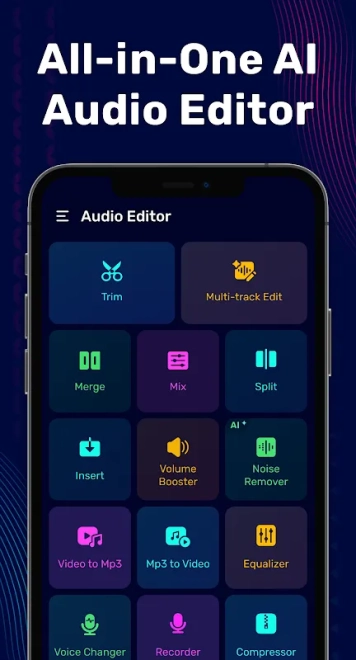
Hokusai Audio Editor supports editing music and voice in a single workspace: an audio file can be trimmed, joined with another fragment, or used as the basis for a mix.
Hokusai Audio Editor Features
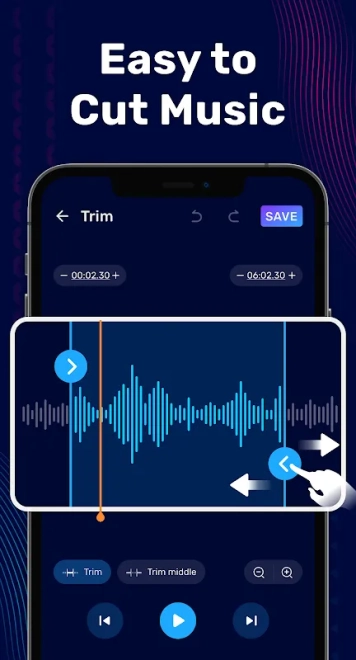
- Trimming MP3 files, music tracks, and voice recordings by selecting the required section on the waveform.
- Splitting an audio file into parts and deleting unnecessary fragments from the middle of a recording.
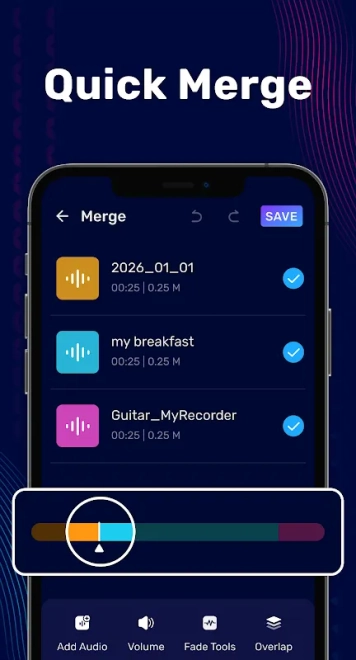
- Combining multiple audio files, including materials in different formats.
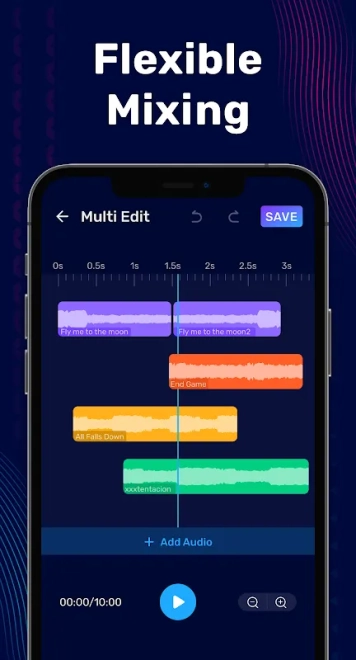
- Mixing audio on multiple tracks with the option to add audio to an existing project.
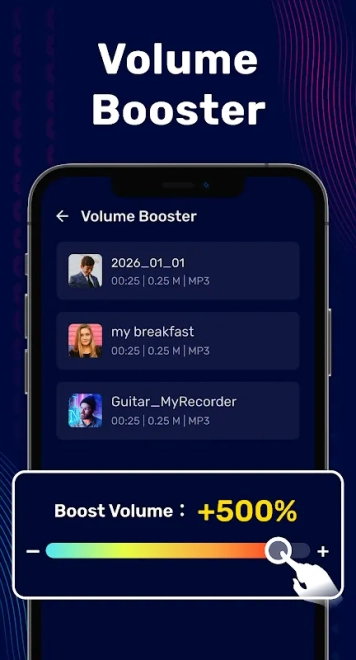
- Increasing the volume of music or voice when the standard playback level is insufficient.
- Compressing audio and converting between formats without any stated loss of quality.
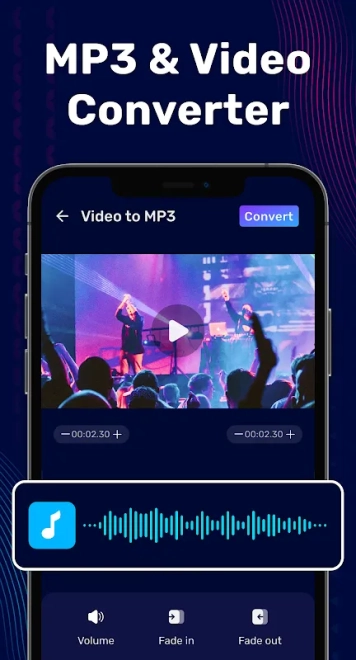
- Extracting an audio track from video and converting video files to MP3.
- Recording voice, changing its sound, and preparing the resulting fragment as a ringtone.
- Listening to the material through the built-in player while selecting the trimming boundaries.
Advantages of the Audio Editor
- Combining multiple tools in one app: there is no need to install a separate trimmer, converter, and mixer.
- Visual waveform-based fragment selection makes it easier to precisely determine the beginning and end of the section to trim.
- Support for multitrack mixing expands the possible uses — from simply joining songs to overlaying voice on music.
- The Video to MP3 feature lets you extract audio from video without first using a third-party converter.
- Suitable for everyday tasks: creating a ringtone, removing unwanted material from the beginning or end of a recording, and preparing a short audio file for publication.
- Works on devices running Android 7.1 and later.
Disadvantages
- The app description does not mention advanced studio tools such as parameter automation, complex effects processing, or detailed spectral analysis.
- The wide range of features may make the interface less intuitive for those who only need a simple MP3 trimmer.
- Volume boosting does not replace proper mixing: excessive processing can worsen how the recording sounds.
- For a full-scale multitrack project with a large number of effects, the mobile editor may not offer sufficient capabilities.
Hokusai Audio Editor is focused on fast audio operations, so its strength is not studio production but preparing finished audio directly on a smartphone.
Hokusai Audio Editor was created for those who need a versatile tool for trimming, joining, and mixing audio on Android, as well as converting video into audio files. It is a practical choice for working with songs, voice recordings, and ringtones, and is available free of charge.
What's new in the latest version 2.01.64
Updated
- Updated the audio editor and simplified working with music files.
- Expanded the set of tools for editing music.
- Added or improved MP3 conversion and audio volume enhancement.
- Improved functions for trimming, merging, and mixing music tracks.











Add comment