
Soundtrap is a mobile music studio for Android designed for recording vocals and instruments, creating tracks from ready-made loops, and collaborating on audio projects. The app combines a multitrack editor, a set of virtual instruments, and sound effects, making it suitable both for quick musical sketches and for preparing complete compositions without separate computer equipment.
Soundtrap is often considered an alternative to GarageBand, although these programs work on different platforms: GarageBand is designed for Apple devices, while Soundtrap is available on Android. Both solutions let you record parts, use virtual instruments, and edit tracks, but Soundtrap places a notable emphasis on cloud storage and collaborative project creation.
Soundtrap Features
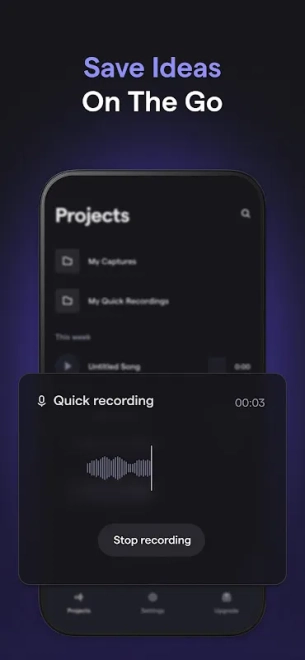
- Recording vocals or a live instrument through a smartphone microphone or connected audio equipment.
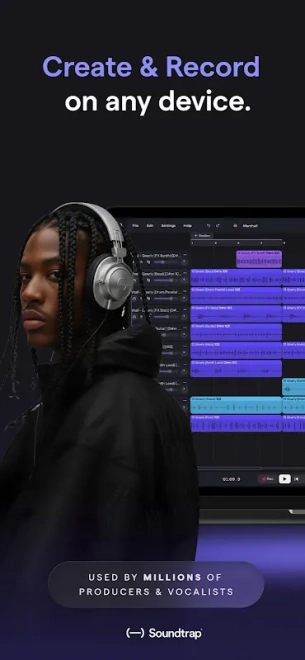
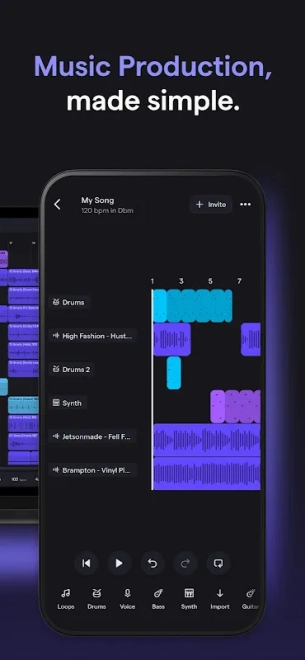
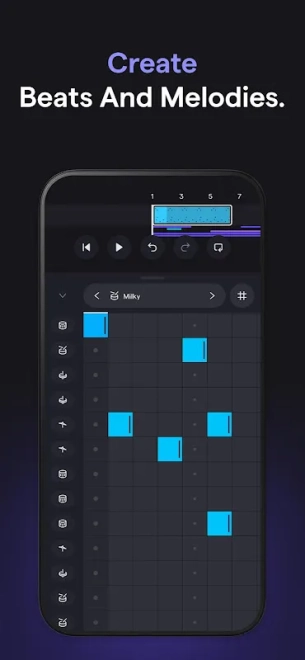
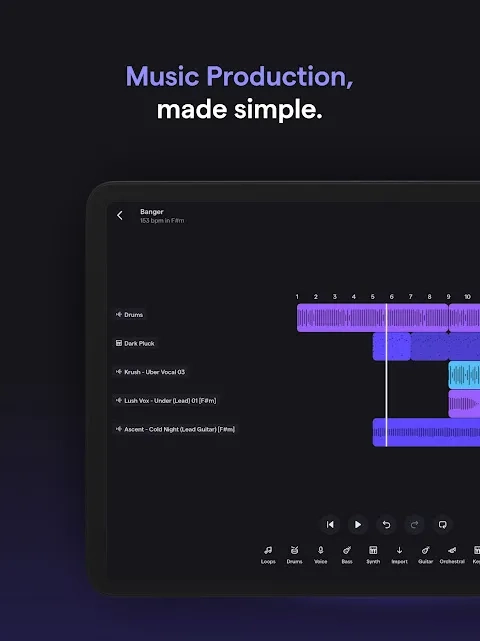
- Creating multitrack compositions by placing recordings, samples, and instrumental parts on a shared timeline.
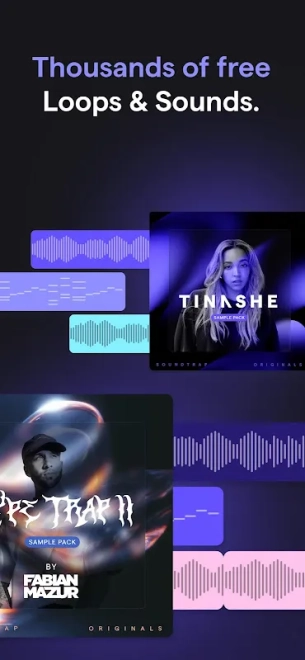
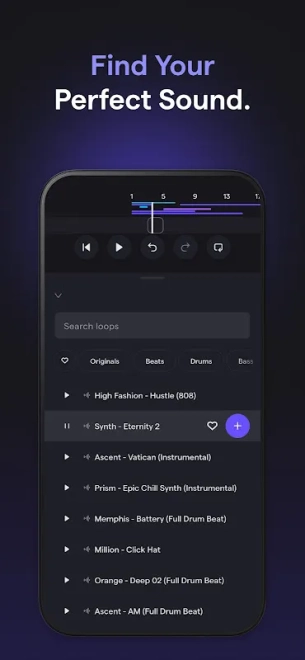
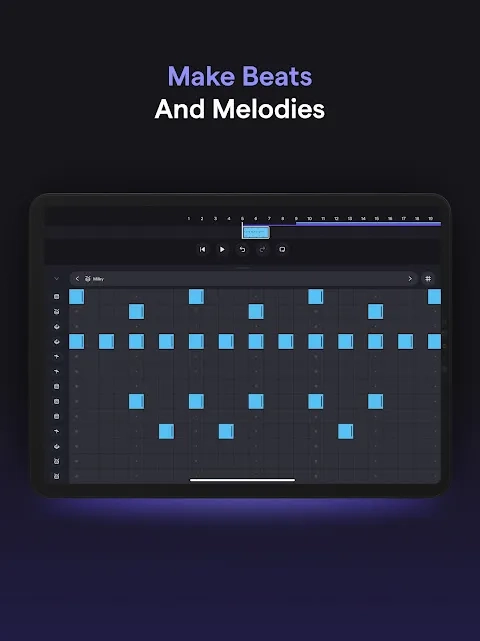
- Using ready-made loops and virtual instruments to quickly build a rhythmic or melodic foundation.
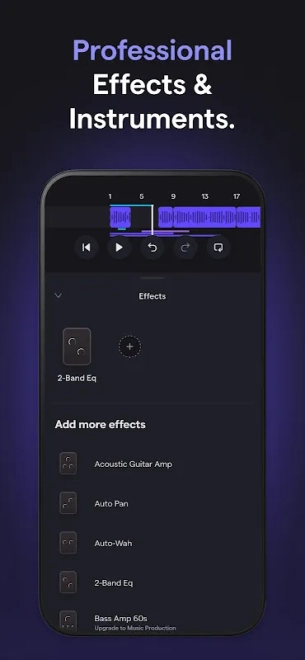
- Processing material with available effects to change the character of vocals or individual parts.
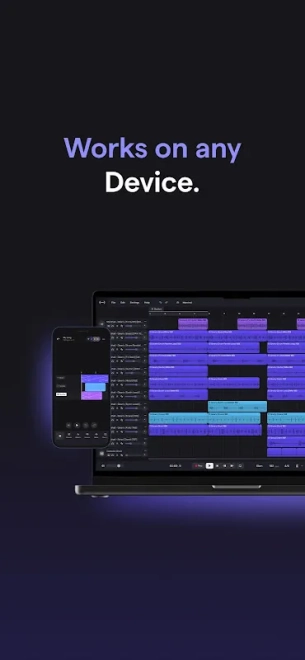
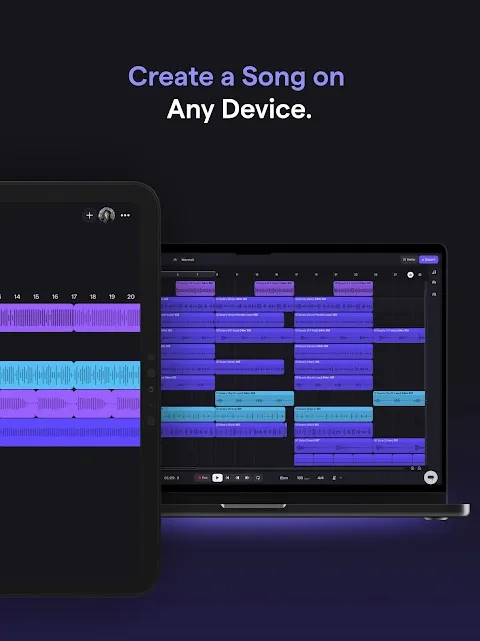
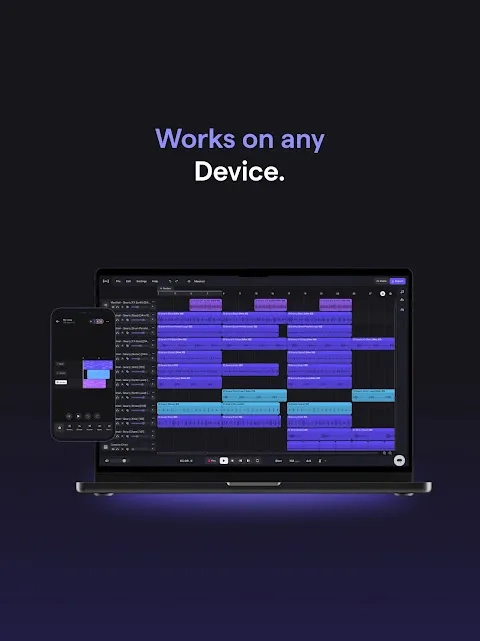
- Saving projects to the cloud and continuing to work on them from another compatible device.
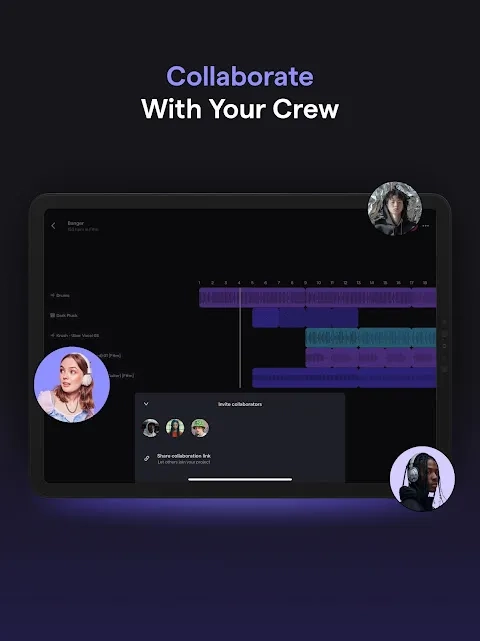
- Collaborative editing of musical ideas: participants can work on the same project remotely, which is convenient for bands and educational sessions.
- Preparing audio for podcasts or voice projects that require recording, editing, and combining multiple tracks.
Advantages of the Music Editor
- Works on Android and does not require installing a full-fledged desktop digital studio.
- Combines recording, editing, and arrangement creation in one app.
- The cloud-based format simplifies project sharing between participants and reduces dependence on smartphone storage.
- Ready-made loops and virtual instruments help quickly move from an idea to a draft composition.
- The collaboration feature is useful for remote musicians, teachers, and students.
Disadvantages
- Working with cloud projects requires a stable internet connection, especially during synchronization and collaborative editing.
- On a small smartphone screen, precise movement of fragments and adjustment of multiple tracks are less convenient than on a tablet or computer.
- Free-use options do not include all materials and features available in the service’s expanded offerings.
- Recording quality depends on the Android device’s microphone, room acoustics, and the compatibility of connected equipment.
- When many tracks are played simultaneously, the load on the smartphone may affect how smoothly the app runs.
Soundtrap is best suited to scenarios where not only sound processing matters, but also access to a project from different devices. A phone microphone and ready-made loops are enough for a home demo, while collaboration makes it possible to divide recording and editing among several participants.
Soundtrap is designed for those who want to record music or podcasts on Android, save projects to the cloud, and work on them together with others when needed. The app is a practical tool for sketches, learning, and home audio projects, and Soundtrap is distributed free of charge, although some features may be available only in expanded plans.
What's new in the latest version 1.9.6
Updated
- The developer has not published a detailed list of changes for this version.
- No confirmed new features or notable changes in the app’s operation have been reported.










Add comment