

Video to Audio- Video to MP3 is a mobile video and audio editor for Android, designed to extract audio tracks from video files, edit clips, and prepare content for publication on social media. The app allows you to convert video to MP3, trim unnecessary fragments, merge separate files, and create short multimedia clips without watermarks.
In terms of purpose, Video to Audio- Video to MP3 can be compared with CapCut, although these apps are aimed at different use cases. CapCut offers a broader set of tools for full-featured editing, while Video to Audio- Video to MP3 focuses on converting video to MP3, simple trimming, merging files, and creating GIFs. For quickly preparing audio or a short video on Android, this approach seems more straightforward.
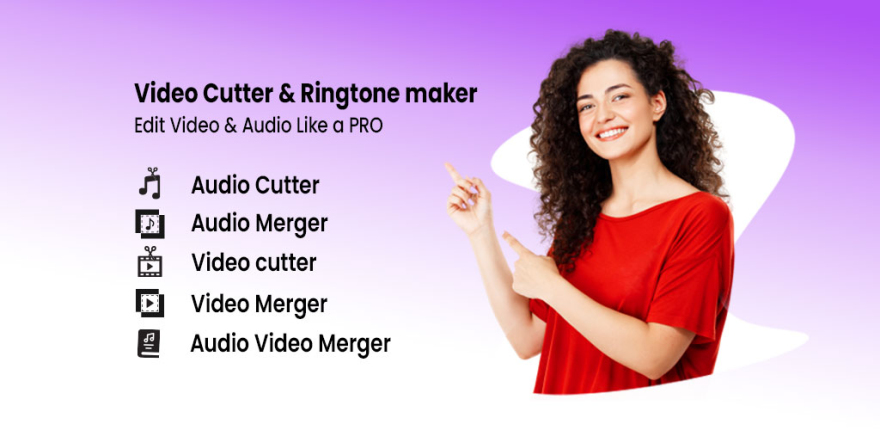
Video to Audio- Video to MP3 supports more than just extracting audio from video. The app can be used to prepare a ringtone, add an audio track to a video, or combine several clips into one file without using separate apps for each operation.
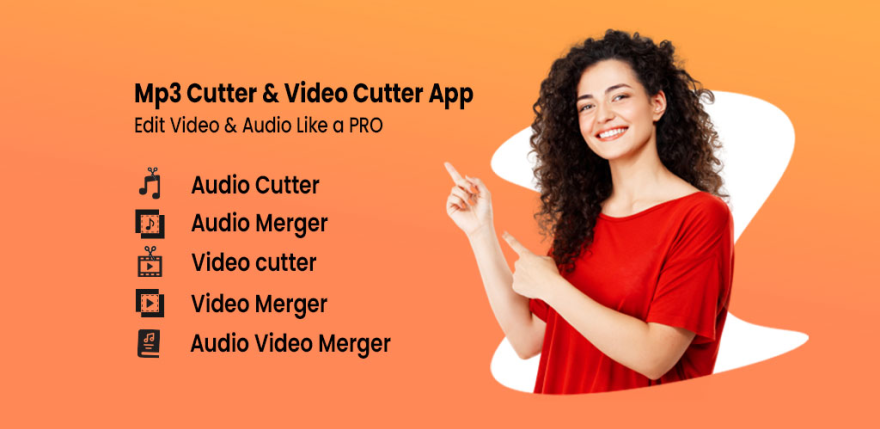
Video to Audio- Video to MP3 Features
- converting video files to MP3 audio while saving the resulting audio file;
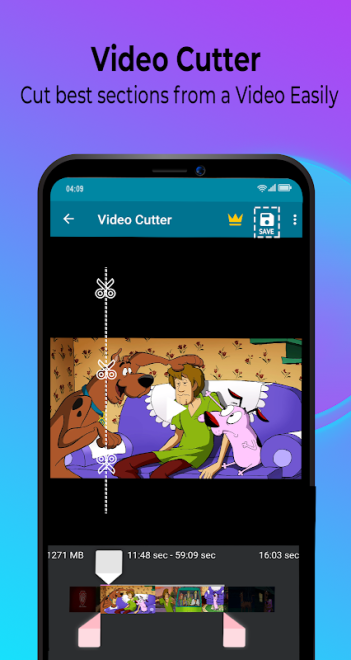
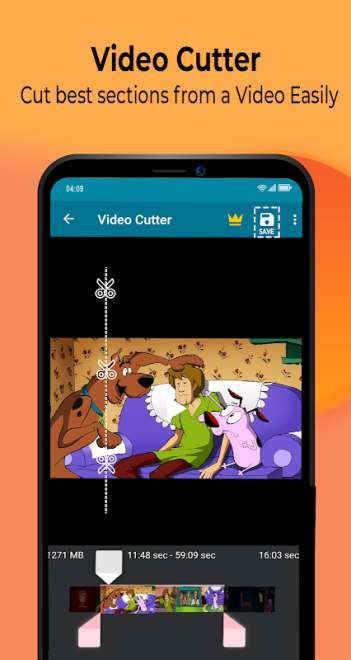
- trimming videos with precise removal of unnecessary parts at the beginning, in the middle, or at the end of a clip;
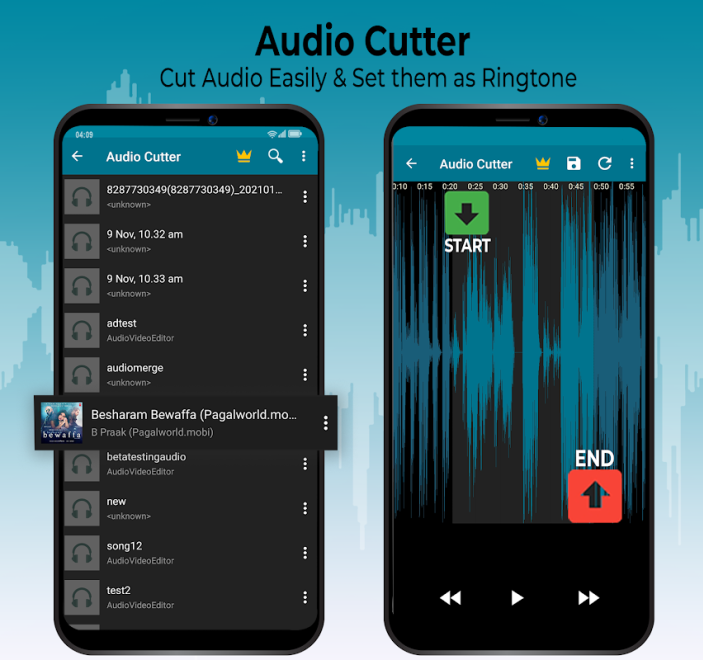
- editing audio files to prepare short fragments, including notification sounds;
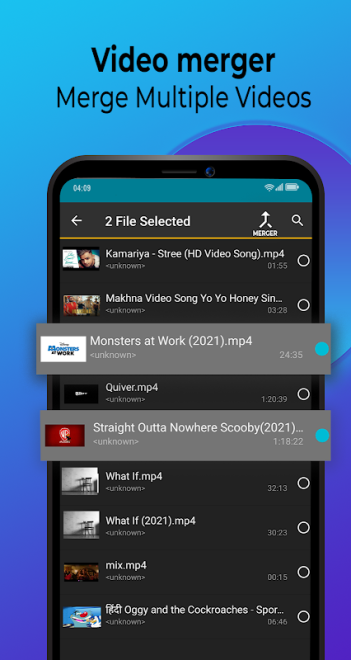
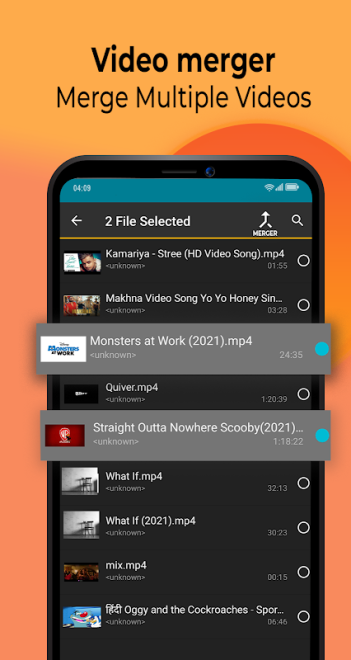
- merging multiple video clips into one HD video with the ability to change their order;
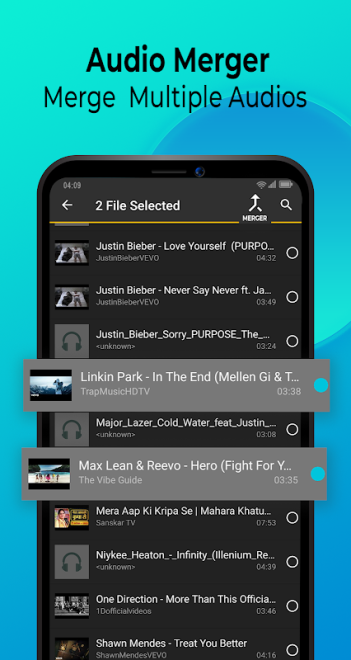
- merging separate audio tracks into one file to create your own composition or the audio foundation for a video;
- splitting a long video into smaller parts that are more convenient to store and share;
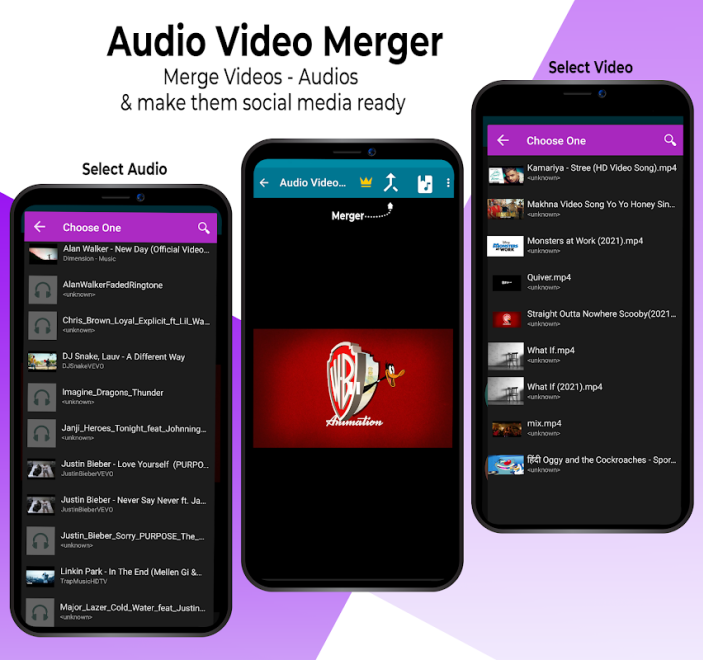
- adding music to a video without a complicated editing process;
- creating GIFs from images or videos with subsequent editing of the result;
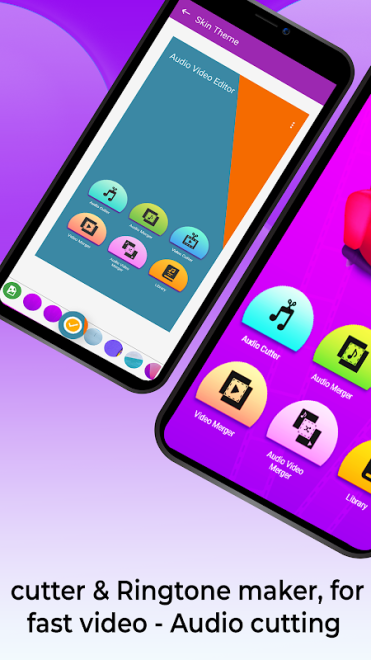
- using themes when merging video fragments;
- preparing videos for Instagram, Facebook, and TikTok without a watermark.
Editor Advantages
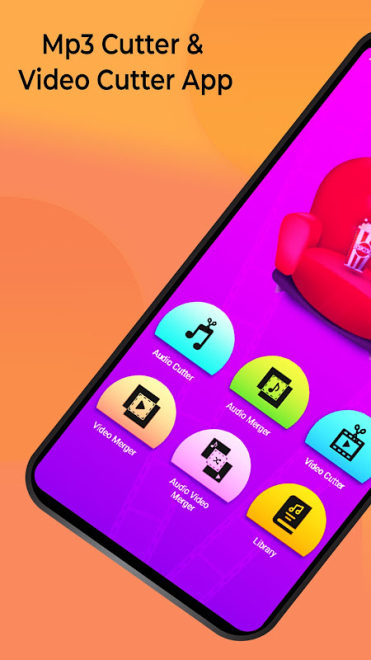
- combining a converter, a simple video editor, an audio editor, and a GIF creation tool in one app;
- an intuitive interface with direct access to trimming, merging, and audio extraction;
- a convenient workflow for creating a ringtone: audio can be shortened to the required fragment and assigned as a ringtone or notification sound;
- the ability to quickly combine several clips into a video for social media without adding a watermark;
- support for working with video and audio within a single workflow;
- compatibility with devices running Android 7.1 and newer versions of the system.
The app’s strong point is its practicality for everyday tasks. A video from your smartphone’s memory can be converted to MP3 for listening, trimmed to the required moment, or used as the basis for a ringtone. At the same time, an edited video can be supplemented with music and prepared for publication without the editor’s logo.
Disadvantages
- the app description does not claim to offer advanced professional editing tools, such as a multitrack timeline, complex color correction, or detailed effects processing;
- the primary audio conversion format is MP3, so the app is not positioned as a universal converter for multiple audio formats;
- for full-scale editing of large projects, the set of tools may prove more basic than that of specialized video editors;
- the app requires at least Android 7.1, so it is not suitable for devices running older versions of the system.
Video to Audio- Video to MP3 is designed for those who want a set of easy-to-use tools on Android for converting video to MP3, trimming files, creating ringtones, and quickly editing clips. It does not replace a professional studio, but it covers essential everyday use cases and is available free of charge.
What's new in the latest version 5.6.9
Updated
- Fixed program crashes and resolved identified errors.











Add comment