

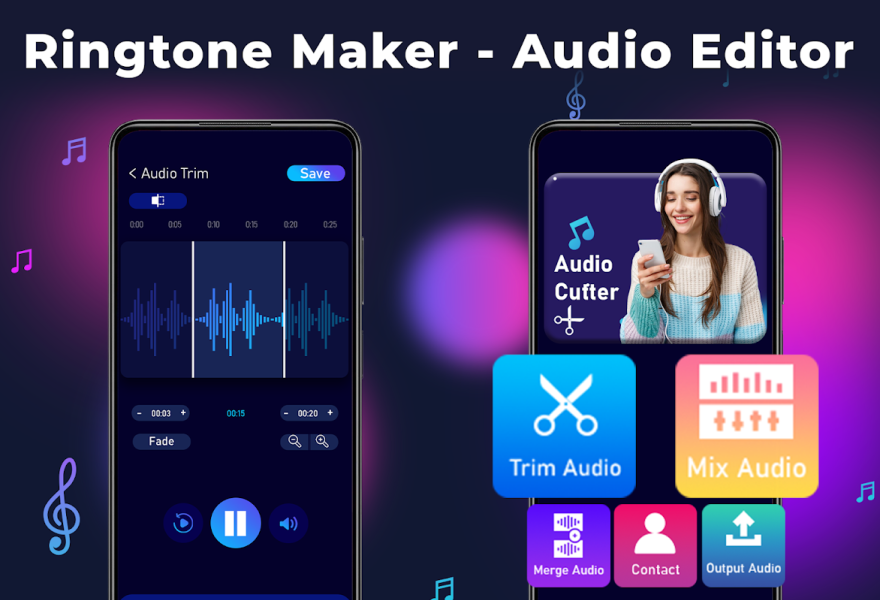
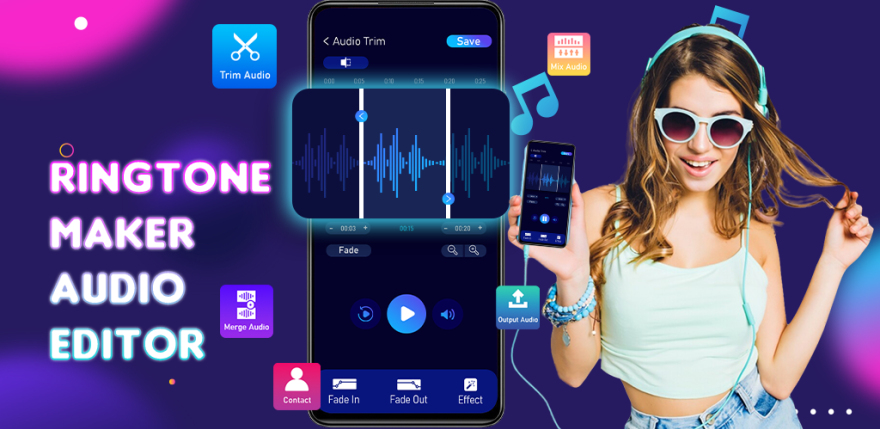
Ringtone Maker - Audio Editor is a mobile audio editor for Android that helps create ringtones, notification sounds, and alarm tones from local music files. The app combines track trimming, video-to-MP3 conversion, audio clip merging, and basic mixing, making it suitable not only for quickly creating a ringtone but also for simple audio file preparation.
Unlike a regular music player, Ringtone Maker - Audio Editor allows you to work with specific sections of compositions: cut out the middle of a track, change the speed or pitch, add a fade effect, and assign the finished result to a specific contact.
Features of Ringtone Maker - Audio Editor
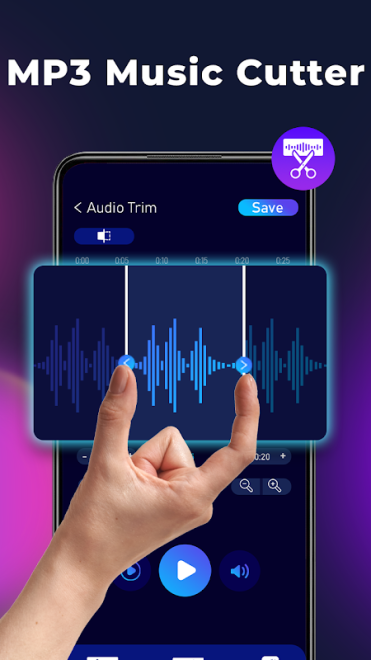
- Trimming MP3 and other audio files by selecting the starting and ending points of a clip.
- Removing a section from the middle of a composition, which is useful when preparing a short signal without unnecessary pauses.
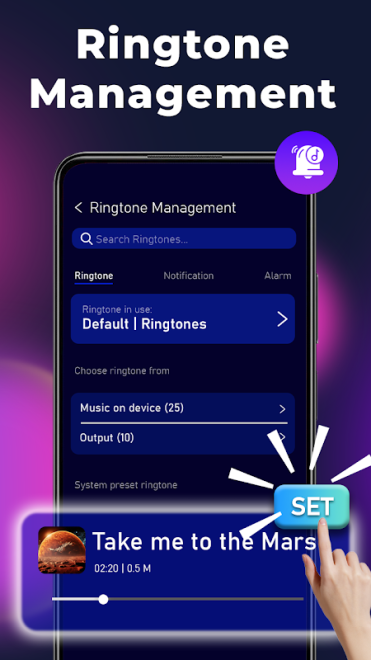
- Creating ringtones, alarm tones, and notification sounds from music stored on the device.
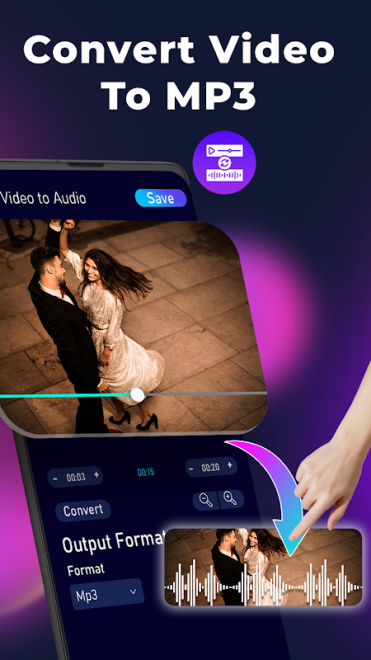
- Converting video files to the MP3 audio format for further editing or use as a ringtone.
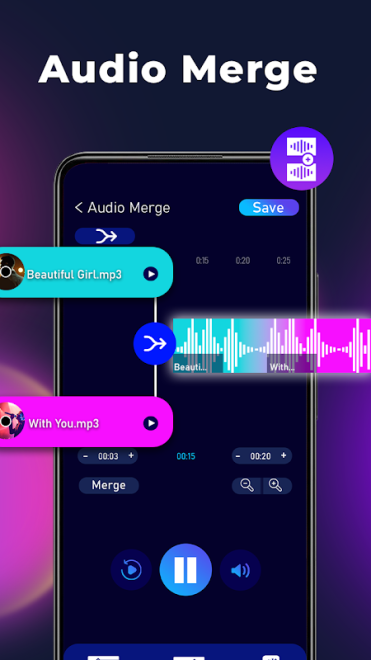
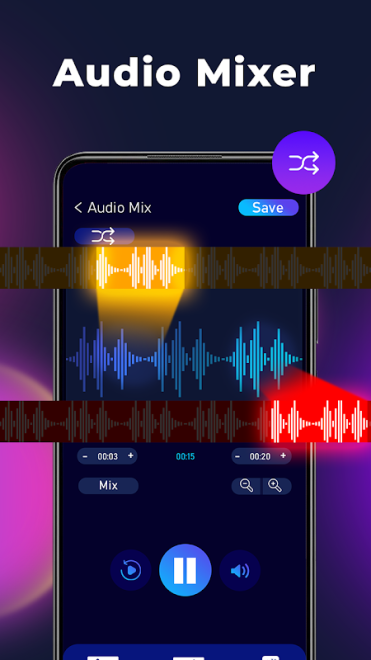
- Combining several audio files into a single composition.
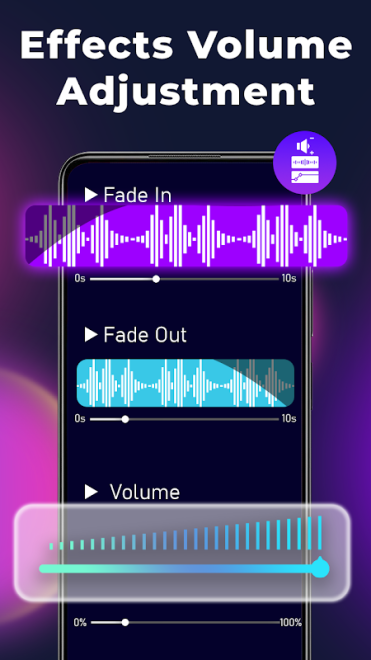
- Mixing tracks with the ability to add a fade-out or combine different clips without an abrupt transition.
- Changing the voice with male, female, or child voice options.
- Adjusting the tone, pitch, and playback speed of audio.
- Using an equalizer and bass boost to adjust the character of the sound.
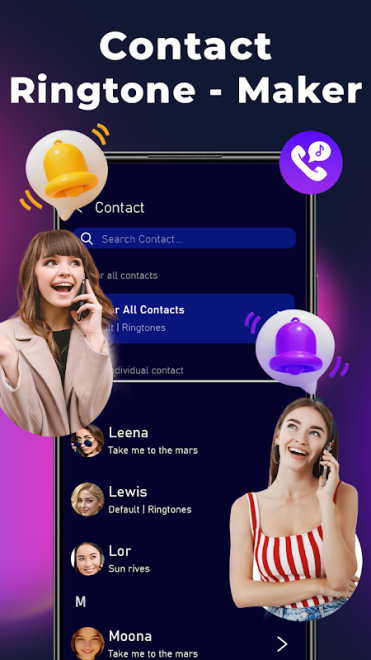
- Assigning a specific ringtone to a particular contact to identify the caller by the call signal.
- Playing prepared compositions in the built-in music player.
Editor advantages
- Trimming, conversion, and mixing features are combined in one app, so separate tools are not required for simple operations.
- A track can be edited not only at the edges: removing a section from the middle helps quickly eliminate silence or an unnecessary passage.
- Video can be used as a sound source, making it easier to create an MP3 from a music video.
- Fading makes the joining of several sections smoother, especially when preparing a longer composition.
- Finished ringtones can be used not only for general calls but also for individual contacts.
- The app is designed for devices running Android 7.1 or later.
Drawbacks
- The set of tools is geared toward everyday editing, so the app does not replace a full-fledged studio with multitrack editing and advanced audio processing.
- The app page does not provide a detailed list of supported audio formats, making it difficult to determine compatibility with uncommon files in advance.
- The large number of features may seem excessive if you only need to quickly trim a single track.
- The mixing result depends on the quality of the source files, while the options for precise manual composition adjustment remain limited.
Ringtone Maker - Audio Editor is best suited to situations where you need to quickly turn a song excerpt, voice message, or sound from a video into a personal ringtone. Trimming, conversion, sound parameter adjustments, and contact ringtone assignment are available for this purpose.
Ringtone Maker - Audio Editor is designed for those who want a practical set of tools for working with music without a complicated studio interface. It is a suitable choice for preparing ringtones, short notifications, and simple audio mixes, and Ringtone Maker - Audio Editor is available free of charge.
What's new in the latest version 32
Updated
- The developer did not publish a separate list of changes for this update, so it is impossible to specify any confirmed new features or fixes.











Add comment