

WavEdit Audio Editor is an audio editor for Android designed for quickly editing audio files without a complex studio interface. The program allows you to trim recordings, combine several fragments into one track, adjust the volume, and listen to the result immediately. Support for popular audio formats expands its use cases, from preparing voice recordings to editing music or sound effects.
In terms of its basic set of tools, WavEdit Audio Editor can be viewed as a compact Android alternative to Audacity. Both programs allow you to trim audio, adjust the volume, change the speed, and apply effects such as echo. At the same time, Audacity is focused on comprehensive desktop editing with multitrack work, noise reduction, and additional analysis tools, while WavEdit Audio Editor focuses on quickly processing individual files without overloading the interface.
WavEdit Audio Editor Features
- Trimming audio recordings helps remove unnecessary fragments, silence at the beginning, or an unsuccessful part of a voice message.
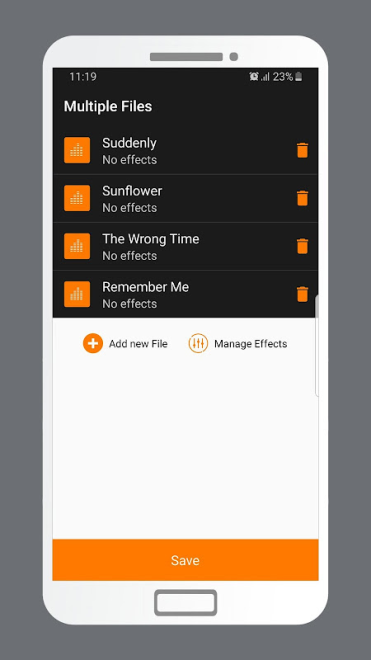
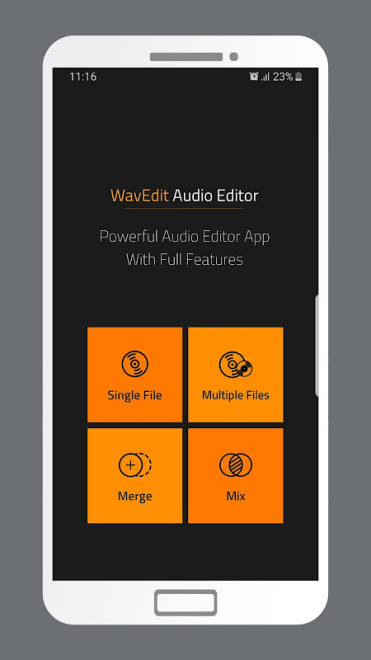
- File merging is suitable for creating a longer composition from several excerpts or sequentially combining audio materials into one track.
- Mixing allows you to combine audio materials for simple music or voice projects.
- Volume amplification is useful when working with recordings that sound too quiet.
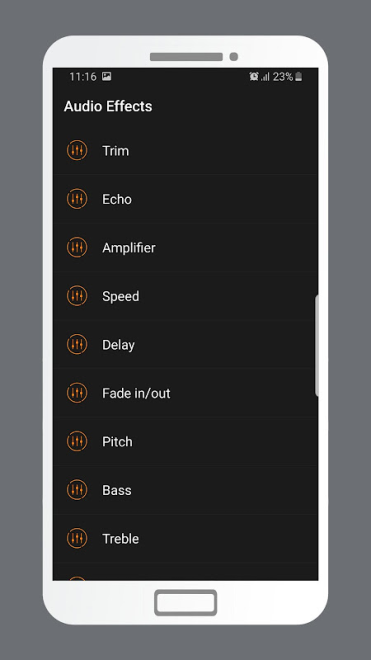
- Speed adjustment allows you to change the audio tempo without changing the pitch, which is useful when listening to music or preparing educational materials.
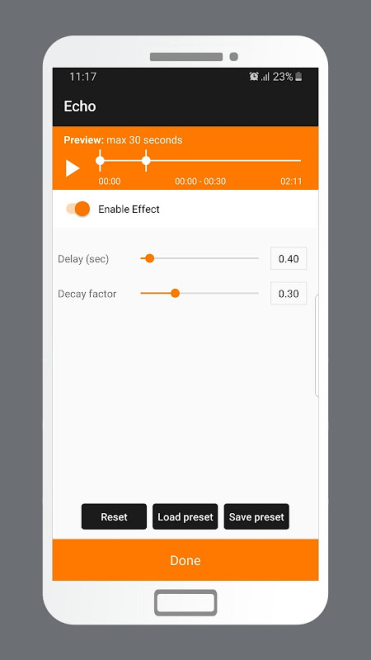
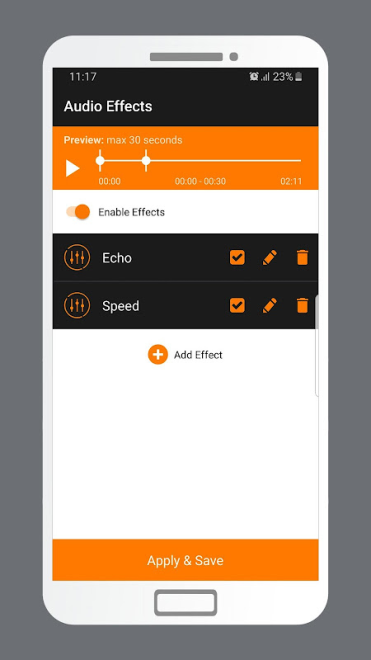
- Echo and Delay effects add a sense of space to the sound or a noticeable repetition of the signal.
- Fade in and Fade out help create a smooth intro or ending for a composition without an abrupt start or cutoff.
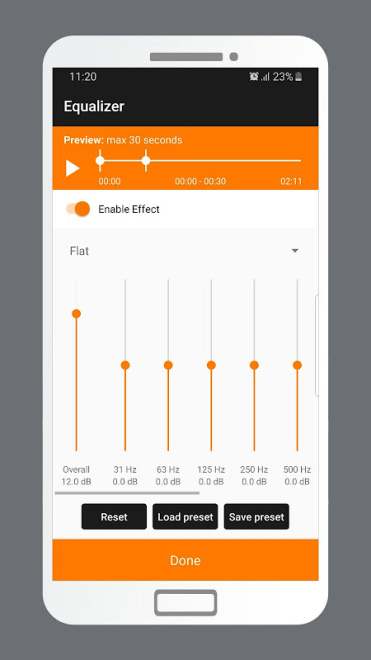
- The advanced equalizer is designed for adjusting bass, treble, and other parts of the spectrum.
- Built-in playback allows you to check the result immediately after editing without opening another player.
- Operation through the FFMPEG library provides support for processing a wide range of popular audio formats.
This set of features is particularly useful when you need to quickly prepare a fragment for a podcast, edit a music excerpt, or combine several sound effects into one file.
Editor Advantages
- The simple interface is not distracting with unnecessary panels, so the main operations remain clear even without sound engineering experience.
- Previewing the result reduces the number of attempts required when trimming, mixing, or applying effects.
- The equalizer and set of effects expand the capabilities of a standard editor that needs not only to trim a file but also slightly change its sound.
- Android support allows you to edit recordings without a computer—for example, immediately after creating a voice note or field recording.
- The small program size does not place a noticeable load on the device's storage.
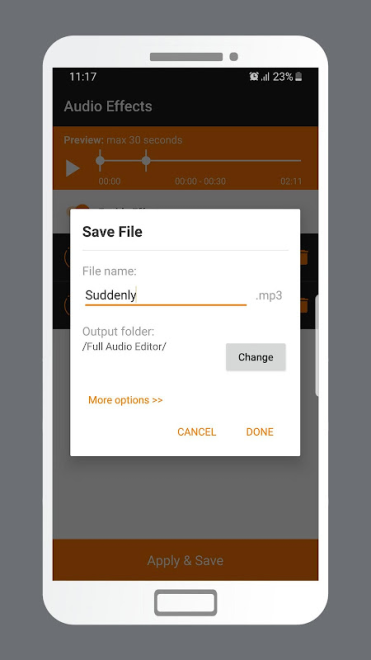
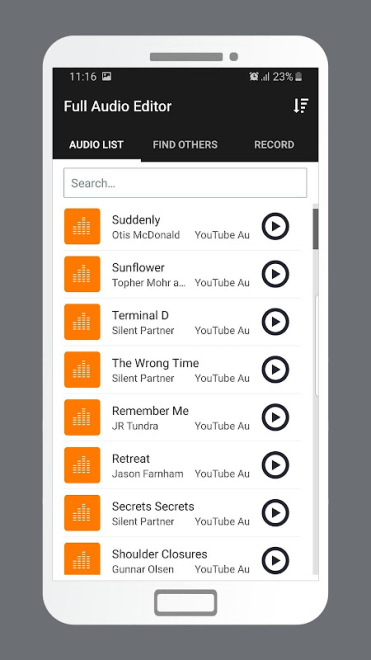
WavEdit Audio Editor maintains a focus on practical operations: you can open a file, change its volume or duration, add an effect, and check the result in one workspace. This approach is convenient for short tasks where a full-fledged desktop studio would be unnecessary.
Disadvantages
- The feature set is primarily focused on basic processing of individual files, so the program does not appear to be a replacement for a full-fledged multitrack audio studio.
- The description of WavEdit Audio Editor does not mention noise reduction, microphone recording, or support for third-party plugins, which are often needed for more complex editing.
- For precise professional editing with detailed track control, the capabilities of the equalizer and standard effects may be insufficient.
- The application is designed for Android, so its use cases are limited by the mobile format and the capabilities of a particular device.
These limitations do not interfere with everyday editing, but they become noticeable when preparing large projects that require separate tracks, advanced automation, or thorough recording cleanup.
WavEdit Audio Editor is designed for those who want a clear set of tools for working with audio on Android without a complex workflow. It is suitable for trimming recordings, combining fragments, and making simple sound improvements, and it is distributed free of charge.
What's new in the latest version 1.7
Updated
- Added support for Android 13.










Add comment