
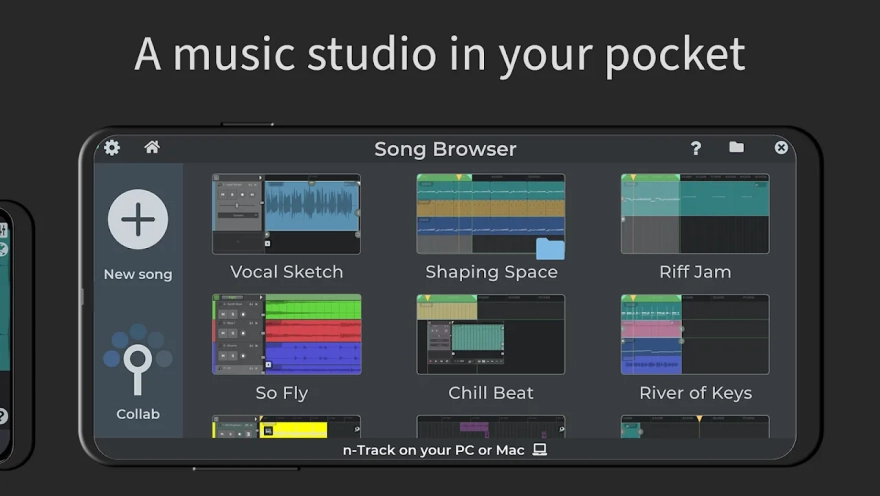
n-Track Studio is a full-featured digital audio workstation for Android that turns a smartphone or tablet into a mobile recording studio with multitrack recording, a MIDI editor, and a mixer. The program lets you record vocals and instruments through the built-in microphone or an external USB audio interface, create beats, add virtual instruments, and process recorded parts with effects.
In terms of purpose, n-Track Studio can be compared to FL Studio Mobile: both programs support audio recording, MIDI work, step-by-step rhythm creation, mixing, and parameter automation. At the same time, n-Track Studio places a noticeable emphasis on recording live sound, guitar and bass amplifiers, as well as collaboration through Songtree; FL Studio Mobile, in turn, offers its own ecosystem of instruments and compatibility with FL Studio projects.
n-Track Studio features
- Audio recording through an Android device’s microphone or a connected USB audio interface.
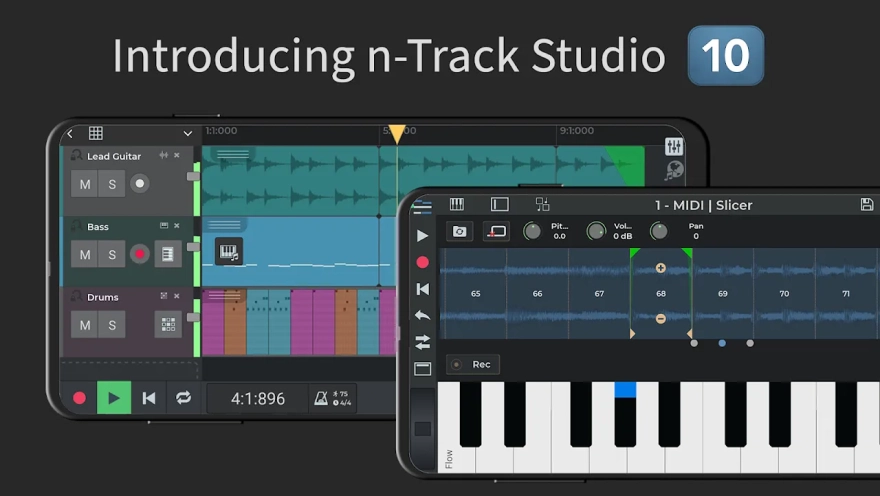
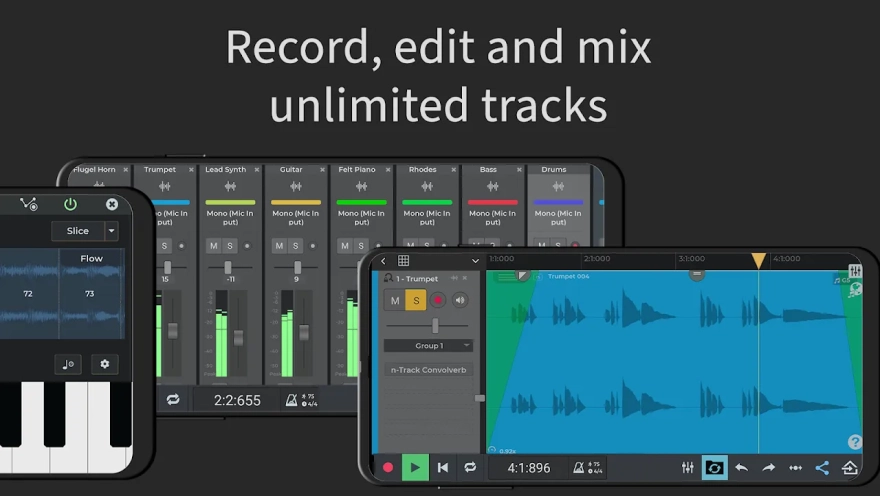
- Creation of multitrack projects with vocal, instrumental, and MIDI parts.
- Import of tracks from the music library for further editing within the project.
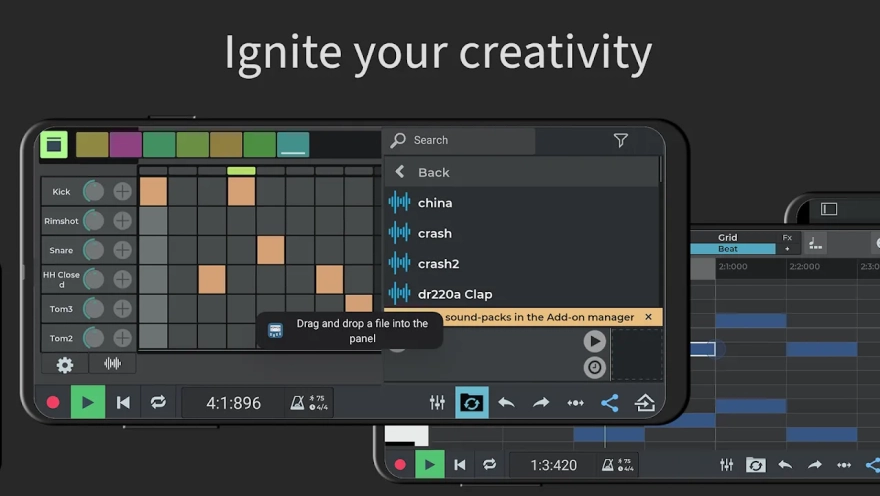
- A step sequencer for creating drum parts and working with ready-made grooves.
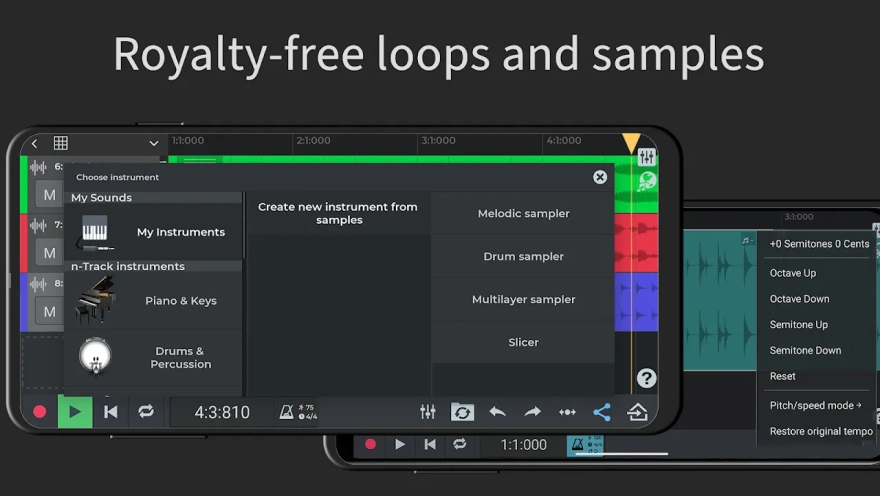
- A loop browser with free samples for quickly filling out a composition.
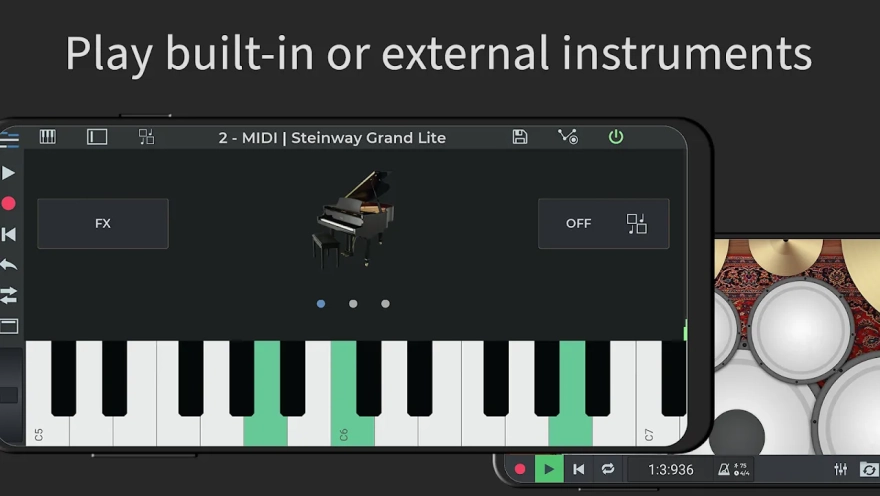
- A virtual keyboard and built-in instruments, as well as support for external MIDI keyboards.
- A piano roll for precise editing of notes, durations, and MIDI event placement.
- A mixer with volume, panning, equalization, and group channel controls.
- Automation of volume, panning, and effects using envelopes.
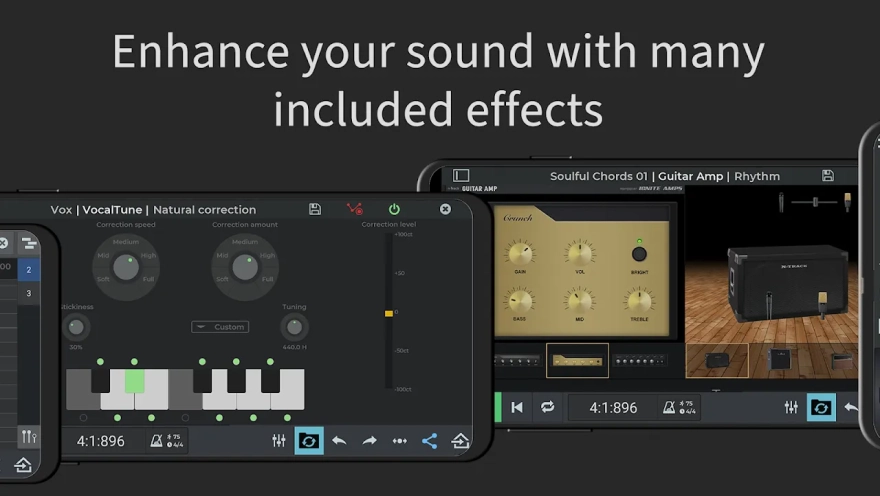
- Sound processing with reverb, chorus, delay, compressor, distortion, and noise reduction.
- Guitar and bass amplifiers for preparing parts without a separate hardware amplifier.
- A built-in metronome for recording at a steady tempo.
- Pitch correction for vocals and melodic parts using VocalTune.
- A chromatic tuner and spectrum analyzer for monitoring frequency balance.
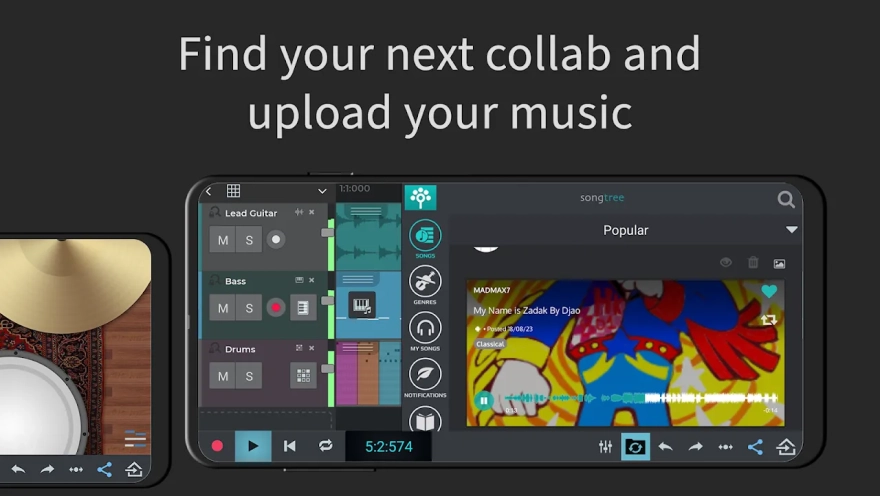
- Online composition storage and collaboration with other musicians through Songtree.
The free mode allows you to work with a maximum of eight tracks and use up to two effects per track or channel. Saving the finished recording in WAV or MP3 directly to the device’s memory is a paid feature, while online project storage remains available.
Advantages of the audio workstation
- Combines live sound recording, MIDI arrangement, and mixing in a single Android app.
- Support for external USB audio devices expands the smartphone’s capabilities during home or mobile recording.
- A large set of built-in effects makes it possible to process vocals, guitar, and the rhythm section without third-party programs.
- The step sequencer simplifies the creation of drum parts when there is no ready-made drum recording.
- Songtree is suitable for exchanging musical ideas and collaboratively refining compositions online.
- Automation support helps make the mix more expressive without manually adjusting every section.
Disadvantages
- The free edition is limited to eight tracks, so large-scale arrangements require a subscription.
- Exporting to WAV or MP3 on local storage is unavailable without purchasing the corresponding feature.
- Advanced features, including a 64-bit audio engine, multichannel USB interfaces, and export in higher bit-depth formats, are distributed across paid tiers.
- Working with a large number of tracks and effects may require a powerful Android device, especially when recording through external equipment.
Recording multiple sources simultaneously requires a compatible USB audio device, while sample rates above 48 kHz depend on the connected equipment. This makes the program more flexible for studio use, but does not turn an ordinary smartphone into a full-featured multichannel interface without additional accessories.
n-Track Studio is designed for those who want to record music, edit MIDI, and build full-fledged mixes without being tied to a desktop computer. It is especially suitable for home demos, mobile vocal or guitar recording, and collaborative online track creation. n-Track Studio is distributed free of charge, although some professional tools and local export capabilities are unlocked through paid subscriptions.
What's new in the latest version 9.0.3
Updated
- Instrument tracks now contain a built-in synthesizer, so there is no longer any need to create a separate instrument channel for them.
- Effects can be added directly to instrument tracks, and volume and pan can be adjusted just as for audio tracks.
- Added Convolverb — a convolution reverb for modeling the acoustics of real rooms using impulse responses.










Add comment