

SMV Audio Editor is a mobile audio editor and recording tool for Android, designed for editing compositions without the complex workspace of desktop programs. With it, you can trim fragments, merge recordings, change the tempo or pitch, and save the result in common audio formats.
In terms of its toolset, SMV Audio Editor can be considered a mobile alternative to Audacity for basic sound processing. The program supports editing, mixing, effects, channel processing, and export to several formats, while Audacity is designed for desktop computers and offers advanced multitrack editing. SMV Audio Editor focuses on working directly from a smartphone.
The editor works with PCM-Wave, MP3, AIFF, AAC, ALAC, Ogg Vorbis, FLAC, Opus, AC3, AMR, MPC, and WavPack files. During export, PCM-Wave, Ogg Vorbis, Opus, FLAC, MP3, WavPack, and AAC via the Android system codec are available.
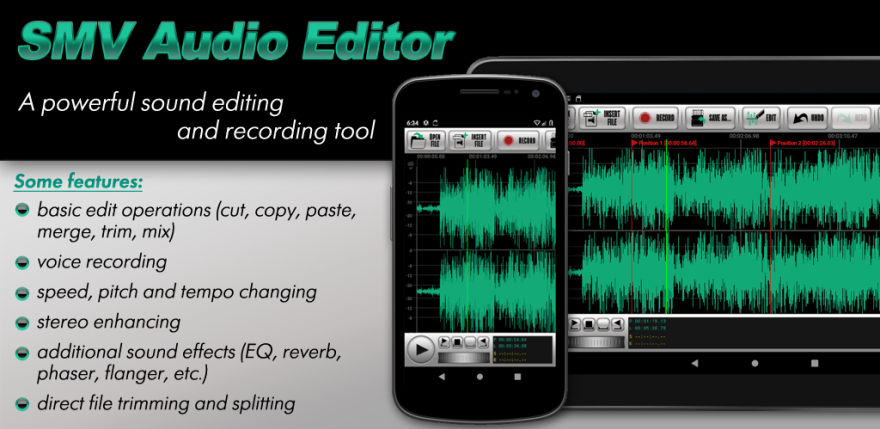
SMV Audio Editor Features
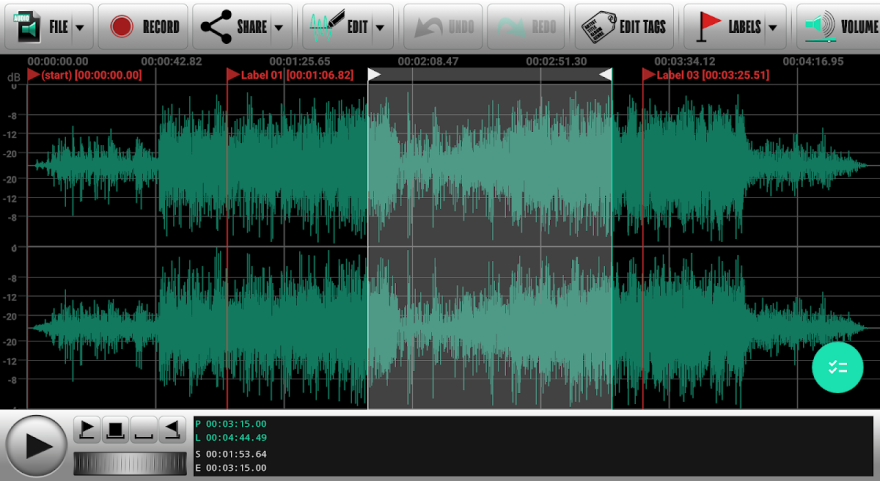
- Performs basic editing operations: cutting, copying, pasting, and trimming fragments.
- Combines several audio files into one and mixes recordings to create a combined track.
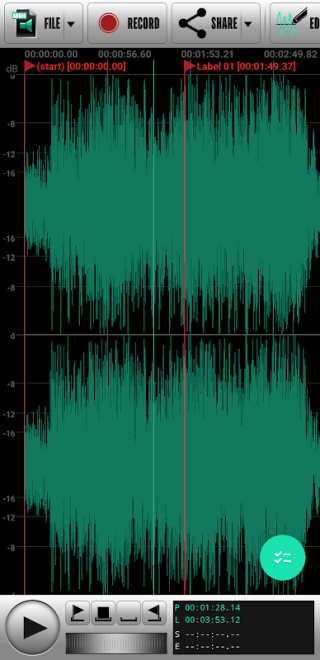
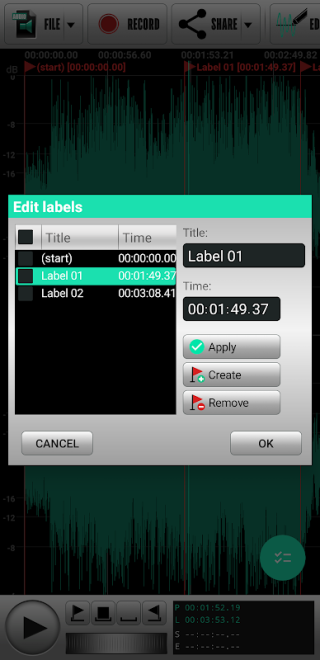
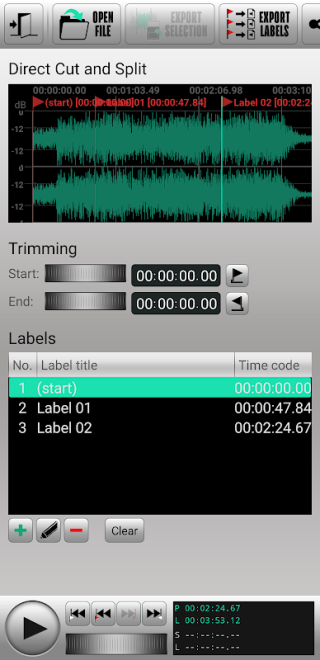
- Lets you split a file into parts using markers on the timeline and export each fragment separately.
- Supports direct trimming and splitting of MP3, AAC/M4A, OGG, Opus, and AC3 files without re-encoding, helping preserve the original quality.
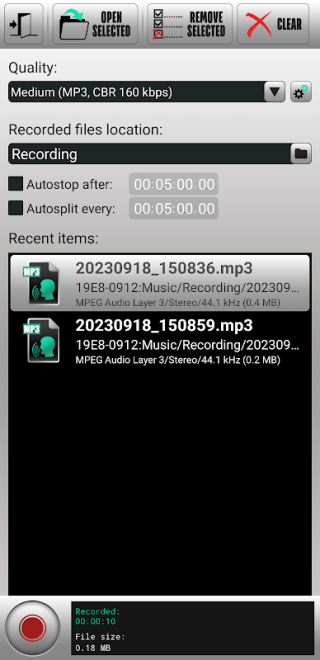
- Records sound with automatic splitting into parts and saves it as MP3, Ogg Vorbis, Opus, FLAC, or PCM-Wave.
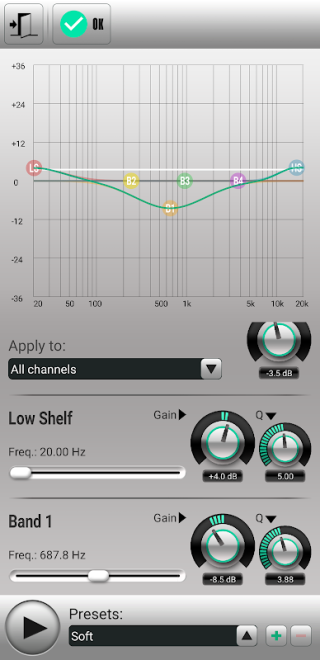
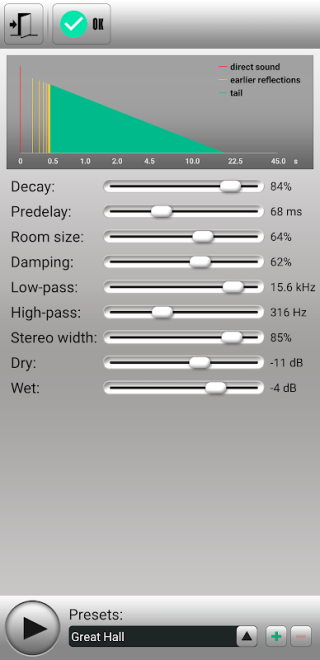
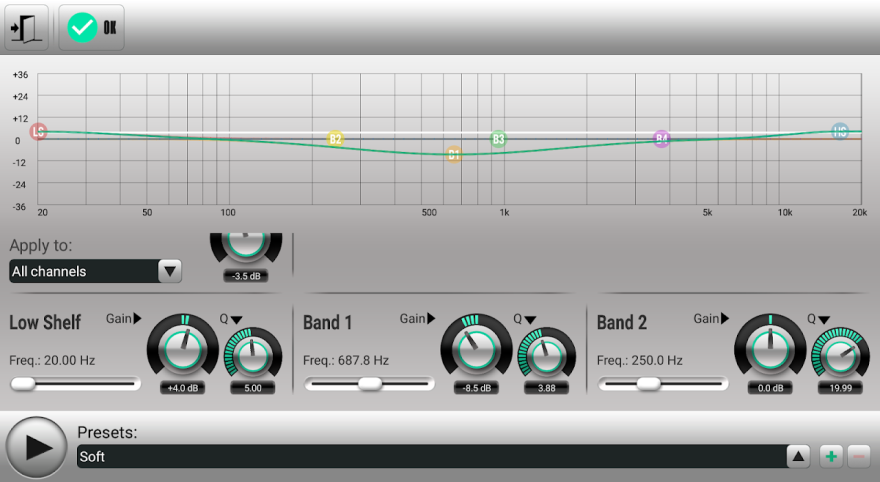
- Applies graphic and parametric equalizers, phaser, flanger, pitch shifting, and reverb.
- Includes low- and high-pass filters, noise reduction tools, and DC offset correction.
- Downmixes multichannel audio to stereo or mono, converts mono to stereo, and allows you to change the channel configuration.
- Enhances the stereo effect and lets you adjust the audio speed and tempo separately.
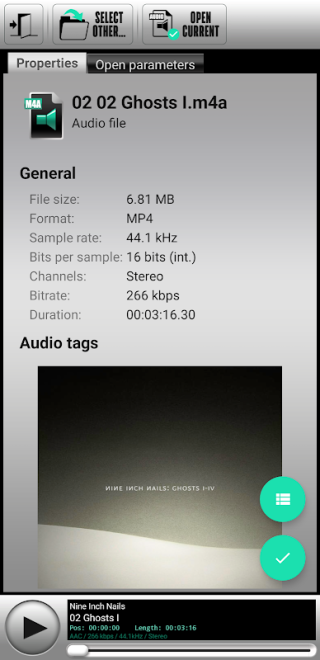
- Edits audio tags, so you can organize the track title or artist information before saving the file.
- Has a built-in file manager for finding recordings and loading materials without switching between multiple programs.
Editor Advantages
- Combines editing and recording in one mobile tool, making it suitable for quickly processing voice recorder clips, music, or podcasts.
- Works with audio of various structures: files with bit depths from 8 to 32 bits, sample rates from 8 to 48 kHz, and from one to eight channels are supported.
- Direct editing of compressed formats without re-encoding lets you quickly cut out an unnecessary fragment without unnecessary conversion.
- The set of effects goes beyond simple trimming: tone correction, spatial processing, and pitch adjustment are available.
- The clear interface and file navigation simplify recording preparation even on a smartphone screen.
Disadvantages
- The free version limits the duration of a saved audio file to five minutes, so long lectures, interviews, or music recordings will have to be processed in parts.
- The program displays advertisements, which can be distracting during extended editing sessions.
- The mobile format does not replace a full-fledged desktop studio for complex projects with a large number of tracks.
SMV Audio Editor was created for those who need to edit and record sound directly on an Android device: you can trim a short fragment, remove noise, change its sound, and save it in the desired format in a single workflow. The program is distributed free of charge.
What's new in the latest version 1.2.09
Updated
- Crashes when launching the program on some devices have been fixed.











Add comment