

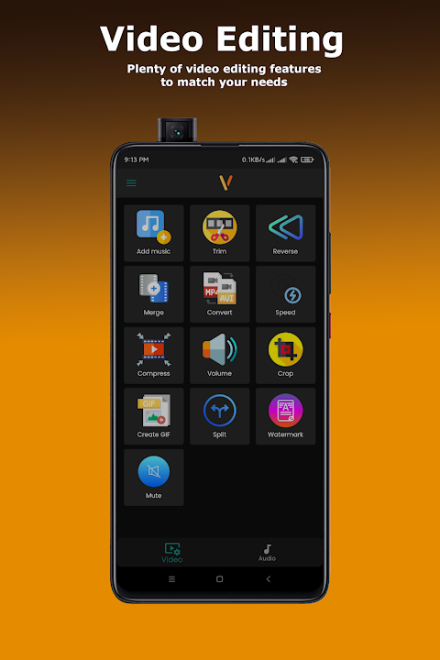
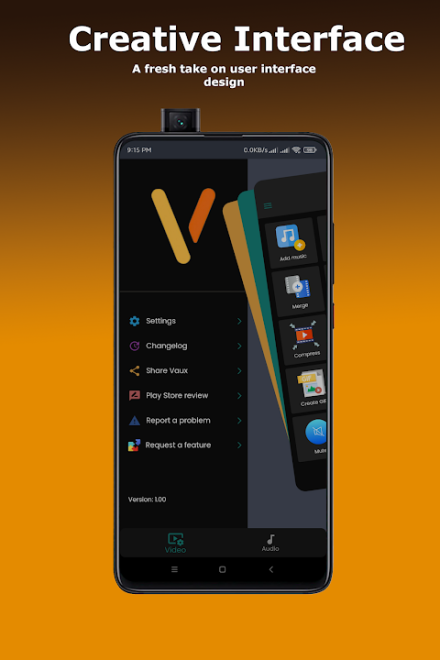
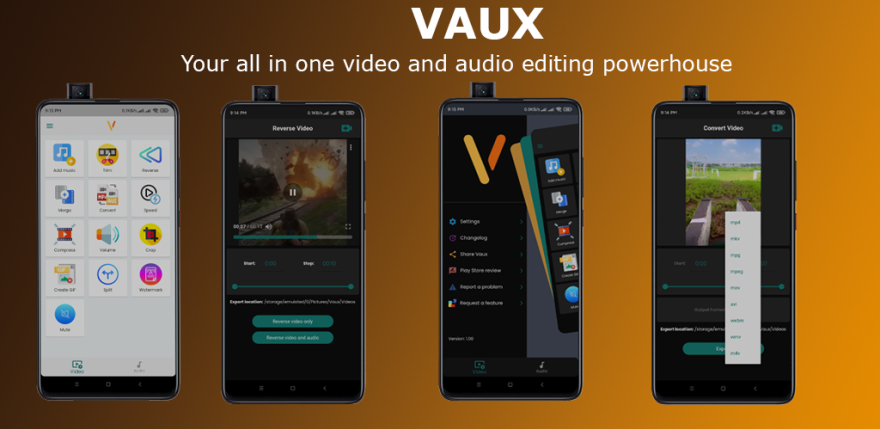
Vaux - Video and Audio Editor is a mobile video and audio editor for Android, designed for precisely trimming files, combining multiple fragments, adding music, and preparing materials for publication on social networks. The app supports working with video and audio tracks, allows users to change speed and volume, play media in reverse, create GIF animations, and add a custom watermark. The developers have also included light and dark themes, while the editor itself is designed to work without a complicated editing workflow.
Based on its set of basic tools, Vaux - Video and Audio Editor can be considered a simpler alternative to CapCut. Both apps allow users to trim videos, add music, change speed, and work with multiple fragments, but CapCut additionally focuses on text overlays, subtitles, transitions, filters, and effects. Vaux, on the other hand, focuses on operations involving the media file itself: editing, conversion, reversing, and sound adjustment.
Vaux - Video and Audio Editor Features
- Trimming video and audio with precise selection of the required fragment.
- Combining multiple video or audio files into a single result.
- Adding a music track to videos for home clips, presentations, or posts on TikTok, YouTube, and Instagram.
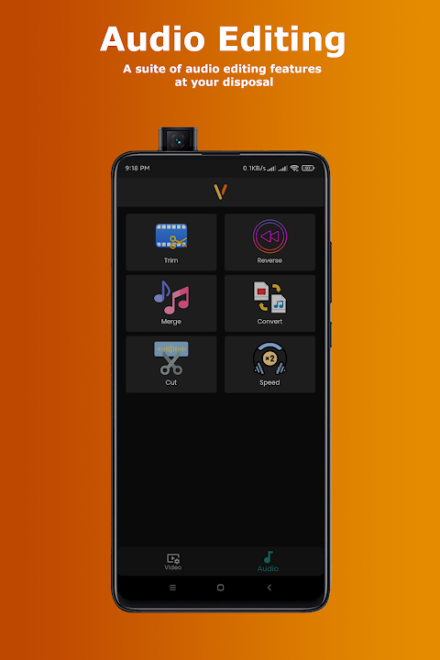
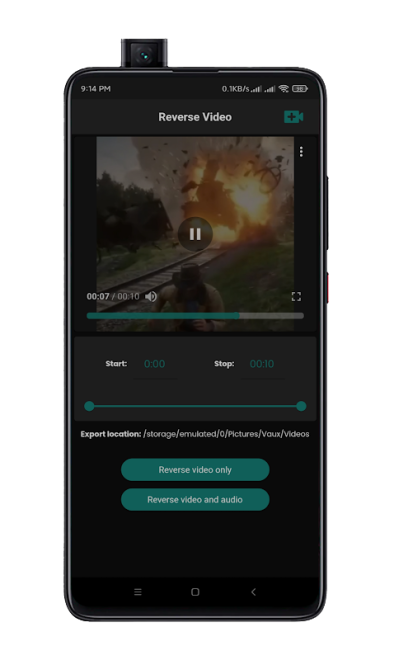
- Playing video and audio in reverse to create an unusual effect.
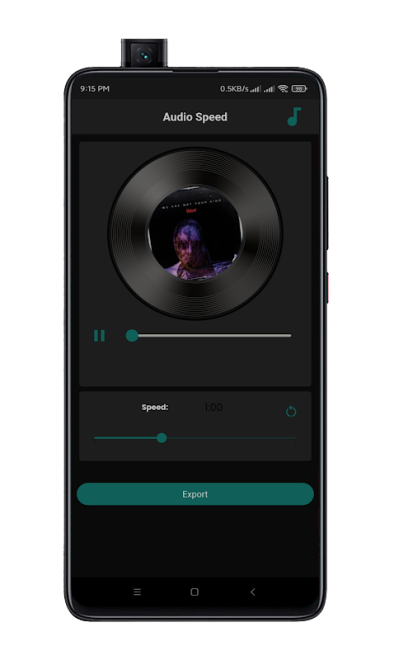
- Changing the playback speed and volume of individual media files.
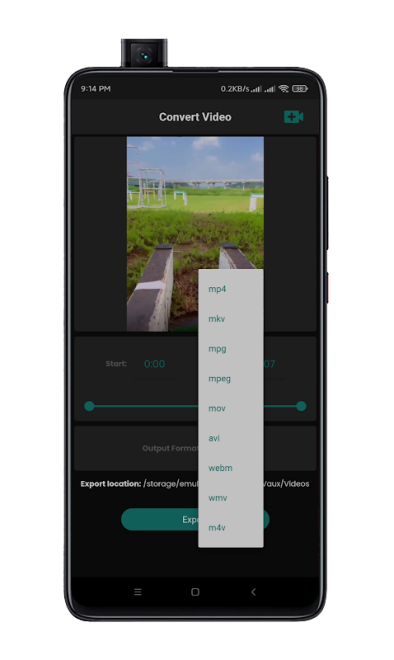
- Converting video and audio to various formats, including MP4, MKV, MPG, and MOV.
- Creating a GIF from a video fragment without using a separate converter.
- Adding a personalized watermark to indicate authorship.
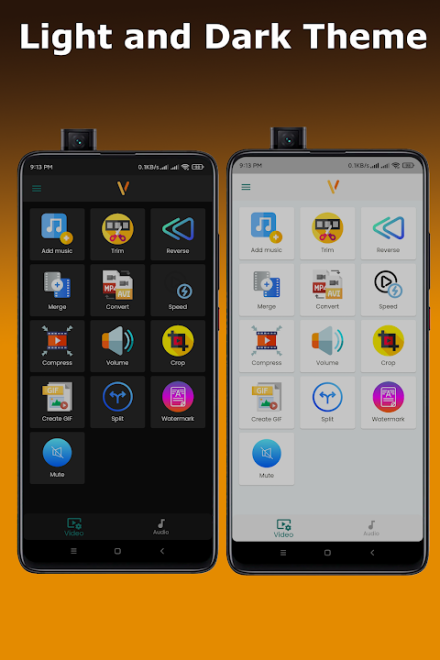
- Switching between light and dark themes depending on working conditions and personal preferences.
The editor is suitable for quickly preparing materials when you need to remove the unnecessary beginning of a clip, overlay music, or turn a short fragment into a GIF without switching to more complex software. The availability of separate video and audio tools also makes it useful not only for clips but also for processing audio files.
Editor Advantages
- Clear interface without being overloaded with secondary panels.
- Works not only with video but also with audio files in a single app.
- Useful set of features for short clips, music videos, and simple presentations.
- Support for popular formats during conversion.
- Ability to adjust speed and volume, making it easier to prepare videos with uneven sound.
- Built-in GIF creation tool that does not require a separate app.
- Dark theme is convenient for editing in the evening or in rooms with dim lighting.
Disadvantages
- The available description does not mention advanced tools such as multitrack editing, automatic subtitles, or complex work with transitions.
- The set of effects is described in general terms, so the artistic customization options may be more limited than in editors with extensive libraries of filters and templates.
- The exact list of supported formats is not provided, apart from a few examples.
- The app page currently has no user reviews or ratings, making it more difficult to assess its stability across different devices in advance.
Vaux - Video and Audio Editor is designed for those who want a compact Android tool for everyday editing without unnecessary complexity: trimming a recording, combining fragments, adding music, changing the tempo, or preparing a GIF. The app is a practical choice for short videos, personal archives, and simple social media content, and it is distributed free of charge.
What's new in the latest version 3.0.0
Updated
- Added support for multiple languages.
- Minor bugs fixed.












Add comment