
WaveEditor is an audio editor for Android designed for recording, precise editing, and processing of audio files without switching to a desktop computer. The app is suitable for working with voice recordings, music fragments, podcasts, and materials that need to be quickly prepared for publication or further editing.
WaveEditor combines simple operations such as trimming and copying with tools for detailed signal analysis. In the app, you can save sessions, return to unfinished projects, and experiment without worry thanks to support for undoing and redoing actions.
WaveEditor Features
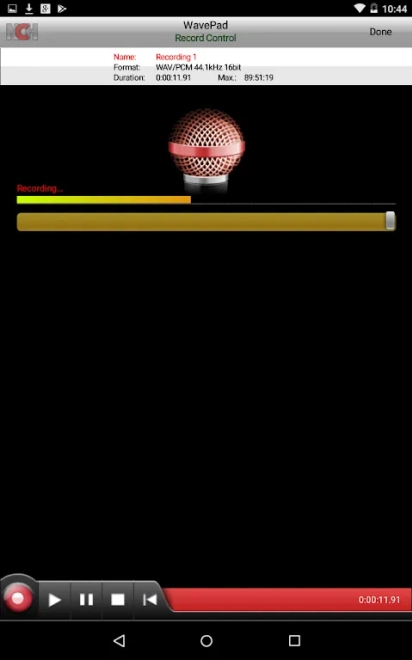
- Recording audio in WAV and MP3 formats. To capture a signal, you can use not only the smartphone’s built-in microphone but also a compatible USB microphone.
- Multitrack editing and mixing, allowing you to combine multiple audio sources in a single project.
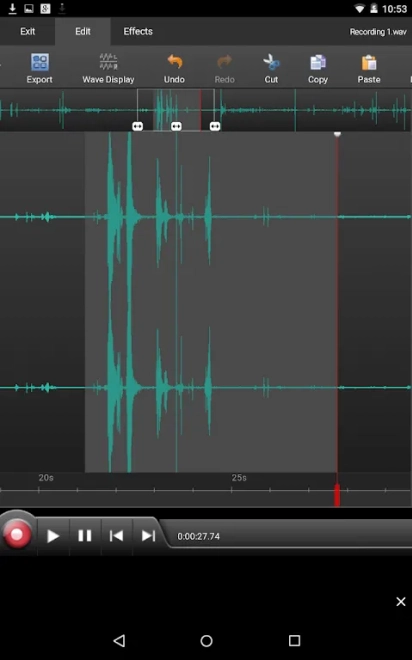
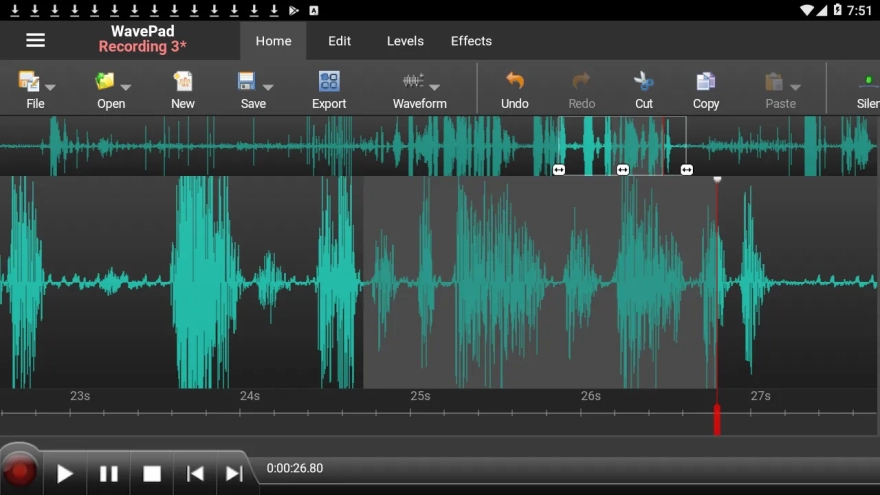
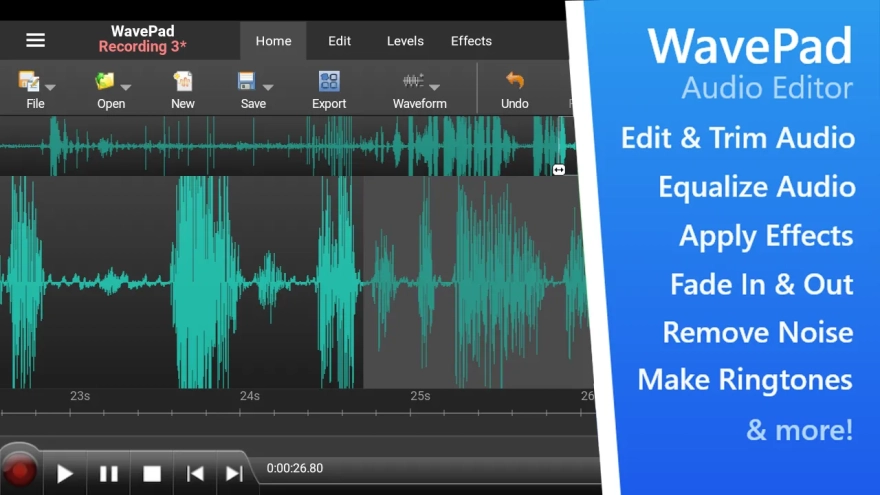
- Precise viewing, selection, and editing of individual signal fragments at the sample level.
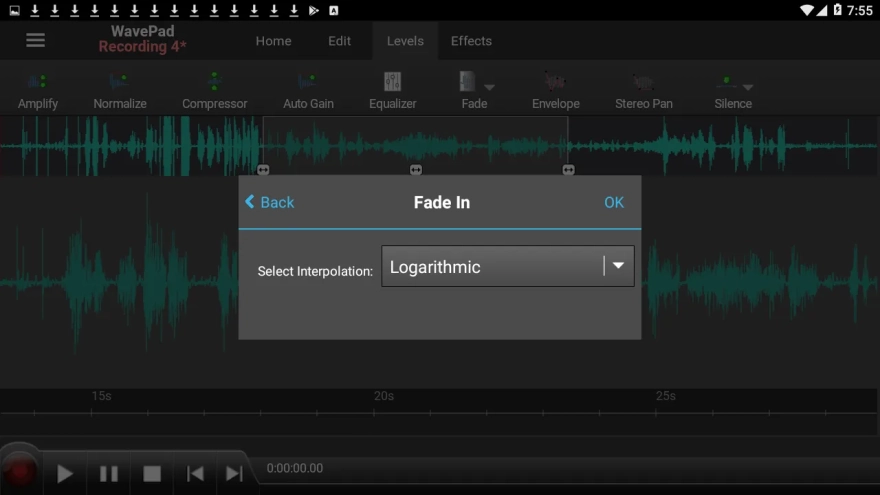
- Basic audio operations: copying, pasting, trimming, reversing playback direction, inversion, and creating smooth transitions.
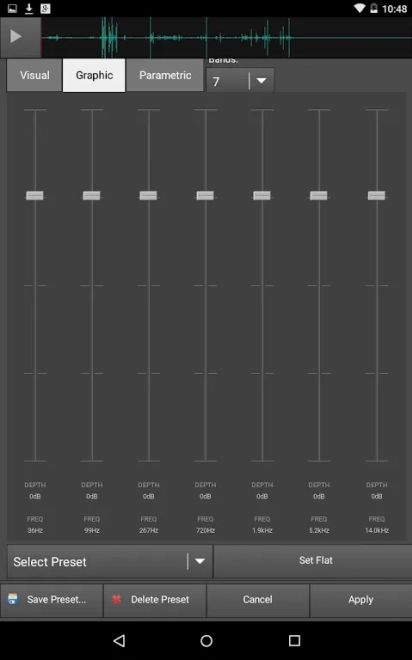
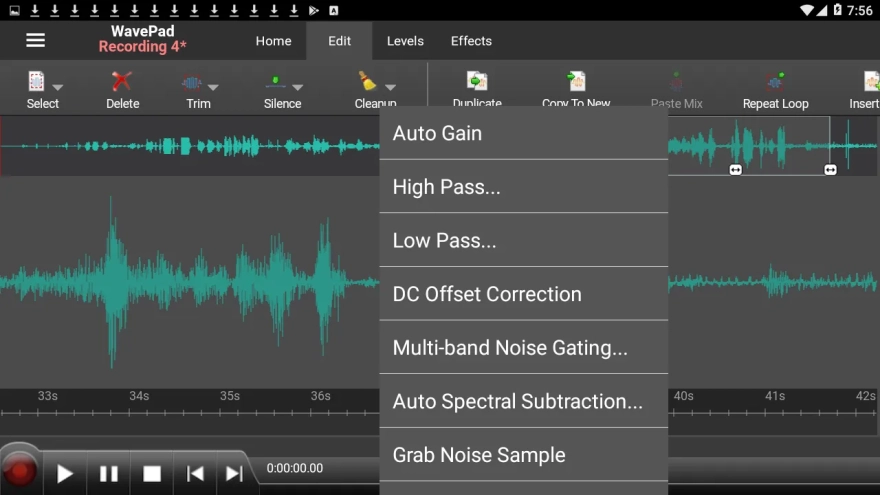
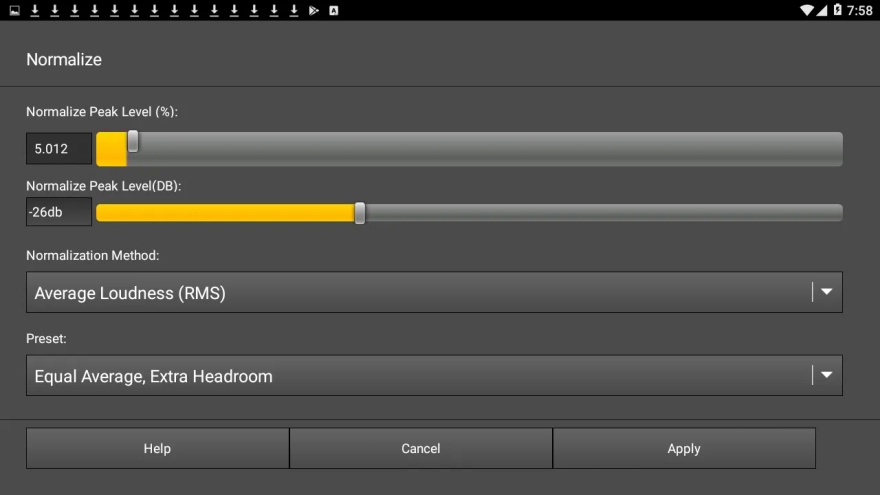
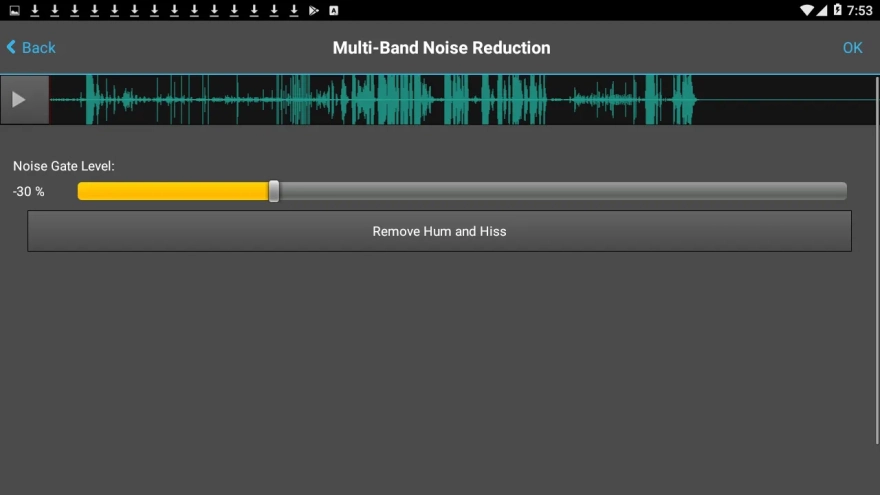
- Processing recordings with normalization, a noise gate, and pitch correction. These tools help even out volume, reduce unwanted background noise, or adjust a vocal part.
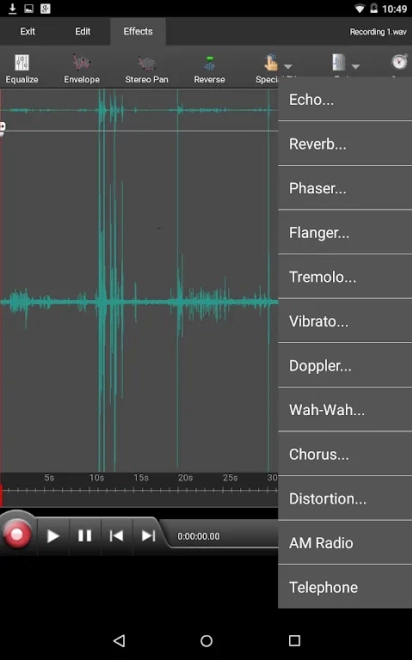
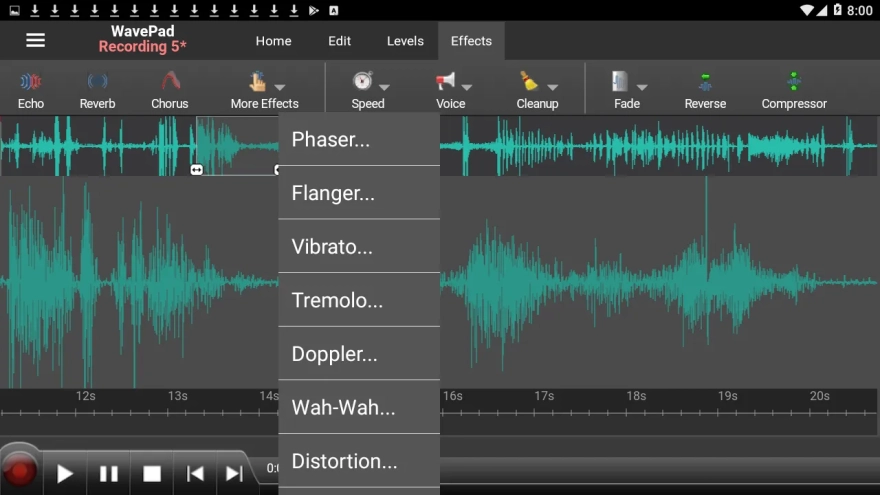
- A set of effects for creative processing, including delay, reverb, chorus, distortion, phaser, and a bit-depth reduction effect.
- Visual audio analysis through an amplitude indicator, oscilloscope, FFT analyzer, waterfall, spectrogram, and vectorscope.
- Import of common audio formats, including AAC, FLAC, M4A, MP3, OGG, and WAV, as well as export to FLAC, M4A, MP3, OGG, and WAV.
- Batch conversion of multiple files when you need to convert an entire collection of recordings to the required format.
- A built-in file browser for finding materials in the device’s storage and saving completed projects.
WaveEditor is useful in situations where a recording needs to be processed immediately after it is created: removing unnecessary silence, leveling the voice volume, adding an effect, or preparing the file for export. Saving sessions allows you to pause work on a more complex edit and continue later without setting up the tracks again.
Advantages of the Audio Editor
- Functionality focused not only on simple recording trimming but also on full-featured editing with mixing and signal analysis.
- Support for 32-bit floating-point processing, which ensures more accurate calculations during editing and track mixing.
- Support for a wide range of formats simplifies file exchange between a smartphone, computer, and other devices.
- The ability to connect a USB microphone expands usage scenarios when recording vocals, commentary, or instrumental parts.
- Batch conversion saves time when preparing multiple audio files.
- The undo and redo system makes it possible to safely test different processing options.
- Support for saved sessions is convenient for lengthy projects that cannot be completed in a single session.
- The app is suitable for both everyday recordings and working with podcasts, music, or voice materials.
Drawbacks
- Some effects are available only in the Pro version, so the set of tools will be limited without additional unlocking.
- The widget for quick recording from the home screen is also part of the Pro version’s features.
- Working with a USB microphone requires compatibility between the specific device and smartphone, so connecting external equipment will not always be equally straightforward.
- The large number of analysis modes and settings may be excessive for users who only need to quickly trim an audio file.
WaveEditor is designed for those who want more than just a voice recorder on Android: it is a tool for detailed editing, mixing, and preparing audio in various formats. The app combines work with individual fragments, multitrack sessions, and technical signal analysis, while the basic version of WaveEditor is free.
What's new in the latest version 1.12
Updated
- Fixed an issue with waveform display during recording.
- The file manager was migrated to RecyclerView to improve performance.
- Added a user consent management system in accordance with GDPR requirements for audiences from the European Union.








Add comment