

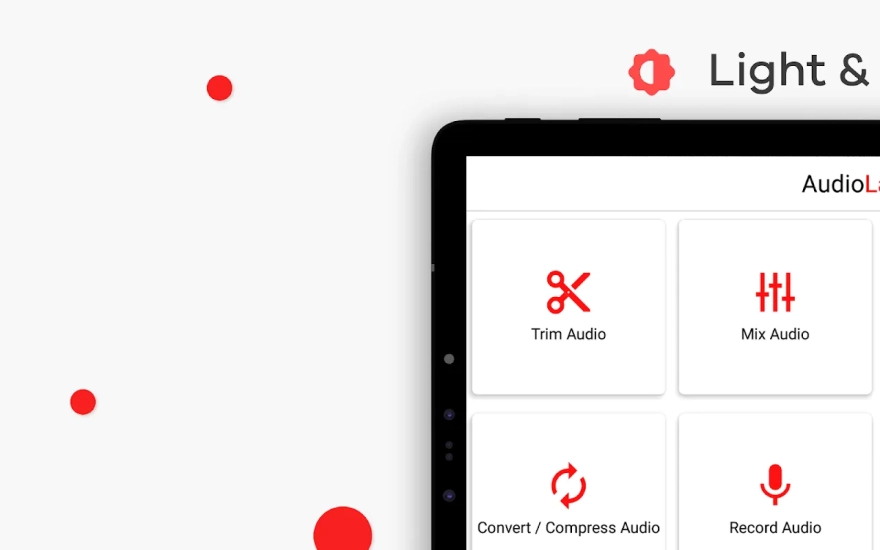
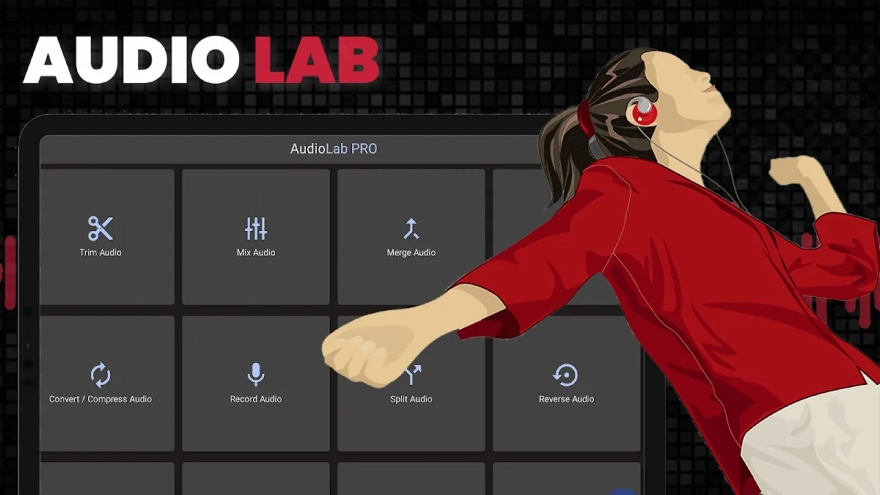
AudioLab is a multifunctional audio editor for Android that combines track trimming, voice recording, mixing, and media file conversion in one app. It is suitable for quickly editing music, preparing podcasts, creating ringtones, or processing voice recordings without switching between multiple programs.
In terms of its set of tools, AudioLab can be compared with Audacity: both programs let you record sound, cut out sections, mix tracks, apply effects, and remove background noise. At the same time, AudioLab is designed for mobile use and additionally offers video editing, video-to-audio conversion, karaoke recording, and voice changing, while Audacity focuses more on detailed audio editing on a computer.
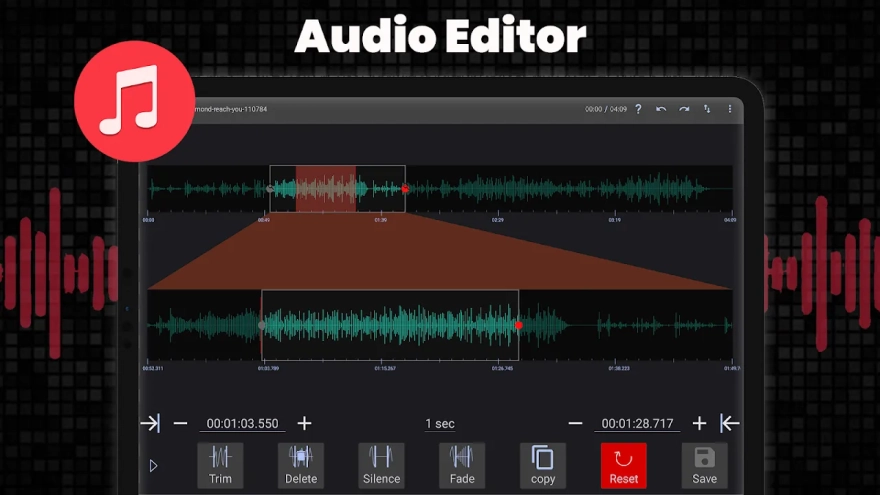
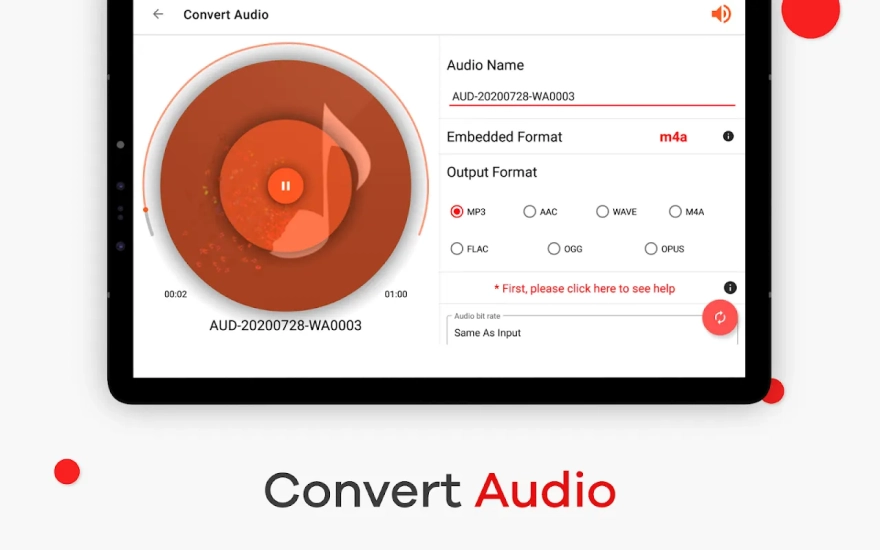
AudioLab works with common formats such as MP3, WAV, FLAC, M4A, AAC, and OGG. Editing can be performed with millisecond precision, so the app is suitable not only for roughly trimming a song but also for carefully removing a pause, a mistake in a voice recording, or an unwanted noise segment.
AudioLab Features
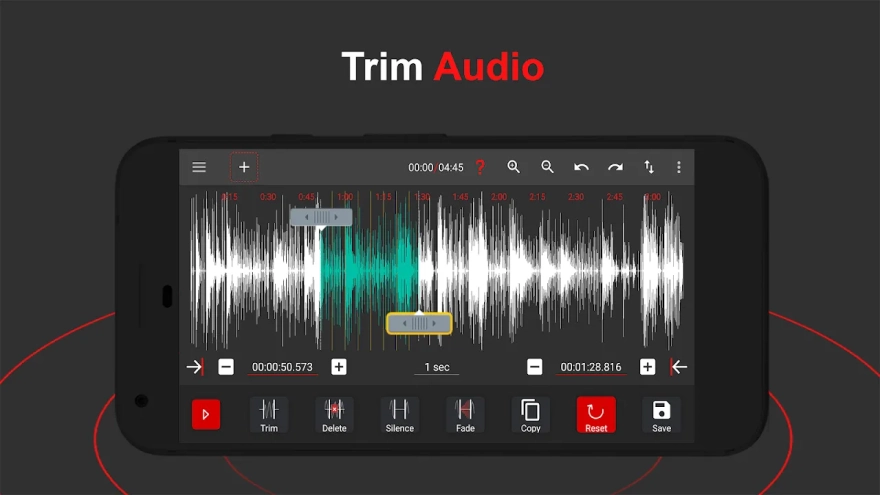
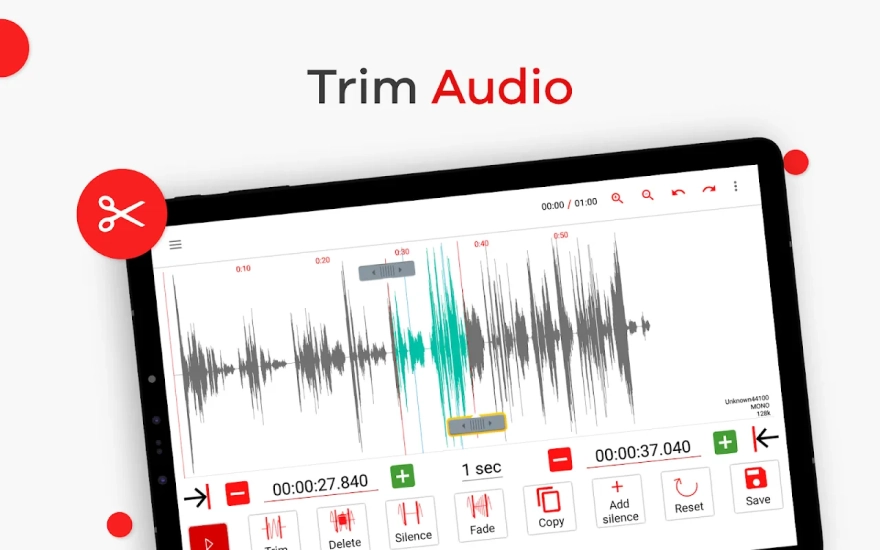
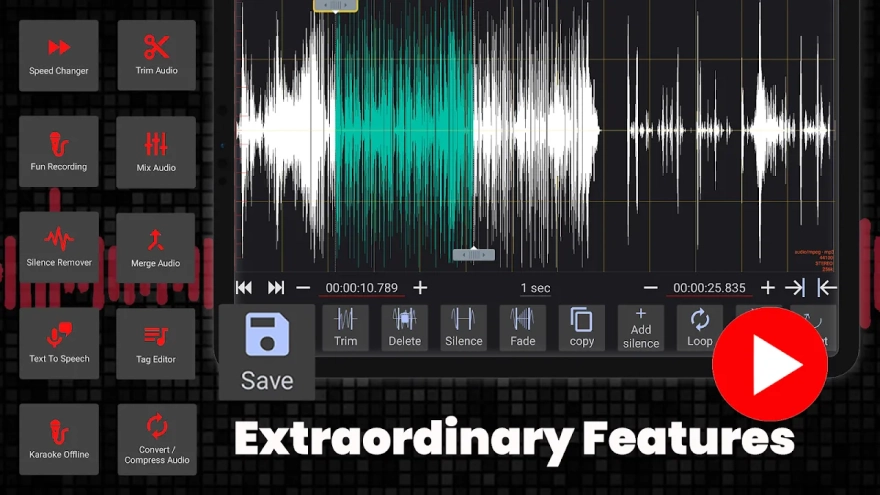
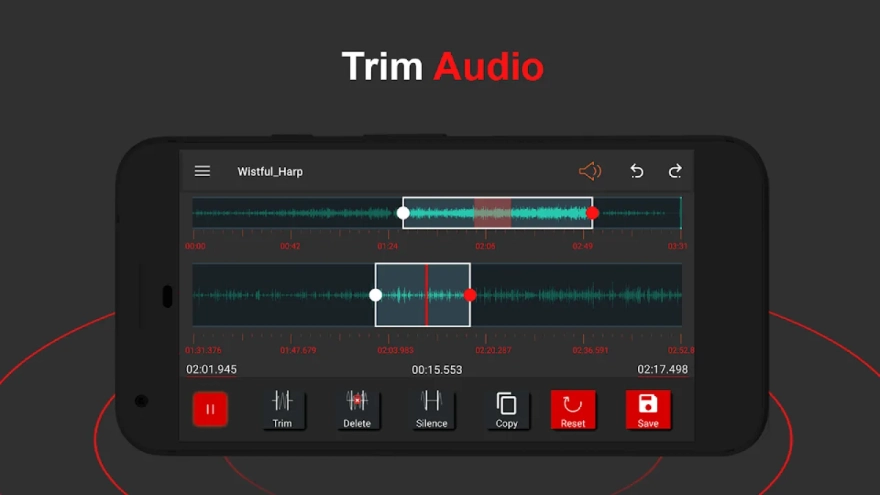
- Trimming, splitting, and cropping audio files, with the ability to copy and paste individual sections.
- Adding silence, gradual volume increase, or fade-out for a smoother beginning and ending of a composition.
- Removing background noise from recordings and automatically deleting silence, which is convenient when preparing interviews or podcasts.
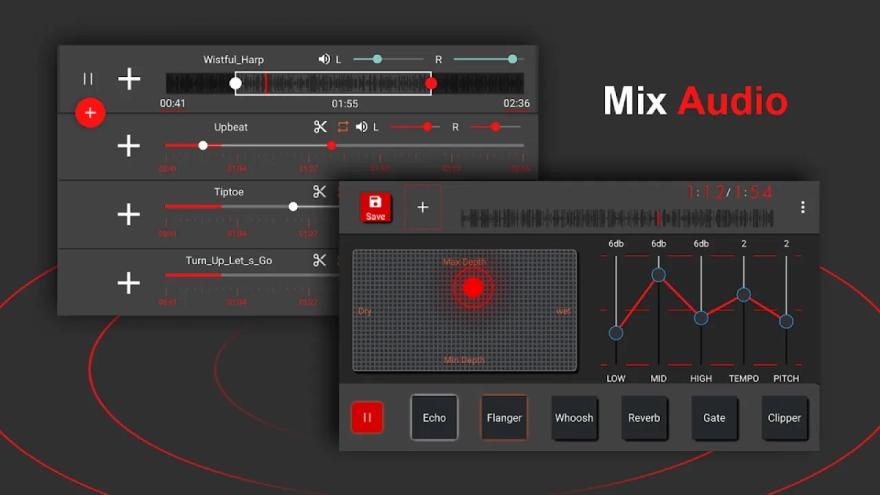
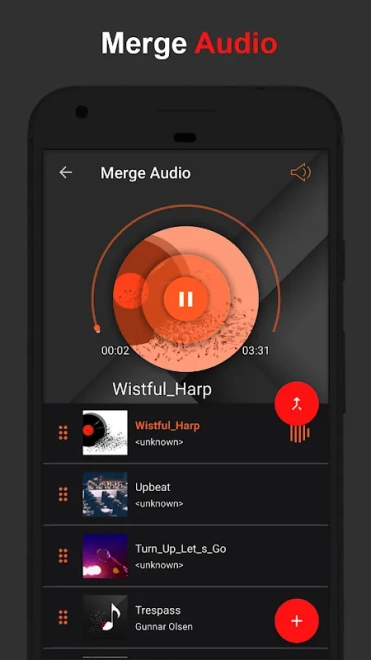
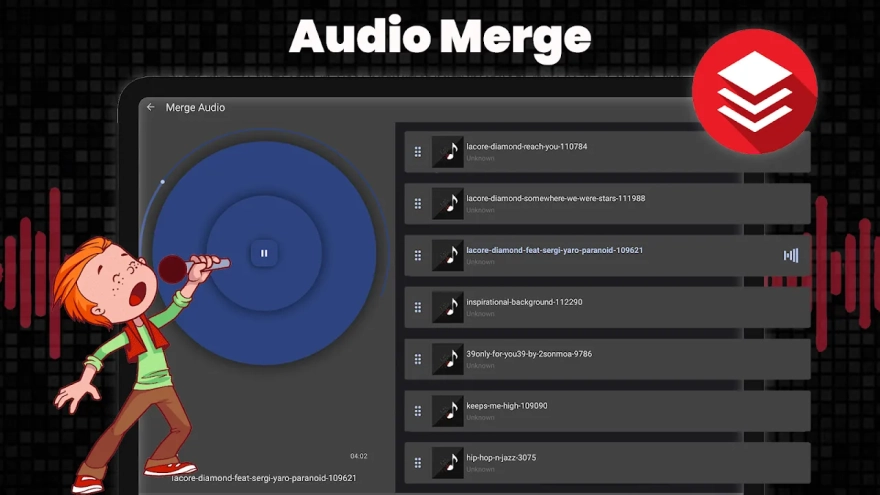
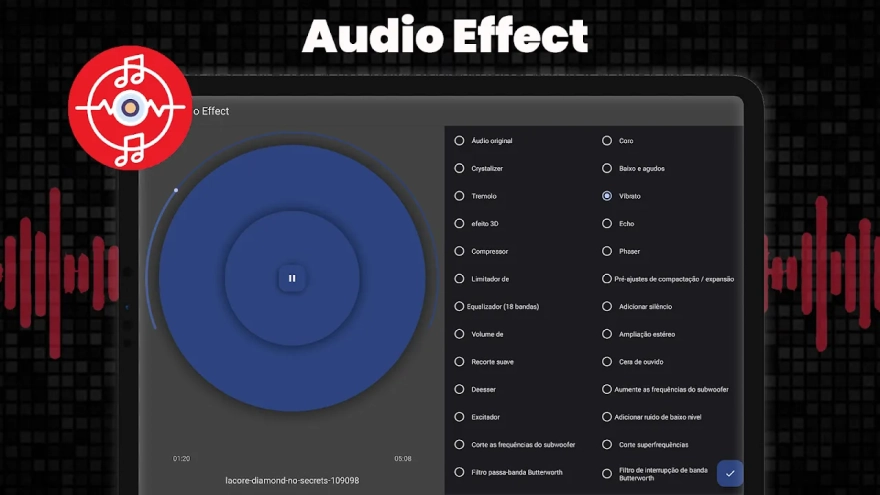
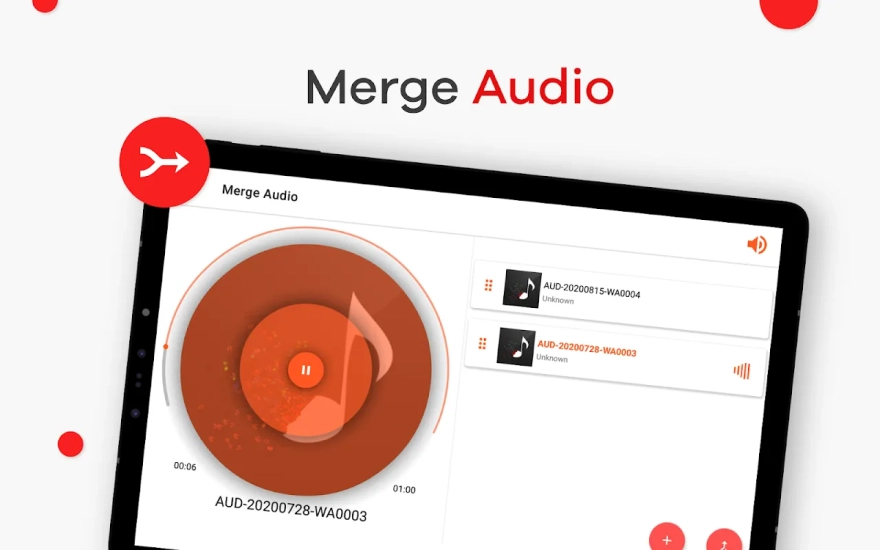
- Mixing multiple audio tracks using filters and sound effects.
- Batch editing, allowing several files to be processed or converted without repeating the same actions manually.
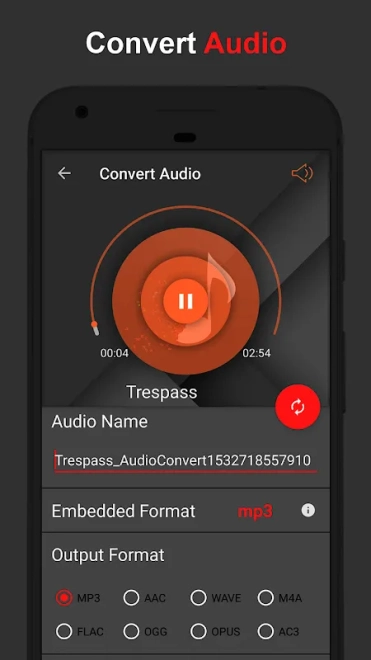
- Converting audio between popular formats while preserving quality suitable for further work.
- A built-in player for checking the result immediately after editing.
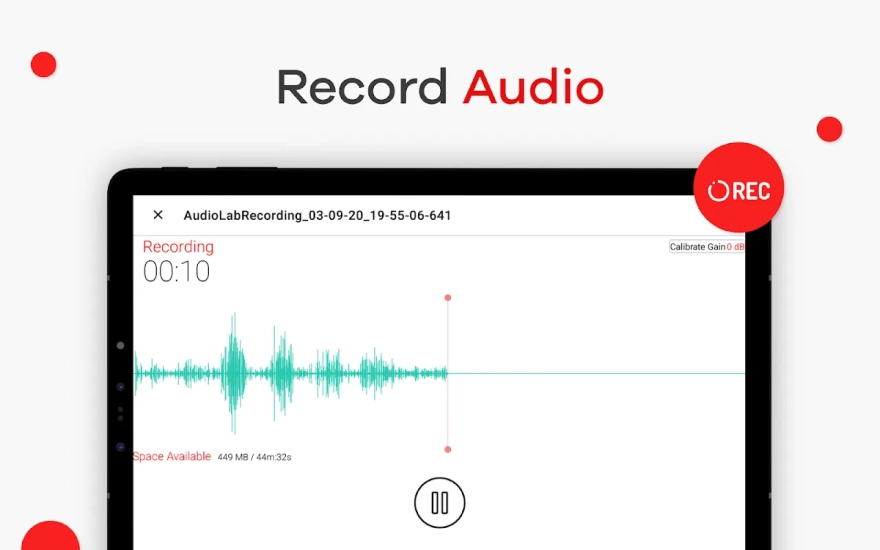
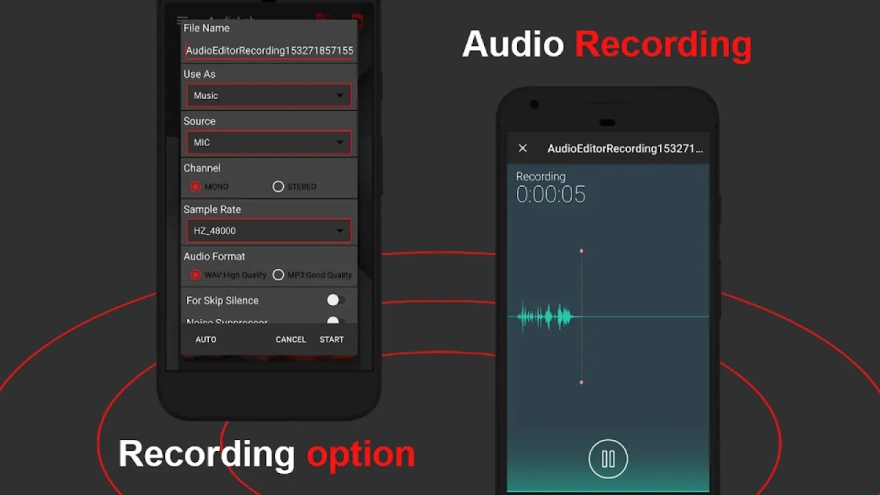
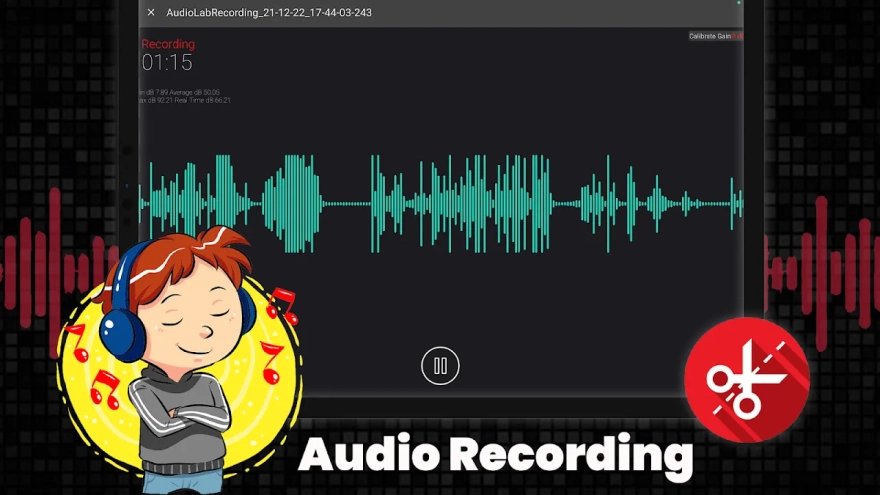
- Recording voice directly in the app, including for voiceovers or creating audio inserts.
- A karaoke recorder for recording singing along to a favorite composition.
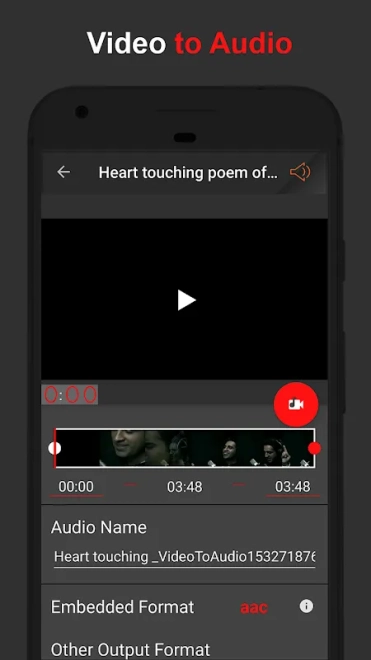
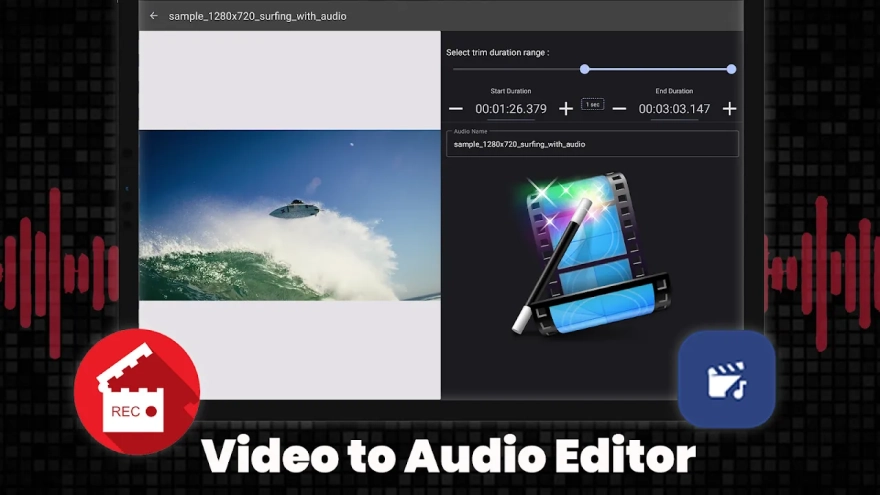
- Video editing: trimming, splitting into parts, and extracting the audio track from a video file.
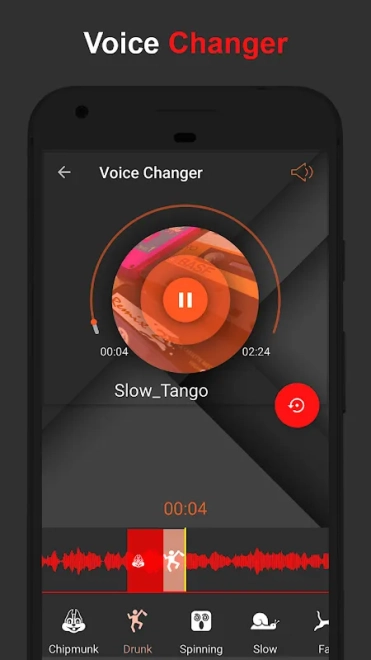
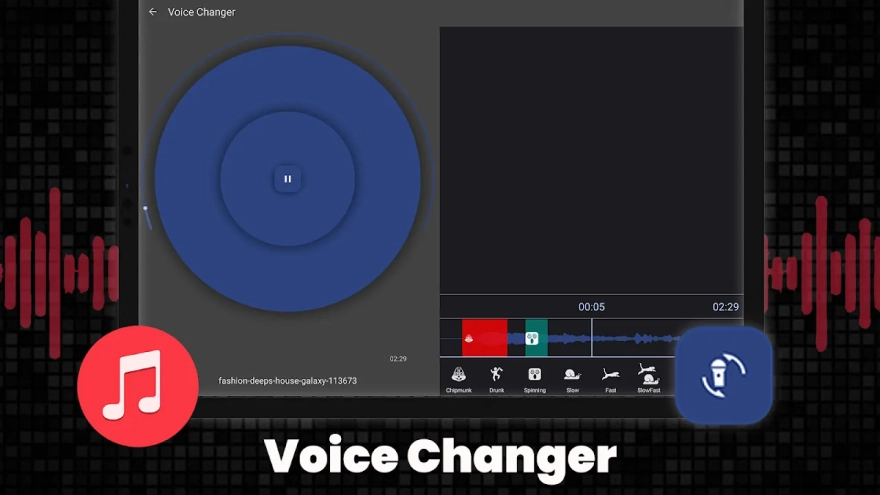
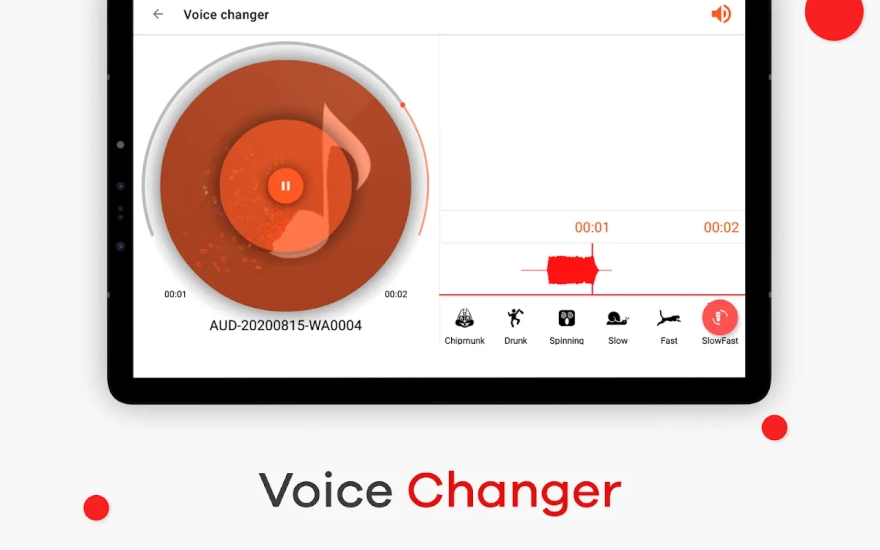
- Voice changing, text-to-speech conversion, and creating a spatial 3D effect for sound.
- Removing vocals from a song to prepare a karaoke version.
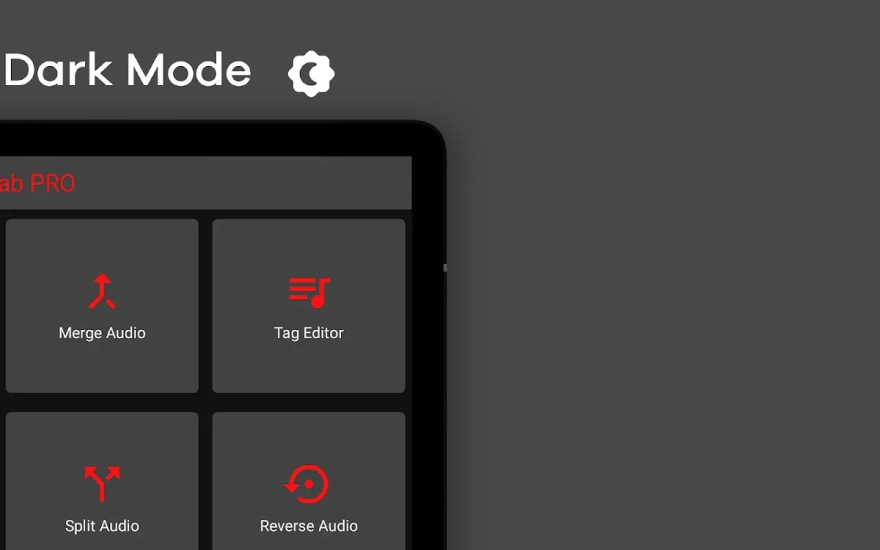
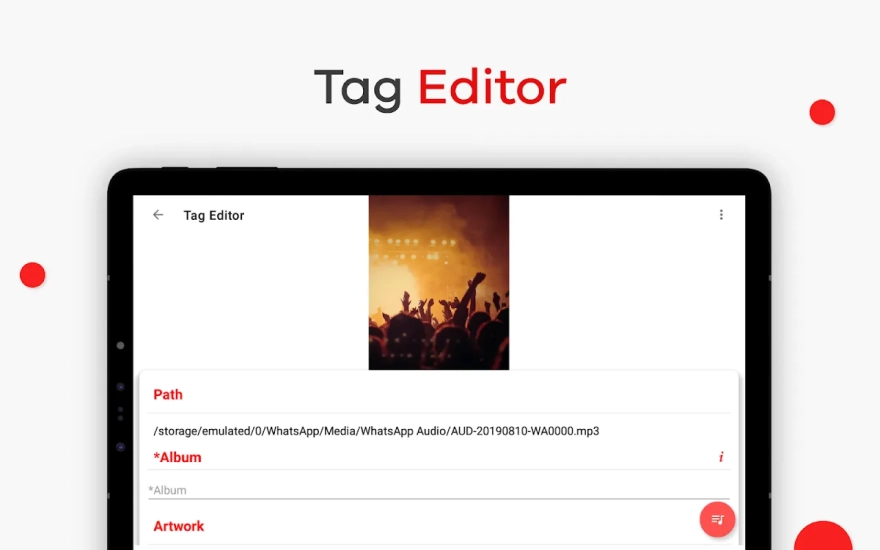
- A tag editor for changing the metadata of music files and organizing the audio library.
Advantages of the Audio Editor
- A wide range of tools in one mobile app: from simple trimming to mixing and working with video.
- Support for several popular formats means you do not have to spend time converting files beforehand.
- Precise editing is suitable for working with voice, music, and short segments where it is important to remove an unwanted part without a noticeable cut.
- The voice recorder and karaoke recorder expand its use cases beyond ordinary editing of finished tracks.
- The vocal removal function is useful for rehearsals, creating amateur covers, or preparing a musical backing track.
- The built-in player lets you check changes without launching another program.
- The mobile format is convenient for quickly working with files when a computer is not at hand.
Disadvantages
- Because of the large number of tools, the interface may seem overwhelming when first getting acquainted with the app.
- For a complex multitrack project with a large number of precise settings, AudioLab is less convenient than a full-fledged desktop editor.
- The mobile screen limits the comfort of working with long recordings, especially when you need to carefully navigate between small segments.
- Some features are more geared toward achieving quick creative results than toward deep studio editing with detailed control over every parameter.
AudioLab is particularly useful in practical scenarios: quickly cutting a chorus from a song, removing pauses from a voice recorder recording, overlaying a voice on music, or converting a video into a separate audio file. This approach makes the app useful not only for musicians but also for short video and podcast creators.
AudioLab is designed for those who need a mobile set of tools for working with sound without the complex working environment of desktop programs. The app combines everyday editing, voice recording, and creative effects, and AudioLab is distributed free of charge.
What's new in the latest version 1.3.33
Updated
- Updated compatibility with modern Android versions: the app now targets Android 14.
- Added automatic cover art search and image search via a web browser to the tag editor.
- Added a genre list to the tag editor for faster filling in of audio file metadata.
- Added the ability to save the result under a new name in audio trimming mode.
- Updated the video gallery and improved handling of video files.
- Improved the silence removal feature for audio recordings.
- Fixed numerous bugs and improved the app’s overall performance.
- Made a number of interface changes for more convenient use of the main tools.










Add comment