
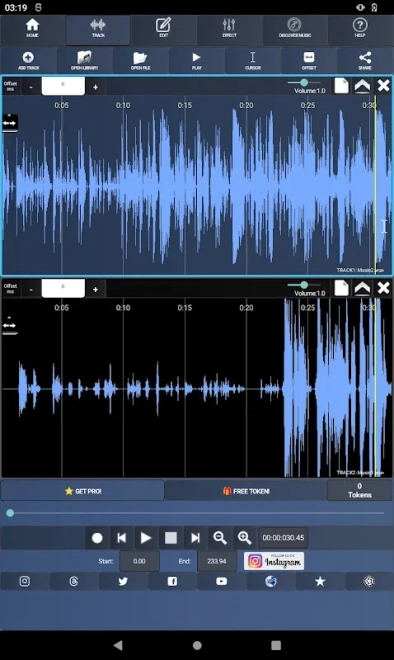
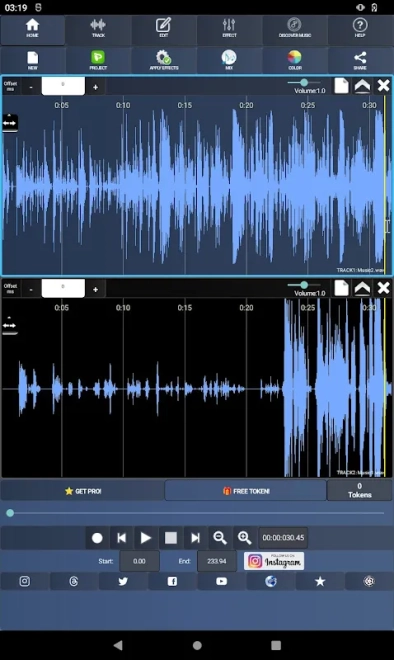
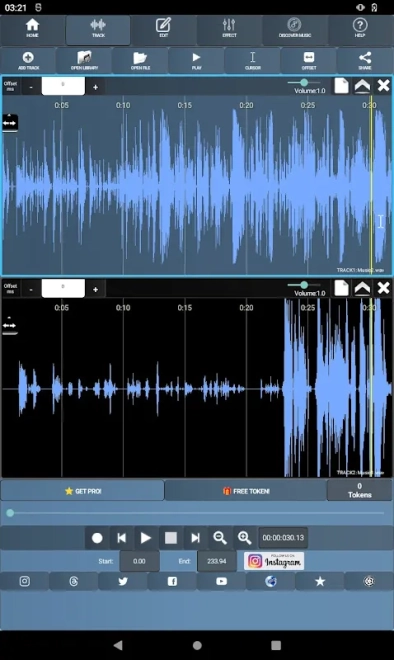
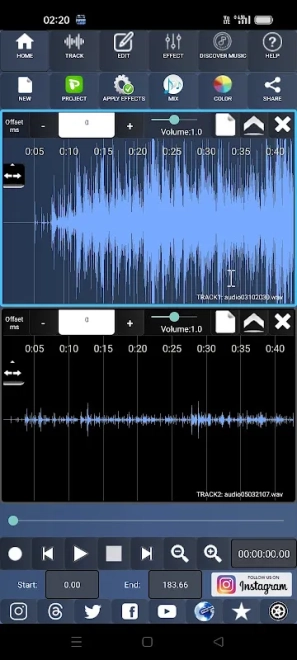
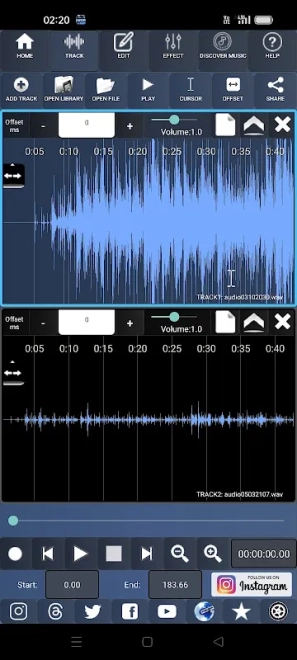
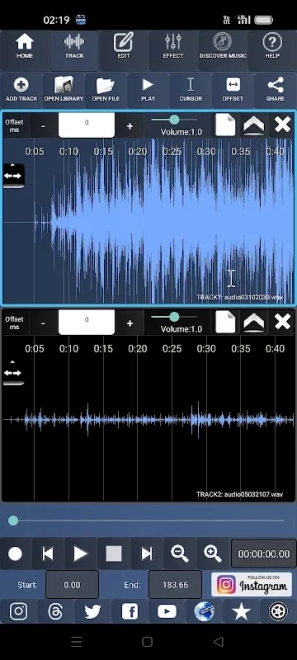
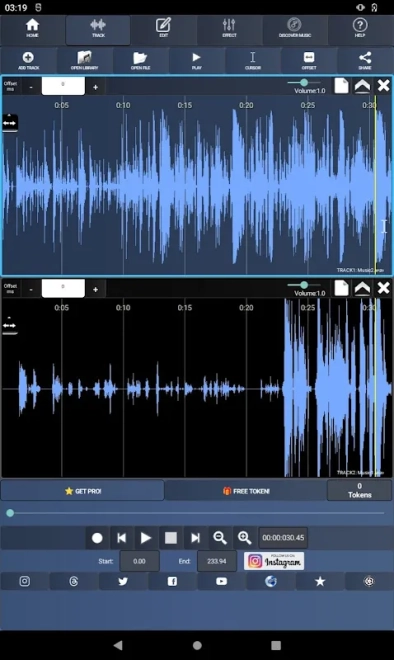
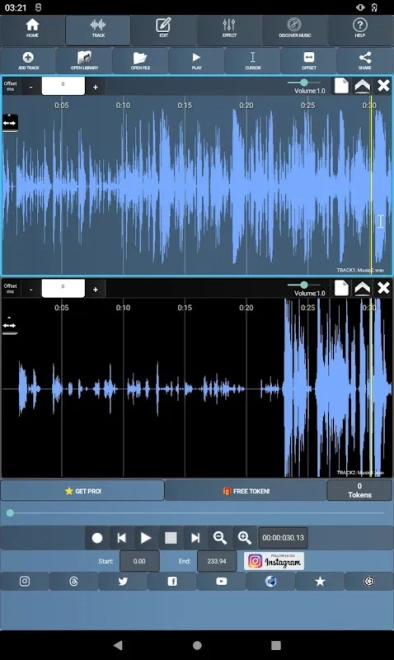
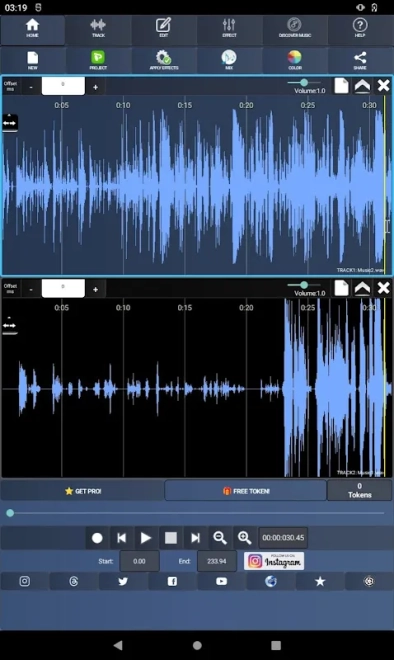
AudioDroid is a mobile digital audio workstation for Android that allows you to record voice, edit audio files, and combine multiple tracks in a single project. The program works with MP3, MP4, WAV, AAC, OGG, and AMR, supports trimming recordings, shifting tracks in time, and adding background music to vocal parts. A karaoke effect for reducing vocals is also provided, and finished materials can be saved in MP3 or WAV formats and shared via email, social networks, or other compatible applications.
In terms of its capabilities, AudioDroid can be considered a mobile alternative to Audacity for simple audio tasks. Like the well-known desktop editor, it allows you to trim audio, work with multiple tracks, and apply effects, but AudioDroid is designed for editing directly on a smartphone and does not claim to offer the full set of tools found in the professional Audacity studio.
AudioDroid Features
- Importing and processing audio in MP3, MP4, WAV, AAC, OGG, and AMR formats.
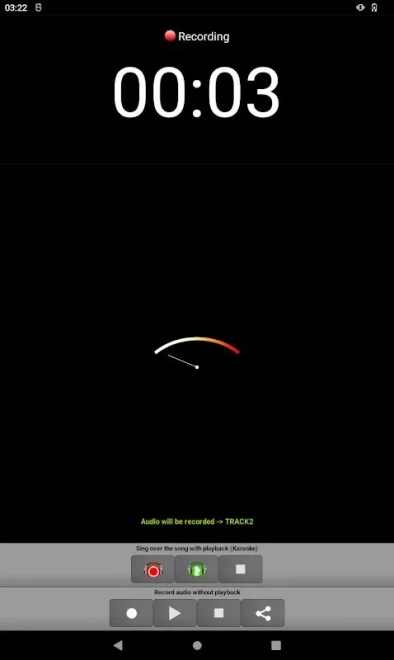
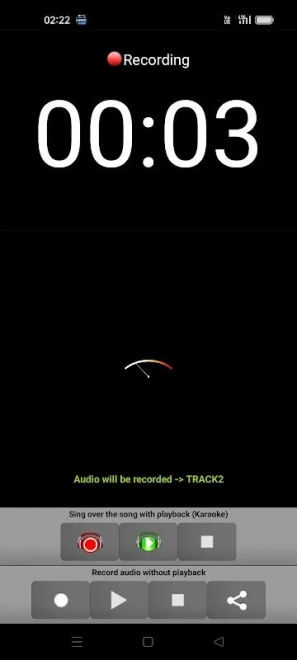
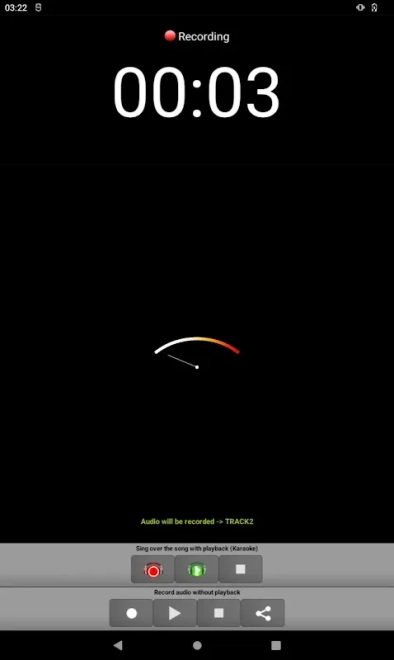
- Recording voice over imported music with subsequent mixing of tracks into MP3.
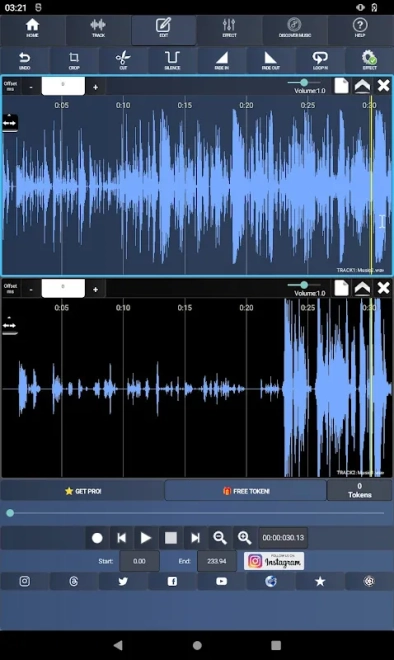
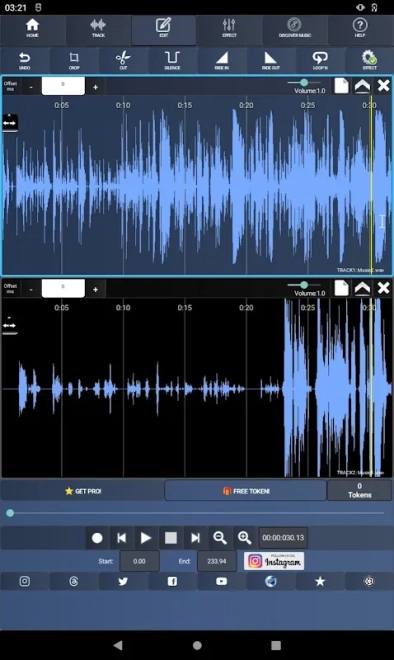
- Trimming unnecessary fragments and adding silence to selected sections of a recording.
- Synchronizing tracks using the time-shifting tool.
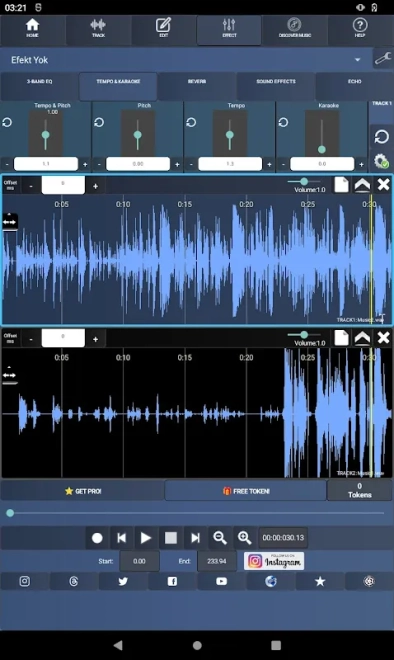
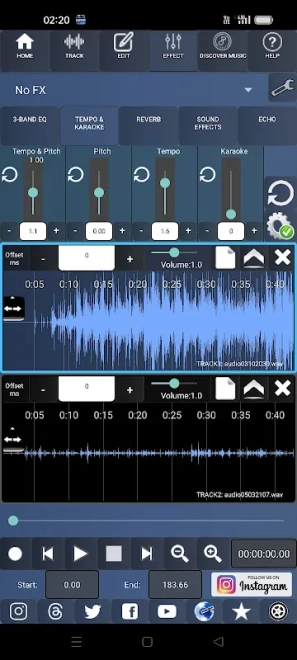
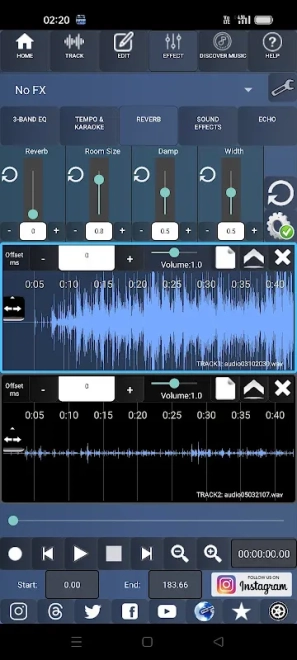
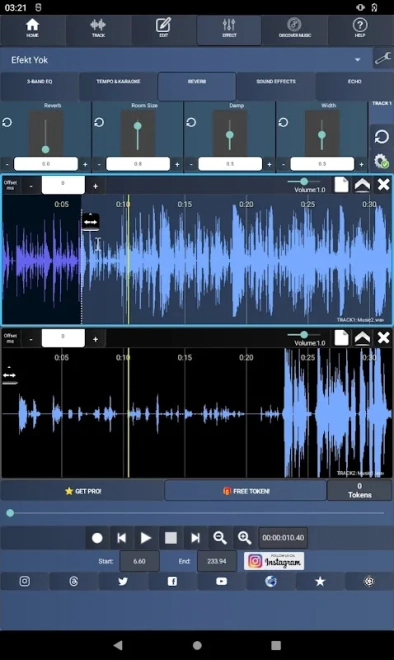
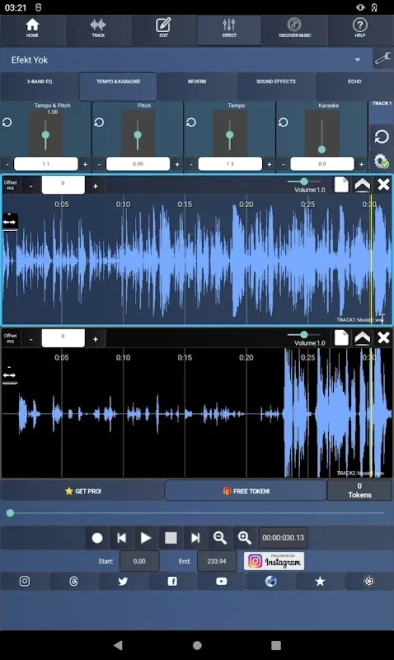
- Applying an equalizer, filter, tempo change, and pitch change.
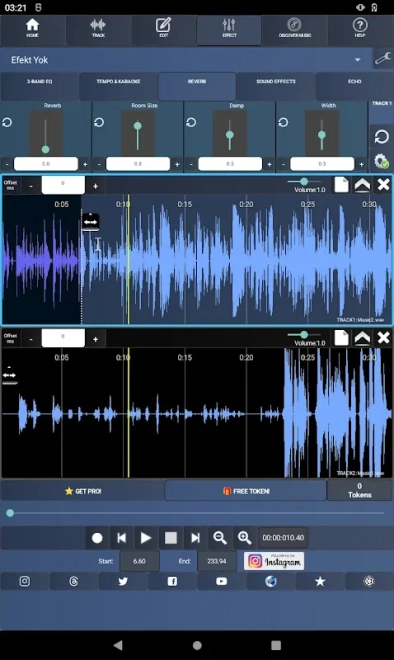
- Processing audio with reverb, flanger, gate, echo effects, and short noise transition effects.
- Smoothly increasing and decreasing volume using the Fade In and Fade Out effects.
- Normalization to even out the volume level of an audio file.
- Karaoke effect for creating instrumental versions with reduced or removed vocals.
- Saving custom effect sets as presets with the option to load them again.
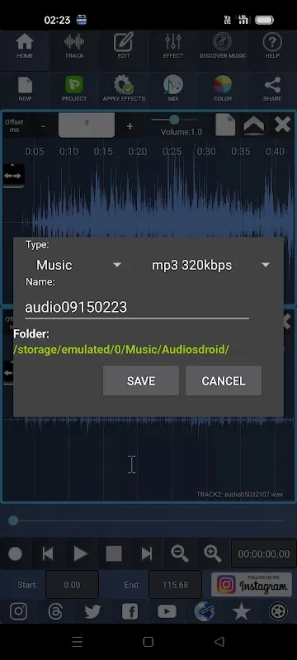
- Exporting to WAV and MP3 with a choice of bitrates from 128 to 320 kbps.
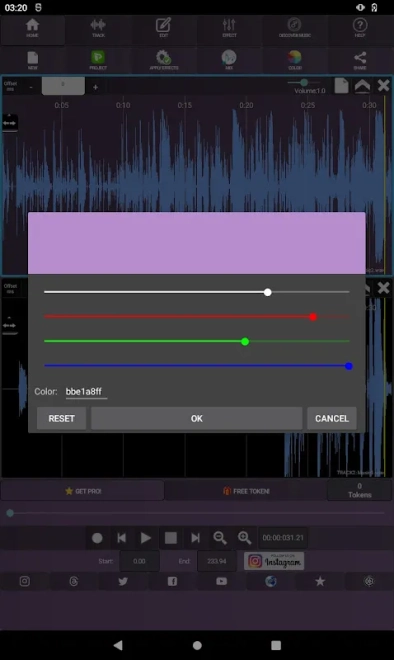
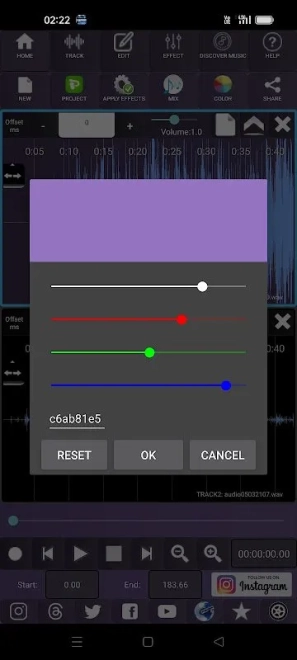
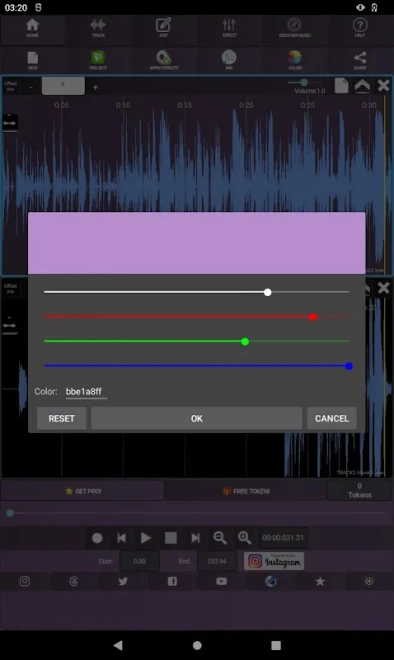
- Changing the interface color scheme using a wide palette.
AudioDroid is convenient for quickly recording vocals, preparing a karaoke version of a song, or editing voice material without transferring files to a computer. All the main track operations are gathered in a single mobile workspace.
Advantages of the Audio Editor
- Support for common audio formats simplifies working with recordings, music, and voice files from various sources.
- Combining recording, mixing, and effects makes it possible to prepare finished material without separate applications for each stage.
- Karaoke mode is suitable for creating instrumental versions, rehearsals, and home vocal recordings.
- Adjusting effect parameters through the control panel provides more freedom than ready-made one-time filters.
- Saving custom presets speeds up the reprocessing of similar recordings.
- Exporting to MP3 with several bitrate options helps find a balance between quality and file size.
- A finished project can be quickly transferred to another application or published through an available sharing service.
Disadvantages
- The free version contains ads, while some advanced features are available after upgrading to Pro.
- The mobile workspace is less convenient for complex multitrack editing than a large computer screen.
- The set of tools focuses on basic and intermediate processing, so professional users may lack deeper control over the project.
- When working with large files, the audio editor requires sufficient free storage space on the device.
AudioDroid combines the functions of a voice recorder, mixer, and effects editor, making it especially suitable for mobile scenarios: recording ideas on the go, preparing voice tracks for videos, or quickly creating an audio track for publication.
AudioDroid is designed for those who want a set of practical tools for recording and processing audio on Android without complex studio equipment. It is suitable for home audio projects, karaoke, and editing voice materials, and is distributed free of charge.
What's new in the latest version 3.6.1
Updated
- Fixed mixing errors, crashes, and application freezes.
- Added a sound normalization effect to the «Editing» → «Effects» menu.
- Added support for a 16 KB memory page size.
- Updated the payment and advertising SDKs.
- Improved audio file importing: added support for the OGG format and improved format filtering.
- Fixed the track volume slider and visibility switch.
- Improved the process of granting location access permissions.
- Added interface color settings using RGB.
- Added fade-in and fade-out volume effects.
- Expanded MP3 export options: bitrates from 128 to 320 kbps are available.
- Added the ability to earn tokens by watching advertising videos for use with premium effects.










Add comment