

BandLab is a free mobile recording studio for Android that combines a multitrack editor, a set of virtual instruments, and a music social platform. The app lets you create tracks from scratch, record vocals or guitar through a microphone, process parts with effects, and save projects in the cloud for further work.
BandLab is often considered a free alternative to FL Studio Mobile. Both programs let you work with multitrack projects, record sound, and use virtual effects, but BandLab is additionally built around a community: tracks can be published, discussed, and developed together with other creators. FL Studio Mobile is more focused on the traditional studio workflow, while BandLab emphasizes cloud-based collaboration.
BandLab Features
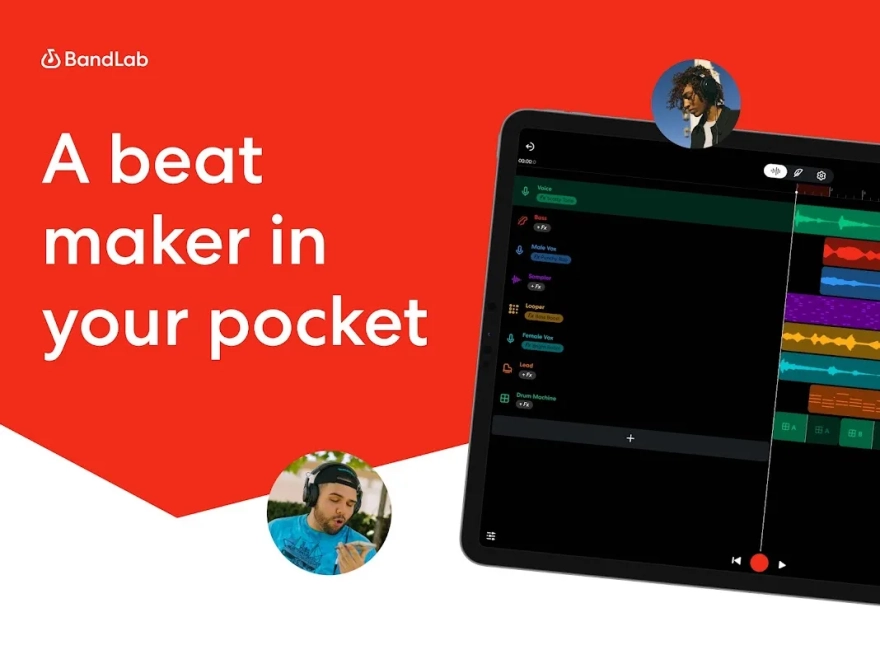
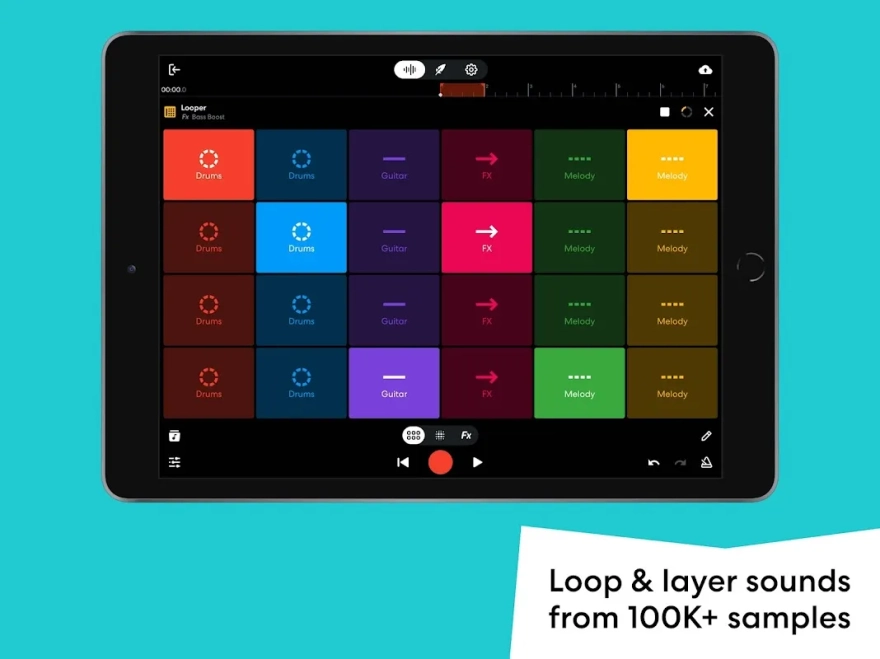
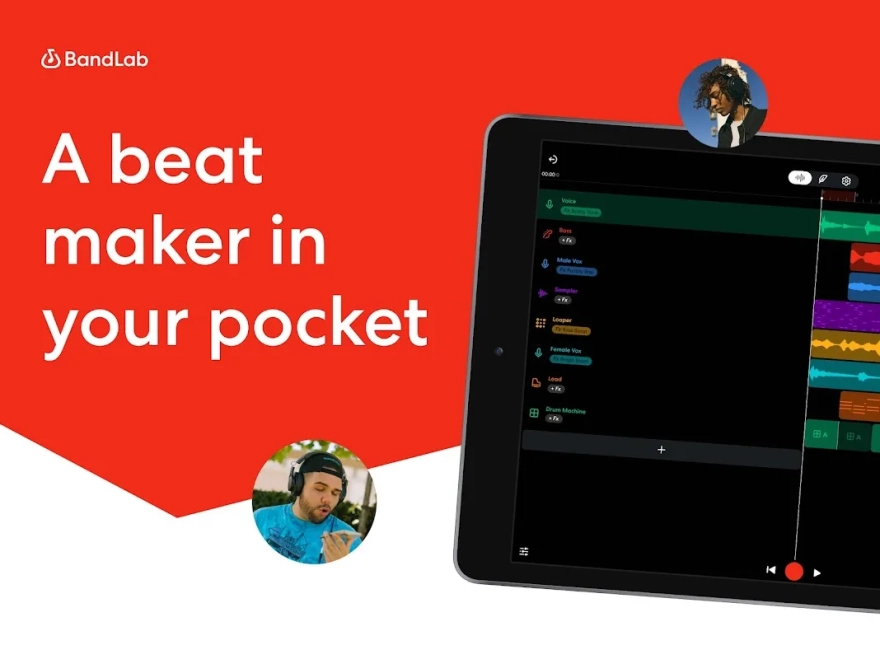
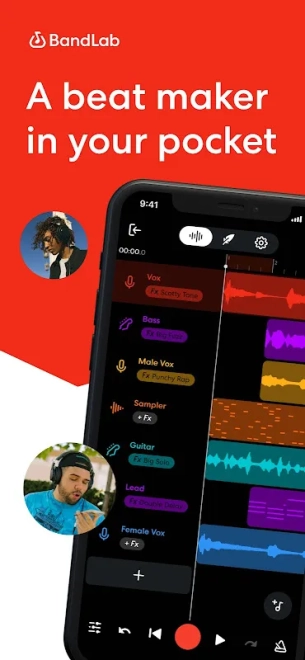
- Creating multitrack compositions from recorded parts, samples, and ready-made loops.
- Recording vocals, acoustic instruments, or an external signal through an Android device’s microphone.
- Using virtual drums, synthesizers, and other instruments to build arrangements without additional equipment.
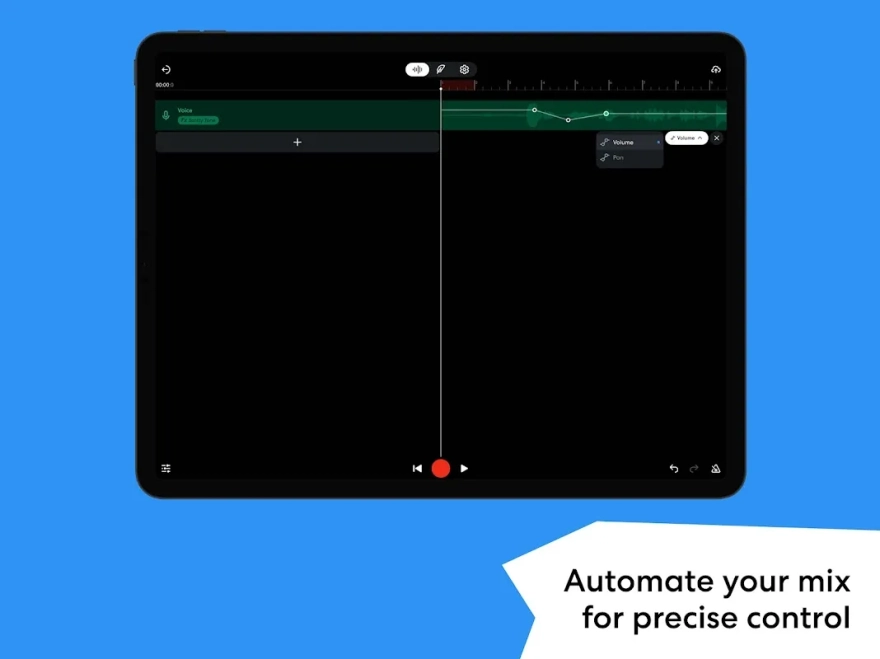
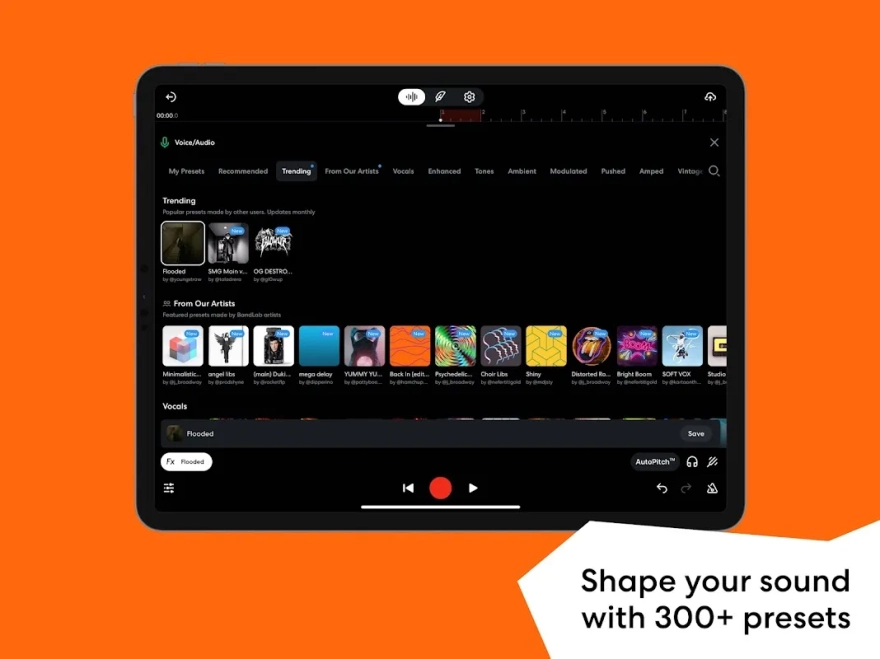
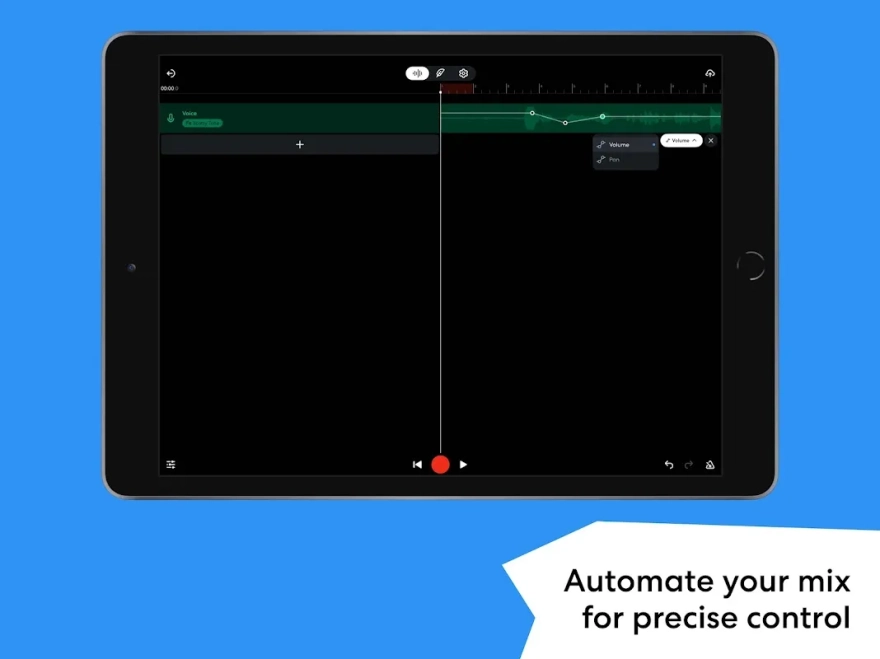
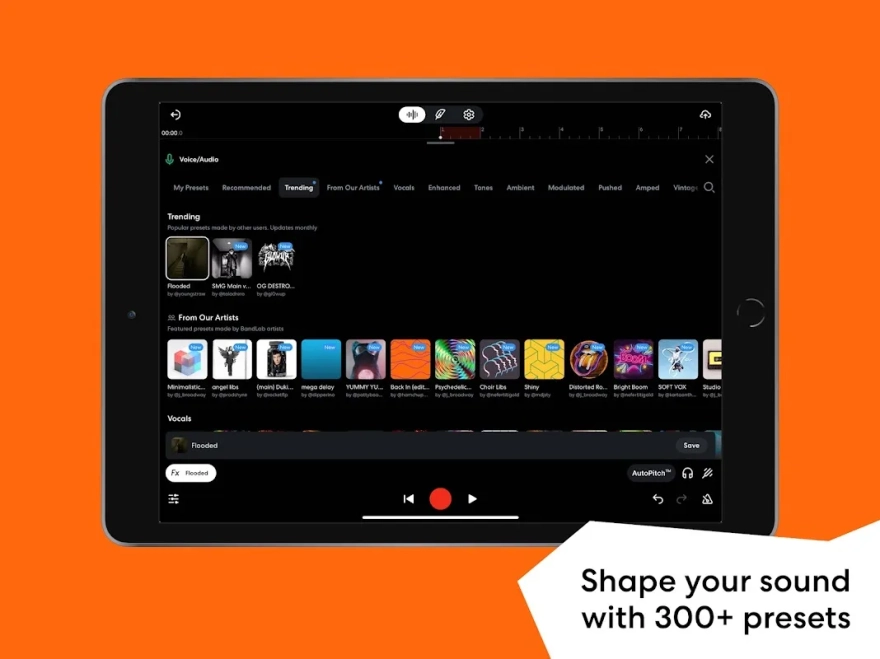
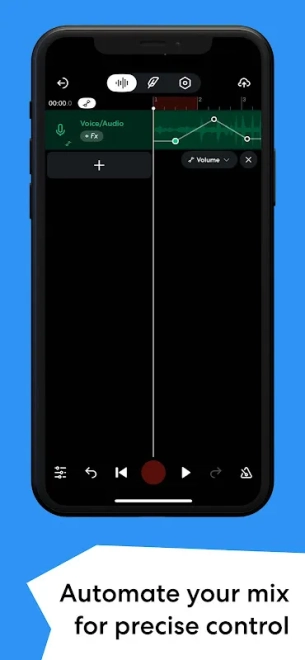
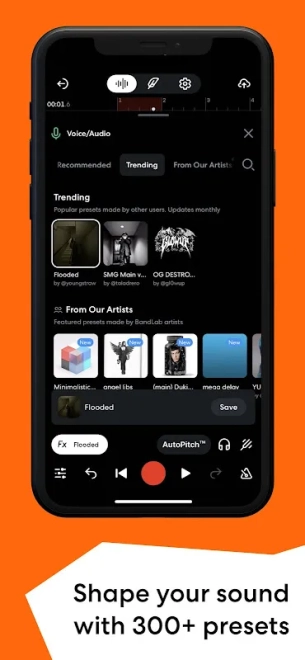
- Editing audio tracks with volume and pan controls, as well as applying processing effects.
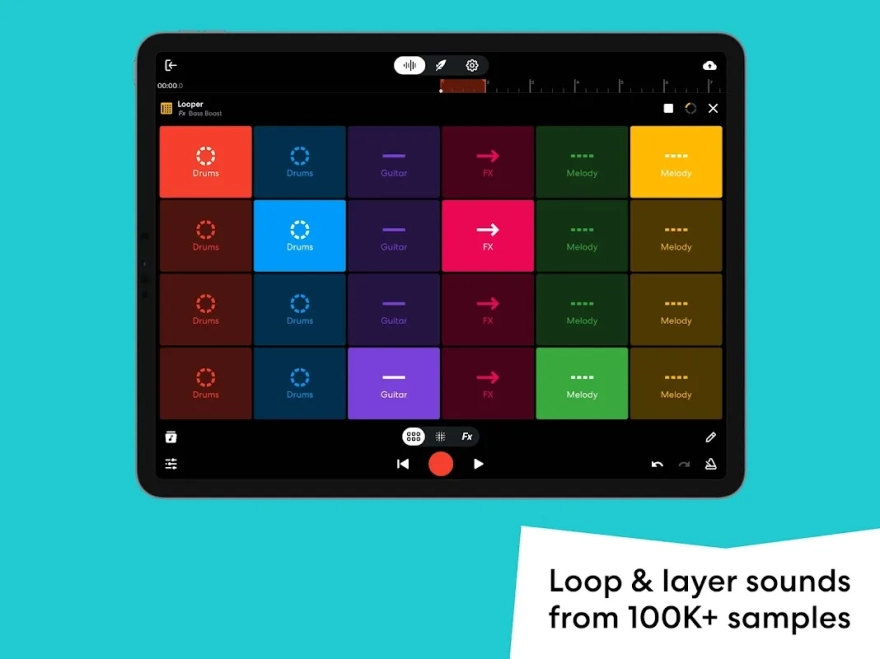
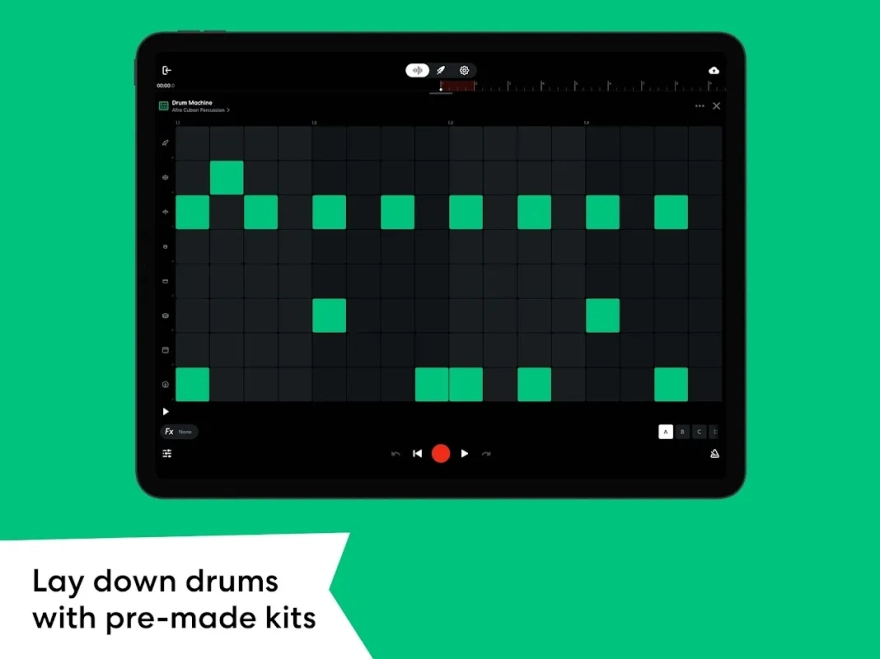
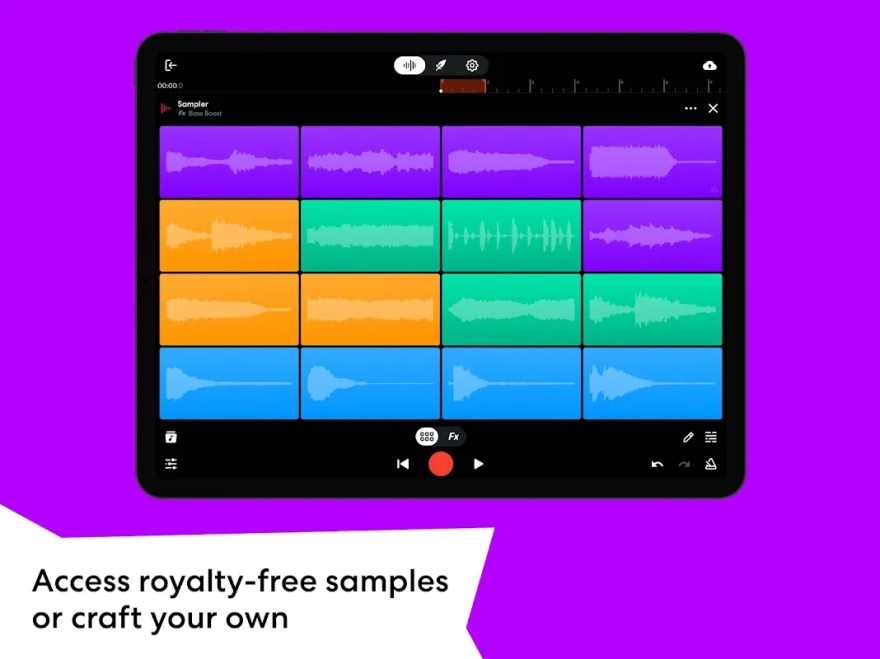
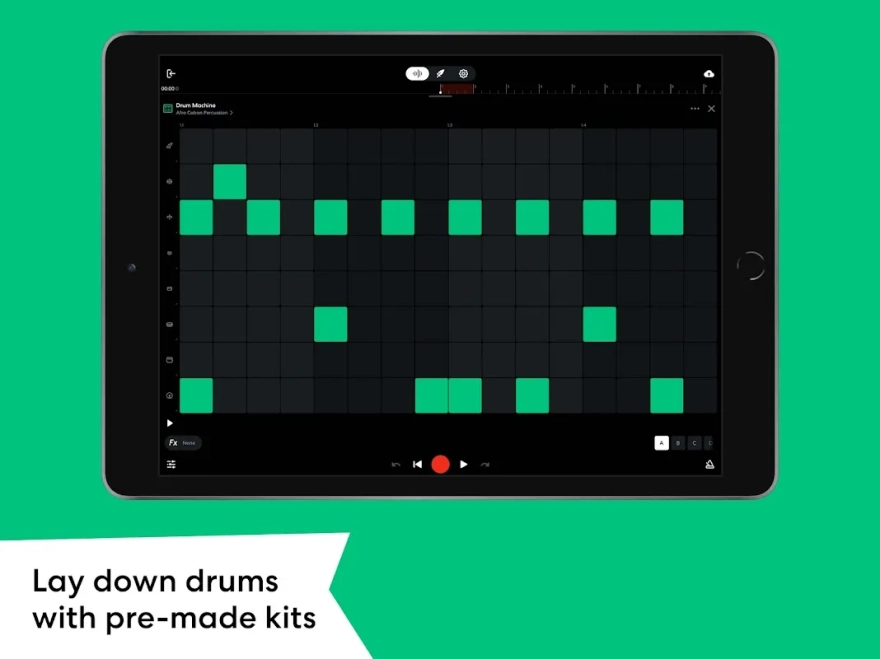
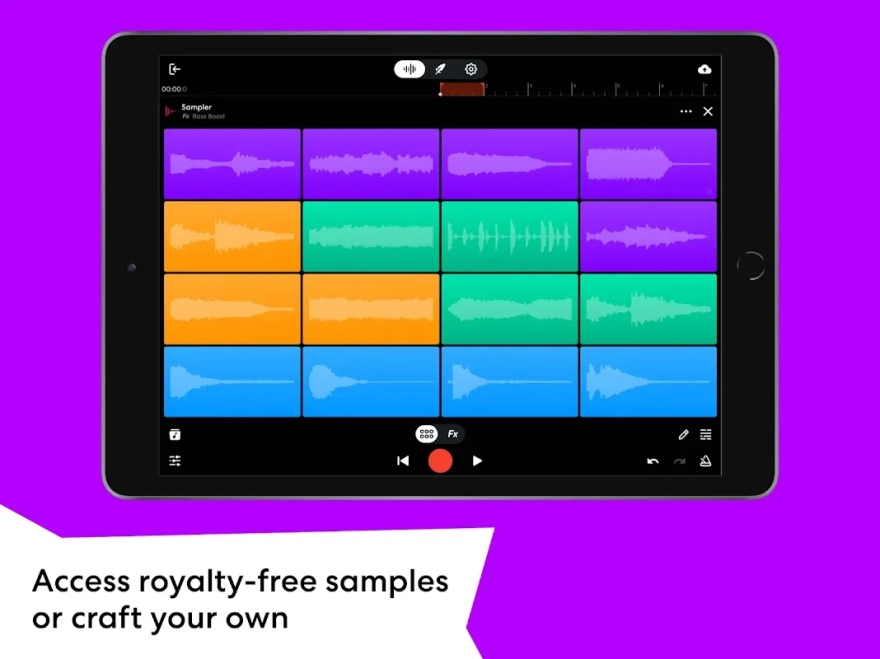
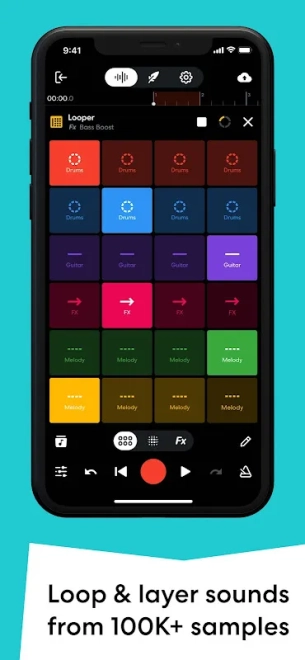
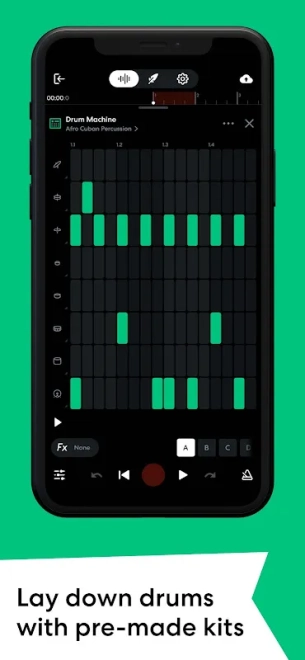
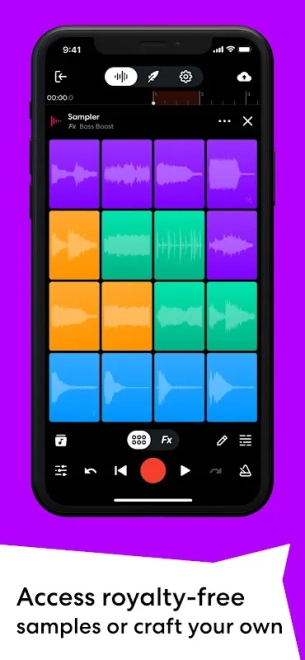
- Working with a drum machine and sampler to create rhythmic parts and trigger your own sounds.
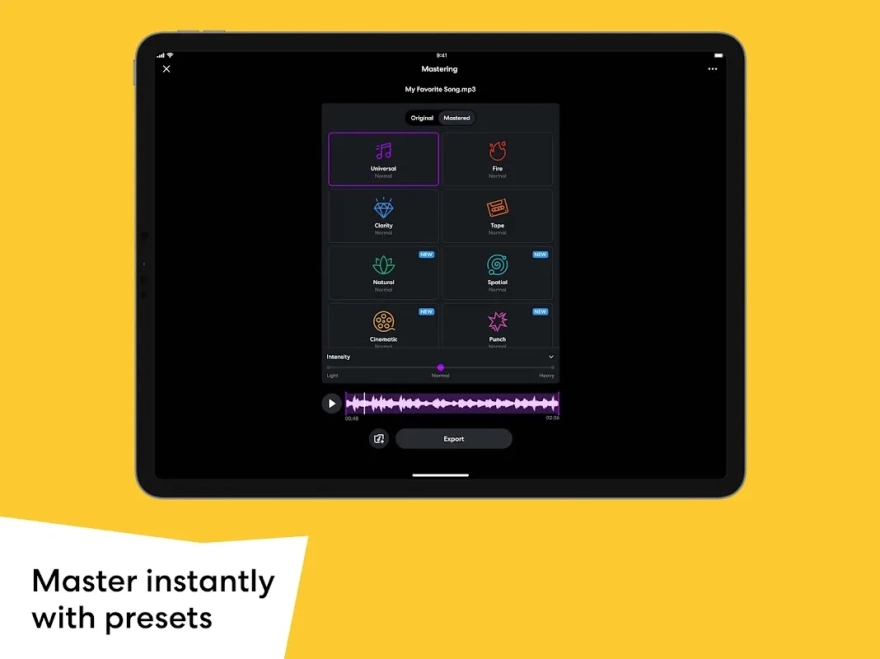
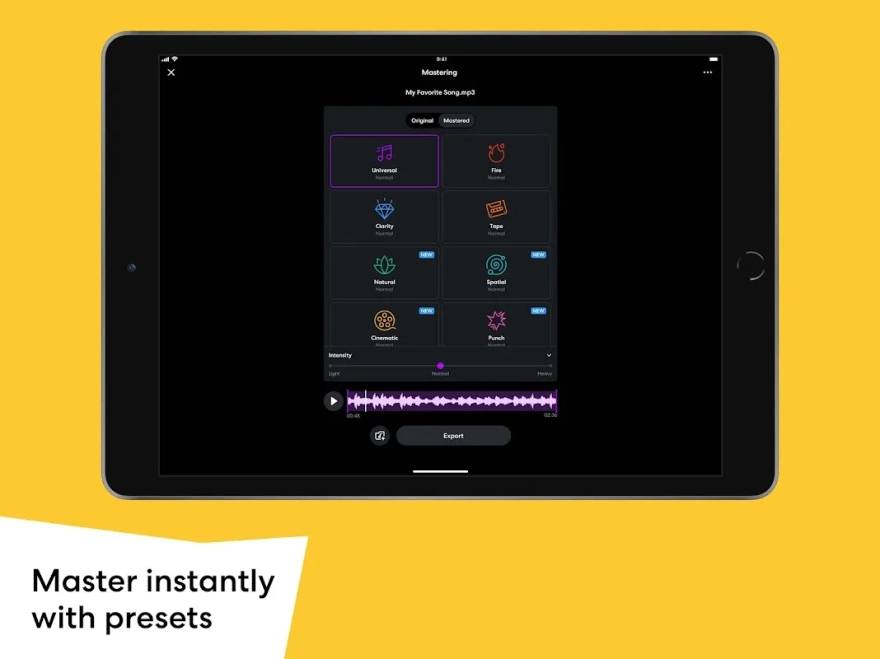
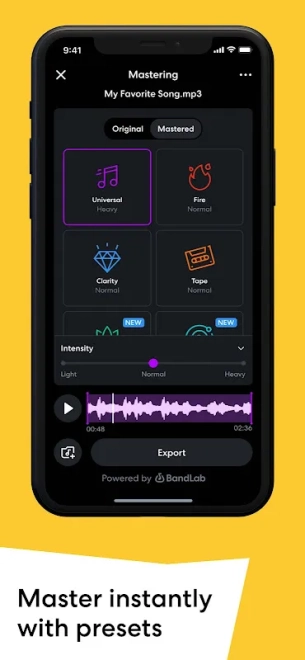
- Automatic mastering of a finished composition with a choice of the desired sonic character.
- Saving projects in the cloud so you can return to your work from another compatible device.
- Collaborative music creation: other creators can be invited to the project to exchange parts and edit them.
- Publishing finished tracks in the built-in community, where listening, reactions, and comments are available.
Editor Advantages
- Free distribution makes it possible to assemble a mobile studio without purchasing a separate sequencer.
- Combining recording, arranging, and mastering in one app reduces the need to switch between different tools.
- Cloud saving protects projects from being lost when switching to another device or reinstalling the app.
- Collaborations are suitable for remote work when a vocalist, beatmaker, and musician record their parts separately.
- The built-in community helps you immediately show demos to listeners without exporting the file to a third-party service.
- The collection of loops and instruments speeds up sketch creation when a finished melody or rhythmic part is not yet available.
Disadvantages
- Full-fledged work with cloud projects, publications, and collaborative sessions requires an account and a stable internet connection.
- The mobile interface is less convenient for precise editing than a workstation on a large computer screen.
- The sound of the built-in instruments and loops does not always replace professional libraries for complex arrangements.
- Automatic mastering simplifies track preparation but does not provide as much control as manually processing individual parameters.
- The social feed and network features can distract from working on a project if the app is used only as a studio.
- For low-latency instrument recording, the result depends on the microphone, audio interface, and specifications of the particular Android device.
BandLab is best suited to fast creative workflows: creating demos, recording a vocal idea, preparing a beat, or working collaboratively on a song. For complex sound design and detailed mixing, the capabilities of the mobile format may be insufficient.
BandLab is designed for those who want an accessible studio on Android with recording, editing, and music publishing in one environment. It is a practical choice for demo creators, beginners, and musicians who value collaborative projects, and BandLab is distributed for free.
What's new in the latest version 11.25.3
Updated
- Fixed several bugs that affected the app’s stability.
- Made general improvements for smoother and more reliable BandLab performance.









Add comment