

GoldWave Audio Editor — a professional audio editor for Android designed for recording, precise editing, and processing of audio files without switching to a desktop computer. The program is suitable for creating podcasts, recording interviews or musical fragments, as well as preparing finished tracks for publication.
In terms of capabilities, GoldWave Audio Editor can be compared with Audacity: both programs allow you to record sound, cut and copy fragments, and apply noise reduction, equalization, echo, and reverb. At the same time, Audacity is primarily designed for desktop systems and supports a wider range of formats, while GoldWave Audio Editor focuses on mobile work with Wave, MP3, and M4A files.
GoldWave Audio Editor Features
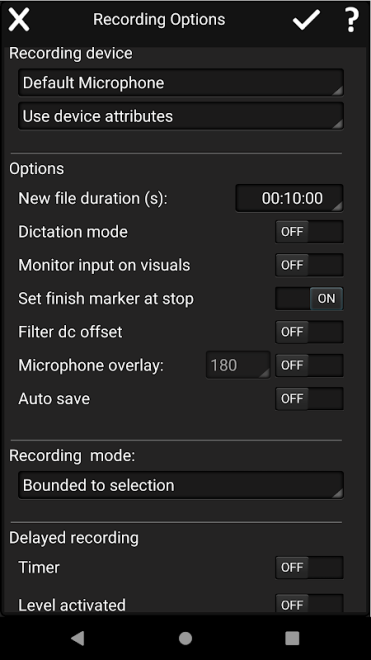
- Recording sound directly to an Android device — for voice notes, interviews, podcasts, or musical sketches.
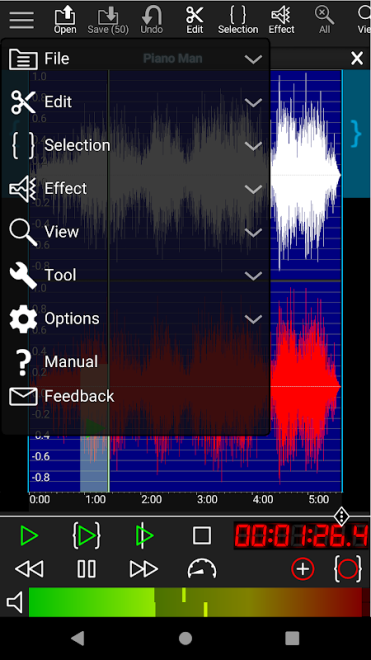
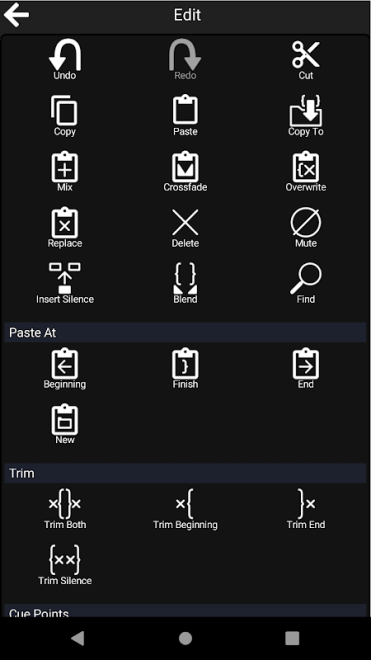
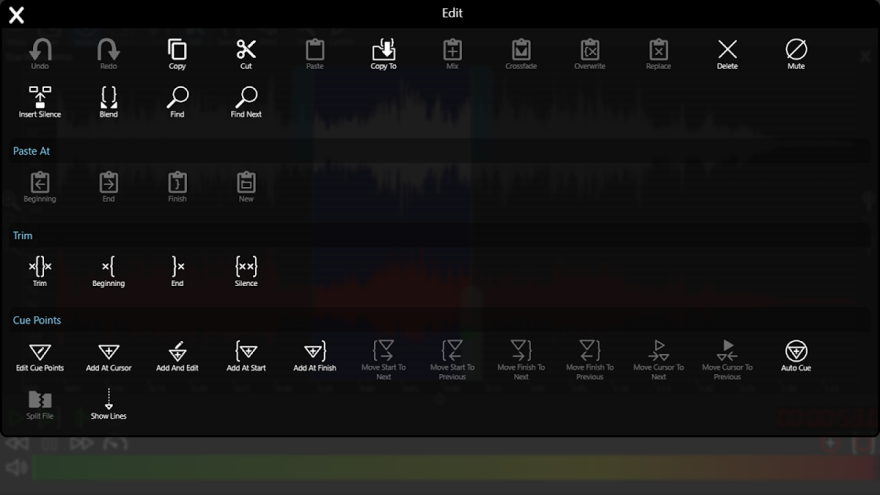
- Editing audio using commands for copying, cutting, pasting, replacing, and overwriting individual sections.
- Combining and splitting audio files, making it easier to assemble a long recording from several sources or divide a lecture into parts.
- Opening multiple files simultaneously to compare materials and transfer required fragments between recordings.
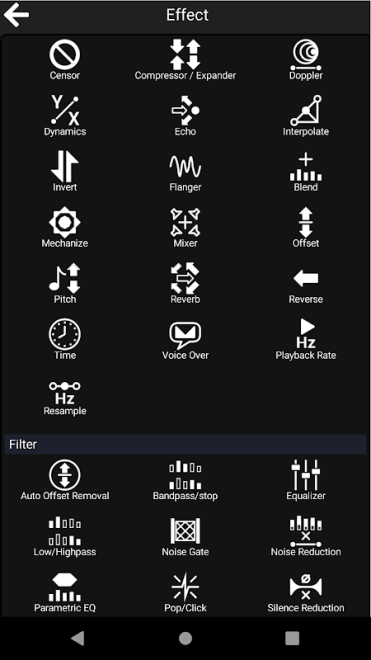
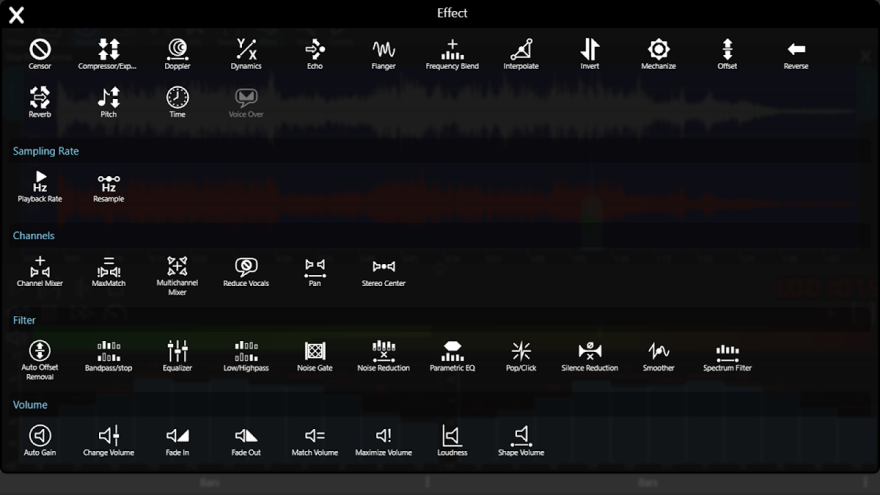
- Applying Echo, Reverb, Flanger, and Pitch effects to change the character of the sound or creatively process voice and music.
- Automatically fading background music down and up using the Voice Over effect, which is convenient when preparing voice-over recordings.
- Balancing volume levels using the Maximize, Match Volume, and Loudness tools.
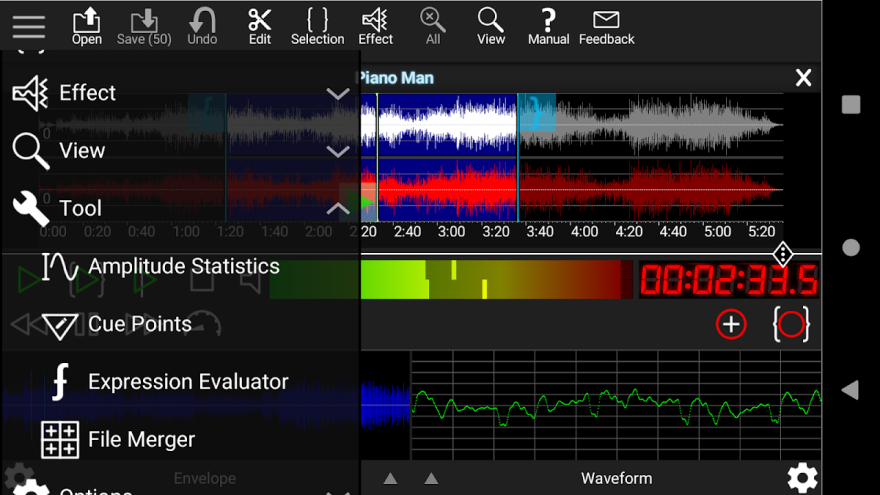
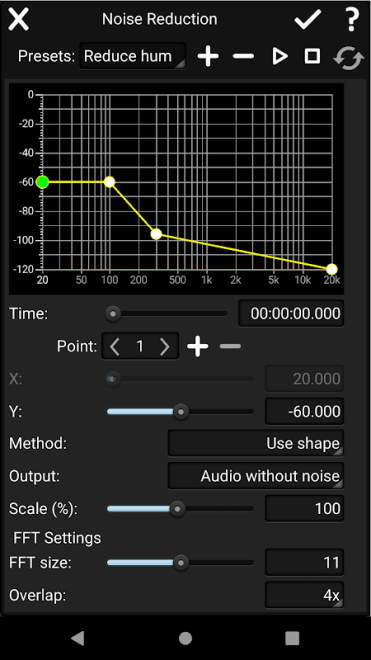
- Removing constant background noise from recordings using Noise Reduction, as well as correcting frequencies with Equalizer.
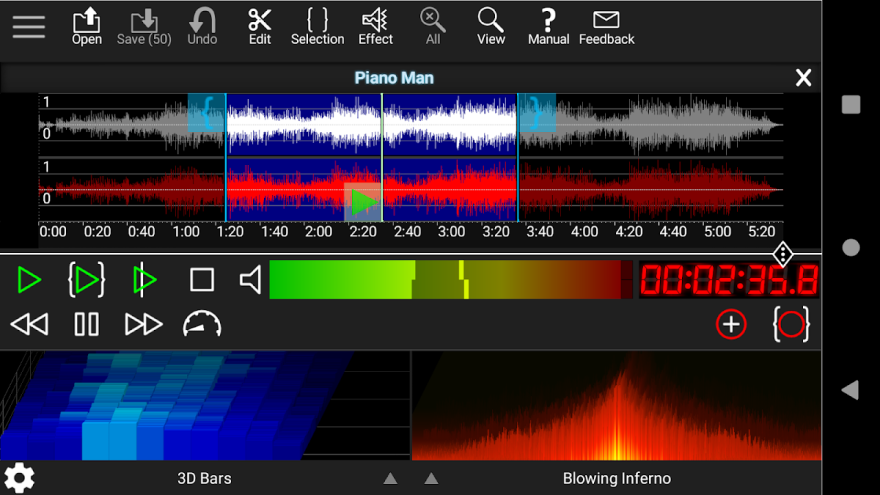
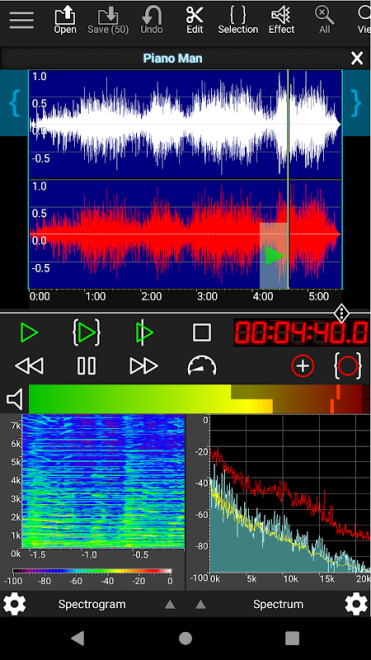
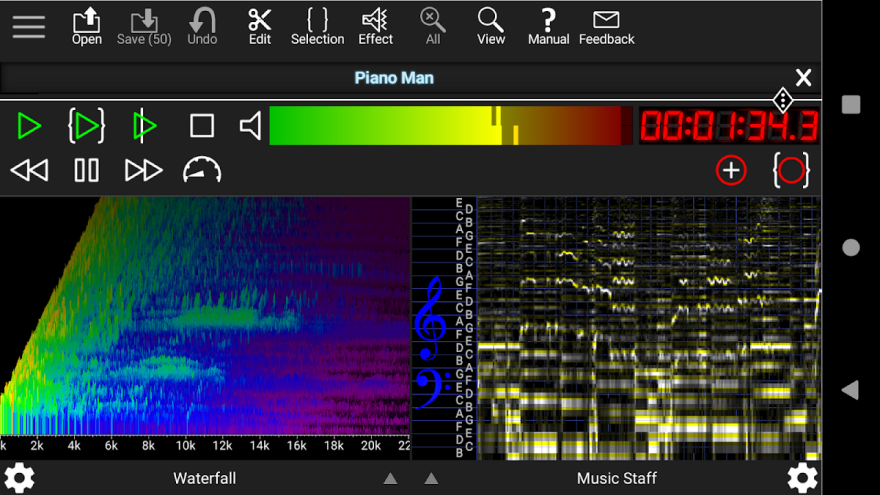
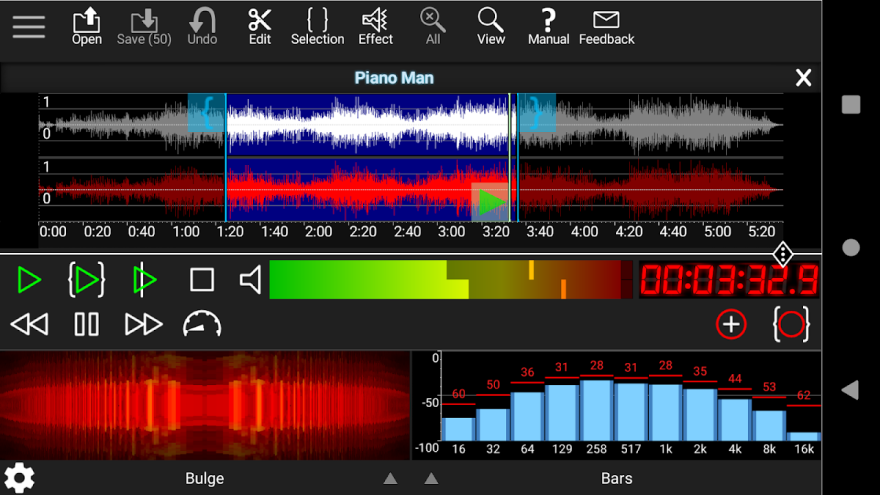
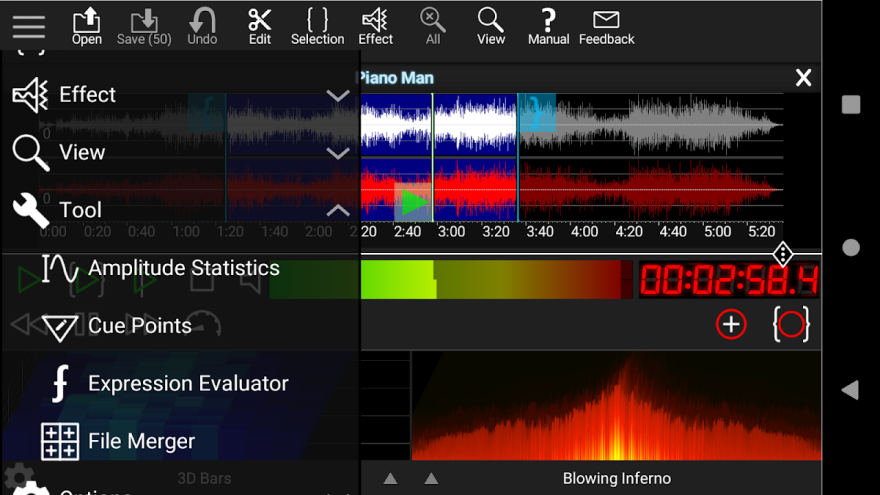
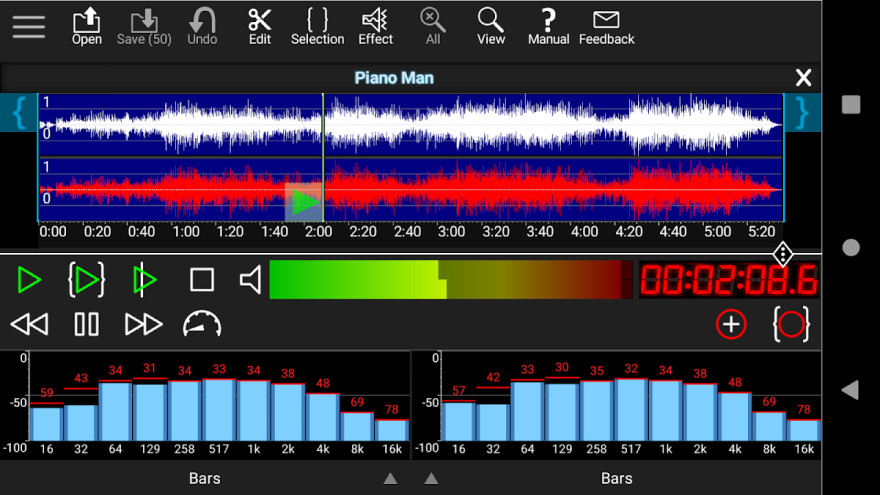
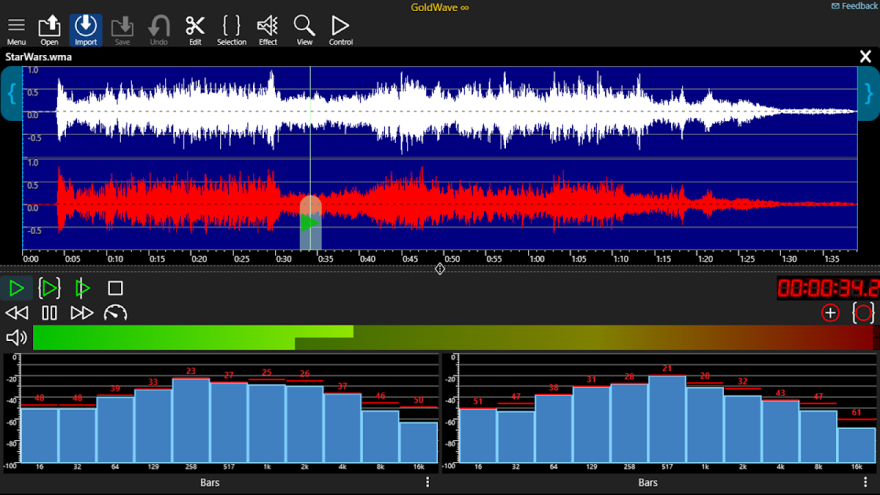
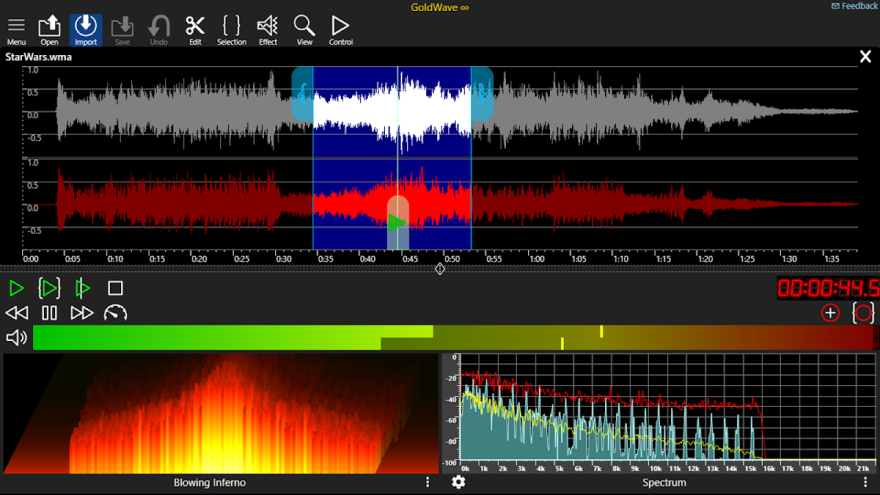
- Visual monitoring of the audio signal in Envelope, Bar, Analog Meter, Spectrum, and Spectrogram modes.
- Converting and saving materials in Wave, MP3, and M4A formats.
- Editing tags and cue points to organize tracks and mark important points in long recordings.
- Controlling commands with keyboard shortcuts when a physical keyboard is connected to an Android device.
GoldWave Audio Editor combines tools for quickly trimming audio with features needed for more advanced processing: spectral viewing, noise reduction filters, and automatic background music control in voice projects.
Advantages of the Audio Editor
- A professional set of tools in a mobile format — from simple fragment cutting to working with effects and frequencies.
- Support for several use cases: recording interviews, creating podcasts, preparing music, and removing noise from voice recordings.
- A convenient Voice Over feature for situations where the voice needs to remain clear against a musical background.
- Several visualization modes help evaluate the signal not only by listening, but also by its waveform, spectrum, or spectrogram.
- The ability to work with tags and cue points makes it easier to navigate large audio recordings.
- The small program size does not burden the device’s memory, while support for Android 5.1 and later expands the range of compatible smartphones and tablets.
Disadvantages
- The program description specifies support for Wave, MP3, and M4A, so in terms of the number of supported formats, GoldWave Audio Editor falls behind Audacity, which also works with AIFF, FLAC, and other audio types.
- Advanced tools such as the spectrogram, effects, and level controls may be excessive for a simple task such as quickly trimming a melody.
- Keyboard shortcuts reveal the program’s potential primarily when working with an external keyboard, which is not always convenient in a mobile environment.
- The mobile format is better suited to individual recordings and short projects than to extended work with large audio sessions at the level of a full-fledged desktop studio.
GoldWave Audio Editor is designed for those who need more than just a voice recorder — a set of tools for recording, cleaning up, and precisely editing sound on Android. The program is useful for preparing podcasts, interviews, and voice materials, as well as for working with music files. GoldWave Audio Editor is distributed free of charge.
What's new in the latest version 3.00
Updated
- The release received a major update with new audio editing features.
- Improved program stability.
- Accessibility features have been enhanced for more convenient use of the editor.







Add comment