

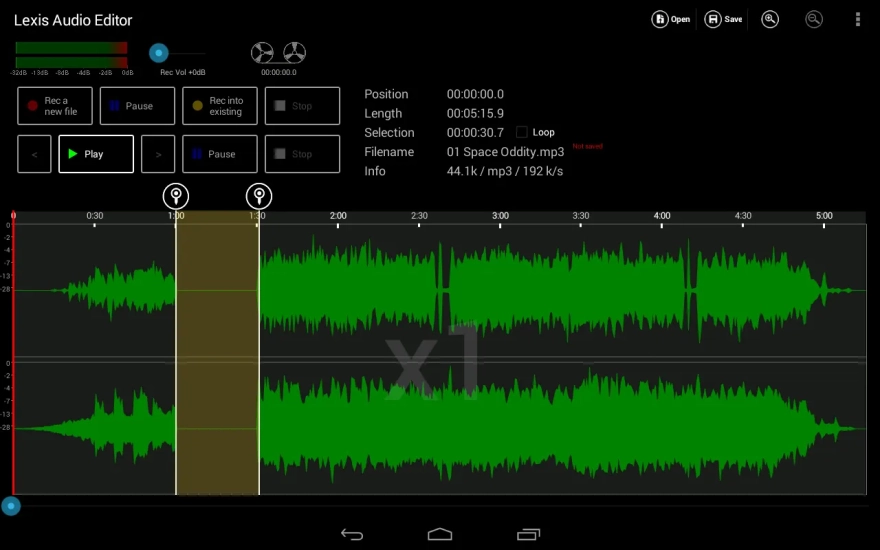
Lexis Audio Editor is a versatile audio editor for Android designed for recording sound, editing finished files, and saving the result in the required format. The app is suitable for quickly trimming voice recordings, preparing ringtones, removing noise from fragments, or performing simple processing of music tracks without using a computer.
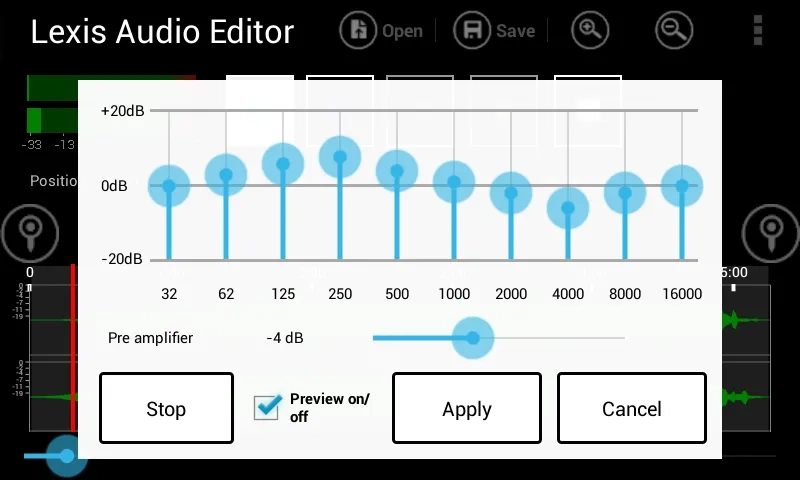
In terms of its set of tools, Lexis Audio Editor can be considered a mobile alternative to Audacity. Both apps allow you to cut parts of a recording, change the volume, work with silence, and apply basic effects. Audacity is designed as a full-fledged desktop studio with advanced track control, while Lexis Audio Editor focuses on working with individual files and ease of use on a smartphone. The mobile editor also offers a ten-band equalizer, compressor, and the ability to change the tempo, speed, or pitch.
Lexis Audio Editor Features
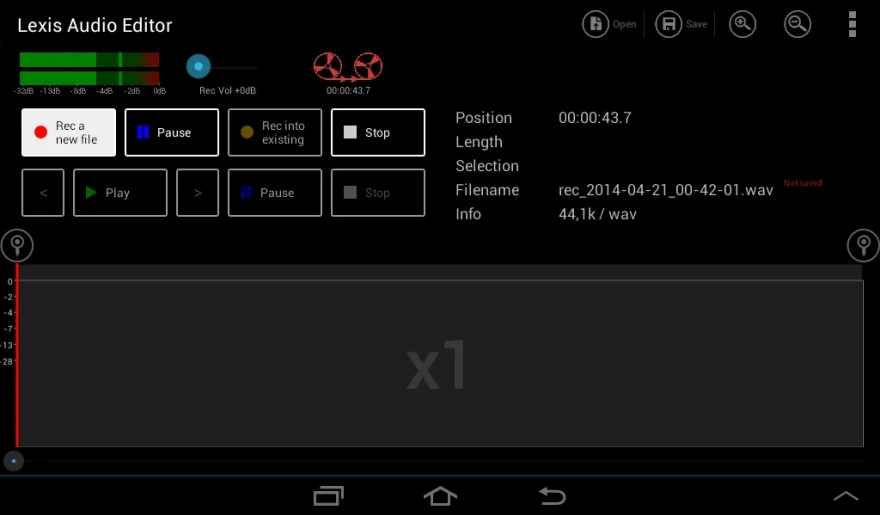
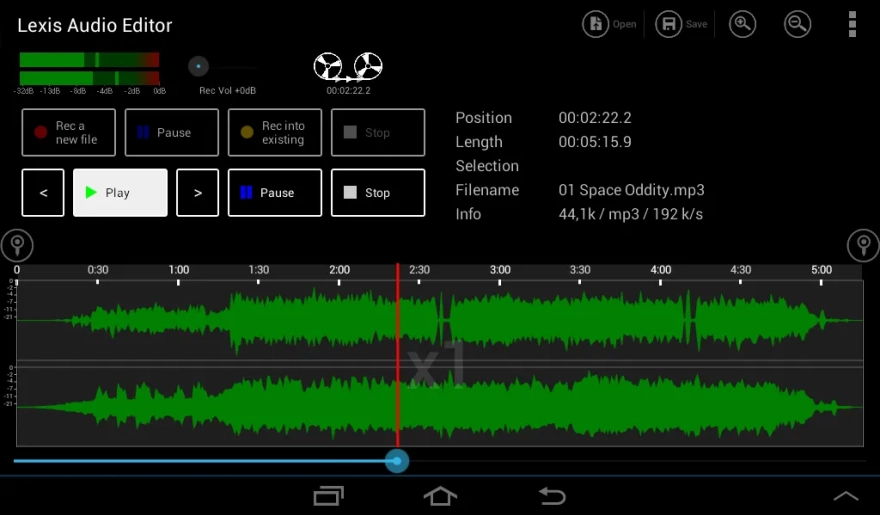
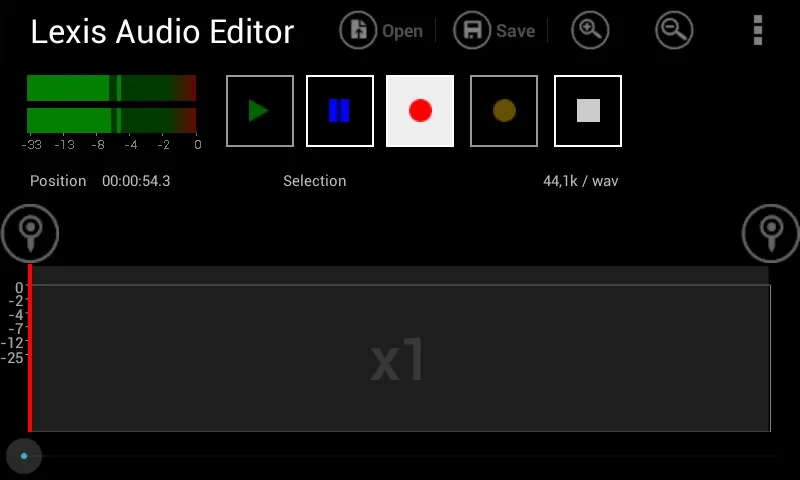
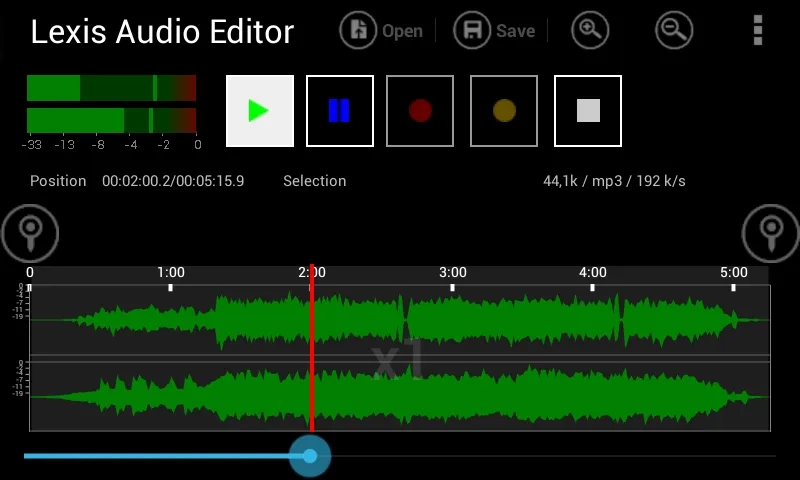
- Records sound through the microphone and plays open audio files without switching to another app.
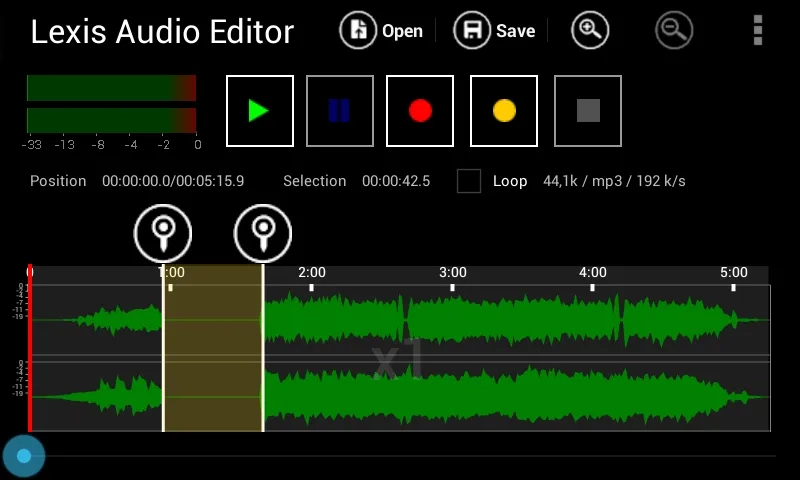
- Allows you to cut out unnecessary fragments, copy individual sections, and paste them into the desired location on the track.
- Supports trimming the beginning and end of a recording and lets you insert silence to separate scenes or pauses.
- Applies smooth volume fade-ins and fade-outs, which is useful when preparing music or voice intros.
- Normalizes audio to even out the signal level and reduces background noise in recordings made under less-than-ideal conditions.
- Allows you to record over an already open file or import another audio file into the current project.
- Mixes the current track with an additional file, so the app can be used to combine voice with background music.
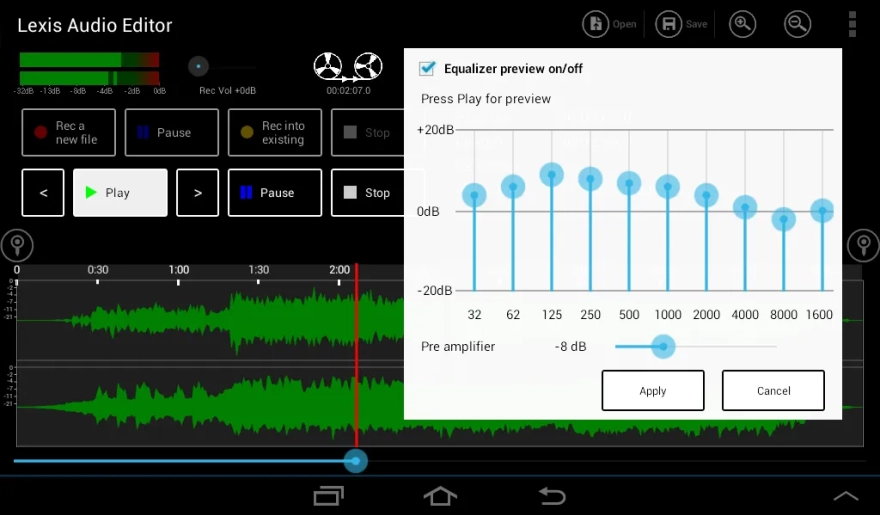
- Includes a ten-band equalizer and compressor for adjusting frequency balance and sound dynamics.
- Changes the tempo, speed, and pitch of a recording, going beyond simple audio trimming.
- Can separate the vocal part and accompaniment when this processing is suitable for a particular recording.
- Imports videos in MP4, 3GP, and 3G2 formats to extract their audio tracks for further editing.
- Supports saving in WAV, M4A, AAC, FLAC, and WMA formats and also works with MP3 files.
Editor Advantages
- Combines a voice recorder, player, and set of editing tools in a single Android app.
- Suitable for short operations without complicated preparation, such as removing a pause, cleaning up a voice note, or creating a fragment for a notification.
- Allows you to edit not only finished files but also supplement them with a new recording or another audio track.
- The presence of an equalizer, compressor, and noise reduction function expands its capabilities compared with standard voice recorders.
- Support for FLAC, WAV, and other formats makes it easier to work with files that need to be preserved without switching to a single universal standard.
- The app is not limited to music: it can be used to process interviews, lectures, podcasts, or your own voice notes.
Free storage space is important for lengthy recordings. The editor processes audio data on the storage device, so a lack of space may prevent a large file from being opened or saved. This is especially noticeable when working with high-quality stereo recordings.
Disadvantages
- Saving in MP3 format is available only in the paid version, so the free option is not suitable for all export scenarios.
- To process long or high-quality recordings, you need to free up enough storage space on the device in advance.
- In terms of its workflow, the app is more focused on editing individual files than on creating complex multitrack projects.
- The result of separating vocals and accompaniment depends on the characteristics of the original audio, so the feature does not guarantee an equally clean separation for every song.
- The set of tools is primarily intended for basic and intermediate processing rather than full-fledged studio mixing with a large number of independent tracks.
Lexis Audio Editor was created for those who need a practical set of tools on Android, from quickly trimming a voice file to mixing tracks and adjusting the sound with an equalizer. The app is best suited to everyday tasks where mobility and support for various formats are important, and Lexis Audio Editor is distributed free of charge.
What's new in the latest version 1.1.91
Updated
- Updated the program libraries and added full compatibility with devices on the x86 platform.










Add comment