

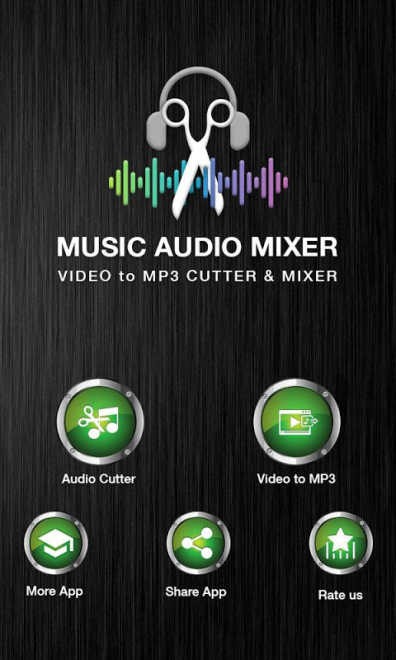
MP3 Audio Cutter is a mobile audio editor for Android designed for trimming music tracks and preparing clips for use as a ringtone, alarm sound, or notification. The program finds audio files saved on the device, allows you to select the required section, and save the result as a separate file.
MP3 Audio Cutter combines tools for quick sound editing with converter features. In addition to working with individual clips, the editor supports merging tracks, extracting audio from video, and changing the basic parameters of a music file.
MP3 Audio Cutter Features
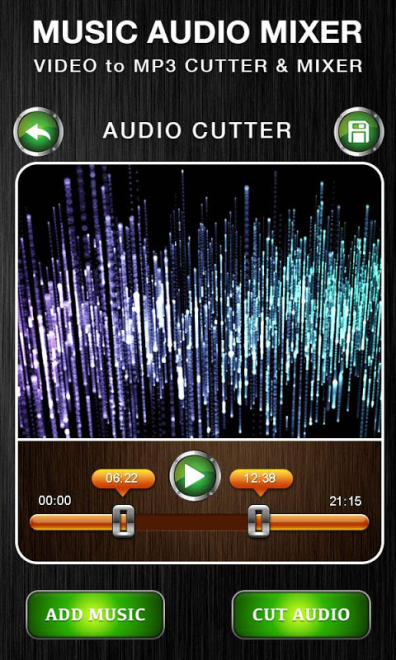
- Trimming songs with precise selection of the beginning and end positions of the clip.
- Creating ringtones, alarm melodies, call signals, and reminders.
- Merging two or more audio files into a single composition.
- Mixing audio clips to prepare a new sound fragment.
- Changing playback speed and using voice conversion.
- Converting audio between MP3, AAC, WAV, AMR, and other compatible file formats.
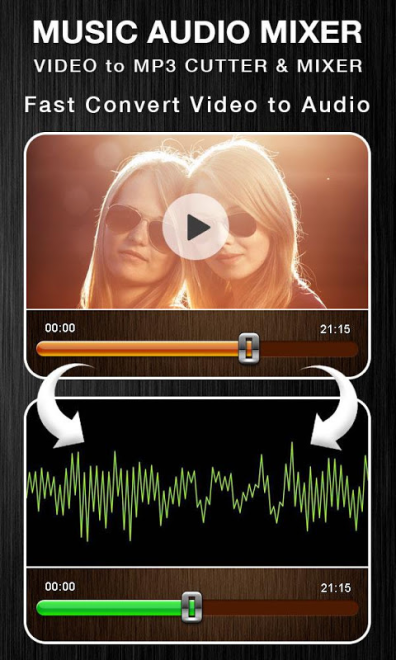
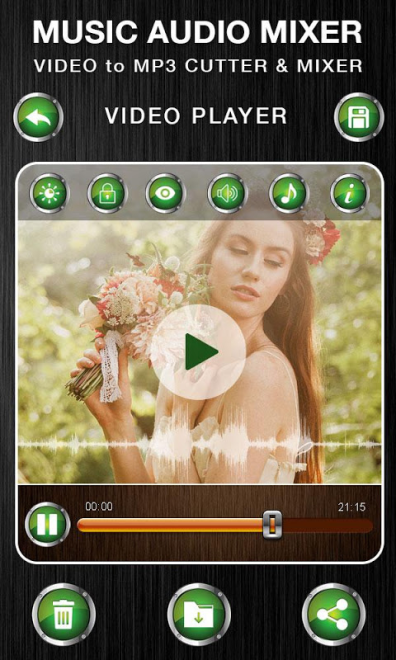
- Extracting an audio track from videos without using a separate converter.
- Adjusting volume with the option to amplify a quiet recording.
- Adjusting sound through the built-in equalizer with available processing parameters.
- Compressing music files to reduce their size before sharing.
- Converting a monophonic recording to stereo.
- Editing metadata, including the album cover and title.
Editor Advantages
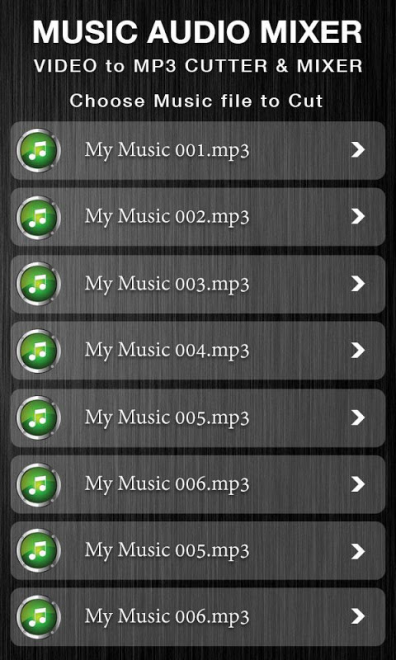
- The program works directly with audio files saved on the smartphone, so preparing a ringtone does not require complicated importing.
- The main operations are combined in one editor: trimming, merging, mixing, and converting do not require installing several additional applications.
- Support for common MP3, WAV, AAC, and AMR formats simplifies working with music and voice recordings.
- The “video to audio” feature is useful when you need sound from a clip or video recording.
- The equalizer, volume control, and speed adjustment allow you to prepare a clip not only in terms of duration but also sound.
- Support for multiple tracks expands the editor’s capabilities when creating merged compositions.
For a simple scenario—cutting a chorus from a song and saving it as a ringtone—MP3 Audio Cutter does not burden the process with unnecessary steps. At the same time, the set of tools allows you to move on to more complex operations, such as combining several tracks or extracting sound from a video.
Drawbacks
- The application is aimed at basic editing, so the description does not mention professional tools such as noise reduction or detailed editing of the sound envelope.
- The program works with files already saved on an Android device; tools for searching for or downloading music from online services are not provided.
- There is no information about support for batch processing of several files at once, so each track will likely have to be edited separately.
- The editor’s features may prove excessive for those who only need to trim an audio file once without additional processing.
MP3 Audio Cutter was created for those who need a mobile tool for quickly preparing ringtones and performing simple music editing without a complex editing environment. Combining trimming, mixing, conversion, and work with video sound makes the program a practical solution for everyday audio tasks, and MP3 Audio Cutter is distributed free of charge.
What's new in the latest version 1.0
Updated
- Improved the smoothness and speed of the application.
- Added support for most smartphones running Android 16.
- Reduced the number of advertisements.












Add comment