

Timbre AI AudioVideo Editor is an Android audio and video editor for trimming clips, joining files and converting media between supported formats. Its compact toolset focuses on practical operations rather than a full timeline workflow: a video can be reduced to a selected fragment, an audio track can be extracted from a clip, and unwanted sound can be removed without re-editing the entire file. The app is suited to quick preparation of recordings, music files and short videos directly on a mobile device.
Unlike timeline-oriented mobile editors designed for layered projects, Timbre AI AudioVideo Editor concentrates on individual file operations. It does not try to replace a full production suite with visual effects or complex track management; instead, it offers a simpler route for cutting a recording, merging several files or turning a video into an audio track. That makes the app closer to a media utility than to a conventional montage editor.
Timbre AI AudioVideo Editor Features
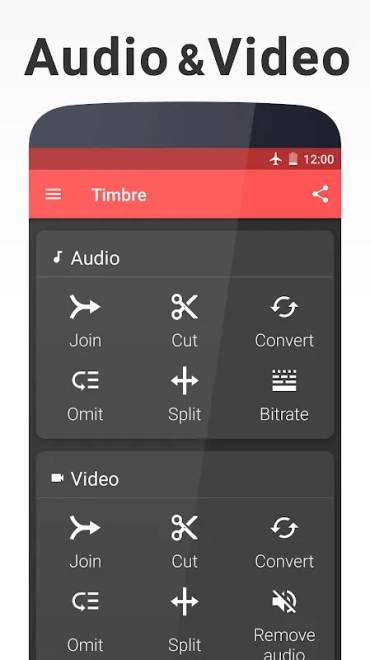
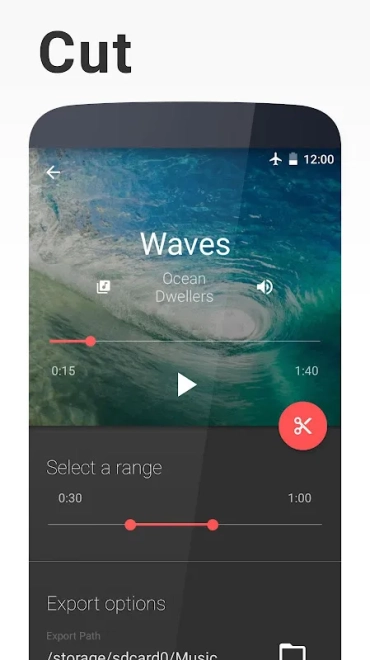
- Trims audio and video files by removing unwanted sections from the beginning, end or selected part of a recording.
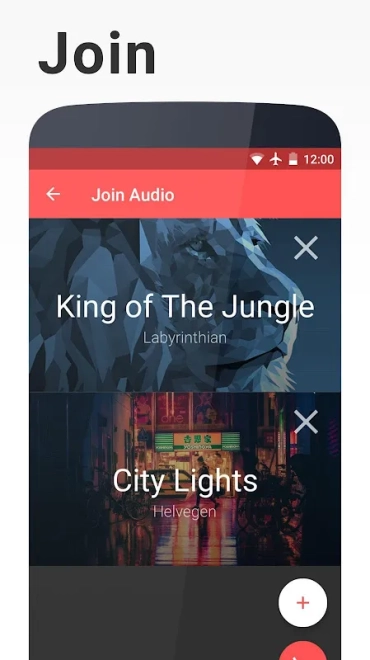
- Joins several audio or video files into a single result when a continuous track or clip is needed.
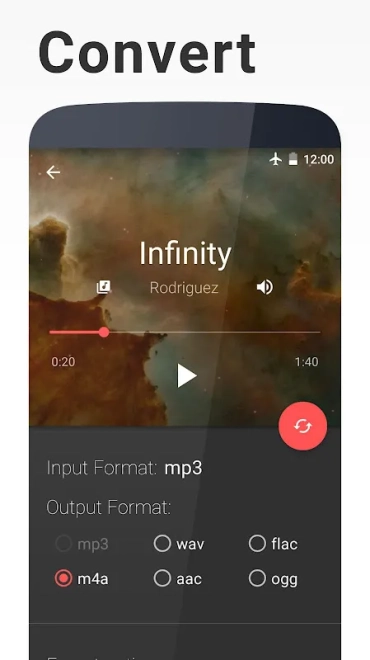
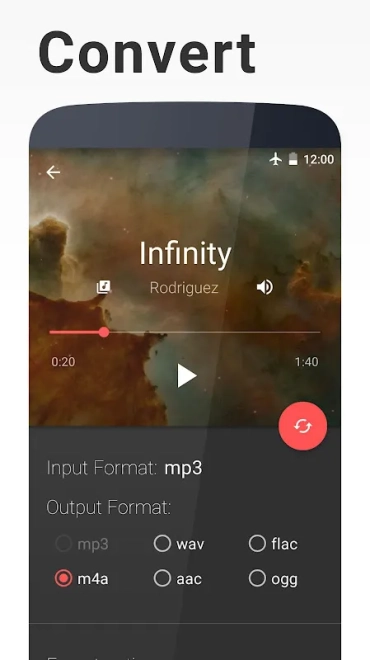
- Converts media between supported audio and video formats for playback or further editing.
- Extracts an audio track from a video, which is useful for saving music, dialogue or a spoken recording separately.
- Removes the audio stream from a video when a silent copy is required.
- Converts video into an animated GIF for short looping fragments without a soundtrack.
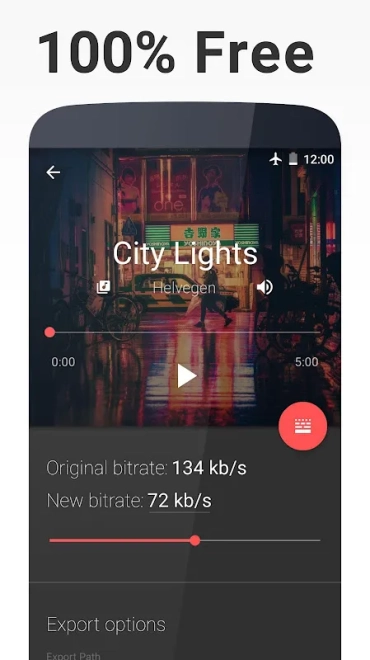
- Provides bitrate adjustment for supported conversions, allowing the output to be adapted to file-size or quality requirements.
Advantages of the Editor
- Combines audio and video operations in one Android application, so a separate converter is not needed for routine file preparation.
- Handles focused tasks with fewer steps than a layer-based editor: trimming or extracting a track does not require building a project timeline.
- Works with both audio and video workflows, which is convenient when a recording needs to be converted and then shortened.
- Includes useful output-oriented tools such as bitrate adjustment and video-to-GIF conversion rather than limiting the app to simple cutting.
- Suitable for quick edits made on a phone when the original file only needs a precise technical change.
Timbre AI AudioVideo Editor is most useful when the task has a clear result: cut a fragment, combine files, extract sound or prepare a lighter converted copy. Its interface is built around these direct operations, not around lengthy creative projects.
Disadvantages
- The toolset is focused on file processing, so it is not intended for projects with layered video, subtitles, transitions or a multi-track timeline.
- Advanced creative work requires another editor because the app concentrates on conversion and basic manipulation rather than visual composition.
- Output options depend on the selected source and target formats, meaning that not every conversion combination will provide the same controls.
- Processing large videos or several files can be less convenient on a mobile device than on a desktop computer.
Judging by its set of functions, Timbre AI AudioVideo Editor is designed for those who need to quickly prepare an audio or video file without opening a full-scale editing suite: its strength lies in direct trimming, conversion and extraction tasks, while elaborate montage remains outside its purpose. Timbre AI AudioVideo Editor is distributed free of charge.
What's new in the latest version 3.1.7
Updated
- Improved overall app stability and performance.
- Enhanced compatibility with a wider range of audio and video files.
- Refined the editing workflow for a smoother user experience.
- Fixed minor bugs and improved the reliability of media processing.

Add comment