

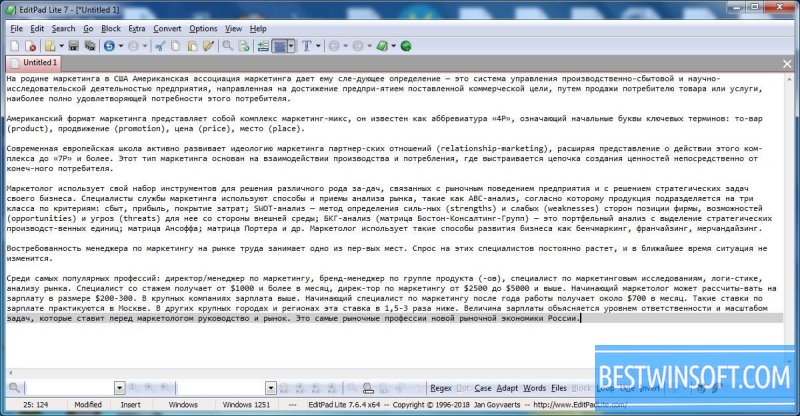
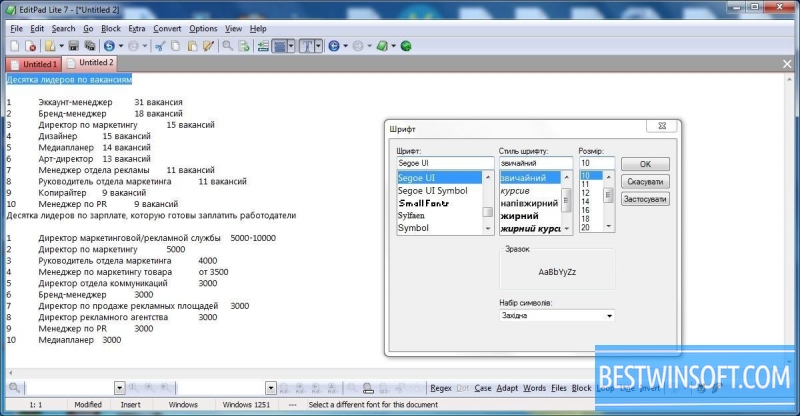
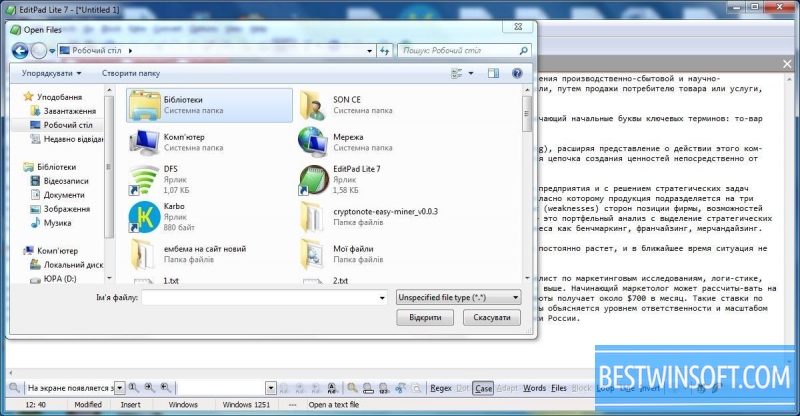
EditPad Lite is a worthy replacement for the usual NotePad, but with many extra features which the latter cannot boast. For designers, programmers and web developers, this environment is very comfortable. In EditPad Lite text editor there is support for all programming languages. When dialing code,the syntax ishighlighted by different colors, this feature is customizable. The program is very compact and lightweight, that's why users love it.
Among its main features are:
- Creating text documents, containing very different code in such languages as Delphi, Java, C #, C/C++, Eiffel, Python and other, as well as the most common TXT, HTML and CSS.
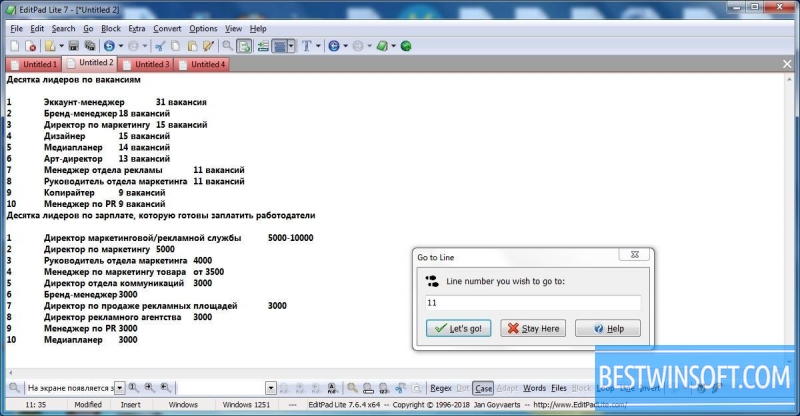
- You can open any number of files simultaneously. In all of them it is easy to find the right word or line through intuitive and powerful search. You can undo or redo the operations performed in the editor an unlimited number of times by using the "Undo/Redo" commands or ctrl+z keys.
- Document preview in full formatting: fonts, headers and footers, fields can be configure additionally.
- For the same or different types, such options are available: auto-indent, numbering, creating lists, markers, and other.
- The program can be on top of all open windows which doesn't make it difficult to find, if you are running many applications.
- Such encodings as ANSI, ASCII and Unicode are recognized, documents can be converted to a different encoding.
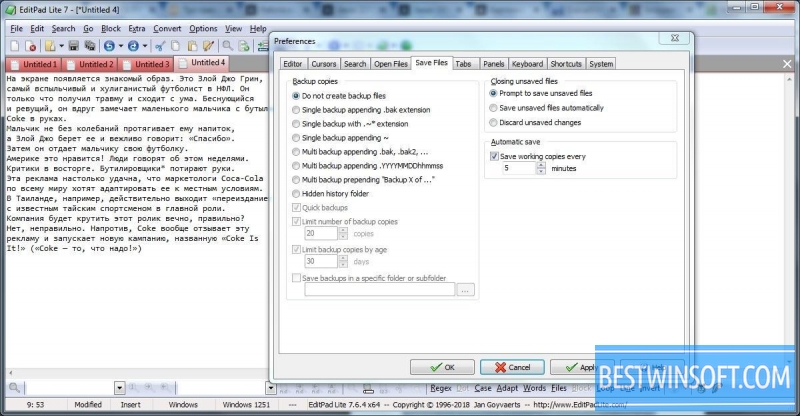
- You won't accidentally close the document as the program asks the user before closing and logging off.
- ISO- 8859, DOS, KOI8 code pages also supported.
- You can insert files in the text, convenient system of structuring and editing documents.
- The application can be installed on USB-stick or other removable device.
EditPad Lite text editor will be a good assistant for those who are often faced with text or code writing. The EditPad Lite program is a free for download on our website. Your work will be much easier if you choose this powerful and undemanding editor!













Add comment