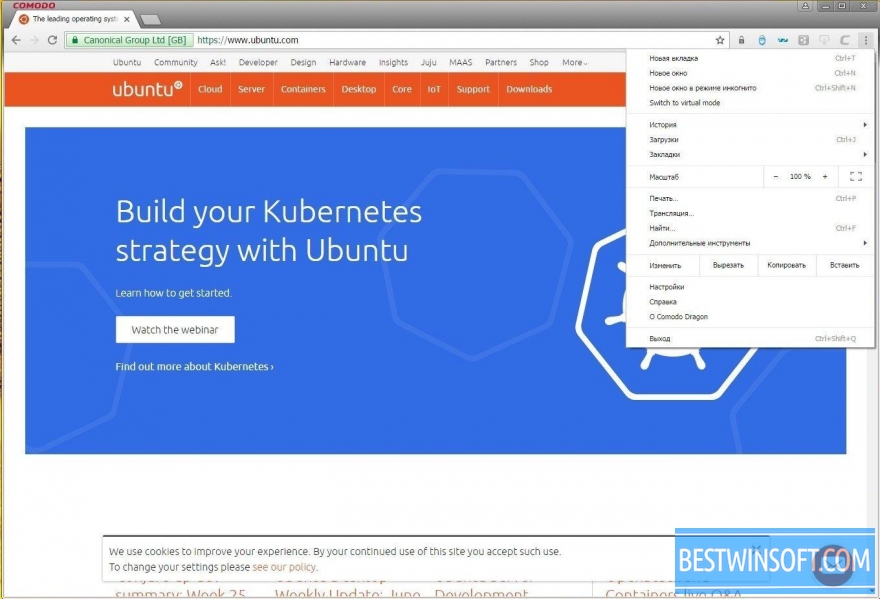
Comodo Dragon v.74.0.3729.157

Icon Comodo Dragon
Average rating
84% - 15 votes
Free web browsing browser
Windows
Version: 74.0.3729
Download for Windows

Currently, Internet is considered to be the most popular medium for communication between people.
With each passing day, the network is transmitting vast amounts of information from the private information to the bank credit card numbers, passwords and other credentials.

Internet is evolving every day, but, nevertheless, hackers, thieves, phishers and other criminals develop with it.
It is therefore better to use the Comodo Dragon Internet Browser, which is not only powerful, but also simple Internet browser that incorporates all that is necessary to ensure the safety and privacy of your data.

You can download Comodo Dragon Internet Browser for free from our website
Today's users expect not only a fast and stable web browser, but maximum protecting the most private data.
In recent years, this has been especially important, because in the near 2009, the number of varieties of malicious software was about 25 million.

That is why in order to ensure your own security, you must use Comodo Dragon Internet Browser from the company Comodo, a global leader in online security, as well as innovative solutions while maintaining privacy.
This browser incorporates not only all the functions of Google Chrome browser, but also provides unsurpassed opportunities of security and privacy of the user.

The main advantages of this browser are:

  • improved level of security and privacy while surfing;
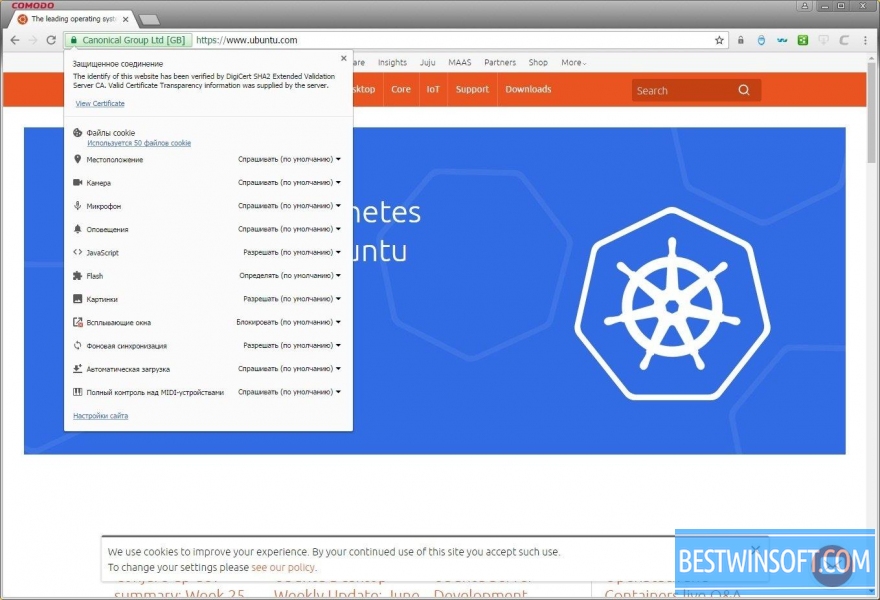
  • simplification of SSL certificate recognition;
  • high-speed operation and low consumption of resources;
  • simplicity and ease of access to all kinds of websites;
  • there is support for a special regime Incognito mode, providing the highest level of user privacy;
  • simplicity of the interface and ease of learning;
  • free of charge;
  • multilingual interface.


You can download Comodo Dragon Internet Browser for free from our website right now.
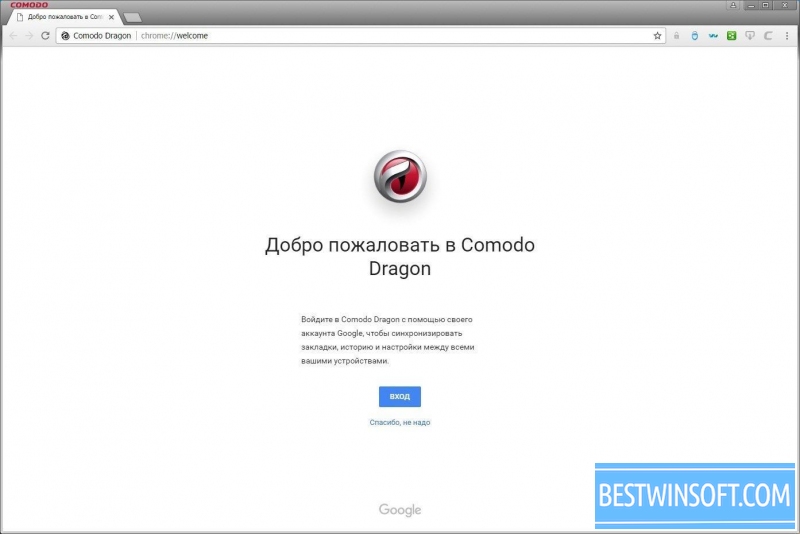
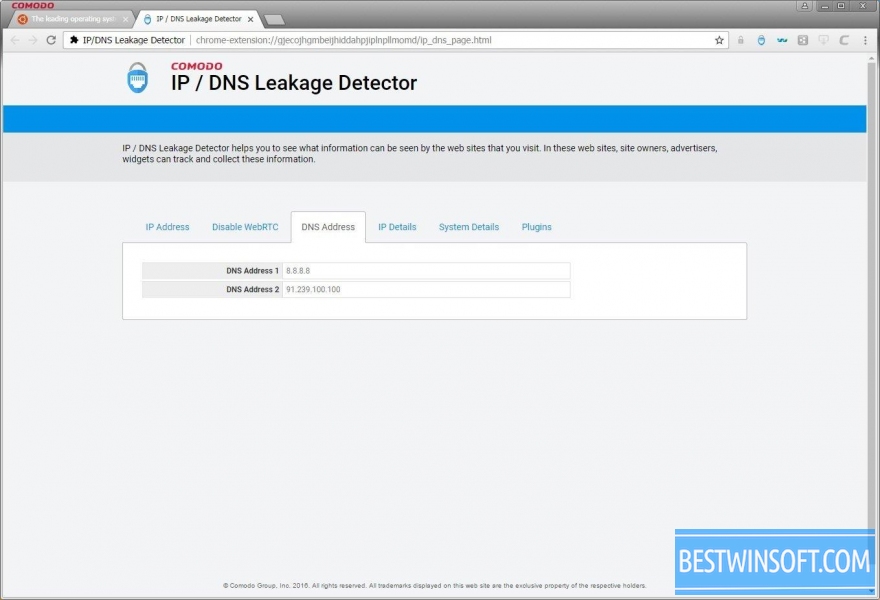
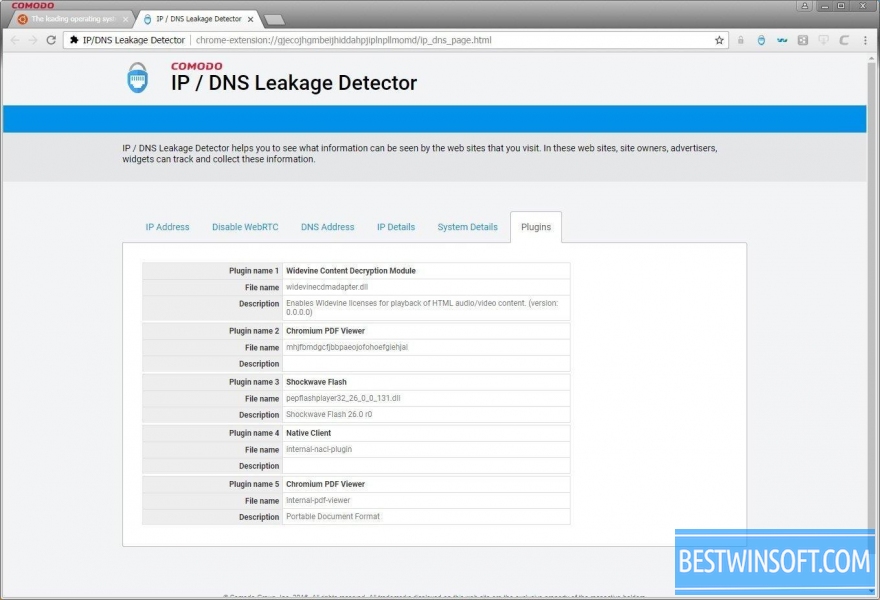
8 screenshots Comodo Dragon

Additional Information
Developer
License
Freeware
Age restrictions
0+
Category
Updated
Friday, 28 June 2019
Current version
74.0.3729.157
Compatibility
Windows 11, 10, 8.1, 8, 7, Vista, XP
Bit mode
32 & 64 bit

Comodo Dragon for Windows

Try some more of these browsers for Windows PC
Vivaldi
Average rating
70% - 4 Votes

Multifunctional and fast browser

v.1.13
Elements Browser
Average rating
80% - 29 Votes

Reliable and fast browser

v.74.27.3729.169
Flock
Average rating
90% - 8 Votes

Very fast browser on the engine Chromium

v.1.2.6
Slimjet
Average rating
80% - 7 Votes

Easy fast browser on Chromium engine

v.32.0.4.0
UC Browser
Average rating
76% - 214 Votes

Fast, popular, cross-platform browser

v.7.0.69.1022
Orbitum
Average rating
88% - 15 Votes

Fast, popular, reliable browser and social networking integration

v.56.0.2924.87
SlimBoat
Average rating
82% - 8 Votes

Lightweight, stylish, fast, cross-platform browser

v.1.1.54
Coowon browser
Average rating
87% - 49 Votes

Cross-platform browser on the engine Chromium

v.1.6.8.0
Tor Browser
Average rating
68% - 19 Votes

Free browser for private surfing on the Internet

v.11.0.4
SlimBrowser
Average rating
76% - 11 Votes

Powerful, universal, free browser for windows

v.14.0.0.0
Midori
Average rating
90% - 10 Votes

Lightweight browser using WebKit engine

v.0.5.11
SeaMonkey
Average rating
88% - 17 Votes

Mozilla's super fast cross-platform browser

v.2.53.9

Top Rated Apps

Maxthon
Average rating
94% - 14 Votes

Secure cross-platform internet browser

v.6.1.3.1001
Midori
Average rating
90% - 10 Votes

Lightweight browser using WebKit engine

v.0.5.11
SRWare Iron
Average rating
90% - 10 Votes

Cross-platform, fast, secure browser

v.94.0.4800.0
Flock
Average rating
90% - 8 Votes

Very fast browser on the engine Chromium

v.1.2.6
Torch Browser
Average rating
87% - 213 Votes

Popular browser for private surfing the net

v.69.2.0.1707
SeaMonkey
Average rating
88% - 17 Votes

Mozilla's super fast cross-platform browser

v.2.53.9
Reviews and Comments

Lisa
1
Lisa
10 years ago
I often use two browsers simultaneously, to separate my "work area" from other websites. So I usually use Comodo dragon as a spare browser. It works quite fast and I haven`t seen any glitches yet.
Like Like Reply | Reply with quote | Quote
Filip
1
Filip
10 years ago
I use this browser only a month, and during that time only once I noticed the mistake. In general - it was not critical and restart the browser disappeared it. The biggest advantage of this browser is speed and a small load on RAM.
So, I recommend to try this browser every one !
Like Like Reply | Reply with quote | Quote
1
Jane
11 years ago
Good browser, but not the best. Works fast, easy to use. Has a nice appearance, the pages load quickly. A good browser to use.
Like Like Reply | Reply with quote | Quote
1
Helen
11 years ago
A great browser that works quite efficiently and productively. Page quickly updated, it is convenient to create bookmarks.
Like Like Reply | Reply with quote | Quote

Add comment

Submit